https://github.com/holtwick/briefing-dist
Dist ready brie.fi/ng
https://github.com/holtwick/briefing-dist
Last synced: 5 months ago
JSON representation
Dist ready brie.fi/ng
- Host: GitHub
- URL: https://github.com/holtwick/briefing-dist
- Owner: holtwick
- Created: 2022-10-03T15:27:33.000Z (almost 4 years ago)
- Default Branch: master
- Last Pushed: 2022-10-03T16:06:41.000Z (almost 4 years ago)
- Last Synced: 2025-06-14T20:50:38.931Z (about 1 year ago)
- Language: HTML
- Size: 7.34 MB
- Stars: 2
- Watchers: 2
- Forks: 0
- Open Issues: 0
-
Metadata Files:
- Readme: README.md
Awesome Lists containing this project
README
# Docker
A public docker image is available via [hub.docker.com/r/holtwick/briefing](https://hub.docker.com/r/holtwick/briefing).
Use it like this:
```sh
docker run -d -p 8080:8080 holtwick/briefing
```
If running locally, you can now access it via .
For production installation I recommend using a [proxy](#proxy) and consider making a `docker-compose.yml`.
**Important! If not running locally in order to get camera and audio access working, an [SSL connection is required](https://developer.mozilla.org/en-US/docs/Web/API/MediaDevices/getUserMedia#privacy_and_security)!**
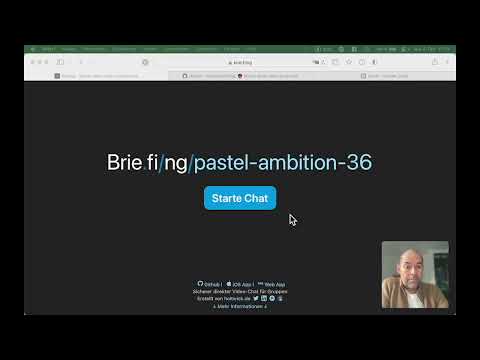
Video with a quick walkthrough:
[](https://www.youtube.com/watch?v=YFwlnkRVmPc)
## Configuration
Further configuration is currently not required ;)
## Alternative: Build locally
The easiest way to install Briefing is by using Docker.
1. Run `npm run build:docker` to create all files needed.
2. Copy the newly generated folder `docker` to the server.
3. On the server go inside the `docker` folder
4. Run `docker compose up -d --build`
## Debug
To stop run `docker compose down`.
In case of problems try to start without the `-d` flag to see logs, like `docker compose up --build`.
Once built, you can also leave out the `--build` flag.
All dynamic data goes into the `data` folder. Currently, only a log file of the signal server is available.
## Proxy
We recommend using a proxy to easily support safe `https`, which is required to get the camera and audio working on client side.
A good proxy is [nginxproxymanager.com](https://nginxproxymanager.com/).
You can find the required `docker-compose.yml` files in the [examples](examples) folder.
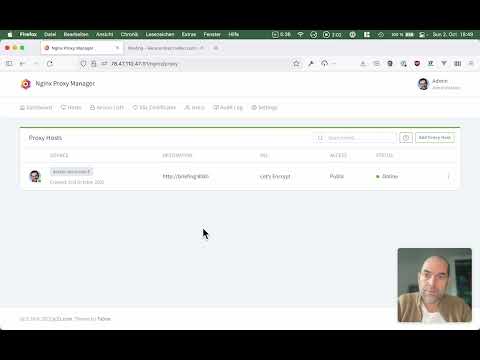
See this video for details step by step:
[](https://www.youtube.com/watch?v=KIpB6rlxRsE)