https://github.com/homoluctus/pyinsights
The CLI tool to query AWS CloudWatch Logs Insights :mag:
https://github.com/homoluctus/pyinsights
aws cloudwatch insights log python python3
Last synced: 10 months ago
JSON representation
The CLI tool to query AWS CloudWatch Logs Insights :mag:
- Host: GitHub
- URL: https://github.com/homoluctus/pyinsights
- Owner: homoluctus
- License: mit
- Created: 2019-12-27T02:46:16.000Z (over 6 years ago)
- Default Branch: master
- Last Pushed: 2020-05-02T16:49:03.000Z (about 6 years ago)
- Last Synced: 2025-08-29T19:52:55.002Z (11 months ago)
- Topics: aws, cloudwatch, insights, log, python, python3
- Language: Python
- Homepage:
- Size: 1.07 MB
- Stars: 9
- Watchers: 2
- Forks: 5
- Open Issues: 1
-
Metadata Files:
- Readme: README.md
- License: LICENSE
Awesome Lists containing this project
README
# PyInsights


A CLI tool To query CloudWatch Logs Insights.

**ToC**
- [Usage](#usage)
- [Write Configuration](#write-configuration)
- [Execute command](#execute-command)
- [Configuration](#configuration)
- [version](#version)
- [log_group_name](#log_group_name)
- [query_string](#query_string)
- [duration](#duration)
- [type: string](#type-string)
- [type: object](#type-object)
- [limit](#limit)
- [CLI Options](#cli-options)
- [Environment Variable](#environment-variable)
## Usage
### Write Configuration
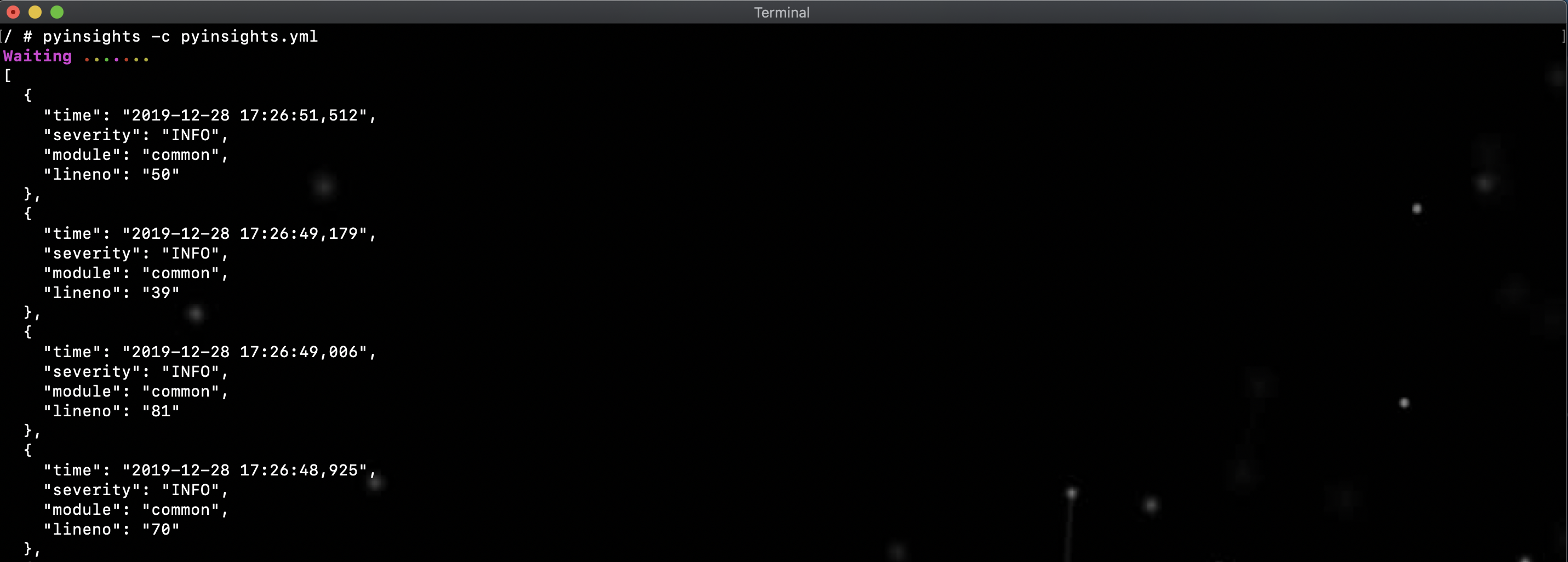
Write configuration to `pyinsights.yml` like:
```yaml
version: '1.0'
log_group_name:
- '/ecs/sample'
query_string: 'field @message | filter @message like /ERROR/'
duration: '30m'
limit: 10
```
I wrote examples, so see [examples folder](https://github.com/homoluctus/pyinsights/tree/master/examples).
### Execute command
```bash
pyinsights -c pyinsights.yml -p aws_profile -r region
```
## Configuration
### version
|Type|Required|
|:--:|:--:|
|string|true|
Choose configuration version from ['1.0']
### log_group_name
|Type|Required|
|:--:|:--:|
|array|true|
Target log group names to query
### query_string
|Type|Required|
|:--:|:--:|
|string or array|true|
Specify CloudWatch Logs Insights query commands.
Please see [CloudWatch Logs Insights Query Syntax](https://docs.aws.amazon.com/AmazonCloudWatch/latest/logs/CWL_QuerySyntax.html).
:warning: If query_string type is array, Unix-style pipe `|` is not required. Execute in order from the top.
ex)
```yml
query_string:
- 'field @message'
- 'fileter @message like /WARN/'
```
Equal to
```yml
query_string: 'field @message | fileter @message like /WARN/'
```
### duration
|Type|Required|
|:--:|:--:|
|string or object|true|
#### type: string
Specify weeks, days, hours, minutes or seconds unit.
```
weeks = w
days = d
hours = h
minutes = m
seconds = s
```
ex)
```yml
duration: 10h
```
#### type: object
Specify `start_time` and `end_time`.
The format must be `YYYY-MM-DD HH:MM:SS`.
ex)
```yml
duration:
start_time: '2020-01-01 00:00:00'
end_time: '2020-01-01 01:00:00'
```
### limit
|Type|Required|
|:--:|:--:|
|integer|false|
The number of log to fetch.
Of course, you can specify `limit` in [query_string](#query_string).
## CLI Options
|Option|Required|Description|
|:--:|:--:|:--|
|-c, --config|true|Specify yaml configuration by absolute or relative path|
|-f, --format|false|Choose from json or table|
|-p, --profile|false|AWS profile name|
|-r, --region|false|AWS region|
|-q, --quiet|false|Suppress progress message|
|-o, --output|false|Specify the filename to output the query result|
|-v, --version|false|Show version|
## Environment Variable
If `profile` and `region` options are not specified, AWS Credentials must be set as environment variables.
- AWS_ACCESS_KEY_ID
- AWS_SECRET_ACCESS_KEY
- AWS_DEFAULT_REGION
Please see [Environment Variable Configuration](https://boto3.amazonaws.com/v1/documentation/api/latest/guide/configuration.html#environment-variable-configuration) for the detail.