https://github.com/hungds99/nohandcoder
An AI Agent Coder built by AI Agent 🤖
https://github.com/hungds99/nohandcoder
ai ai-agents
Last synced: over 1 year ago
JSON representation
An AI Agent Coder built by AI Agent 🤖
- Host: GitHub
- URL: https://github.com/hungds99/nohandcoder
- Owner: hungds99
- License: mit
- Created: 2025-03-27T01:54:49.000Z (over 1 year ago)
- Default Branch: main
- Last Pushed: 2025-03-29T09:45:44.000Z (over 1 year ago)
- Last Synced: 2025-03-29T10:29:40.962Z (over 1 year ago)
- Topics: ai, ai-agents
- Language: TypeScript
- Homepage:
- Size: 626 KB
- Stars: 1
- Watchers: 1
- Forks: 0
- Open Issues: 0
-
Metadata Files:
- Readme: README.md
- License: LICENSE
Awesome Lists containing this project
README
# NoHandCoder
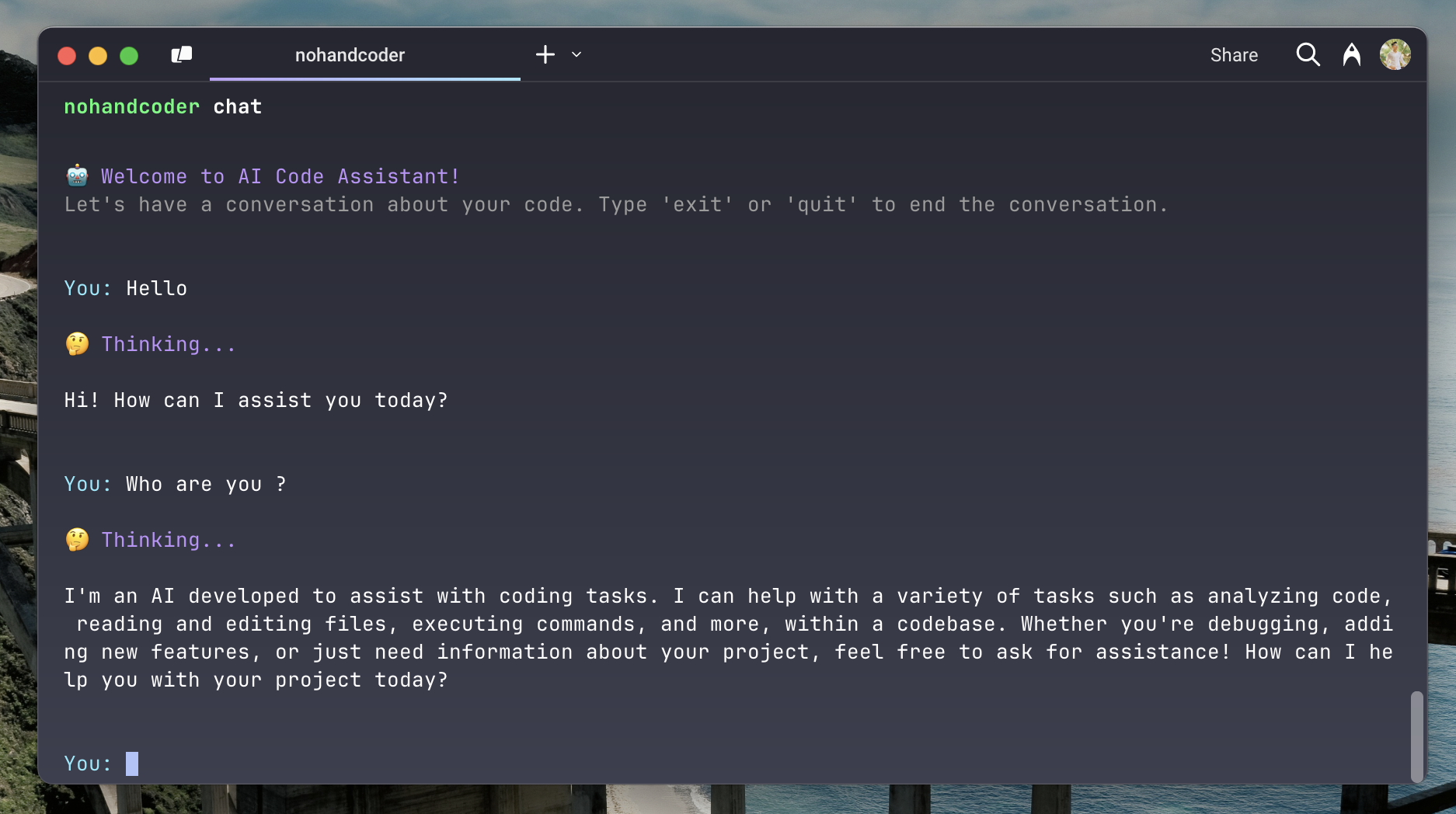
NoHandCoder is your AI-powered coding assistant that transforms how you interact with your codebase. Through natural conversation, it helps you:
- 🤖 **Chat with AI**: Ask questions about your code and get helpful responses
- 📂 **Browse Files**: Easily navigate through your project files and folders
- 📄 **Read Code**: View and understand your code files
- 🔍 **Search Code**: Find specific code patterns or functions across your project
- 📊 **Project Overview**: Get a clear picture of your project structure
- ⚡ **Run Commands**: Execute commands safely through the AI interface
No more context switching or complex IDE commands - just chat naturally and code efficiently!
### Prerequisites
Before using NoHandCoder, make sure you have the following:
1. Node.js installed on your system
2. An OpenAI API key
## Getting Started
Set up your environment variables:
```bash
export OPENAI_API_KEY=your_api_key_here
export MODEL_NAME=gpt-4-turbo-preview
```
## How to Use
1. Install NoHandCoder globally:
```bash
npm install -g nohandcoder
```
2. Start the chat interface:
```bash
nohandcoder chat
```
3. Let's feel free to ask
## Tips for Best Results
1. **Be Specific**: The more specific your questions, the better the AI can help you
2. **Use Natural Language**: Just ask questions as you would to a human assistant
3. **Explore Features**: Try different commands to discover what the AI can do
4. **Stay in Context**: The AI remembers your conversation, so build on previous questions
## Need Help?
- Type "exit" to quit the chat
- Ask the AI for help with any feature
- Check the project's issues page for known problems
## License
This project is licensed under the MIT License - see the [LICENSE](LICENSE) file for details.