https://github.com/iamcco/next-theme
refind next theme dark
https://github.com/iamcco/next-theme
Last synced: 11 months ago
JSON representation
refind next theme dark
- Host: GitHub
- URL: https://github.com/iamcco/next-theme
- Owner: iamcco
- Created: 2018-04-05T07:11:24.000Z (almost 8 years ago)
- Default Branch: master
- Last Pushed: 2018-04-05T08:52:39.000Z (almost 8 years ago)
- Last Synced: 2025-01-14T06:25:51.299Z (12 months ago)
- Homepage:
- Size: 4.25 MB
- Stars: 2
- Watchers: 3
- Forks: 2
- Open Issues: 0
-
Metadata Files:
- Readme: README.md
Awesome Lists containing this project
README
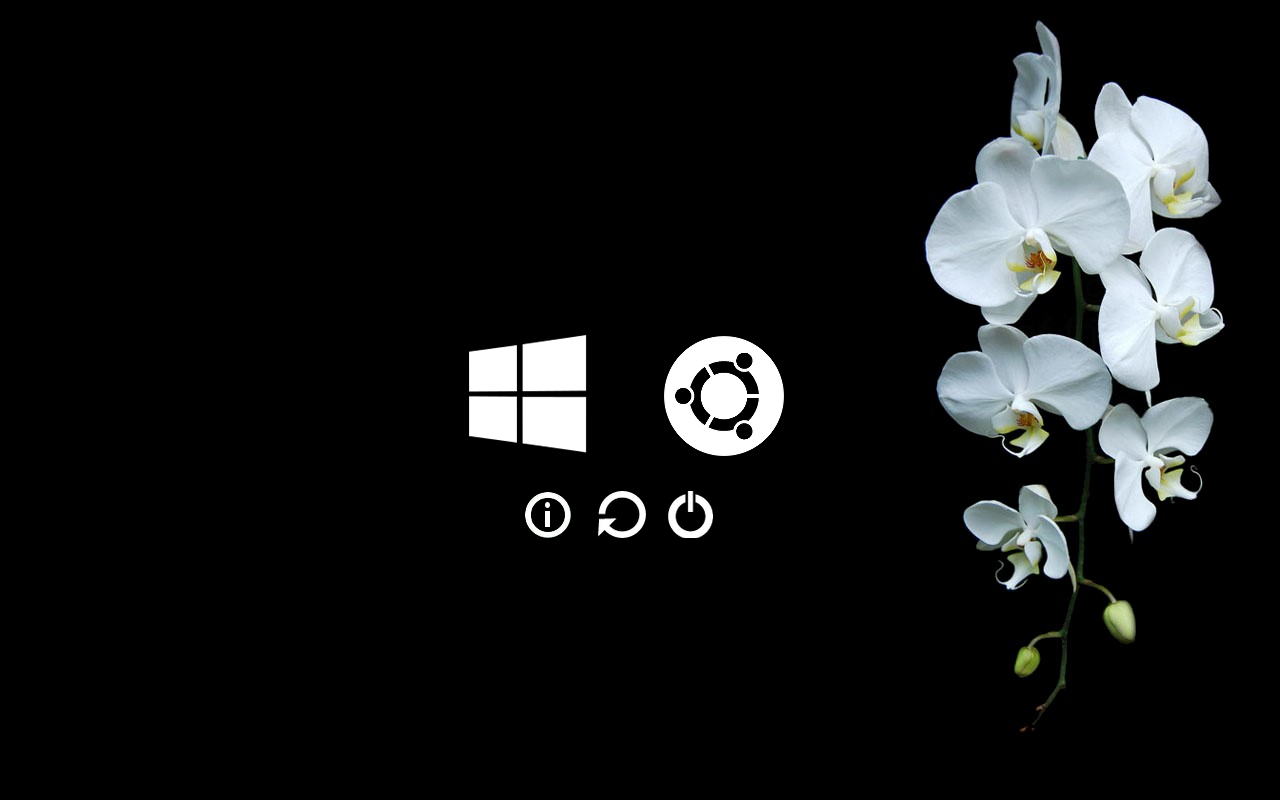
## rEFInd Next theme
[rEFInd](http://www.rodsbooks.com/refind/) is a simplistic boot manager for UEFI
based systems. This is a clean and minimal theme for it.
> fork from [rEFInd Next](http://sdbinwiiexe.deviantart.com/)
### Usage
To use this theme you'll want to clone it into the themes directory as your rEFInd
efi executable (usually `/boot/EFI/refind/themes`). Then you will want to add the following line to the end of your `refind.conf`:
```
include themes/next-theme/theme.conf
```
To make an icon appear when loading using graphical boot, open boot\_bg.png file in your image editor of choice, and just copy the operating system’s os\_icon over top of the background. Then save the new image using the boot_ prefix. A few examples have been included (windows, linux, ubuntu, linux mint, unknown)
To set the icons for your entries you will want to add the `icon` configuration
to each menuentry which points to the icon under `themes/next-theme/icons` that you
would like to use for that entry.
Here's an example configuration:
```
menuentry "Arch Linux" {
icon /EFI/refind/themes/next-theme/icons/os_arch.png
loader vmlinuz-linux
initrd initramfs-linux.img
options "ro root=UUID=dfb2919d-ff78-48db-a8a7-23f7542c343a loglevel=3"
}
menuentry "Windows" {
icon /EFI/refind/themes/next-theme/icons/os_win.png
loader /EFI/Microsoft/Boot/bootmgfw.efi
}
menuentry "OSX" {
icon /EFI/refind/themes/next-theme/icons/os_mac.png
loader /EFI/Apple/Boot/bootmgfw.efi
}
```
Entries that are autodetected should also show the proper icons.