https://github.com/icyflame/markdownlinks.vim
Create markdown links without having to type the template text every single time
https://github.com/icyflame/markdownlinks.vim
vim vim-plugin
Last synced: 12 months ago
JSON representation
Create markdown links without having to type the template text every single time
- Host: GitHub
- URL: https://github.com/icyflame/markdownlinks.vim
- Owner: icyflame
- License: mit
- Created: 2020-02-02T03:54:14.000Z (over 6 years ago)
- Default Branch: master
- Last Pushed: 2020-02-02T11:51:19.000Z (over 6 years ago)
- Last Synced: 2025-04-06T01:26:41.183Z (about 1 year ago)
- Topics: vim, vim-plugin
- Language: Vim script
- Homepage:
- Size: 2.93 KB
- Stars: 1
- Watchers: 2
- Forks: 0
- Open Issues: 0
-
Metadata Files:
- Readme: README.md
- License: LICENSE
Awesome Lists containing this project
README
# MarkdownLinks.vim
> Create markdown links without having to type the template text every single
> time
[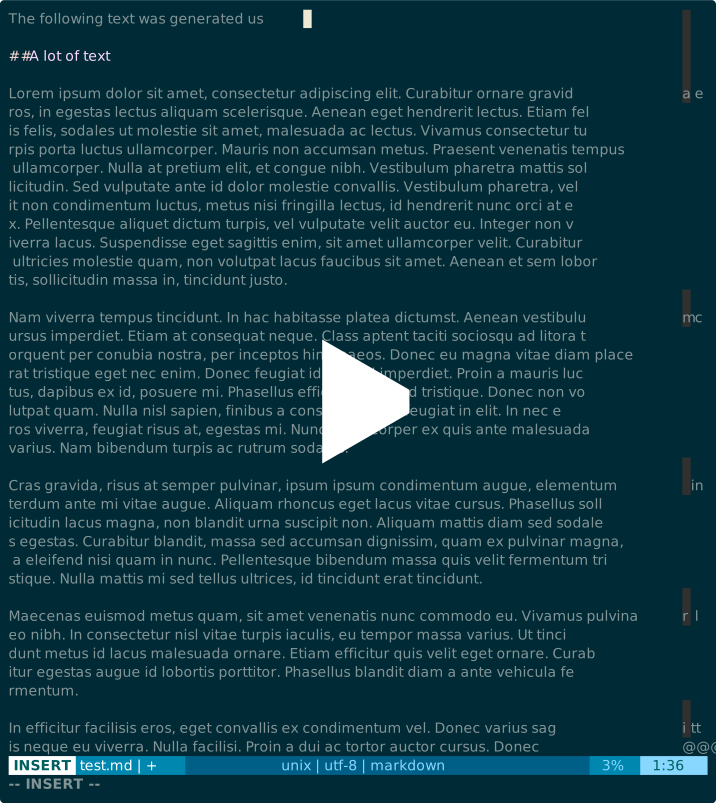](https://asciinema.org/a/297275)
## Installation
### Vundle
```vim
call vundle#begin()
" ...
Plugin 'icyflame/MarkdownLinks.vim'
" ...
call vundle#end()
```
### Manual
```sh
mkdir -p ~/.vim/plugin
git clone git@github.com:icyflame/MarkdownLinks.vim.git ~/.vim/plugin/MarkdownLinks.vim
```
## Commands
### `:Linkw [link-name]`
> Create a hyperlink on the current word with the optional link name. If link
> name is not provided, then the text `temp_link_name` will be used
This command can be called only from normal mode.
### `:Link [link-name]`
> Create a hyperlink on the highlighted text
This command should be called after highlighting some text. It uses the Vim marks
that allow plugins to go back to the last piece of text that was highlighted in
visual mode.
```
'[ `[ To the first character of the previously changed or yanked text.
'] `] To the last character of the previously changed or yanked text.
```
This is a short summary of what this does:
- Enter insert mode with `set paste`
- Go to the beginning of the highlighted text
- Place `[`
- Go to the end of the highlighted text
- Place `][]: `
- Place the cursor after the space on that line
- Go back to normal mode
You can check the code for this in the `link(...)` function inside
`plugin/markdown_links.vim`
## TODO
- [ ] Usage video using asciinema
- [ ] Add documentation inside the `doc/` folder
## License
Code inside this repo is licensed under the MIT License.
Copyright (c) 2020 [Siddharth Kannan](https://icyflame.github.io)