https://github.com/ieee-vit/auto-grader
Automatically grades answer sheets
https://github.com/ieee-vit/auto-grader
computer-vision education hacktoberfest hacktoberfest-accepted hacktoberfest2021 opencv python tensorflow
Last synced: 3 months ago
JSON representation
Automatically grades answer sheets
- Host: GitHub
- URL: https://github.com/ieee-vit/auto-grader
- Owner: IEEE-VIT
- License: mit
- Created: 2021-07-14T14:17:21.000Z (almost 5 years ago)
- Default Branch: main
- Last Pushed: 2021-11-01T06:06:58.000Z (over 4 years ago)
- Last Synced: 2025-10-31T02:28:42.000Z (8 months ago)
- Topics: computer-vision, education, hacktoberfest, hacktoberfest-accepted, hacktoberfest2021, opencv, python, tensorflow
- Language: Jupyter Notebook
- Homepage:
- Size: 19.4 MB
- Stars: 19
- Watchers: 2
- Forks: 16
- Open Issues: 5
-
Metadata Files:
- Readme: README.md
- Contributing: CONTRIBUTING.md
- License: LICENSE.md
Awesome Lists containing this project
README

Automatically grade answer sheets!
Consider leaving a :star: if you found the project helpful.
# Auto Grader
Auto Grader helps teachers by automating the paper correction process using advanced computer vision and NLP.
## Flow
Step 1: Teacher uploads the scanned answersheet and the correct answers for the question.
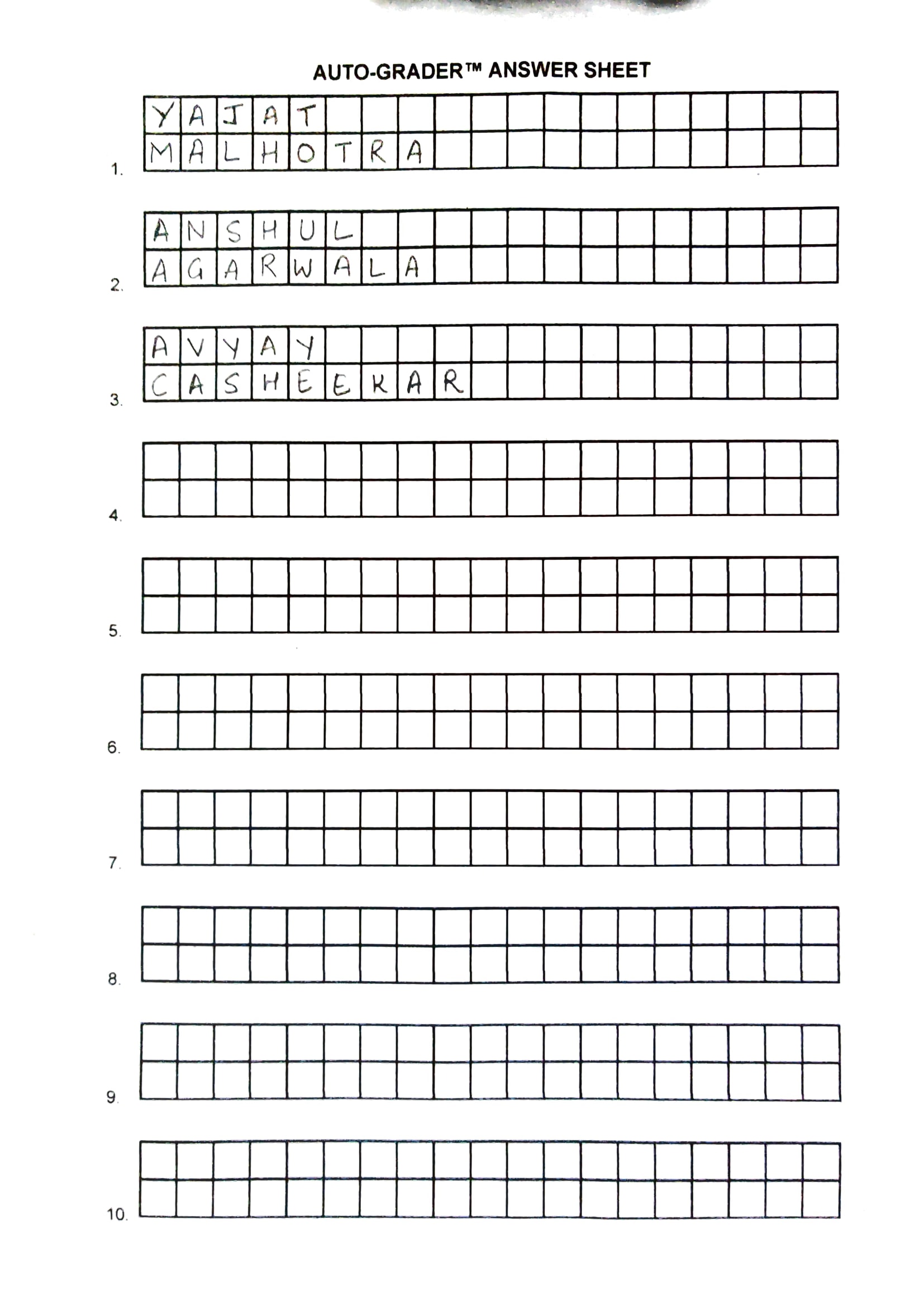
Step 2: The boxes in the scanned image are identified and cropped out.
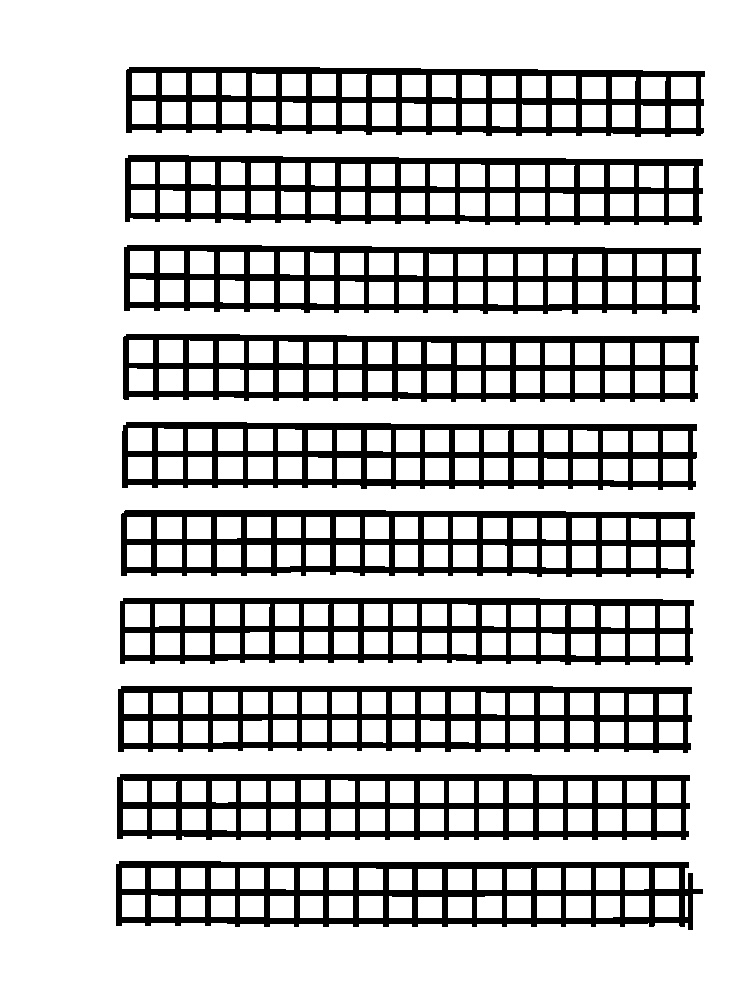
Extracted Character

Step 3: Using a CNN, these characters are classified.
Step 4: Words are formed out of these classified characters.
Step 5: These words are sent through a spelling corrector to remove mistakes which the CNN model might've caused.
Step 6: Then sentences are formed which are then sent along with the correct answers through a Text Similarity NLP model.
Step 7: The similarity model gives a cosine score using which is used to determine the marks a student should get for their answer.
## Built With
- [Python 3.8.10](https://www.python.org/downloads/release/python-3810/)
- [FastAPI](https://fastapi.tiangolo.com/)
- [TensorFlow 2](https://www.tensorflow.org/)
- [OpenCV](https://docs.opencv.org/master/index.html)
## Getting Started
To get a local copy up and running follow these simple steps.
### Prerequisites
- Python 3.8.10 and the latest version of pip.
### Installation
1. Fork it.
2. Clone the repo
```sh
git clone https://github.com/iamyajat/auto-grader.git
```
3. Install `virtualenv`
```sh
pip install virtualenv
```
4. Create a virtual environment
```sh
python -m venv env
```
```sh
.\env\Scripts\activate
```
5. Install all requirements
```sh
pip install -r requirements.txt
```
6. Start the API
```sh
uvicorn main:app --reload
```
## Contributing
To start contributing, check out [CONTRIBUTING.md](https://github.com/IEEE-VIT/auto-grader/blob/master/CONTRIBUTING.md). New contributors are always welcome to support this project. If you want something gentle to start with, check out issues labelled as `easy` or `good-first-issue`. Check out issues labelled as `hacktoberfest` if you are up for some grabs! :)
## License
This project is licensed under [MIT](https://github.com/IEEE-VIT/auto-grader/blob/master/LICENSE.md).