https://github.com/ifvictr/whirl
🌀 Fun, anonymous chats with random members of your Slack
https://github.com/ifvictr/whirl
anonymity chat fun slack
Last synced: 10 months ago
JSON representation
🌀 Fun, anonymous chats with random members of your Slack
- Host: GitHub
- URL: https://github.com/ifvictr/whirl
- Owner: ifvictr
- License: mit
- Created: 2020-06-03T12:34:37.000Z (about 6 years ago)
- Default Branch: master
- Last Pushed: 2023-02-03T12:12:35.000Z (over 3 years ago)
- Last Synced: 2023-02-27T17:22:46.476Z (over 3 years ago)
- Topics: anonymity, chat, fun, slack
- Language: TypeScript
- Homepage: https://whirl.ifvictr.com/slack/install
- Size: 332 KB
- Stars: 8
- Watchers: 2
- Forks: 0
- Open Issues: 9
-
Metadata Files:
- Readme: README.md
- License: LICENSE.txt
Awesome Lists containing this project
README

Whirl
Fun, anonymous chats with random members of your Slack!

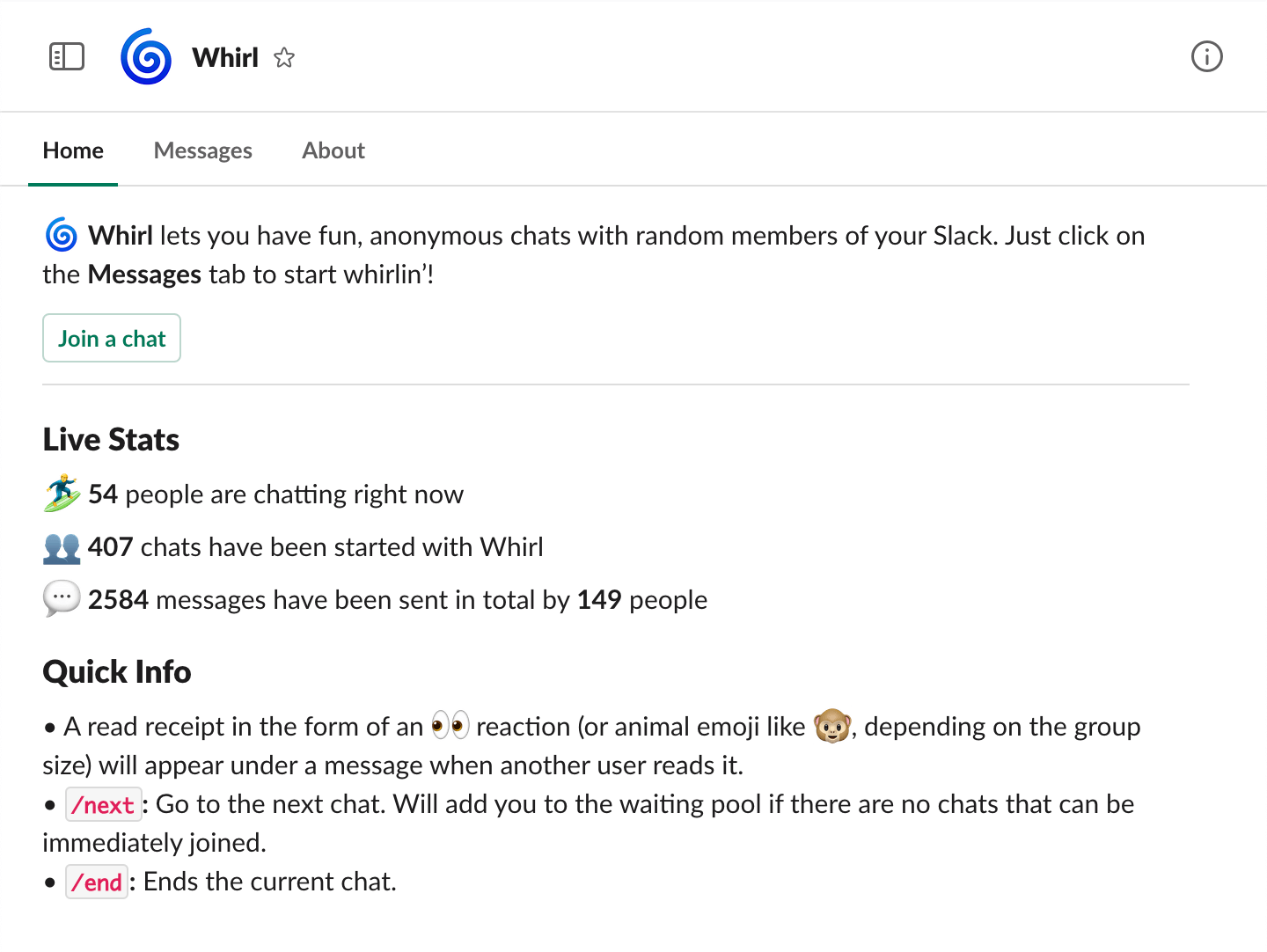
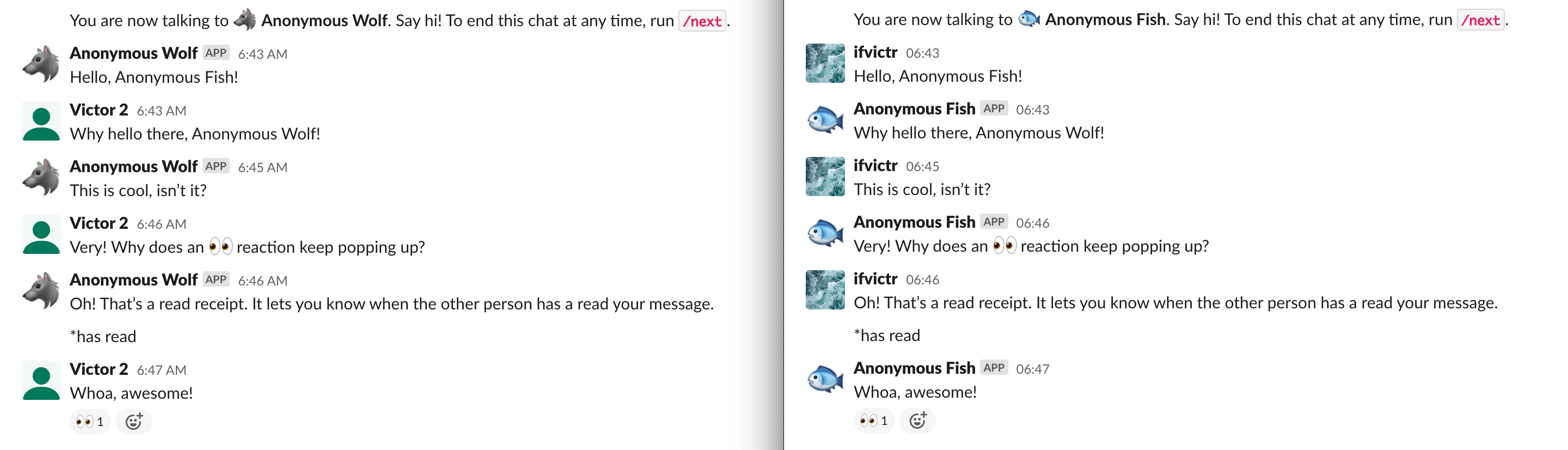
## Deploy
[](https://heroku.com/deploy)
## Setup
Whirl comprises of four components:
1. The web server for receiving and responding to event payloads from Slack
2. A **MongoDB database** to save chat metadata (e.g., start time, message count, participants, etc.) after a chat has ended
3. A **Redis cache** for storing references to the users who should receive messages from a chat while it is ongoing
4. The Slack app itself
### Environment variables
Here are all the variables you need to set up on the server, with hints.
```bash
# Port to run the server on
PORT=3000
DATABASE_URL=mongodb://…
REDIS_URL=redis://…
# App config. Obtained from the "Basic Information" page of your app.
SLACK_CLIENT_ID=…
SLACK_CLIENT_SECRET=…
SLACK_SIGNING_SECRET=…
# Can be anything you want it to be.
SLACK_STATE_SECRET=…
# A chat must have at least this many messages for its metadata to be saved.
CHAT_METADATA_THRESHOLD=3
```
### Starting the server
_This section is only relevent to you if you’ve decided to run Whirl on a platform other than Heroku._
```bash
git clone https://github.com/ifvictr/whirl
cd whirl
# Install dependencies
yarn
# Start Whirl in production! This will build the source files and then run them.
yarn start
# Or, if you need to run it in development mode instead.
yarn dev
```
### Creating the Slack app
For Whirl to work, you’ll need to [register a Slack app](https://api.slack.com/apps) with the appropriate OAuth permissions, event subscriptions, and commands.
#### App Home
For Whirl to work, you’ll need to enable both the **Home** and **Messages** tabs of the app.
#### Interactivity & Shortcuts
For the **Request URL** under the **Interactivity** section, enter `http:///slack/events`. This will be used for the app’s buttons.
#### Slash Commands
The following commands are needed. Enter the same request URL you used in the previous section.
- `/end`: Ends the current chat
- `/next`: Go to the next chat
#### OAuth & Permissions
Install the Slack app to your development Slack workspace first.
The following bot token scopes are required:
- `chat:write`: Used for sending messages.
- `chat:write.customize`: Used for sending messages to the receiving side of a chat with the sender’s pseudonym.
- `commands`: Used for `/end` and `/next`.
- `im:history`: Used for reading the messages a user sends in a DM with Whirl. If they’re in a chat, Whirl will send it to the other users with a pseudonym.
- `reactions:read`: Used for notifying users that reactions aren’t currently supported 😞
- `reactions:write`: Used for chat read receipts.
#### Event Subscriptions
Subscribe to the following bot events:
- `app_home_opened`
- `message.im`
- `reaction_added`
The request URL is also the same here.
After you’ve followed all the above steps, you should see something like this in the console:
```bash
Starting Whirl…
Listening on port 3000
```
## License
[MIT License](LICENSE.txt)