https://github.com/ilovenooodles/image-compression
Tugas Besar 2 Aljabar Linear dan Geometri
https://github.com/ilovenooodles/image-compression
image-compression numpy python svd-matrix-factorisation
Last synced: 2 months ago
JSON representation
Tugas Besar 2 Aljabar Linear dan Geometri
- Host: GitHub
- URL: https://github.com/ilovenooodles/image-compression
- Owner: IloveNooodles
- Created: 2021-10-27T08:28:50.000Z (over 4 years ago)
- Default Branch: main
- Last Pushed: 2021-11-15T03:00:29.000Z (over 4 years ago)
- Last Synced: 2025-07-06T13:07:11.419Z (12 months ago)
- Topics: image-compression, numpy, python, svd-matrix-factorisation
- Language: Python
- Homepage:
- Size: 29.2 MB
- Stars: 1
- Watchers: 2
- Forks: 0
- Open Issues: 0
-
Metadata Files:
- Readme: README.md
Awesome Lists containing this project
README
# Algeo02-20029 - Image Compression
This project is made to fulfill the 2nd project for the Linear Algebra and Geometry Course in Informatics. It is an image compressor made using principles of linear algebra, specifically the Singular Value Decomposition (SVD) method to split a matrix into three other matrix, which will be cut by 'k' elements that determines the compression rate. It is a web based application, using Flask as it's back end that serves static HTML/CSS for it's front end. To compute the SVD matrix, we use the simultaneous power iteration algorithm (to avoid using the default NumPy SVD algorithm).
## Member List
| Nama | NIM |
| --------------------- | -------- |
| Muhammad Garebaldhie | 13520029 |
| Fikri Khoiron Fadhila | 13520056 |
| Marchotridyo | 13520119 |
## Screenshots
## Technologies Used
1. Python Imaging Library (Pillow)
2. NumPy
3. Flask as the back-end
4. HTML/CSS to serve the front-end
## Features
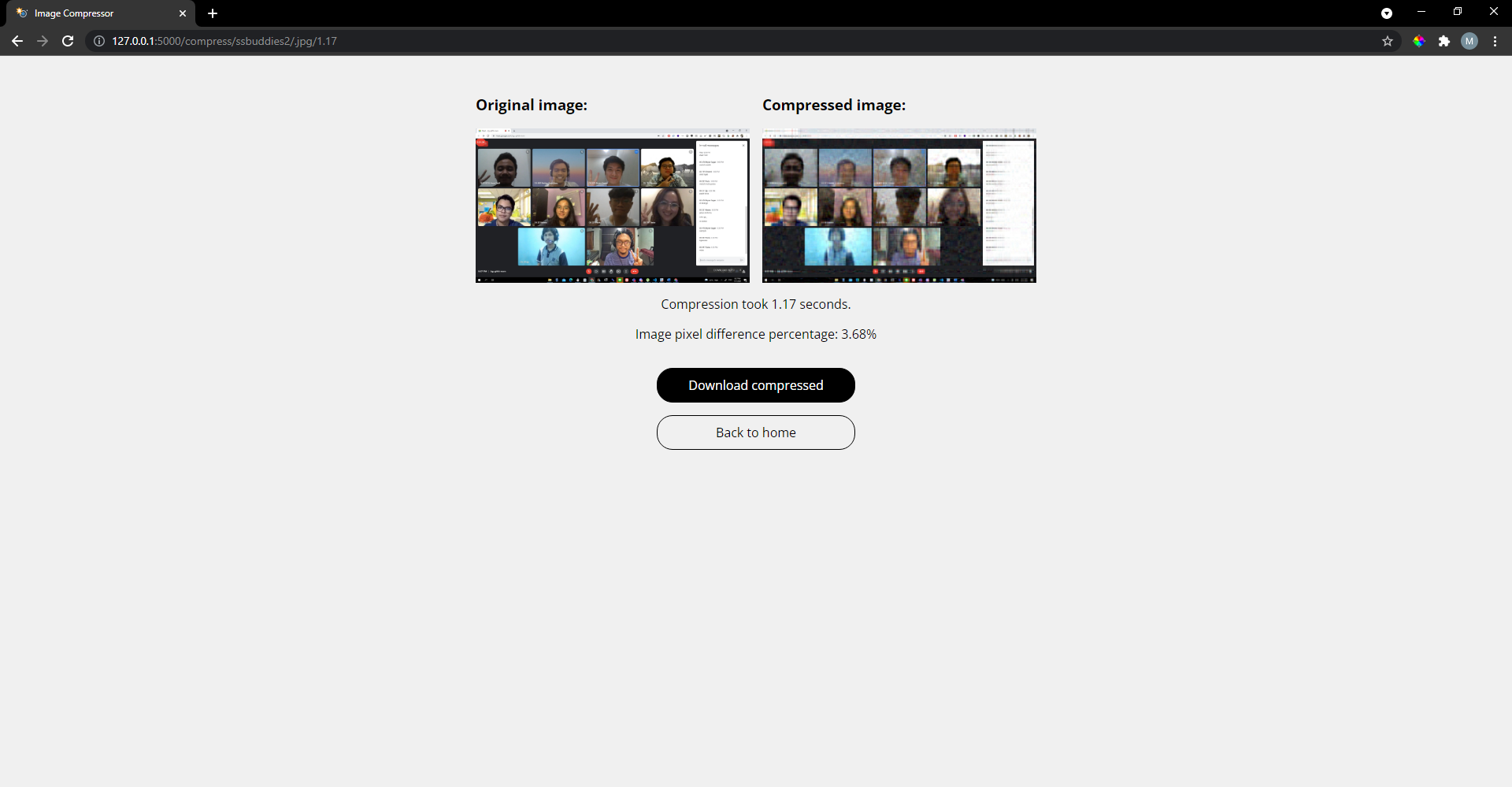
This program allows you to convert images (.jpg, .jpeg, and .png) in various modes (RGB, RGBA, L, LA, and P) by selecting a k value for the SVD decompression and it will show both the compressed image and also the compression rate.
## Setup
Head to the src folder and do one of the following:
(1) Make a virtual environment by using
`python -m venv env` and then activate the environment by running `./env/Scripts/activate`, then do `pip install -r requirements.txt`,
**or** just straight up call `pip install -r requirements.txt` without making a virtual environment.
(2) You can either do `python app.py` to **or** set up the Flask variables with `set FLASK_APP=app.py` and `set FLASK_ENV=development` (if set doesn't work, use the Linux equivalent 'export').
(3) Access the site using the localhost address shown in the command prompt. You're now up and running!
## Usage
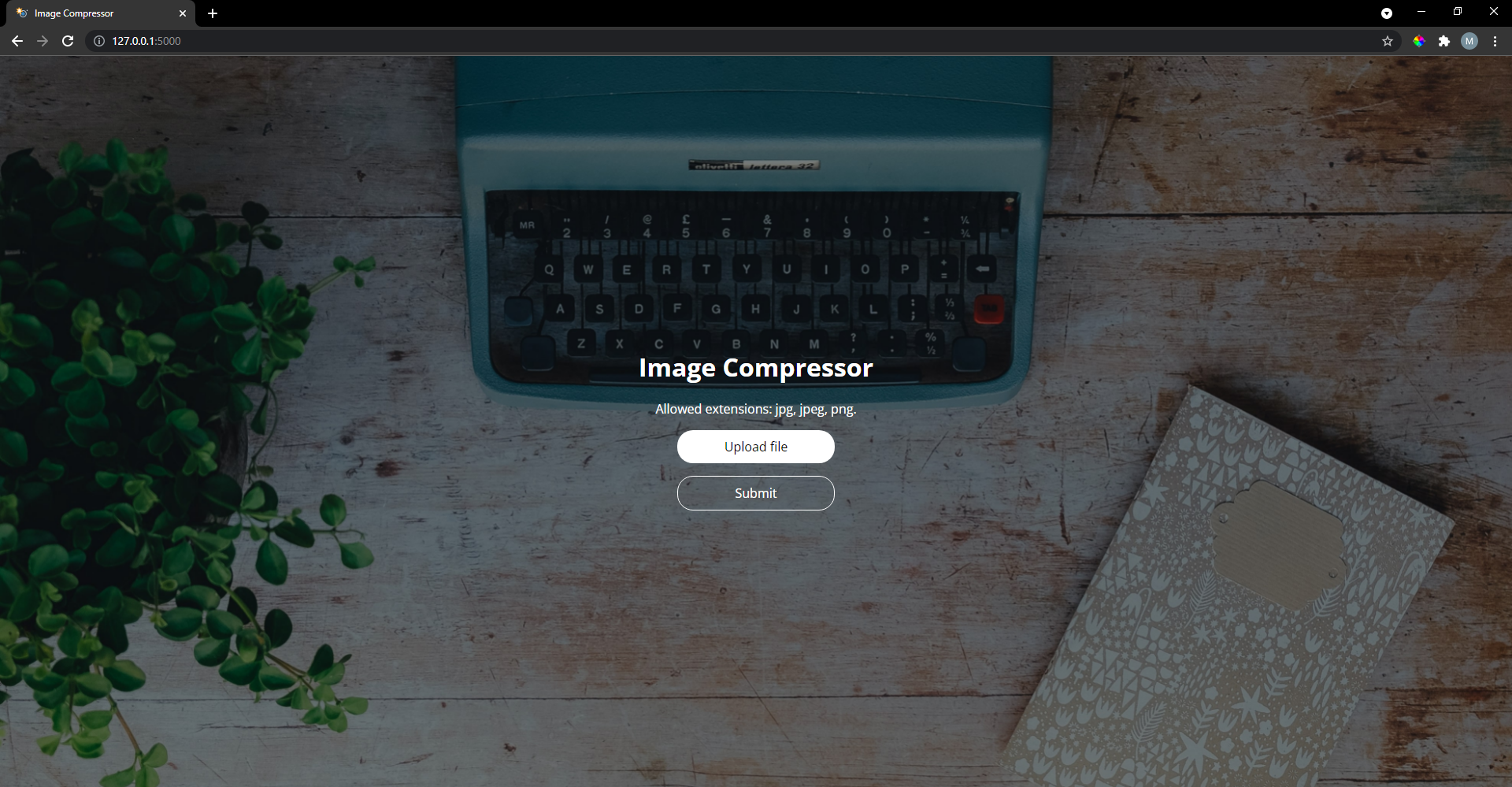
(1) On the home page, click on 'Upload File' and select a .jpg, .jpeg, and .png with supported image mode to upload. If no message shows up, then you can click on Submit.
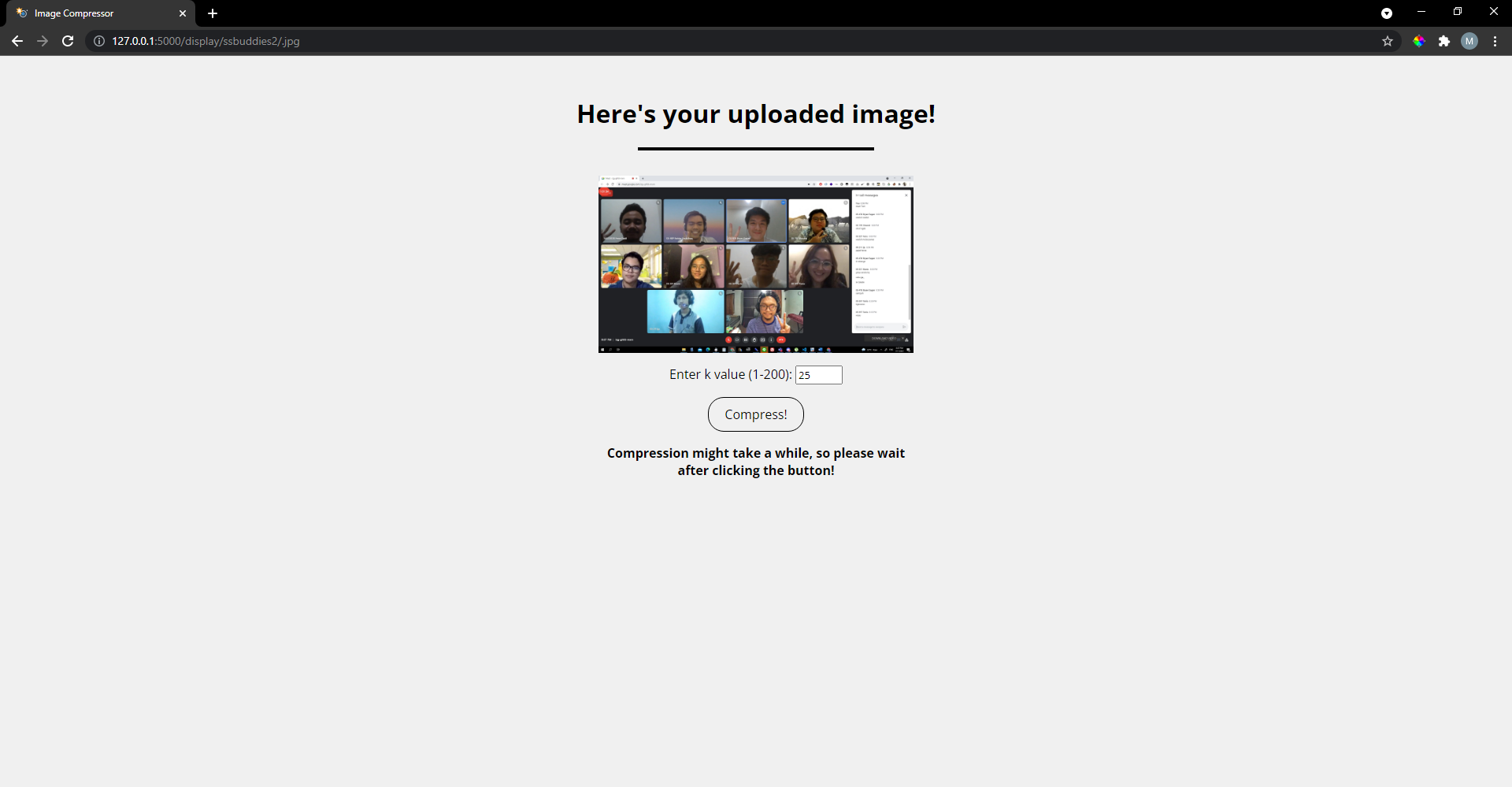
(2) On the /display/ page, you enter a k value (1-200) then click on "Compress!". Note that you may need to wait quite a bit (up to 2 minutes) while the page loads as the request is handled synchronously, not asynchronously.
(3) On the /compress/ page, you see the images side by side. To download the compressed image, click on "Download compressed" and to return to the home page, click on "Back to home".
## Room for Improvement
(1) The simultaneous power iteration method is not the best algorithm to use, but it is easy to implement. If you want a production ready site, then definitely use the one provided by NumPy to make the SVD (or eigenvalues and eigenvectors) calculation.
(2) The site handles requests synchronously, not asynchronously. In a real-world scenario it would be better if the site handles requests asynchronously.
(3) There are some image modes that might turn up bigger in size or just simply don't compress at all, especially if it's some weird image modes that has all it's color (including transparency) in one channel only.
## References
(1) For the simulatenous power iteration method, refer to http://mlwiki.org/index.php/Power_Iteration.
(2) For the algorithm used to compute pixel difference, refer to https://rosettacode.org/wiki/Percentage_difference_between_images.
(3) Materials regarding to how SVD works are taken from course materials.