https://github.com/ilynette/rails-budget-app
The Budget App is a mobile web application that allows the user to manage his/her budget: they have a list of transactions associated with a category, so that the user can see how much money they spend and on a particular category.
https://github.com/ilynette/rails-budget-app
postgresql rails ruby
Last synced: about 1 year ago
JSON representation
The Budget App is a mobile web application that allows the user to manage his/her budget: they have a list of transactions associated with a category, so that the user can see how much money they spend and on a particular category.
- Host: GitHub
- URL: https://github.com/ilynette/rails-budget-app
- Owner: iLynette
- Created: 2022-07-04T10:23:46.000Z (about 4 years ago)
- Default Branch: development
- Last Pushed: 2023-05-02T15:12:37.000Z (about 3 years ago)
- Last Synced: 2024-05-17T16:17:44.996Z (about 2 years ago)
- Topics: postgresql, rails, ruby
- Language: Ruby
- Homepage: https://rails-budget-app-production-cf9c.up.railway.app/
- Size: 195 KB
- Stars: 6
- Watchers: 1
- Forks: 0
- Open Issues: 0
-
Metadata Files:
- Readme: README.md
Awesome Lists containing this project
README
# Budget App
> The Budget App is a mobile web application that allows the user to manage his/her budget: they have a list of transactions associated with a category, so that the user can see how much money they spend and on a particular category.
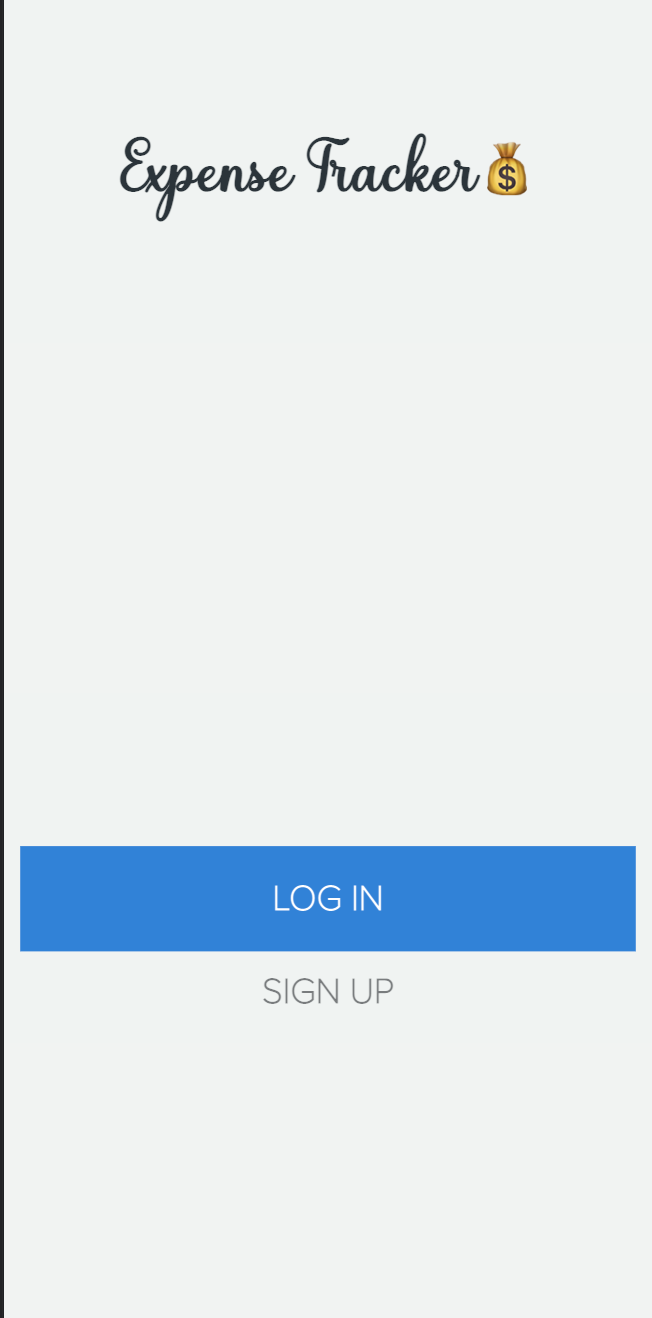
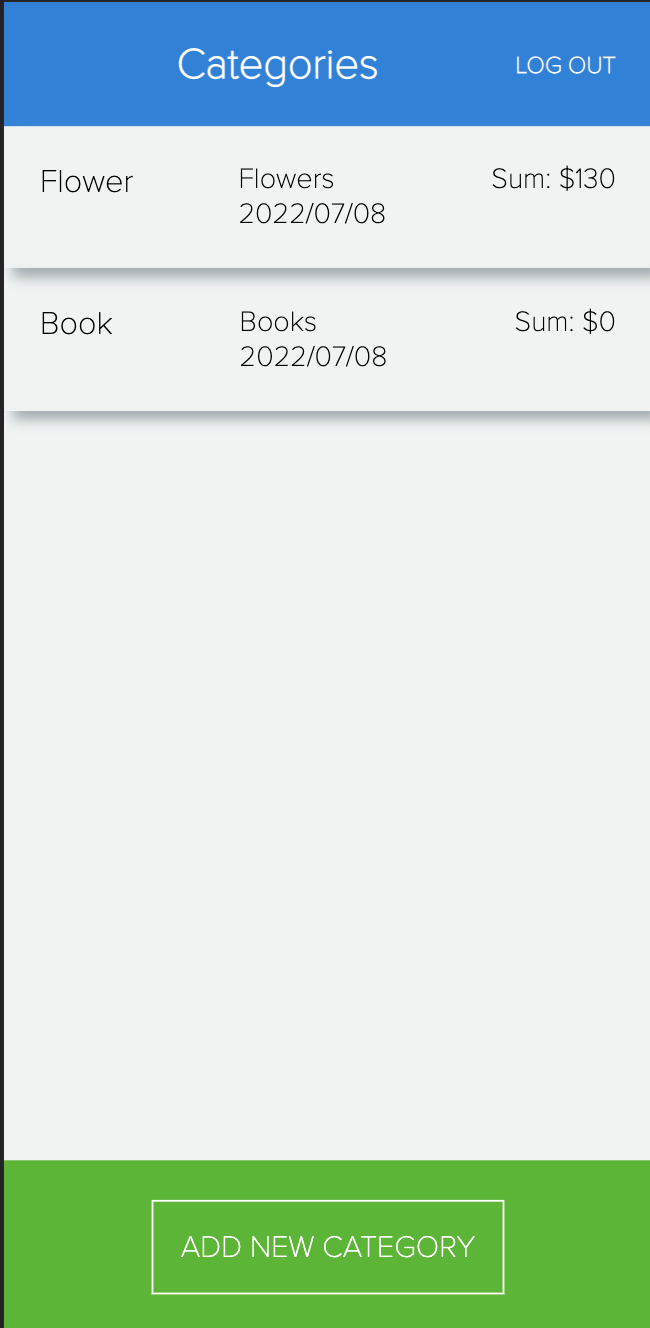
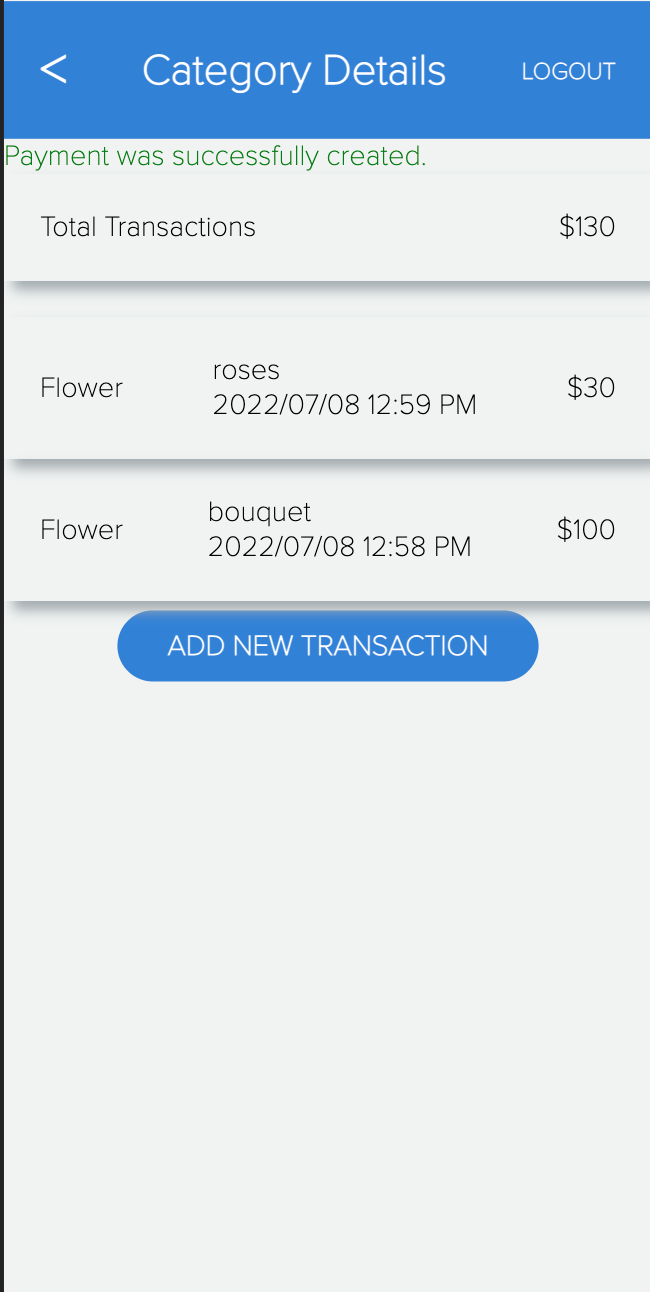
## Project screenshots
> The project is following data model below:
> 
## Built With
- Ruby
- Ruby on Rails
- PostgreSQL
## Live Demo
- [Check the app](budget-app-sebp.onrender.com/)
- [Video Presentation](https://www.loom.com/share/3d5c1263e3954ca5a641a0469476e0cc)
## Getting Started
- [Install Ruby](https://www.ruby-lang.org/en/documentation/installation/) on your local machine
- [Install Ruby on Rails](https://guides.rubyonrails.org/v5.1/getting_started.html)
- Clone [this repository](https://github.com/iLynette/rails-budget-app.git)
```
git clone git@github.com:iLynette/budget-app-rails.git
```
- To get started, In the root directory run:
```
gem install bundler
```
Then run:
```
bundle install
```
To start the server run:
```
rails s
```
Open the browser with `localhost:3000`
## After installing bundle
Please run the following commands `rails db:create` `rails db:migrate` `rails s`
## Tests
```
bundle exec rspec
```
Or
```
rspec spec
```
### To track linter errors locally follow these steps:
Track linter errors run:
```
rubocop
```
## Author
:woman: **Lynette Aluoch Acholah**
- GitHub: [@iLynette](https://github.com/iLynette)
- Twitter: [@acholah_lynette](https://twitter.com/acholah_lynette)
- LinkedIn: [lynette-acholah](https://linkedin.com/in/lynette-acholah)
## 🤝 Contributing
Contributions, issues, and feature requests are welcome!
Feel free to check the [issues page](https://github.com/iLynette/rails-budget-app/issues).
## Show your support
Give a ⭐️ if you like this project!
## Acknowledgments
- Thanks [Gregoire Vella on Behance](https://www.behance.net/gregoirevella) for the original design idea.
- Thanks to my morning session partners, coding partners and teammates.
## 📝 License
This project is [MIT](./MIT.md) licensed.
* [Creative Common License of design](https://creativecommons.org/licenses/by-nc/4.0/)