https://github.com/im-rises/nbody-simulator-react-p5
N-Body simulation package made in React using bruteforce method
https://github.com/im-rises/nbody-simulator-react-p5
canvas gravity javascript n-body nbody nbody-simulation package react simulation typescript
Last synced: 11 months ago
JSON representation
N-Body simulation package made in React using bruteforce method
- Host: GitHub
- URL: https://github.com/im-rises/nbody-simulator-react-p5
- Owner: Im-Rises
- License: mit
- Created: 2023-05-13T23:40:49.000Z (about 3 years ago)
- Default Branch: main
- Last Pushed: 2023-09-28T02:11:23.000Z (over 2 years ago)
- Last Synced: 2025-07-04T10:56:02.529Z (12 months ago)
- Topics: canvas, gravity, javascript, n-body, nbody, nbody-simulation, package, react, simulation, typescript
- Language: TypeScript
- Homepage: https://im-rises.github.io/nbody-simulator-react-p5-website/
- Size: 503 KB
- Stars: 3
- Watchers: 2
- Forks: 0
- Open Issues: 0
-
Metadata Files:
- Readme: README.md
- License: LICENSE
Awesome Lists containing this project
README
# nbody-simulator-react-p5





## Description
This is an n-body simulator package made with React Typescript and p5.js.
Bodies are attracted to each other by the gravitational force and by a center attractor which is defiend by clicking on
the canvas.
## 🚀🚀[You can try it online from your browser](https://im-rises.github.io/nbody-simulator-react-p5-website/) 🚀🚀
It works on desktop and mobile as well with different controls (check the `controls` section).
## 🚀🚀 [The package is available on npm](https://www.npmjs.com/package/nbody-simulator-react-p5) 🚀🚀
> **Note**
> I also made a C++ version for WebGL2 using OpenGL ES 3.0. You can check it
> out [here](https://github.com/Im-Rises/nbody-simulator-webgl).
> **Note**
> I also made a version using Barnes-Hut algorithm. You can check it
> out [here](https://github.com/Im-Rises/nbody-simulator-barnes-hut-react-p5).
## Screenshots
| Screenshot 1 | Screenshot 2 |
|---------------------------------------------------------------------------------------------------------------------------|---------------------------------------------------------------------------------------------------------------------------|
| 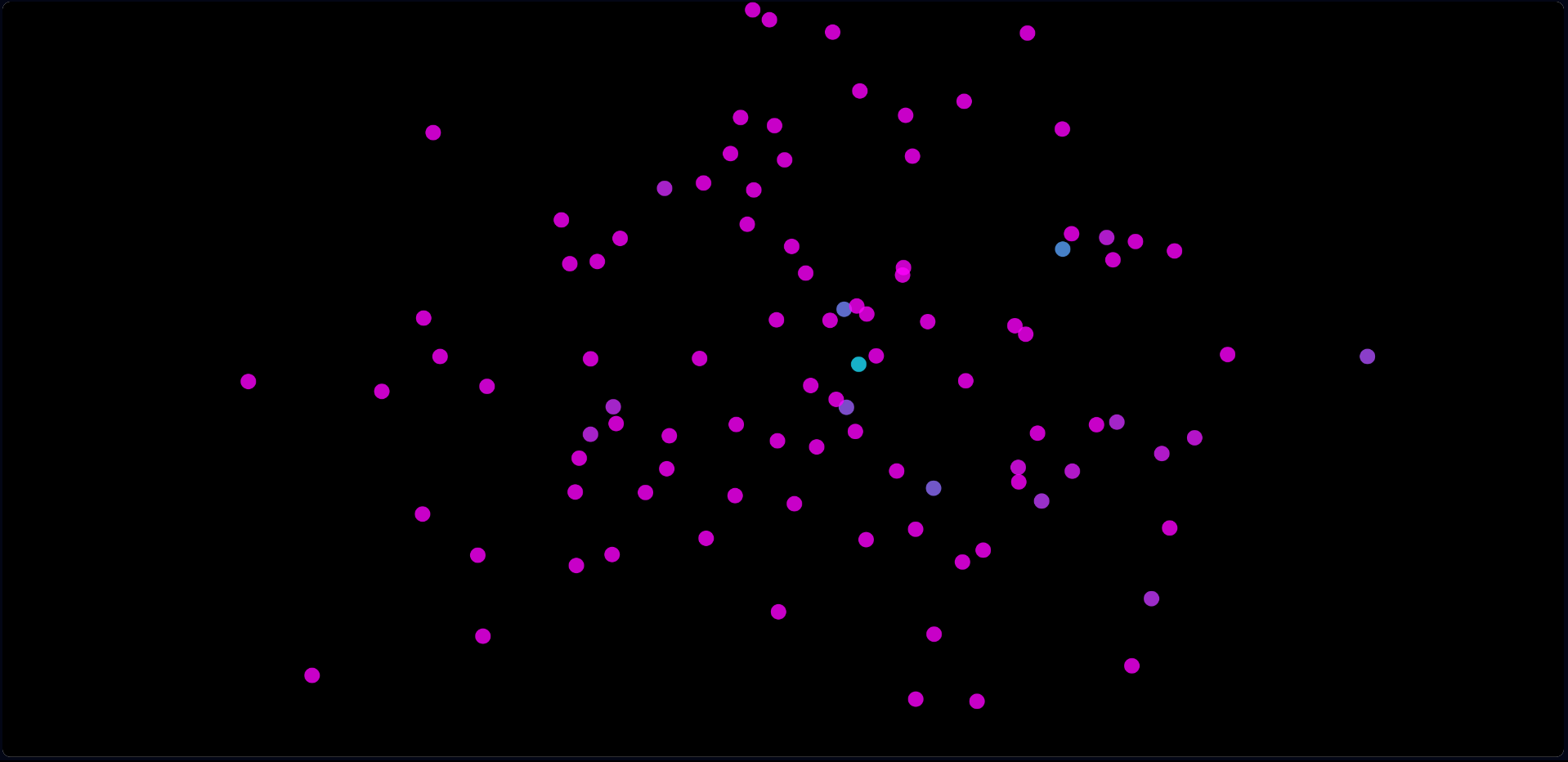 | 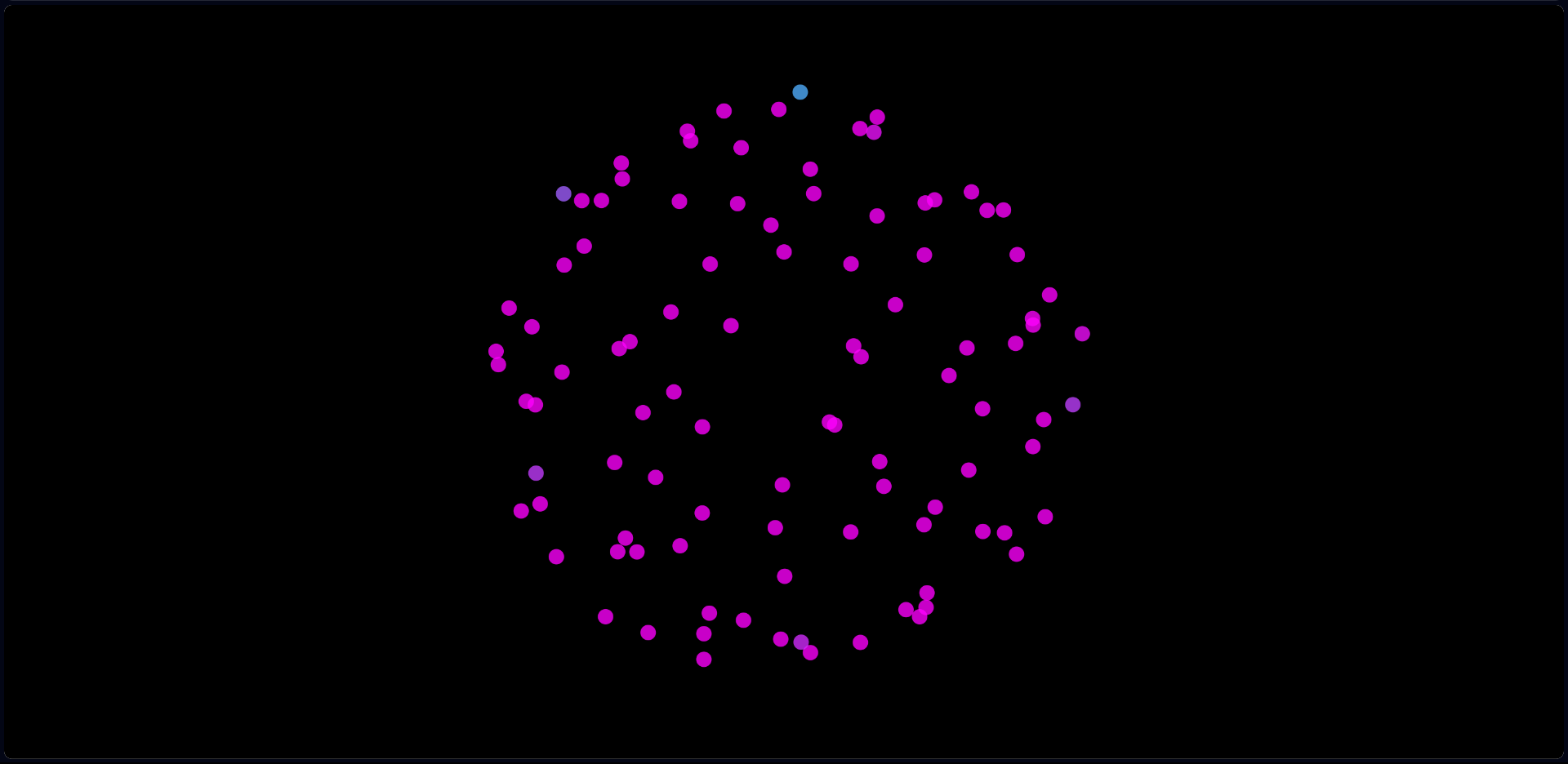 |
## Demo video
https://github.com/Im-Rises/nbody-simulator-react-p5/assets/59691442/20bc593e-7bd0-4d60-9470-a8caed1a45bd
## Package installation
To install it type the following command in your terminal:
```bash
npm install nbody-simulator-react-p5
```
Then you can import it in your project with:
```bash
import NbodySimulator from 'nbody-simulator-react-p5'
```
## Usage
To use it you can simply add the component in your project like this:
```tsx
import React, {useEffect, useState} from 'react';
import NbodySimulator from 'nbody-simulator-react-p5';
import './App.css';
const App: React.FC = () => {
const [isLoaded, setIsLoaded] = useState(false);
const divRef = React.useRef (null);
useEffect(() => {
if (divRef.current) {
setIsLoaded(true);
}
}, [divRef]);
return (
{isLoaded ? (
) : (
Loading...
)}
);
};
export default App;
```
or you can change all the settings like this:
```tsx
import React, {useEffect, useState} from 'react';
import NbodySimulator from 'nbody-simulator-react-p5';
import './App.css';
const App: React.FC = () => {
const [isLoaded, setIsLoaded] = useState(false);
const divRef = React.useRef (null);
useEffect(() => {
if (divRef.current) {
setIsLoaded(true);
}
}, [divRef]);
return (
{isLoaded ? (
) : (
Loading...
)}
);
};
export default App;
```
The component takes 1 to 16 props:
- `parentRef` - a reference to the parent div of the canvas. It is used to get the size of the canvas.
- `particleCountMobile` - the number of particles on mobile devices.
- `particleCountComputer` - the number of particles on desktop devices.
- `fixedUpdate` - the number of fixed updates per second.
- `frameRate` - the number of frames per second.
- `minSpawnRadius` - the minimum radius of the particles when they are spawned.
- `maxSpawnRadius` - the maximum radius of the particles when they are spawned.
- `minSpawnVelocity` - the minimum velocity of the particles when they are spawned.
- `maxSpawnVelocity` - the maximum velocity of the particles when they are spawned.
- `gravitationalConstant` - the gravitational constant of the simulation.
- `particlesMass` - the mass of the particles.
- `attractorMass` - the mass of the attractor.
- `friction` - the friction of the particles.
- `softening` - the softening parameter of the gravitational force calculation.
- `pixelsPerMeter` - the number of pixels to represent 1 meter.
- `initColor` - the initial color of the particles (in RGB).
- `finalColor` - the final color of the particles (in RGB).
- `maxVelocityMagColor` - the maximum velocity of the particles at which the color will be the final color.
- `backColor` - the background color of the canvas (in RGB).
This will create a canvas with 3000 particles on desktop and 1000 on mobile in fullscreen which will be resized
when the window is resized.
> **Note**
> The default values of the props are the same as the ones in the example above.
You can find the complete example of the project in the GitHub
repository [here](https://im-rises.github.io/nbody-simulator-react-p5-website).
> **Note**
> Be sure to do like in the example, the parent div of the canvas must be set before the p5 canvas is created.
## Calculations
The calculations are made with the [Newtonian mechanics](https://en.wikipedia.org/wiki/Newtonian_mechanics) equations.
$$ F = G \frac{m_1 m_2}{r^2} $$
To prevent to have a division by zero when the particles are too close to each other, we add a softening parameter
$\epsilon$.
One of the real force calculation with softening could be like this:
$$ F = G \frac{m_1 m_2}{(r^2 + \epsilon^2)^\frac{3}{2}} $$
Where G is the gravitational constant, m1 and m2 are the masses of the particles, r is the distance between the
particles and d is the softening parameter.
## Known issues
> **Warning**
> The React-p5 dependency may have issues with the index.js file.
```js
const root = ReactDOM.createRoot(document.getElementById('root'));
root.render(
);
```
Please delete the React.StrictMode tag in the index.js file and replace it with the code below.
```js
const root = ReactDOM.createRoot(document.getElementById('root'));
root.render(
<>
>
);
```
## GitHub Actions
[//]: # ([](https://github.com/Im-Rises/nbody-simulator-react-p5/actions/workflows/pages/pages-build-deployment))
[](https://github.com/Im-Rises/nbody-simulator-react-p5/actions/workflows/node.js.yml)
[](https://github.com/Im-Rises/nbody-simulator-react-p5/actions/workflows/eslint.yml)
[](https://github.com/Im-Rises/nbody-simulator-react-p5/actions/workflows/codeql.yml)
[](https://github.com/Im-Rises/nbody-simulator-react-p5/actions/workflows/npm-publish.yml)
The project is set up to run the following actions:
[//]: # (- pages-build-deployment : Builds the website and deploys it to GitHub Pages.)
- node.js.yml : Runs the tests for the Node.js project.
- eslint.yml : Runs the ESLint linter on the project.
- codeql.yml : Runs the CodeQL linter on the project.
- npm-publish.yml : Publishes the package to npm.
## Libraries
React:
Xo:
ESLint:
GitHub gh-pages:
P5.js:
react-device-detect:
## Documentation
The Coding Challenge (math and physics):
P5.js:
P5.js React:
Wikipedia Barnes-Hut simulation:
## Links
Check the source code
on [](https://github.com/im-rises/nbody-simulator-react-p5)
Check the demo
on [](https://github.com/im-rises/nbody-simulator-react-p5-website)
Check the package
on [](https://www.npmjs.com/package/nbody-simulator-react-p5)
## Contributors
Quentin MOREL :
- @Im-Rises
-
[](https://github.com/Im-Rises/nbody-simulator-react-p5/graphs/contributors)