https://github.com/imcuttle/detect-one-changed
Detect first changed html and markdown between old text and new
https://github.com/imcuttle/detect-one-changed
diff highlight hmr markdown preview
Last synced: over 1 year ago
JSON representation
Detect first changed html and markdown between old text and new
- Host: GitHub
- URL: https://github.com/imcuttle/detect-one-changed
- Owner: imcuttle
- License: mit
- Created: 2018-10-29T16:58:45.000Z (almost 8 years ago)
- Default Branch: master
- Last Pushed: 2023-01-04T16:35:59.000Z (over 3 years ago)
- Last Synced: 2025-03-23T02:33:59.191Z (over 1 year ago)
- Topics: diff, highlight, hmr, markdown, preview
- Language: JavaScript
- Homepage: https://imcuttle.github.io/detect-one-changed/
- Size: 1.87 MB
- Stars: 5
- Watchers: 1
- Forks: 0
- Open Issues: 21
-
Metadata Files:
- Readme: README.md
- Changelog: CHANGELOG.md
- License: License
Awesome Lists containing this project
README
# detect-one-changed
[](https://travis-ci.org/imcuttle/detect-one-changed)
[](https://codecov.io/github/imcuttle/detect-one-changed?branch=master)
[](https://www.npmjs.com/package/detect-one-changed)
[](https://www.npmjs.com/package/detect-one-changed)
[](https://prettier.io/)
[](https://conventionalcommits.org)
> Detect first changed html and markdown between old text and the new
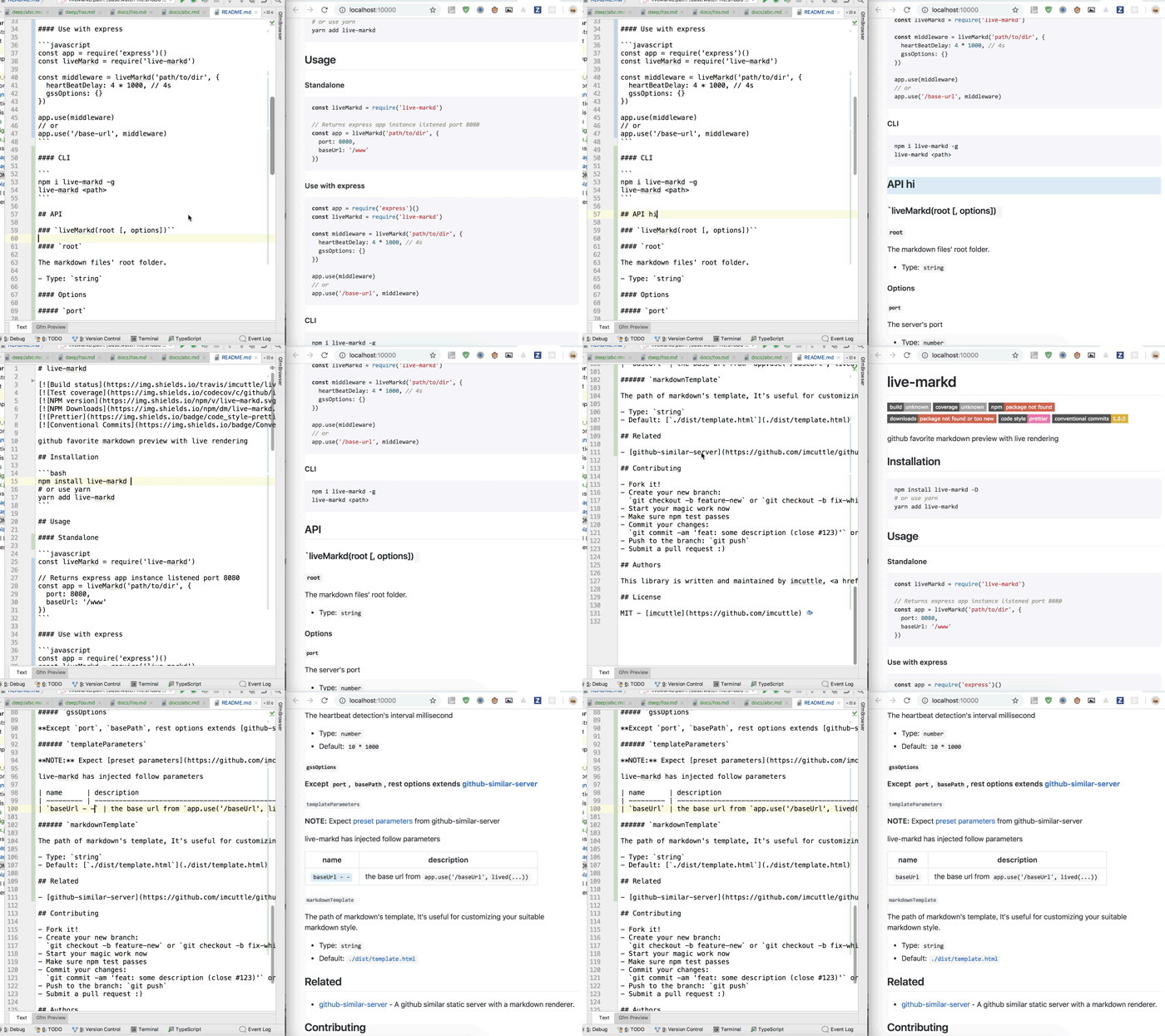
[Live Demo](https://imcuttle.github.io/detect-one-changed/)
## Table of Contents
- [Installation](#installation)
- [Usage](#usage)
- [API](#api)
- [Related](#related)
- [Contributing](#contributing)
- [Authors](#authors)
- [License](#license)
## Installation
```bash
npm install detect-one-changed
# or use yarn
yarn add detect-one-changed
```
## Usage
### Use it as an package
```javascript
const { detectMarkdown } = require('detect-one-changed')
detectMarkdown('abcd\n\n# old', 'abcd\n\n# new').text
// => 'abcd\n\n
\n\n# new\n\n
\n'
```
```javascript
const { detectMarkdown } = require('detect-one-changed')
const remark = require('remark')
const html = require('remark-html')
remark()
.use(html)
.stringify(detectMarkdown('abcd\n\n# old', 'abcd\n\n# new', { wrapType: 'ast' }).ast)
// => '
abcd
\nnew
\n'
```
```javascript
const { detectHtml } = require('detect-one-changed')
detectHtml('
old
', 'new
').text
// => 'new
'
```
### Use it as webpack loader
More information please see [loader](./docs/loader.md)'s document and [webpack example](./examples/webpack)
- Step one: (`webpack.config.js`)
```javascript
// ...
devServer: {
hot: true
},
module: {
rules: [
{
test: /\.md$/,
use: [
process.env.NODE_ENV !== 'production' && {
name: 'detect-one-changed/md-loader',
options: { returnType: 'text' }
}
// { name: 'some-md-to-html-loader' },
].filter(Boolean)
}
]
}
// ...
```
- Step two (set up HMR in browser)
```javascript
function start() {
document.querySelector('.markdown-body').innerHTML = require('./path/to/some.md')
}
if (module.hot) {
module.hot.accept('./path/to/some.md', () => {
// Injects highlight css text in
require('!style-loader!css-loader!detect-one-changed/style.css')
start()
const node = document.querySelector('.markdown-body .detected-updated')
if (node) {
// Scroll to updated node
node.scrollIntoView({ behavior: 'smooth' })
}
})
}
```
- Step three
1. `npm install webpack webpack-dev-server -D`
2. `webpack-dev-server`
### Use in [MDX](https://github.com/mdx-js/mdx)
- `webpack.config.js`
```javascript
...
{
use: /\.mdx?$/,
loaders: [
{
name: '@mdx-js/mdx-loader',
options: {
mdPlugin: [require('detect-one-changed/remark-plugin')]
}
}
]
}
```
* `src/index.js` (entry)
```javascript
import * as React from 'react'
import { render } from 'react-dom'
function start() {
const Markdown = require('./markdown.mdx').default
render(, document.querySelector('.markdown-body'))
}
start()
if (module.hot && process.env.NODE_ENV !== 'production') {
module.hot.accept(['./markdown.mdx'], () => {
require('!style-loader!css-loader!detect-one-changed/style.css')
start()
const node = document.querySelector('.detected-updated')
if (node) {
node.scrollIntoView({ behavior: 'smooth' })
}
})
}
```
## API
[See API](./docs/api.md)
## Related
- [live-markd](https://github.com/imcuttle/live-markd) - 📝Github Favorite Markdown preview with live rendering & location and highlight changed block.
## Contributing
- Fork it!
- Create your new branch:
`git checkout -b feature-new` or `git checkout -b fix-which-bug`
- Start your magic work now
- Make sure npm test passes
- Commit your changes:
`git commit -am 'feat: some description (close #123)'` or `git commit -am 'fix: some description (fix #123)'`
- Push to the branch: `git push`
- Submit a pull request :)
## Authors
This library is written and maintained by imcuttle, moyuyc95@gmail.com.
## License
MIT - [imcuttle](https://github.com/imcuttle) 🐟