https://github.com/imfing/issues-blog
📑 Publish GitHub Issues as blog or newsletter via GitHub actions automatically
https://github.com/imfing/issues-blog
actions blog deno hugo issues template website
Last synced: 9 months ago
JSON representation
📑 Publish GitHub Issues as blog or newsletter via GitHub actions automatically
- Host: GitHub
- URL: https://github.com/imfing/issues-blog
- Owner: imfing
- License: mit
- Created: 2022-11-19T20:39:43.000Z (over 3 years ago)
- Default Branch: main
- Last Pushed: 2022-12-05T02:47:39.000Z (over 3 years ago)
- Last Synced: 2025-01-09T03:11:43.840Z (over 1 year ago)
- Topics: actions, blog, deno, hugo, issues, template, website
- Language: TypeScript
- Homepage: https://imfing.github.io/issues-blog/
- Size: 85 KB
- Stars: 3
- Watchers: 2
- Forks: 1
- Open Issues: 1
-
Metadata Files:
- Readme: README.md
- License: LICENSE
Awesome Lists containing this project
README
💭 Issues Blog
Effortlessly write and publish on GitHub ✏️

## Overview
[](https://opensource.org/licenses/MIT)
🌎 [**Demo**](https://imfing.github.io/issues-blog/)
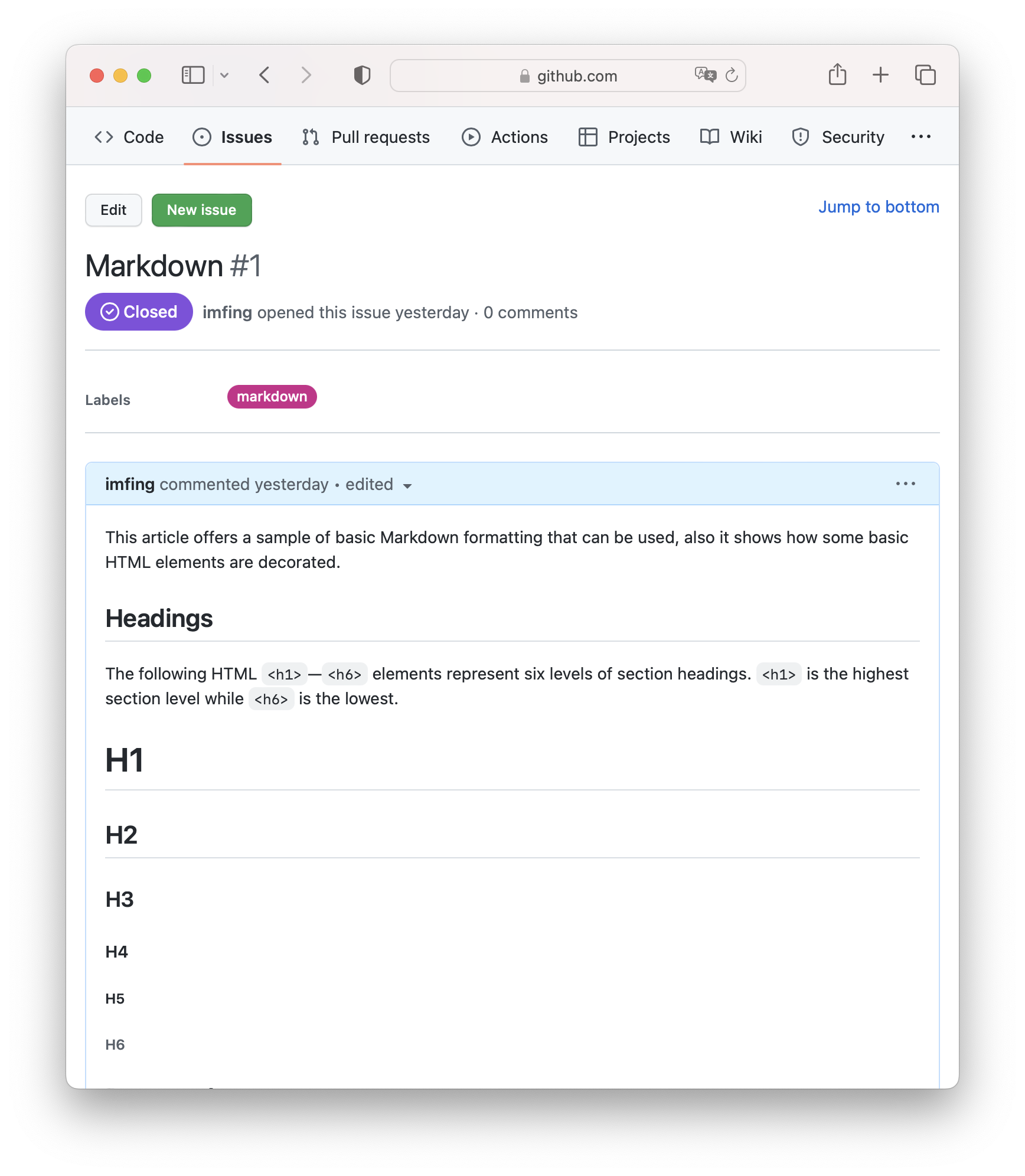
Jog down ideas, notes or blog posts, publish it as website automatically.
It uses [GitHub Issues](https://docs.github.com/en/issues/tracking-your-work-with-issues/quickstart) as [CMS](https://en.wikipedia.org/wiki/Content_management_system), [Hugo](https://gohugo.io/) and [GitHub Actions](https://docs.github.com/en/actions) for building the site. Hosted on [Pages](https://docs.github.com/en/pages/getting-started-with-github-pages/about-github-pages) for free.
## Features
- Easy to setup (see [Quick Start](https://imfing.github.io/issues-blog/posts/quick-start/))
- Blazing fast build and deploy ⚡
- Write from anywhere with GitHub web or [mobile](https://github.com/mobile)
- Clean and responsive blog theme 🫧
## Setup
- [Quick Start](https://imfing.github.io/issues-blog/posts/quick-start/)
- [Configuration](https://imfing.github.io/issues-blog/posts/configuration/)
## Use Cases
- Blogging ✍️
- Newsletter 📰
- Notes / Today I Learned (TIL) 📒
- Quick thoughts and ideas 💡
❓ **Why not just manage contents using markdown files in a repository?**
While storing and editing Markdown files in a GitHub repository is typical for building blog websites, using GitHub Issues brings these benefits:
- more user-friendly interface with built-in labelling and search 🔍
- accessible from mobile app and website, good for capturing thoughts 📱
- streamlined workflow by leveraging [GitHub Projects](https://docs.github.com/en/issues/planning-and-tracking-with-projects/learning-about-projects/quickstart-for-projects) and Issue status (open/closed)
- free GitHub CDN for displaying images and videos