https://github.com/infinite-null/to-do
https://github.com/infinite-null/to-do
Last synced: 2 months ago
JSON representation
- Host: GitHub
- URL: https://github.com/infinite-null/to-do
- Owner: Infinite-Null
- Created: 2024-10-06T17:38:21.000Z (over 1 year ago)
- Default Branch: main
- Last Pushed: 2024-10-24T06:24:46.000Z (over 1 year ago)
- Last Synced: 2025-03-05T02:45:47.620Z (over 1 year ago)
- Language: JavaScript
- Homepage: https://to-do-sigma-khaki.vercel.app
- Size: 368 KB
- Stars: 0
- Watchers: 1
- Forks: 0
- Open Issues: 0
-
Metadata Files:
- Readme: README.md
Awesome Lists containing this project
README
# Todo Application
A simple and intuitive Todo application where users can create, update, delete, and mark tasks as completed. This app provides an easy way to manage daily tasks with the following key features:
- Create new todo items to track tasks.
- Update existing todo items by editing their titles.
- Delete tasks that are no longer needed.
- Mark tasks as done to keep track of completed tasks.
- Todos are stored in local storage, so even after refreshing the page or closing the browser, your tasks will be saved.
This lightweight app is perfect for managing personal tasks and keeping track of your to-do list efficiently!

---
## Technology Used
- **React**: The app is built using the React framework, enabling a component-based structure for better maintainability and reusability.
- **JavaScript (ES6+)**: Utilized for creating dynamic and interactive features in the app.
- **Local Storage**: Todos are stored in the browser's local storage to persist data across sessions.
This combination of technologies ensures that the app is lightweight, responsive, and easy to use.
---
## How to Run
Follow these steps to run the Todo App locally on your machine:
1. **Clone the repository**
2. **Navigate to the project directory**
3. **Install dependencies**: Make sure you have Node.js and npm installed. Then, run the following command to install the necessary packages:
```
npm install
```
4. **Start the development server**: After the dependencies are installed, you can start the development server using:
```
npm start
```
5. **Open the app**: Once the server is running, open your browser and go to:
```
http://localhost:3000
```
## Screenshots
[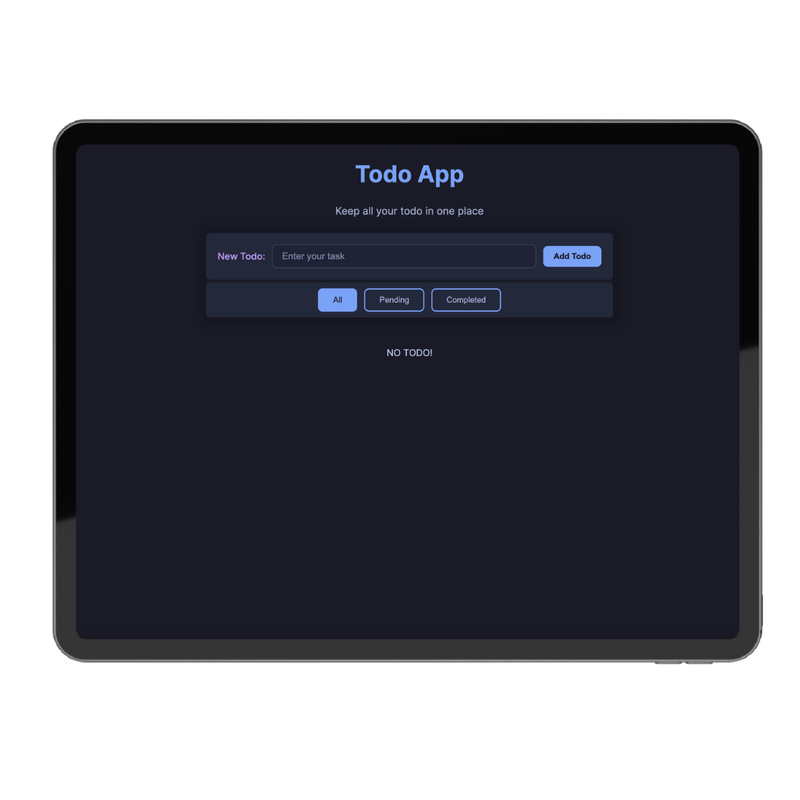](https://postimg.cc/LnS4DP8F)
[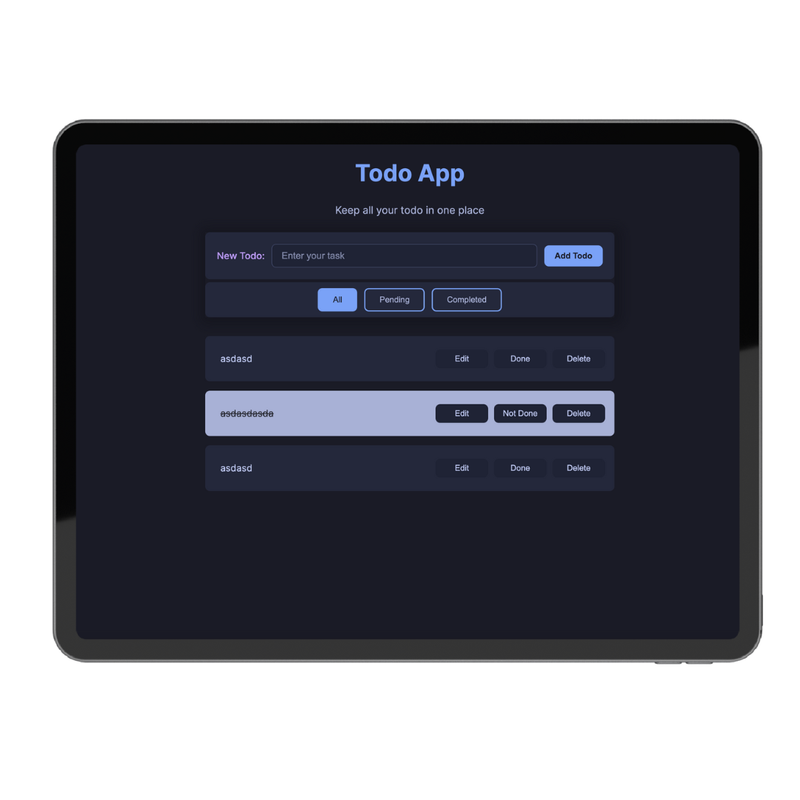](https://postimg.cc/QBzxJnHf)
[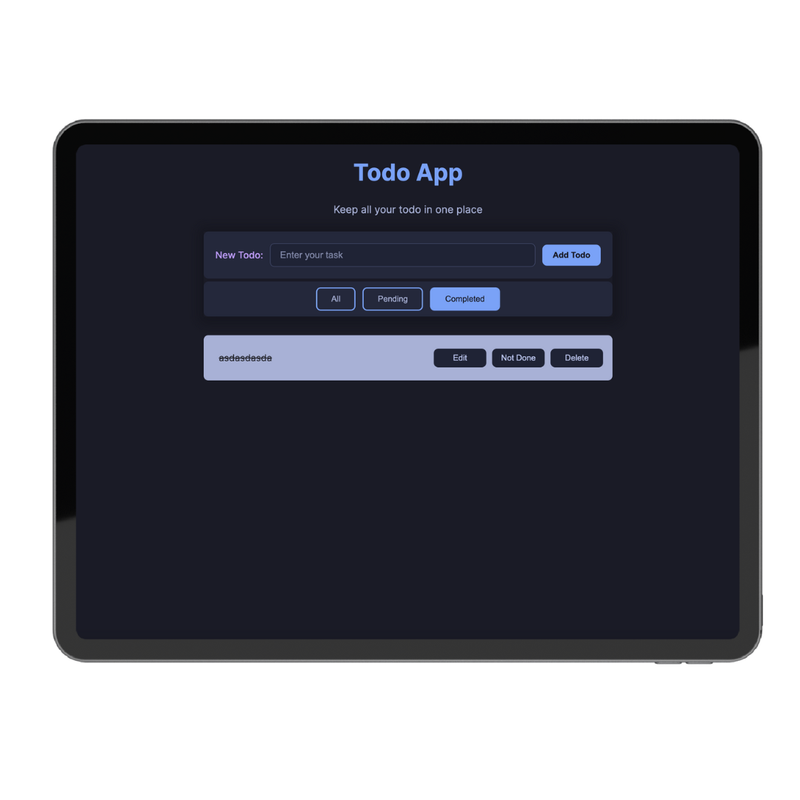](https://postimg.cc/mPbDLHvy)
[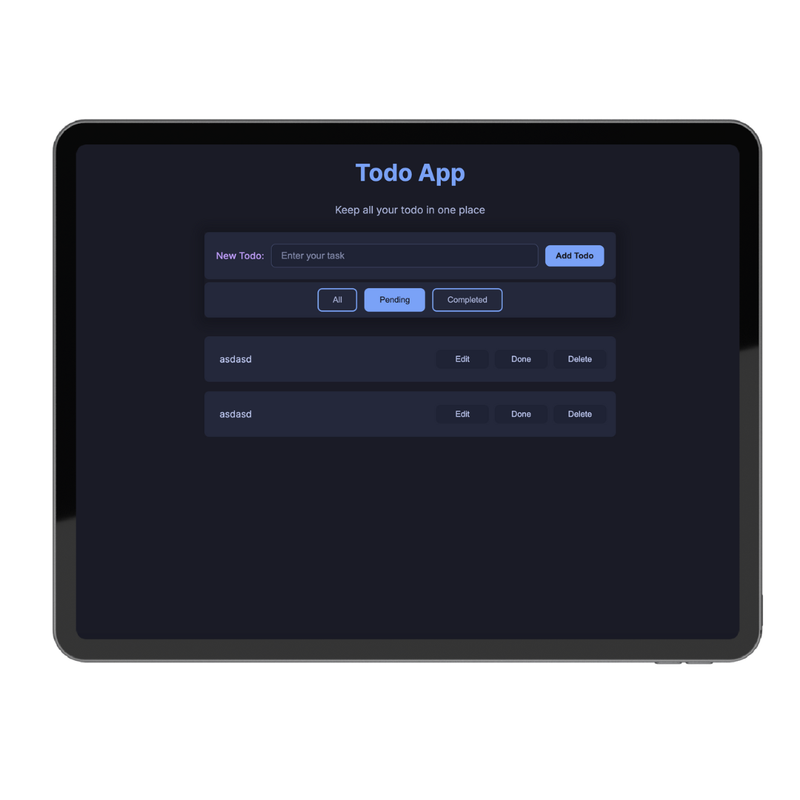](https://postimg.cc/2125V5mR)