https://github.com/inifarhan/ecommerce-admin
Full Stack E-Commerce + Dashboard & CMS: Next.js 13 App Router, React, Tailwind, Prisma, MySQL, Clerk Auth.
https://github.com/inifarhan/ecommerce-admin
clerk ecommerce ecommerce-admin mysql nextjs nextjs13 prisma react shadcn-ui tailwindcss zustand
Last synced: 11 months ago
JSON representation
Full Stack E-Commerce + Dashboard & CMS: Next.js 13 App Router, React, Tailwind, Prisma, MySQL, Clerk Auth.
- Host: GitHub
- URL: https://github.com/inifarhan/ecommerce-admin
- Owner: inifarhan
- Created: 2023-09-05T23:53:21.000Z (almost 3 years ago)
- Default Branch: main
- Last Pushed: 2023-09-21T02:08:39.000Z (almost 3 years ago)
- Last Synced: 2023-09-21T14:48:16.969Z (almost 3 years ago)
- Topics: clerk, ecommerce, ecommerce-admin, mysql, nextjs, nextjs13, prisma, react, shadcn-ui, tailwindcss, zustand
- Language: TypeScript
- Homepage: https://ecommerce-admin-iota-sepia.vercel.app/
- Size: 144 KB
- Stars: 2
- Watchers: 1
- Forks: 0
- Open Issues: 0
-
Metadata Files:
- Readme: README.md
Awesome Lists containing this project
- awesome-shadcnui - Github - admin-iota-sepia.vercel.app/) | ★32 | (Boilerplates & Starters)
README
# Ecommerce Admin
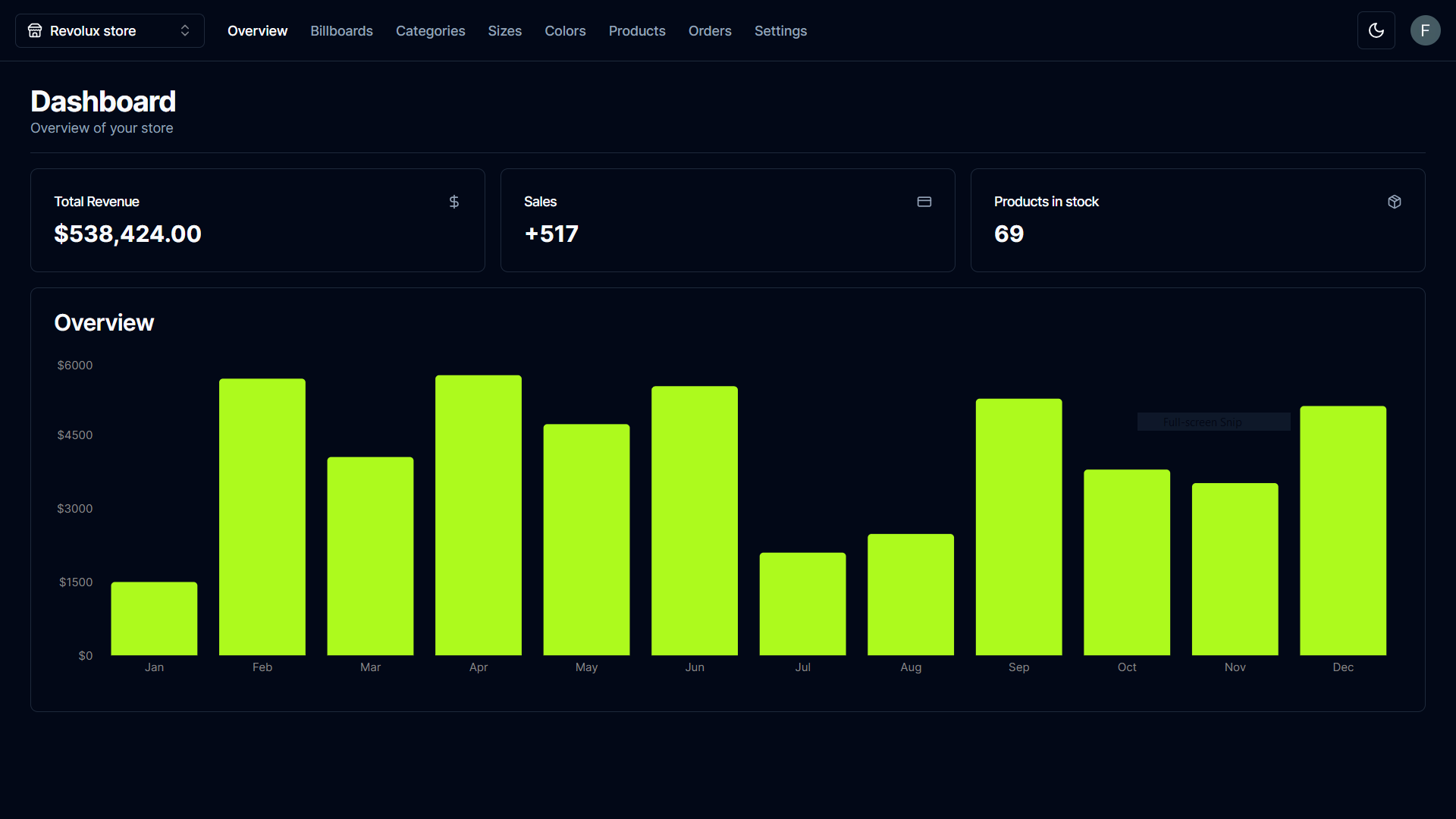
### [Live Site](https://ecommerce-admin-iota-sepia.vercel.app/)
## Introduction
Full Stack E-Commerce + Dashboard & CMS: Next.js 13 App Router, React, Tailwind, Prisma, MySQL, Clerk Auth.
The e-commerce admin dashboard is a user interface specifically designed to manage and control the operations of an online store or e-commerce platform.
### Tech Stack 💻 :
- NextJS
- React
- TailwindCSS
- Mysql
- Prisma
- Clerk Auth
- ShadcnUI
### Cloning the repository
```shell
git clone https://github.com/inifarhan/ecommerce-admin.git
```
### Install packages
```shell
npm i
```
### Setup .env file
```js
NEXT_PUBLIC_CLERK_PUBLISHABLE_KEY=
CLERK_SECRET_KEY=
NEXT_PUBLIC_CLERK_SIGN_IN_URL=/sign-in
NEXT_PUBLIC_CLERK_SIGN_UP_URL=/sign-up
NEXT_PUBLIC_CLERK_AFTER_SIGN_IN_URL=/
NEXT_PUBLIC_CLERK_AFTER_SIGN_UP_URL=/
# This was inserted by `prisma init`:
# Environment variables declared in this file are automatically made available to Prisma.
# See the documentation for more detail: https://pris.ly/d/prisma-schema#accessing-environment-variables-from-the-schema
# Prisma supports the native connection string format for PostgreSQL, MySQL, SQLite, SQL Server, MongoDB and CockroachDB.
# See the documentation for all the connection string options: https://pris.ly/d/connection-strings
DATABASE_URL=
NEXT_PUBLIC_CLOUDINARY_CLOUD_NAME=
STRIPE_API_KEY=
FRONTEND_STORE_URL=
STRIPE_WEBHOOK_SECRET=
```
### Start the app
```shell
npm run dev
```
## Available commands
Running commands with npm `npm run [command]`
| command | description |
| :-------------- | :--------------------------------------- |
| `dev` | Starts a development instance of the app |