https://github.com/inightjar/uniquerock
Bash Scripts for several system operations, User Management Scripts, Storage Information Scripts, Log Messages and Outputs, BackUp Files Easily, Delete Old Files and More Useful Tools.
https://github.com/inightjar/uniquerock
automation bash python scripts
Last synced: about 2 months ago
JSON representation
Bash Scripts for several system operations, User Management Scripts, Storage Information Scripts, Log Messages and Outputs, BackUp Files Easily, Delete Old Files and More Useful Tools.
- Host: GitHub
- URL: https://github.com/inightjar/uniquerock
- Owner: iNightjar
- Created: 2022-09-25T08:19:06.000Z (almost 4 years ago)
- Default Branch: main
- Last Pushed: 2023-12-09T01:49:10.000Z (over 2 years ago)
- Last Synced: 2025-03-01T13:26:10.474Z (over 1 year ago)
- Topics: automation, bash, python, scripts
- Language: Shell
- Homepage:
- Size: 5.38 MB
- Stars: 1
- Watchers: 1
- Forks: 0
- Open Issues: 1
-
Metadata Files:
- Readme: README.md
Awesome Lists containing this project
README
# Automate Your Daily System Operations
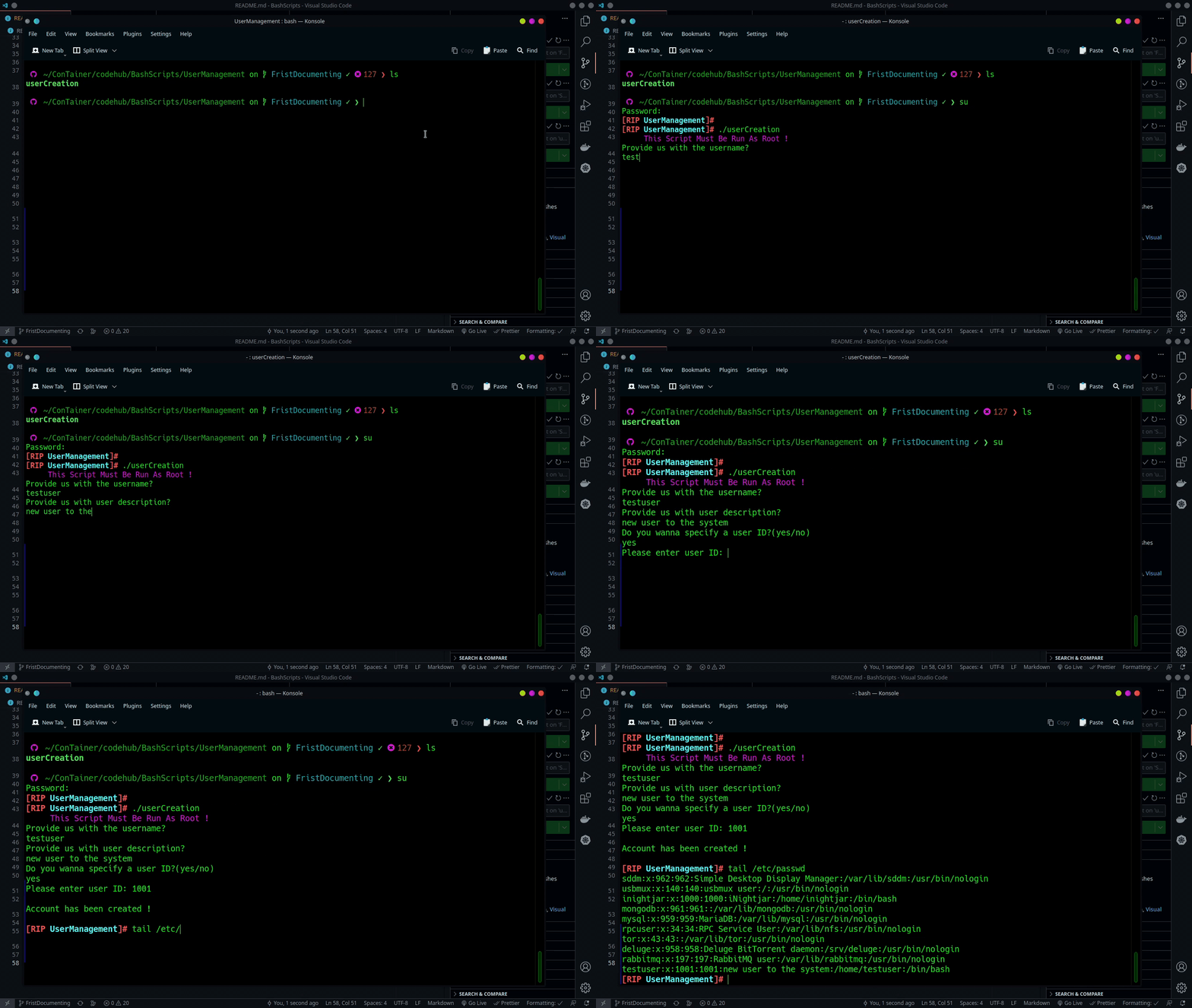
### User Management
### Create New User Script
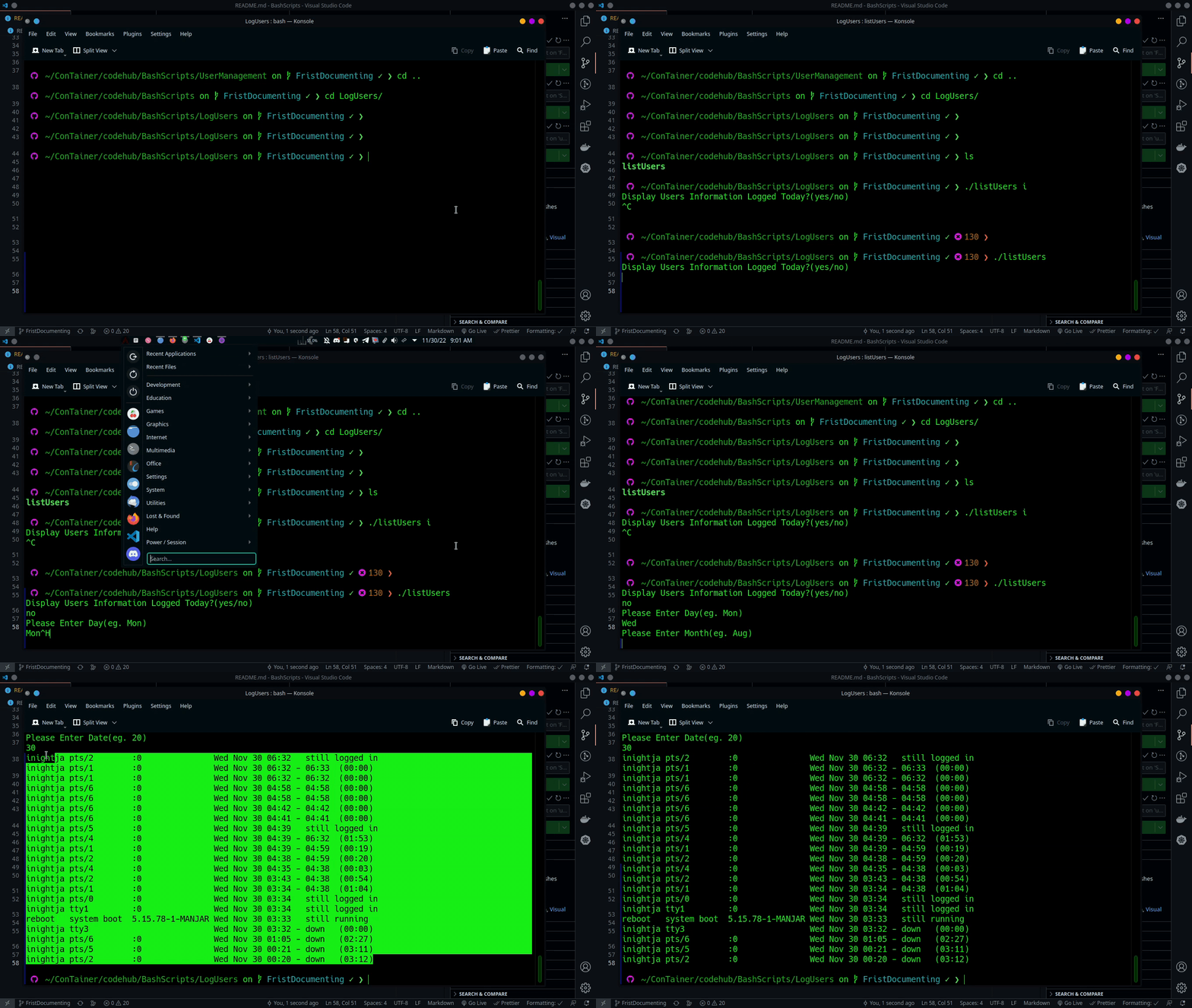
### System Logs
### Show Users Logs, You can select which day too
## Getting Started
To get started just clone the repo into your machine and get started..
1. Clone the project to have the file at your localhost.
```bash
git clone https://github.com/iNightjar/UniqueRock.git
cd UniqueRock
git checkout master
rm -rf .git
git init .
git add --all
git commit -m "Your Commit Message"
```
2. Open VSCode to edit scirpt if you like.
```bash
code .
```
The script might not work out of the box, some tweaks and a little bit of hacking is required as explained in Prerequisites
### Prerequisites
First to make the script executable from any directory, create a bin directory in your /home folder.
```bash
~$ mkdir bin
```
Place the scripts you like in the */home/USER/bin* folder and then add the path to it in the .bashrc file
Add this line as the end of your .bashrc file **export PATH=$PATH:/home/USER/bin/** USER being the logged in user
Create a .bash_aliases file if you dont have one and add this line
**alias [type what you want]=[bash file choosen]**.
So as to prevent logging out and in again so as to load the changes done to the *.bashrc* run this command from you home directory
```bash
~$ source ~/.bashrc
```
Once that is done you are ready to go.