https://github.com/intelligent-systems-lab-org/simunex
A high-fidelity dynamic simulation framework.
https://github.com/intelligent-systems-lab-org/simunex
3d-visualization control-systems dynamic-simulation robotics-simulation
Last synced: about 1 year ago
JSON representation
A high-fidelity dynamic simulation framework.
- Host: GitHub
- URL: https://github.com/intelligent-systems-lab-org/simunex
- Owner: intelligent-systems-lab-org
- License: other
- Created: 2023-10-05T15:42:15.000Z (over 2 years ago)
- Default Branch: main
- Last Pushed: 2024-10-19T13:27:34.000Z (over 1 year ago)
- Last Synced: 2025-04-12T13:41:00.876Z (about 1 year ago)
- Topics: 3d-visualization, control-systems, dynamic-simulation, robotics-simulation
- Language: C#
- Homepage:
- Size: 56.6 MB
- Stars: 1
- Watchers: 1
- Forks: 0
- Open Issues: 2
-
Metadata Files:
- Readme: README.md
- Changelog: CHANGELOG.md
- Contributing: CONTRIBUTING.md
- License: LICENSE.md
- Code of conduct: CODE_OF_CONDUCT.md
- Citation: CITATION.cff
- Codeowners: .github/CODEOWNERS
Awesome Lists containing this project
README






-----
A modular high-fidelity dynamic simulation framework
that runs on top of Unity.
-----
# SimuNEX
SimuNEX is a high-fidelity dynamic simulation framework designed as a modular platform to simulate dynamic systems across various domains. It serves as a powerful tool for researchers, engineering students, and members of the Intelligent Systems Lab, offering a versatile environment for simulating complex systems and phenomena.
## Getting Started
1. **Install Unity**: The project is currently developed in [Unity](https://unity.com/) 2022.3.10f1 but it may be compatible with other versions.
2. **Clone Repository**: Use your preferred Git client to clone the repository from its GitHub page.
3. **Open in Unity Editor**: This is done by adding the `\UnityProject` folder in the Unity Editor. You're now all set to start building and simulating dynamic systems!
For any additional details, configurations, or advanced setups, refer to the [documentation](#documentation).
# Features
SimuNEX is in its early stages of development and is only usable through the Unity Editor, offering interfaces for building dynamic systems similar to an API. Currently, the following features are available:
- Simulation of single rigid body systems including quadcopters and AUVs (autonomous underwater vehicles).
- Reactive and event-driven simulation - constructed objects can have their properties modified and the changes occur immediately during simulation.
- Environment-based force system where forces are automatically applied to systems within a boundary and removed when exiting the boundary.
- A generic interface that can be used to incorporate different actuators, sensors, loads, and communication components into the system.
- Functional interfaces have been established for actuators such as motors and loads like propellers.
- Automated detection of actuators and sensors with supervisory systems.
- Fault injection for actuators and sensors, including a user-friendly menus for adding and removing faults.
- Support for ROS 2 integration ensures compatibility with current robotics systems.
- Interfaces have also been created for modeling state-space systems, which are widely employed in control theory.
- Various integrating techniques including Euler, Heun, and RK4 steppers are implemented for accurate simulation of dynamical systems.
- A high performance matrix library built on top of eigen3 is incorporated to handle different state-spaces and functionals within the system efficiently.
For upcoming plans and features, please check out the ongoing [projects](https://github.com/intelligent-systems-lab-org/SimuNEX/projects).
## Model Examples
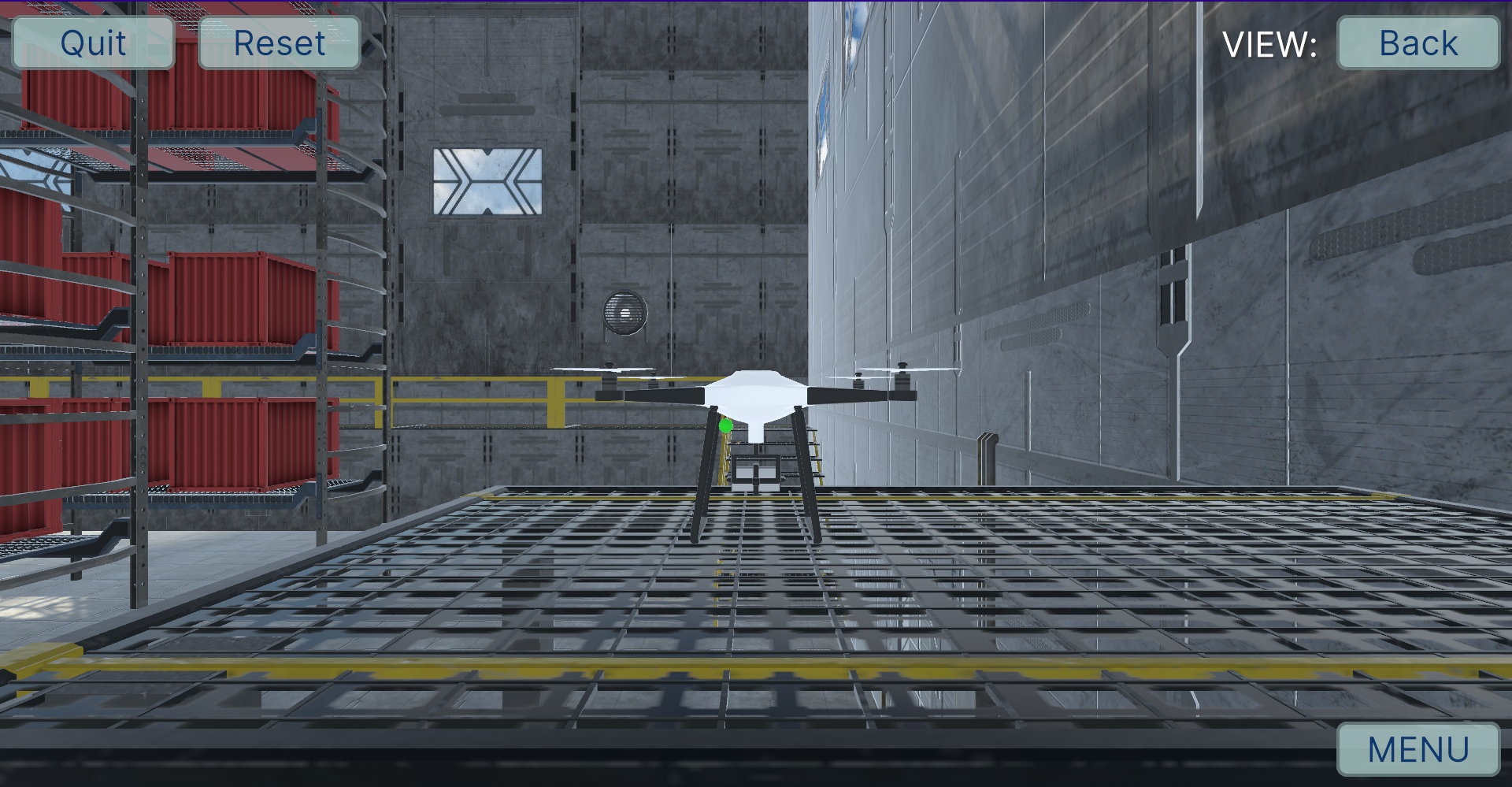
Quadcopter
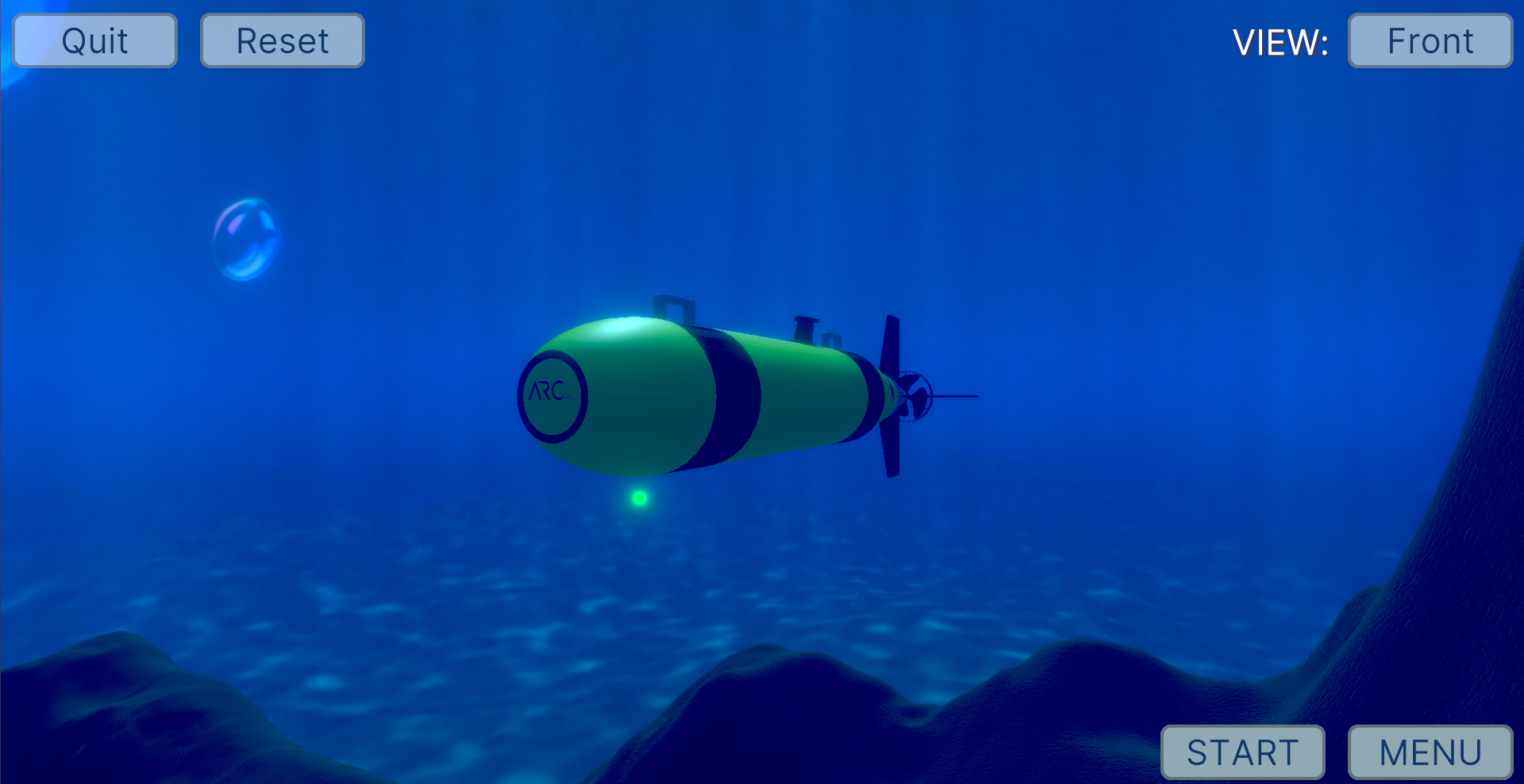
AUV
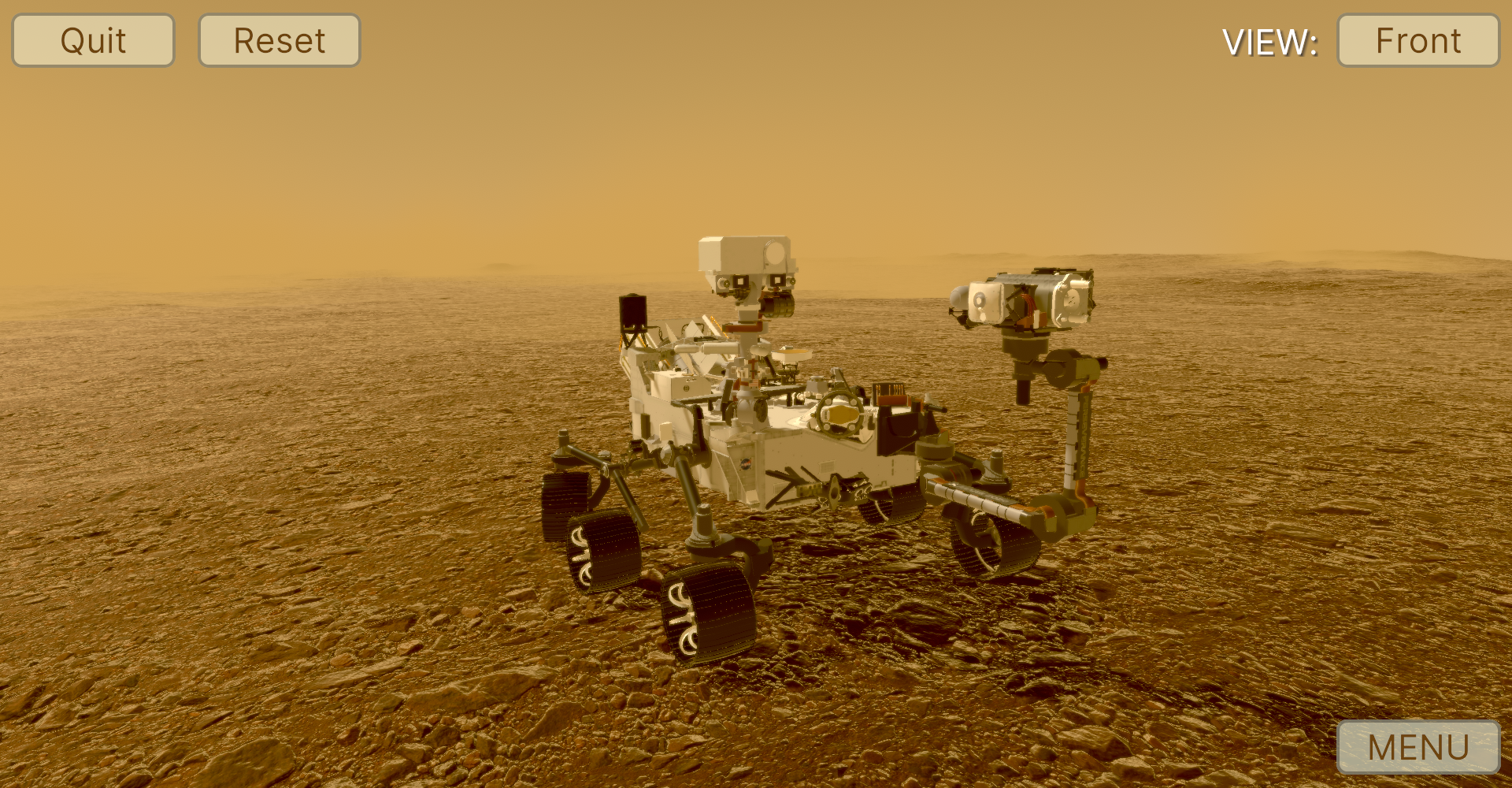
Mars Rover
3D Model by NASA.
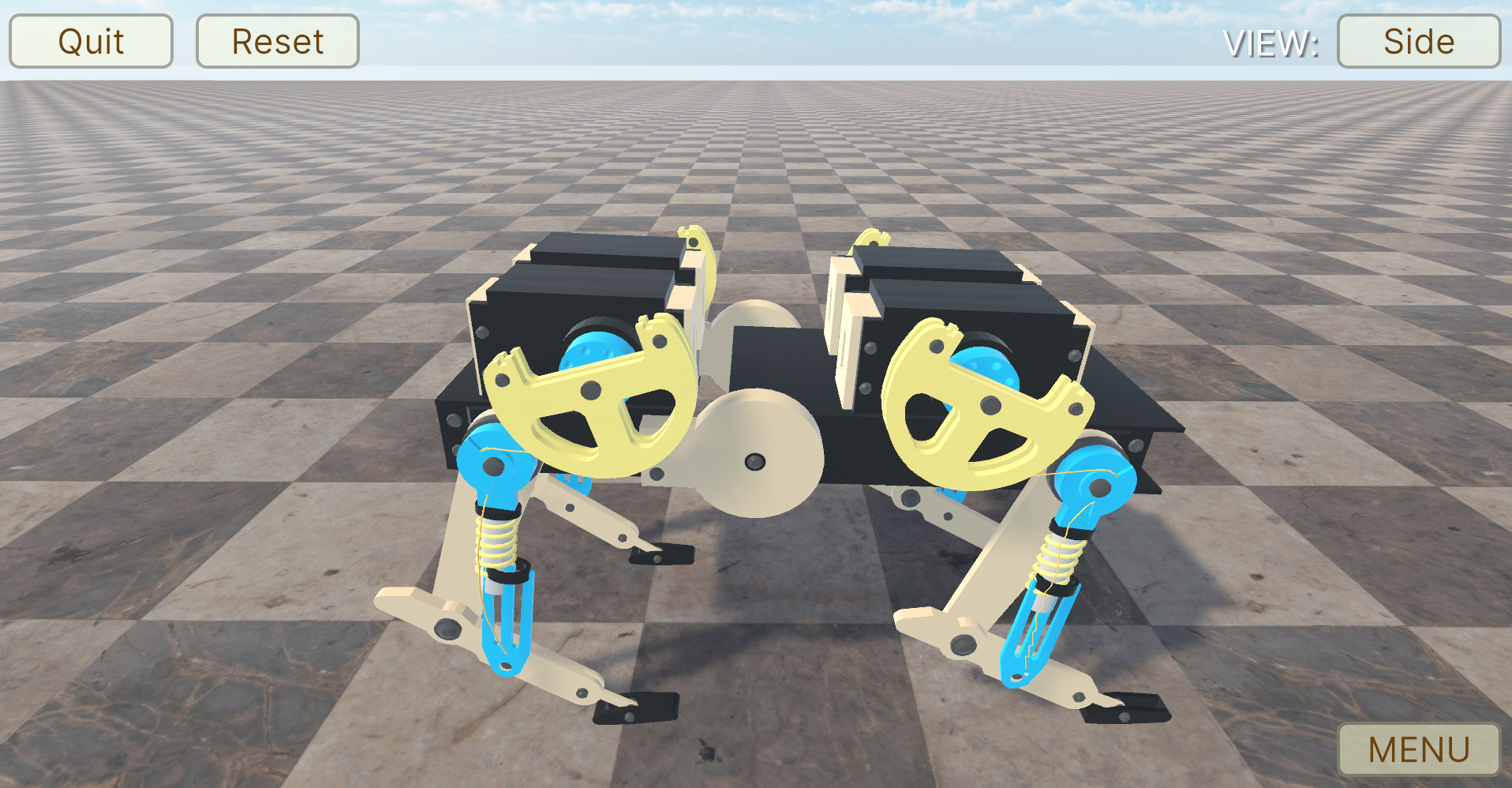
Quadruped Robot
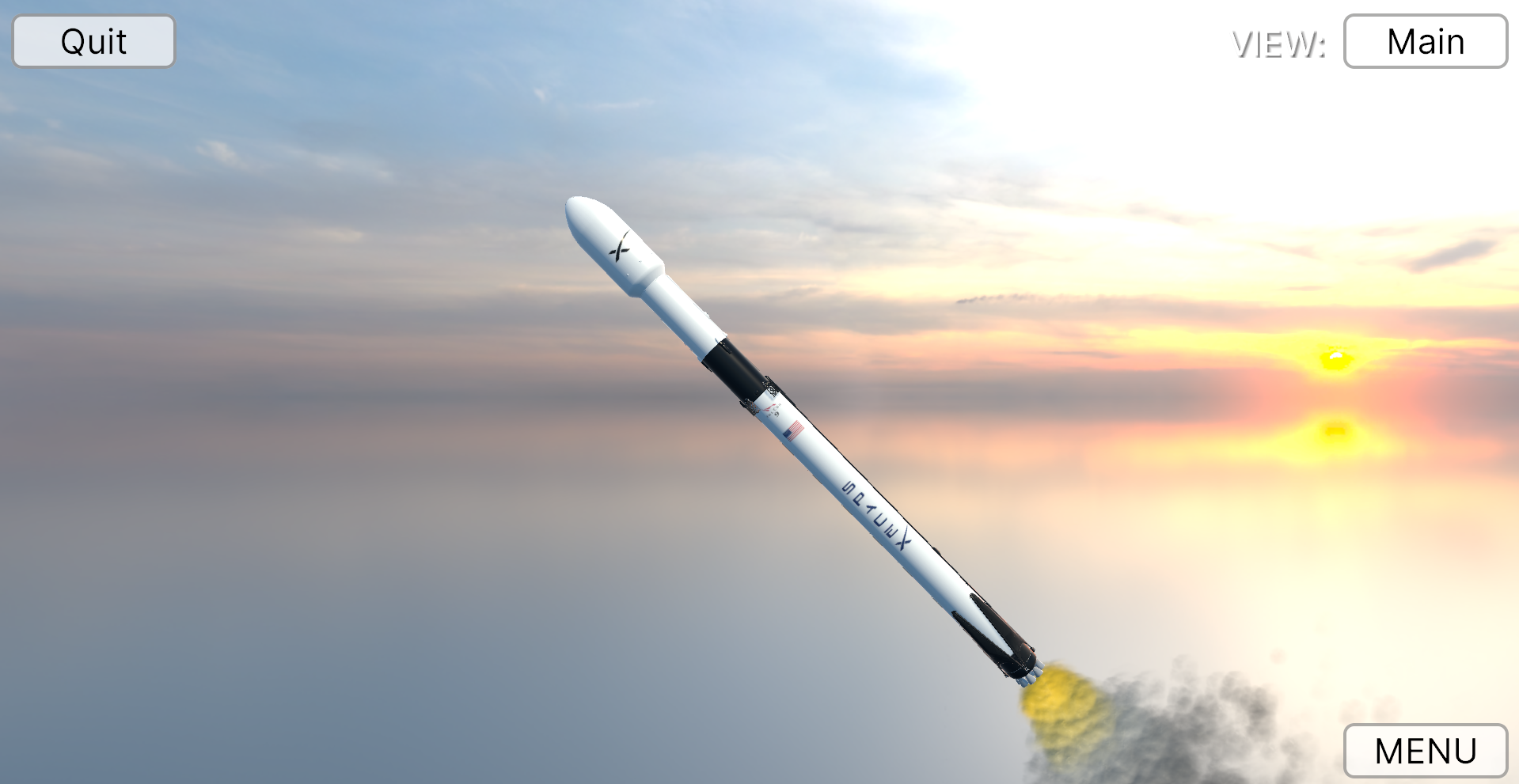
Multi-stage Rocket
3D Model by Stanley Creative.
# Documentation
Our project documentation is hosted on **Render** and is structured as follows:
- **User Documentation**: Accessible from the root URL [https://simunex-web.onrender.com](https://simunex-web.onrender.com). This section contains guides, tutorials, and general information about the project.
- **Developer Documentation**: Accessible at [https://simunex-web.onrender.com/dev/](https://simunex-web.onrender.com/dev/). This section, generated by Doxygen, includes detailed API documentation and is intended for developers working with or contributing to the project.
### Hosting Documentation Locally
To host the documentation locally, you'll need **Docker** installed on your system as it provides an isolated environment with all necessary dependencies. The documentation can be hosted using helper scripts included in the repository. Here's how to do it:
1. **Install Docker**: Ensure Docker is installed on your system. Visit the [Docker Installation Guide](https://docs.docker.com/get-docker/) for instructions.
2. **Clone the Repository**: If you haven't already, clone the repository to your local machine:
```sh
git clone https://github.com/intelligent-systems-lab-org/SimuNEX.git
cd SimuNEX
```
3. **Run the Build Script**: Use the `build_docs.sh` script (or `build_docs.bat` on Windows) to build the Docker image and optionally run the container. This script updates the documentation version using the version specified in `package.json`, builds the Docker image that contains Sphinx and Doxygen documentation, and optionally runs the container locally.
To build the Docker image and run the container (making the documentation available on `localhost`):
```sh
./build_docs.sh --host
```
4. **Accessing Documentation Locally**: Once the container is running, you can access the user documentation at [http://localhost](http://localhost) and the developer documentation at [http://localhost/dev/](http://localhost/dev/).
### Notes
- The `build_docs.sh` script automates the process of setting up and serving the documentation locally. It requires Docker to be installed because it builds the documentation inside Docker containers to ensure a consistent environment.
- Running the script with the `--host` flag will start the Docker containers and serve the documentation on your local machine. Without the flag, it will only update the versions in the `Doxyfile` and sphinx's `conf.py` specified from the `package.json` file.
## Plugins
| Name | Version | Supported OS | Purpose | URL |
|---------------|---------|--------------|---------|--------------------------|
| ROS2ForUnity | 1.1.0 | Windows, Linux | Communication using ROS 2[^1] | [link](https://github.com/RobotecAI/ros2-for-unity) |
| Eigen | 3.4.0 | Windows[^2] | For matrix operations | [link](https://gitlab.com/libeigen/eigen) |
| ErrorProne.NET.CoreAnalyzers | 0.1.2 | Windows | For code analysis and Roslyn support[^3] | [link](https://www.nuget.org/packages/ErrorProne.NET.CoreAnalyzers/) |
| NSubstitute (**experimental**) | 5.1.0 | Windows, Linux | For mock testing | [link](https://www.nuget.org/packages/NSubstitute) |
[^1]: Currently on Foxy installations only.
[^2]: Custom C# bindings that only currently support Windows. Separately maintained in another repository. See [here](https://github.com/intelligent-systems-lab-org/eigen).
[^3]: Functions with Visual Studio 2022.
### ROS on Windows
ROS 2 was tested on Windows, the ROSOnWindows binary was installed, which can be found [here](https://ms-iot.github.io/ROSOnWindows/GettingStarted/SetupRos2.html). This binary is provided by Microsoft's IoT team and is designed to simplify the installation process for ROS 2 on Windows. Credit should be given to the ms-iot team for their work on the binary, and their repository can be found [here](https://github.com/ms-iot/rosonwindows/).
# License
SimuNEX© 2022-2023 by [Lee Bissessar](https://github.com/leebissessar5), [Intelligent Systems Lab (ISL)](https://intelsyslab.com/) is licensed under the SimuNEX License.
Under this license, users may utilize the software for personal or educational purposes and are granted permission to modify and redistribute the software freely, subject to certain conditions outlined in the full license. These conditions include restrictions against commercial and military use, requirements for attribution, and guidelines for redistribution of altered versions.
Please note that the SimuNEX License supersedes the previous CC-BY-NC-SA-4 International License. For a detailed overview of the terms and conditions, please refer to the [LICENSE](https://github.com/intelligent-systems-lab-org/simunex.github.io/blob/main/LICENSE.md) file.