https://github.com/intercom/intercom-wordpress
Intercom integration with Wordpress
https://github.com/intercom/intercom-wordpress
Last synced: 7 months ago
JSON representation
Intercom integration with Wordpress
- Host: GitHub
- URL: https://github.com/intercom/intercom-wordpress
- Owner: intercom
- Created: 2015-08-04T10:28:54.000Z (almost 11 years ago)
- Default Branch: master
- Last Pushed: 2025-04-11T13:08:31.000Z (about 1 year ago)
- Last Synced: 2025-04-12T06:42:54.615Z (about 1 year ago)
- Language: PHP
- Homepage:
- Size: 977 KB
- Stars: 28
- Watchers: 175
- Forks: 13
- Open Issues: 10
-
Metadata Files:
- Readme: readme.md
Awesome Lists containing this project
README
# Intercom / WordPress
[](https://travis-ci.org/intercom/intercom-wordpress)
# Compatibility
Requires PHP 7.2 or higher.
# Local Testing
Running tests requires [phpunit](https://phpunit.de/).
```php
INTERCOM_PLUGIN_TEST=1 phpunit
```
# Usage
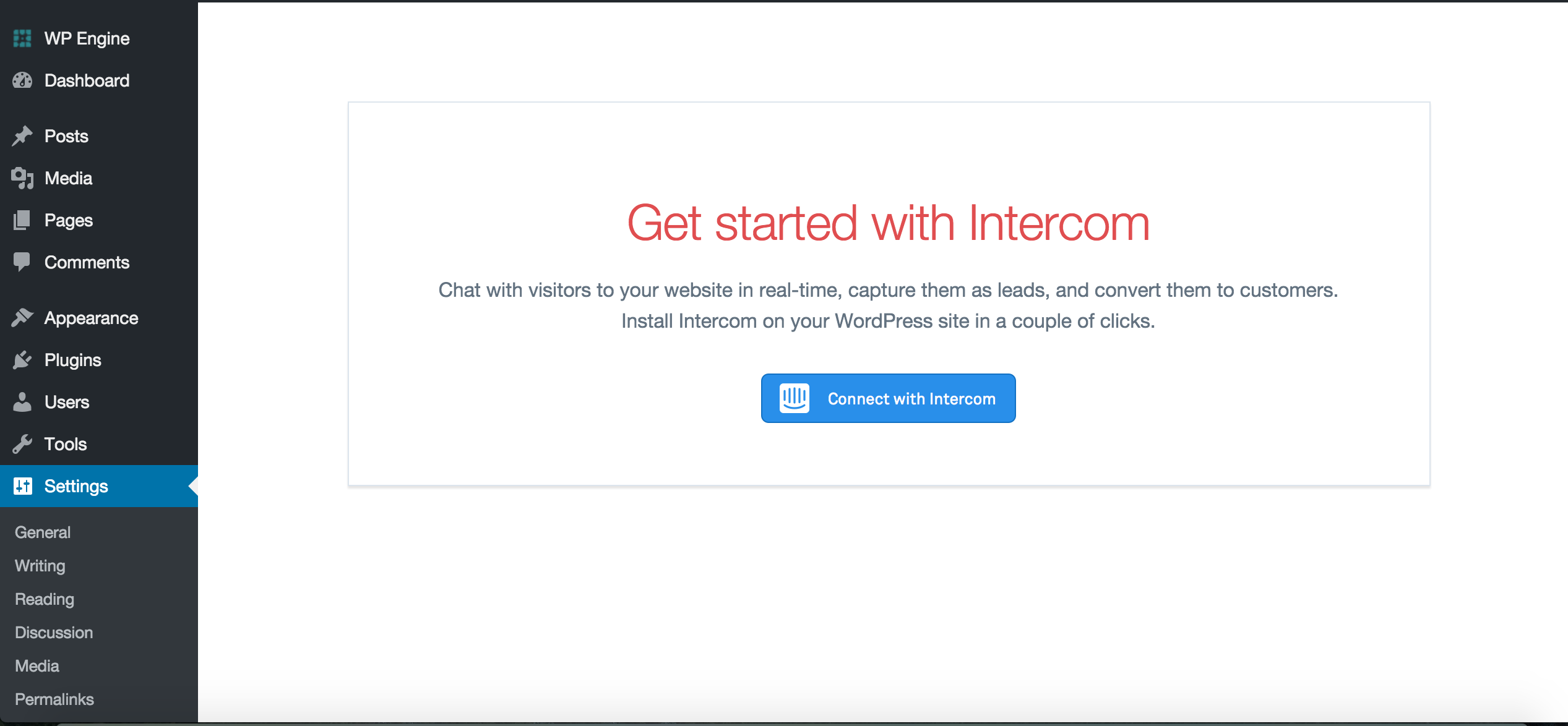
Installing this plugin provides a new Intercom settings page.
Authenticate with Intercom to retrieve your app_id and Identity Verification secret.
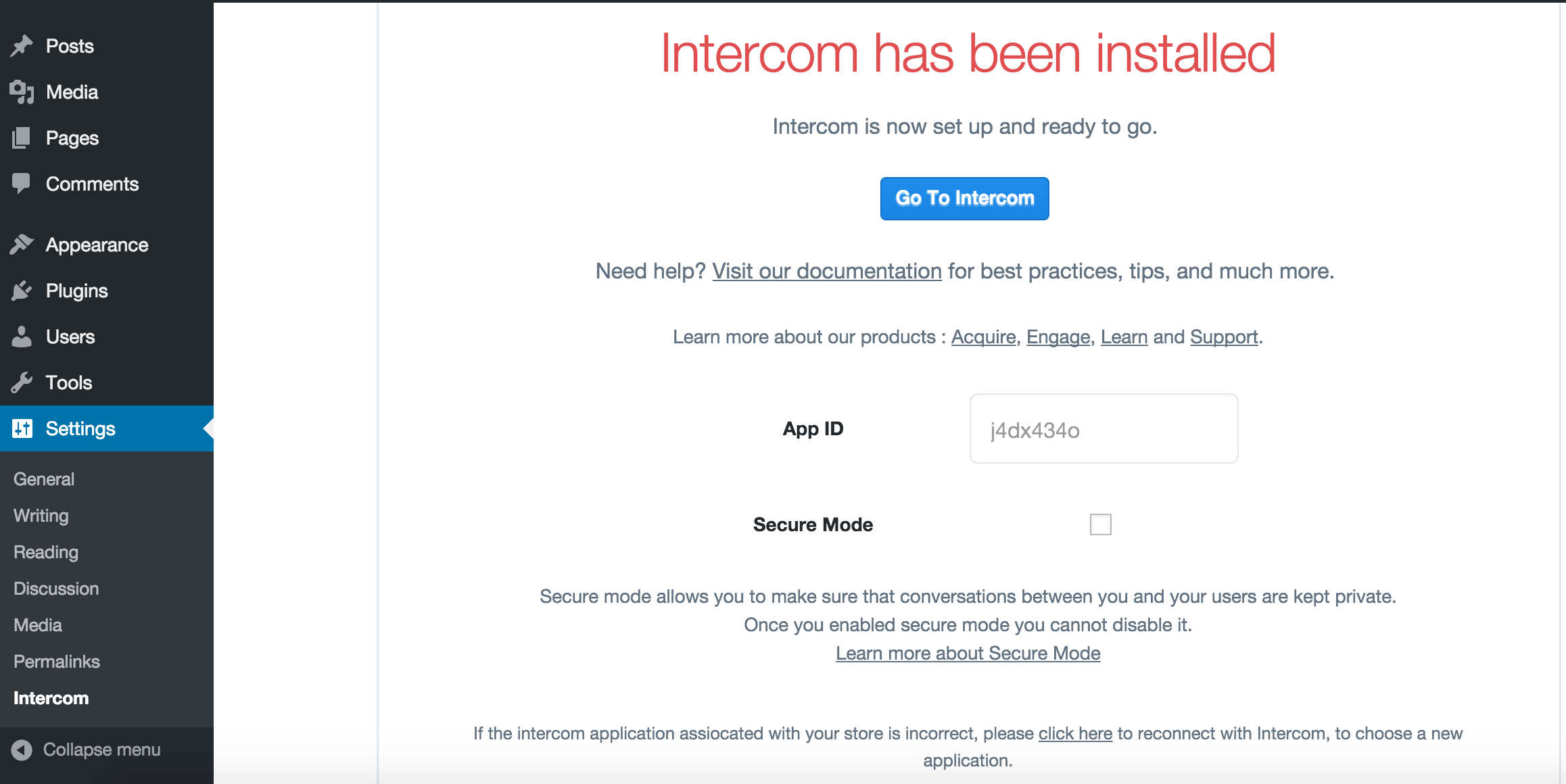
Once authenticated, the Intercom widget will automatically appear on your site.
NB: This plugin injects a Javascript snippet on your website frontend containing dynamic user data. Some caching solutions will cache entire pages and should not be used with this plugin. Doing so may cause conversations to be delivered to the wrong user.
# Pass custom data attributes to the Intercom Messenger
Using the [add_filter](https://developer.wordpress.org/reference/functions/add_filter) method in your WordPress theme or custom plugin you can pass [custom data attributes](https://www.intercom.com/help/en/articles/179-create-and-track-custom-data-attributes-cdas) to the Intercom Messenger (see example below):
```php
add_filter( 'intercom_settings', function( $settings ) {
$settings['customer_type'] = $customer_type;
return $settings;
} );
```
# Users
If a `$current_user` is present, we use their email and ID as an identifier in the widget.
We recommend enabling [Identity Verification](https://docs.intercom.com/configure-intercom-for-your-product-or-site/staying-secure/enable-identity-verification-on-your-web-product) in the settings page.
# Contributing
* Check out the latest master to make sure the feature hasn't been implemented or the bug hasn't been fixed yet.
* Check out the issue tracker to make sure someone already hasn't requested it and/or contributed it.
* Fork the project.
* Start a feature/bugfix branch.
* Commit and push until you are happy with your contribution.
* Make sure to add tests for it. This is important so we don't break it in a future version unintentionally.