https://github.com/iphands/osxtray
WIP tray stuff for OSX
https://github.com/iphands/osxtray
Last synced: over 1 year ago
JSON representation
WIP tray stuff for OSX
- Host: GitHub
- URL: https://github.com/iphands/osxtray
- Owner: iphands
- Created: 2021-03-03T20:59:25.000Z (over 5 years ago)
- Default Branch: main
- Last Pushed: 2022-06-30T20:09:52.000Z (about 4 years ago)
- Last Synced: 2025-04-16T01:51:12.543Z (over 1 year ago)
- Language: Rust
- Size: 438 KB
- Stars: 6
- Watchers: 2
- Forks: 0
- Open Issues: 0
-
Metadata Files:
- Readme: README.md
Awesome Lists containing this project
README
          # OSX Tray

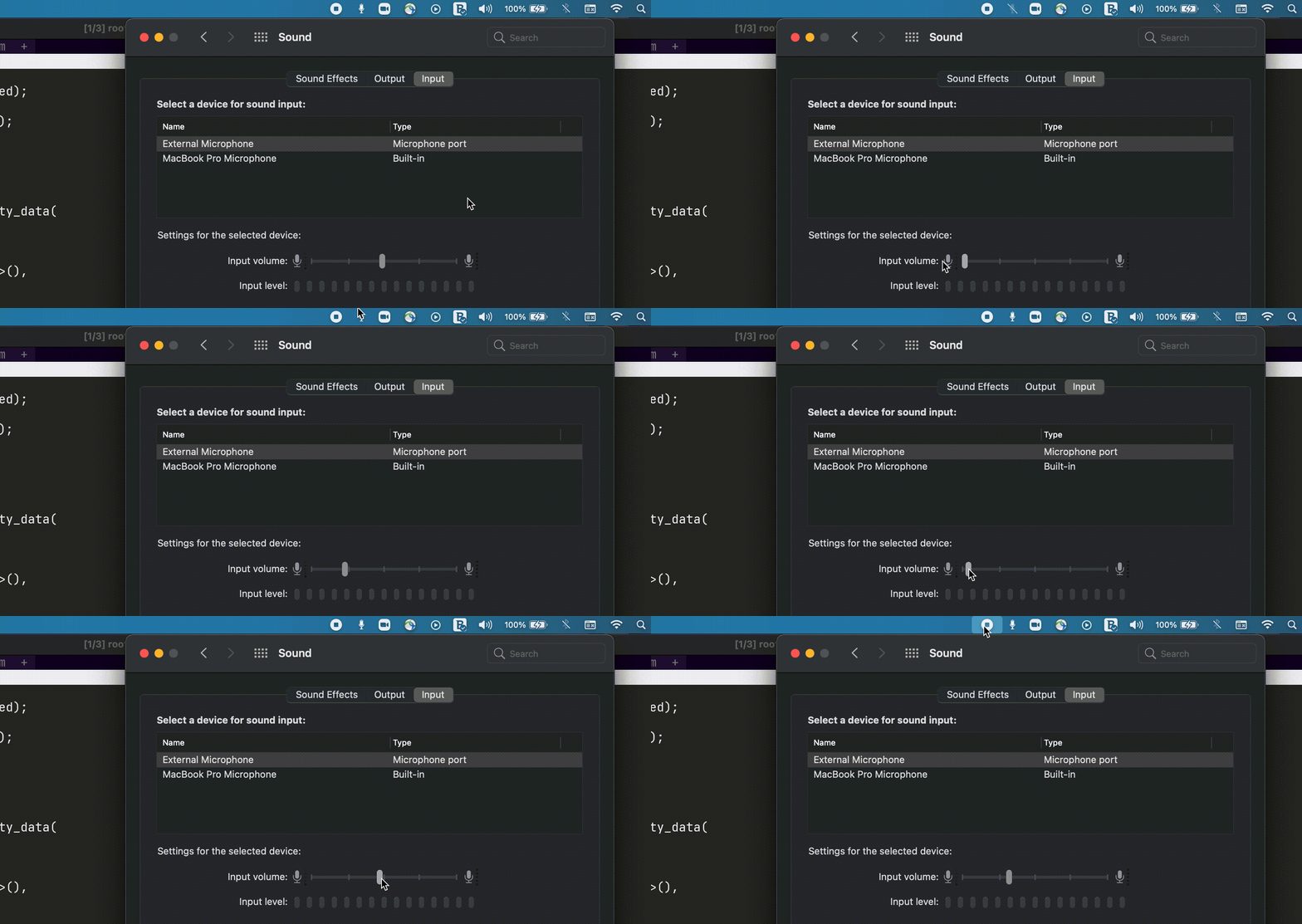
Can't live my global microphone mute tray thingy.

WIP at the moment there are some issues:

- Still need to clean up the old listeners on hardware change :D

- Fixed: ~~OSX sucks! For some reason **muted** and **vol=0** Zoom and other apps can still hear me :(~~

- Fixed: ~~including the code does not setup new listeners when devices changes (includes headphones plug/unplug)~~

- Fixed: ~~There is still some issue where with two devices osxtray might report mute, but Zoom is looking at the

other mic. I'll probably change the toggle (Apple Script) code to just mute all devices instead of targeting the primary.~~

## Install / Run

```shell

$ git clone https://github.com/iphands/osxtray.git

$ cd osxtray

$ cargo build --release && ./target/release/osxtray

```

You can also import the Automator workflow and use it as a quick action (touchbar)

```shell

$ cargo build --release

$ mkdir -p ~/bin && cp ./target/release/mic_toggle ~/bin/

$ cp -r workflow/Toggle.workflow  ~/Library/Services/

```

## How to toggle mute from keyboard

I used this [AppleScript + Automator + keyboard shortcut](https://blog.fosketts.net/2010/08/09/assign-keyboard-shortcut-applescript-automator-service/) guide for now.

~~And this [helpful hint](https://superuser.com/a/397770) for the AppleScript~~

Instead of using the AppleScript use the `./target/release/mic_toggle` binary.

This helps mute/unmute all the mics that are on the systems.

## Screenshots