https://github.com/isaced/logpage
Helps you quickly deploy a live updated Changelog page based on a CHANGELOG.md file, inspired by headwayapp.co, LogLive.
https://github.com/isaced/logpage
Last synced: 24 days ago
JSON representation
Helps you quickly deploy a live updated Changelog page based on a CHANGELOG.md file, inspired by headwayapp.co, LogLive.
- Host: GitHub
- URL: https://github.com/isaced/logpage
- Owner: isaced
- License: mit
- Created: 2023-06-12T05:54:42.000Z (about 3 years ago)
- Default Branch: main
- Last Pushed: 2023-06-12T15:07:33.000Z (about 3 years ago)
- Last Synced: 2025-03-16T12:46:19.232Z (over 1 year ago)
- Language: JavaScript
- Homepage: https://logp.netlify.app
- Size: 55.7 KB
- Stars: 1
- Watchers: 2
- Forks: 0
- Open Issues: 0
-
Metadata Files:
- Readme: README.md
- Changelog: CHANGELOG.md
- License: LICENSE
Awesome Lists containing this project
README
# LogPage [](https://npmjs.com/package/logpage)
Helps you quickly deploy a live updated Changelog page based on a `CHANGELOG.md` file, inspired by [headwayapp.co](https://headwayapp.co/), [LogLive](https://github.com/egoist/loglive).
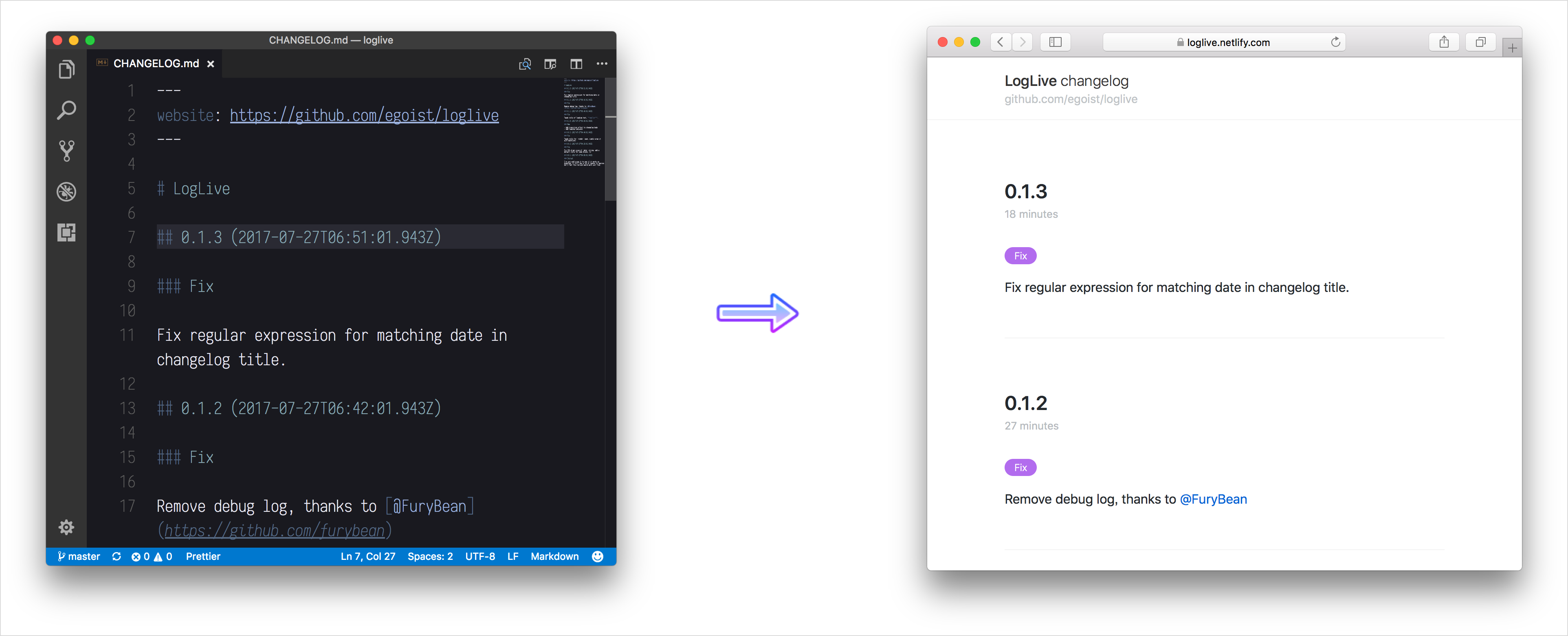
Live Demo: https://logp.netlify.app
## Usage
You can simply create an `index.html` and include `logpage` there:
```html
LogPage Example
import LogPage from 'https://unpkg.com/logpage';
new LogPage({
target: document.getElementById('app')
});
```
Then you can start to write a `CHANGELOG.md`, by default LogPage will read from `http://your-website/CHANGELOG.md`, however you can use a custom path:
```
new LogPage({
target: document.getElementById('app'),
props: {}
});
```
## Config
- `showHeader` (boolean): Show the header or not
## Changelog Format
### Example
```md
# My Website
## Add TypeScript support (2016-07-23)
### New
- Now added Typescript support.
- Some other new stuffs.
### Fix
Fixed some babel problems.
```
### Site name
The value of `h1` heading will be used as website name:
```md
# My Website
```
### Changelog Title
Changelog title is an `h2` heading which consists of two parts, `title` and `date` and `date` is totally optional.
```md
## changelog title (date)
```
Sometime you just want to use semantic version as the changelog title:
```md
## 1.0.0 (2023-06-12)
```
### Change Type
Change type is an `h3` heading which describes the type of the change, eg: `Fix`. And it shows up like:

By default we have pre-defined colors for specific types which include: `Fix` `Breaking` `New`, other types will get a random color.
You can also set color for custom change type:
```js
new LogPage({
target: document.getElementById('app'),
props: {
colors: {
'Bug fixes': '#342343'
}
}
});
```
## Front Matters
### website
You changelog is born for your product, so adding a link to your actual product is necessary:
```md
---
website: http://my-fantastic-app.com
---
```