https://github.com/izaelgs/targetmanager
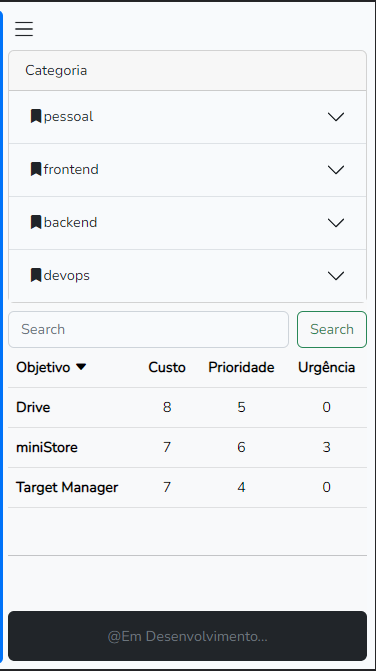
Plataforma para gerenciamento de metas e objetivos e classificação por prioridade, custo, retorno, prazo e urgência calculada de forma automárica
https://github.com/izaelgs/targetmanager
bootstrap html javascript jquery laravel mysql sass vuejs
Last synced: 3 months ago
JSON representation
Plataforma para gerenciamento de metas e objetivos e classificação por prioridade, custo, retorno, prazo e urgência calculada de forma automárica
- Host: GitHub
- URL: https://github.com/izaelgs/targetmanager
- Owner: izaelgs
- Created: 2022-11-07T11:41:30.000Z (over 3 years ago)
- Default Branch: master
- Last Pushed: 2023-03-29T00:24:26.000Z (over 3 years ago)
- Last Synced: 2025-09-09T15:59:57.526Z (10 months ago)
- Topics: bootstrap, html, javascript, jquery, laravel, mysql, sass, vuejs
- Language: PHP
- Homepage: https://iza.netlify.app/
- Size: 1.27 MB
- Stars: 0
- Watchers: 2
- Forks: 0
- Open Issues: 0
-
Metadata Files:
- Readme: README.md
Awesome Lists containing this project
README
# Target Manager
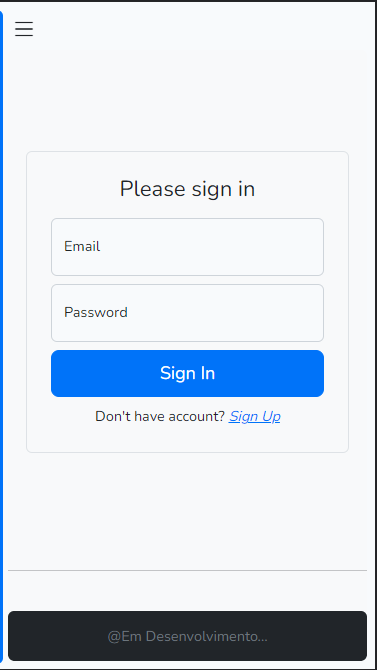
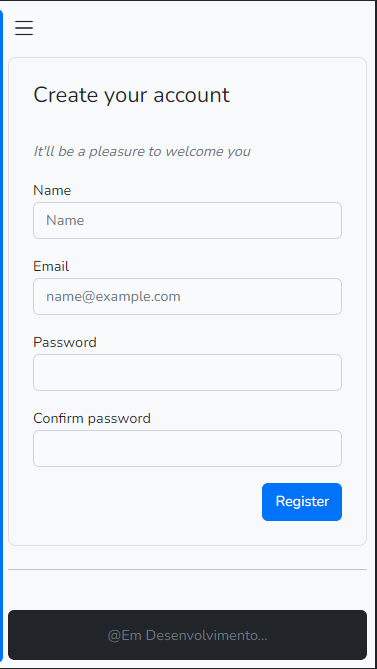
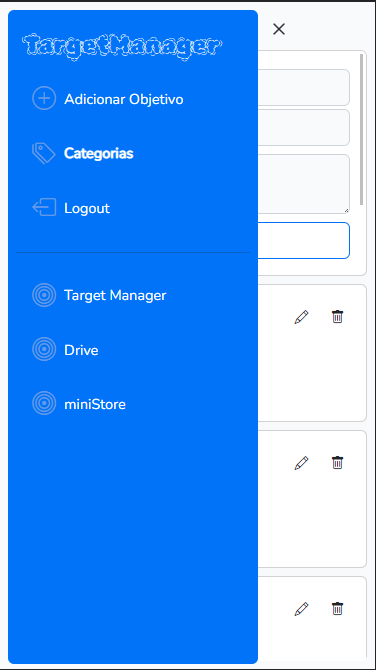
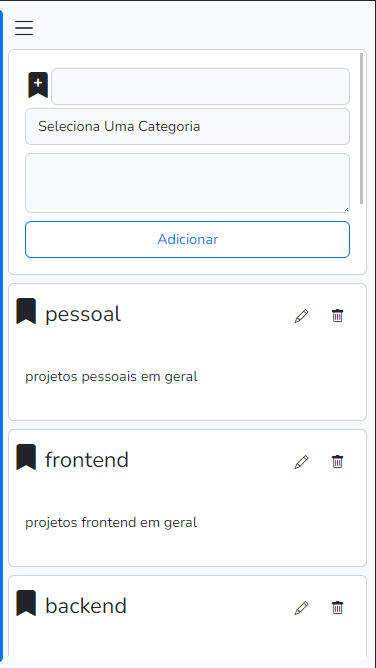
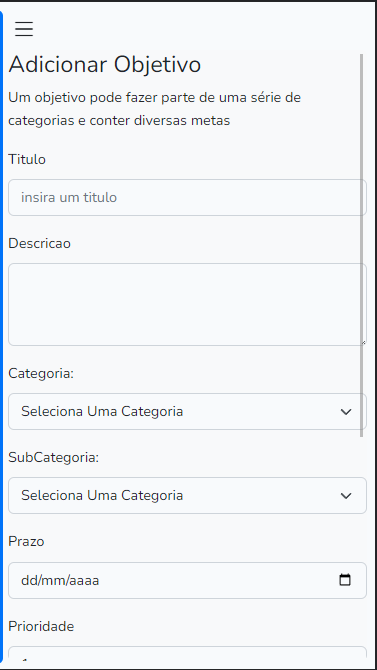
## Screenshots

## Technologies used
### Frontend
- VueJs
- VueRouter
- JsCookie
- Jquery
- Bootstrap
- Sass
### Backend
- PHp
- Laravel
- Jwt-Auth
- MySql
___
## Prerequisites
- Php 7.4
- Composer
- MySql
- NodeJs
___
## How to use?
## Step 1
The first step is to download the project, for this you can copy the code below and run it in your GIT terminal
```
git clone git@github.com:izaelgs/targetManager.git
```
____
## Step 2
### BACKEND
#### Step 1
With PHP and Composer installed, lets install laravel dependencies with the commands
```
composer install
cp .env.example .env
php artisan key:generate
```
#### Step 2
Then is needed to configure some database things on .env file
```
sudo nano .env
```
Then is possible to build the database structure running
```
php artisan migrate --seed
```
#### Step 3
Aubsequently let's generate a key for jwt
```
php artisan jwt:secret
```
### FRONTEND
Afterwords with NodeJs installed, just run the commands and then laravelmix will display some instructions
```
npm install
npm run dev
```
## Step 2
Now, just use the comand to run the server on localhost:8000
```
php artisan serve
```