https://github.com/jackssrt/josh
A Splatoon-oriented discord bot written in typescript!
https://github.com/jackssrt/josh
Last synced: over 1 year ago
JSON representation
A Splatoon-oriented discord bot written in typescript!
- Host: GitHub
- URL: https://github.com/jackssrt/josh
- Owner: jackssrt
- License: gpl-3.0
- Created: 2023-02-15T23:27:26.000Z (over 3 years ago)
- Default Branch: main
- Last Pushed: 2024-09-13T05:56:43.000Z (over 1 year ago)
- Last Synced: 2025-01-13T04:08:23.035Z (over 1 year ago)
- Language: TypeScript
- Homepage:
- Size: 2.78 MB
- Stars: 0
- Watchers: 1
- Forks: 0
- Open Issues: 5
-
Metadata Files:
- Readme: README.md
- License: LICENSE
Awesome Lists containing this project
README
# Josh
[](https://github.com/jackssrt/josh/commits/main) [](https://github.com/jackssrt/josh/actions)
A Splatoon-oriented discord bot for my server! Josh is written in typescript with [discord.js](https://github.com/discordjs/discord.js).
## Features
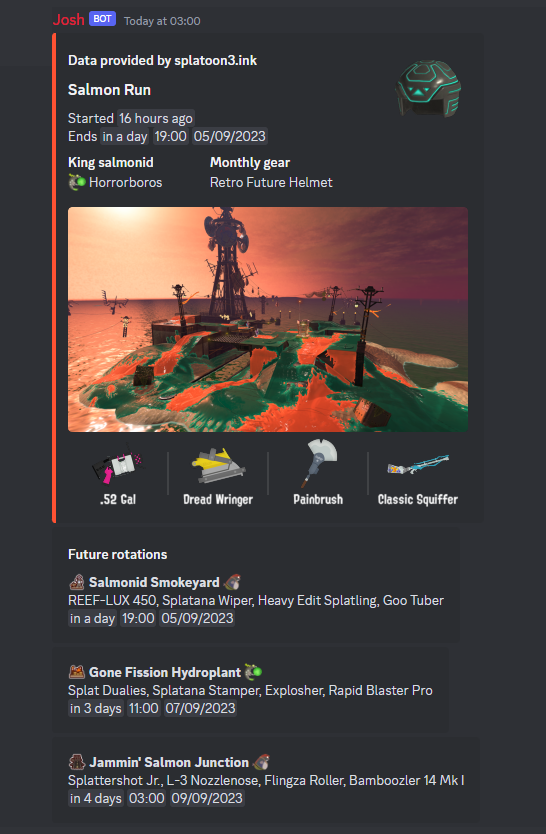
- Rich integration with the [splatoon3.ink](https://www.splatoon3.ink) API
- [Handwritten type definitions](https://github.com/jackssrt/josh/blob/main/src/types/schedulesApi.ts)
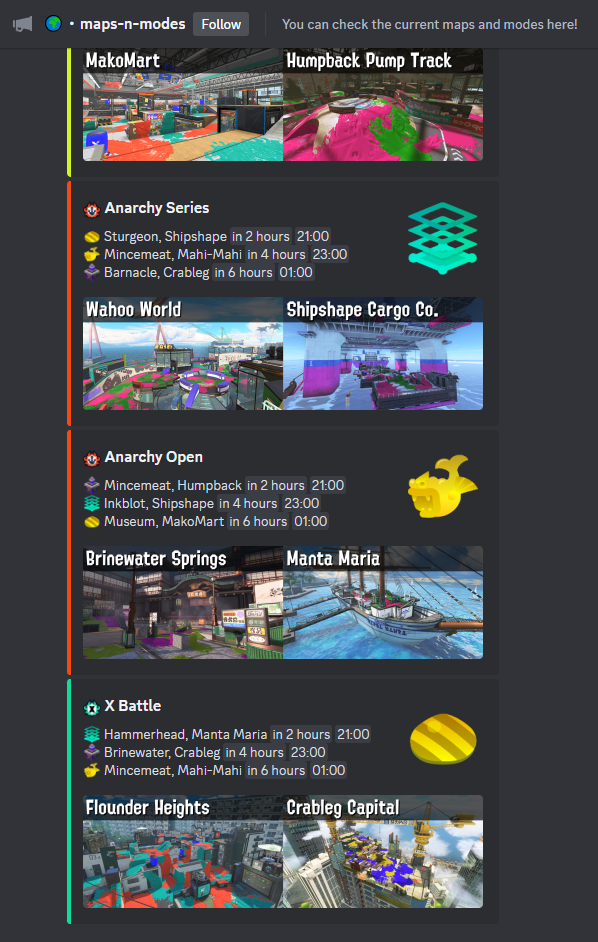
- Automatic maps and modes rotation updates
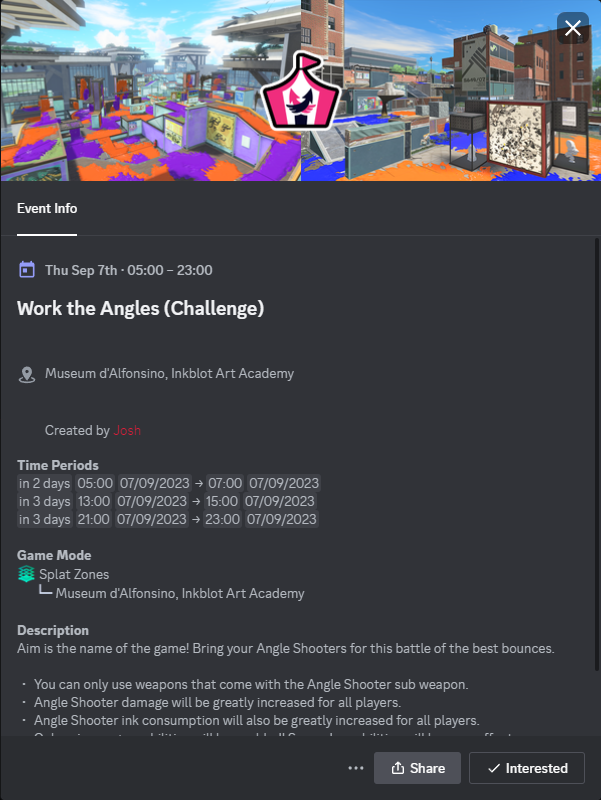
- Automatic event creation for challenges
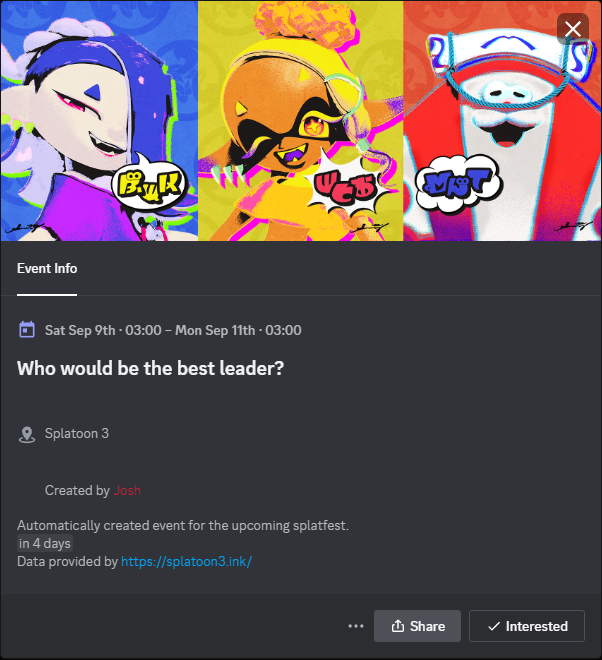
- And semi-automatic events for splatfests
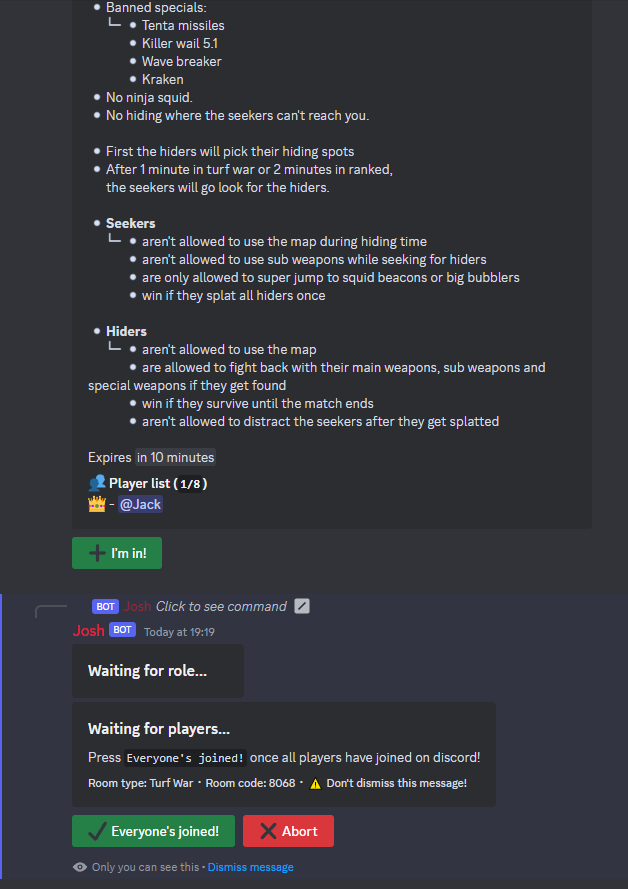
- A hide and seek game timer and team manager
- A statistics channel with a super cool invite graph!
- Server join and leave logs and dynamic welcome messages
- Automatic role category assignment
- A text-to-speech channel where each message is spoken in a voice channel
- Voice join and leave announcements
- Automatic voice channel creation and removal to meet demand
- An extensive command, event and context menu item handler
### Screenshots
Open

## Contributing
- This repo follows [conventional commits](https://www.conventionalcommits.org/en/v1.0.0/), any contributions should also follow it
- [package.json](https://github.com/jackssrt/josh/blob/main/package.json) defines a check script, make sure it exits with a 0 status code
## Setup
- Clone the repo
- Install node v18.19.0 and the dependencies with pnpm
- Create a .env file following the zod schema in [env.ts](https://github.com/jackssrt/josh/blob/main/src/env.ts)
- Run the dev script in [package.json](https://github.com/jackssrt/josh/blob/main/package.json) or the build and start scripts