https://github.com/januff/todo-astra-jamstack-netlify
https://github.com/januff/todo-astra-jamstack-netlify
Last synced: 3 months ago
JSON representation
- Host: GitHub
- URL: https://github.com/januff/todo-astra-jamstack-netlify
- Owner: januff
- Created: 2020-08-13T18:26:03.000Z (almost 6 years ago)
- Default Branch: master
- Last Pushed: 2020-08-13T18:26:53.000Z (almost 6 years ago)
- Last Synced: 2026-01-01T14:36:44.713Z (7 months ago)
- Language: JavaScript
- Size: 700 KB
- Stars: 0
- Watchers: 1
- Forks: 0
- Open Issues: 0
-
Metadata Files:
- Readme: README.md
Awesome Lists containing this project
README
# JAMStack + Netlify + Astra + Cassandra Example 📒
This is an example React To-Do application using a [DataStax Astra](https://astra.datastax.com/register) free tier database.
The project interacts directly with the database from the [ReactJS](https://reactjs.org/) frontend and can be deployed to [Netlify](https://www.netlify.com/) for free with a few clicks.
Contributor(s): [Sebastián Estévez](https://github.com/phact), based on the work of [Jake Luciani](https://github.com/tjake/todo-astra-react-serverless/)
[](https://gitpod.io/#https://github.com/DataStax-Examples/todo-astra-jamstack-netlify) [](https://app.netlify.com/start/deploy?repository=https://github.com/DataStax-Examples/todo-astra-jamstack-netlify)
## Objectives
* Provide a fullstack development example using Astra as the storage backend
## How this works
Once the Astra credentials are provided, the necessary tables are created in the database. The webservice will be available on port 8080 once the application has been deployed.
[JAMstack](https://jamstack.org/) is a big leap forward in how we can write web applications that are easy to write, deploy, scale, and also maintain. Using this approach means that newly created content is rendered from a content API, while a static render of it is being built into the site for future.
## Getting Started Paths:
1. [Run the app locally](#running-on-your-local-machine)
2. [Run the app on Gitpod](#running-on-gitpod)
3. [Deploy the app to Netlify](#deploying-to-netlify)
### Running on your local machine
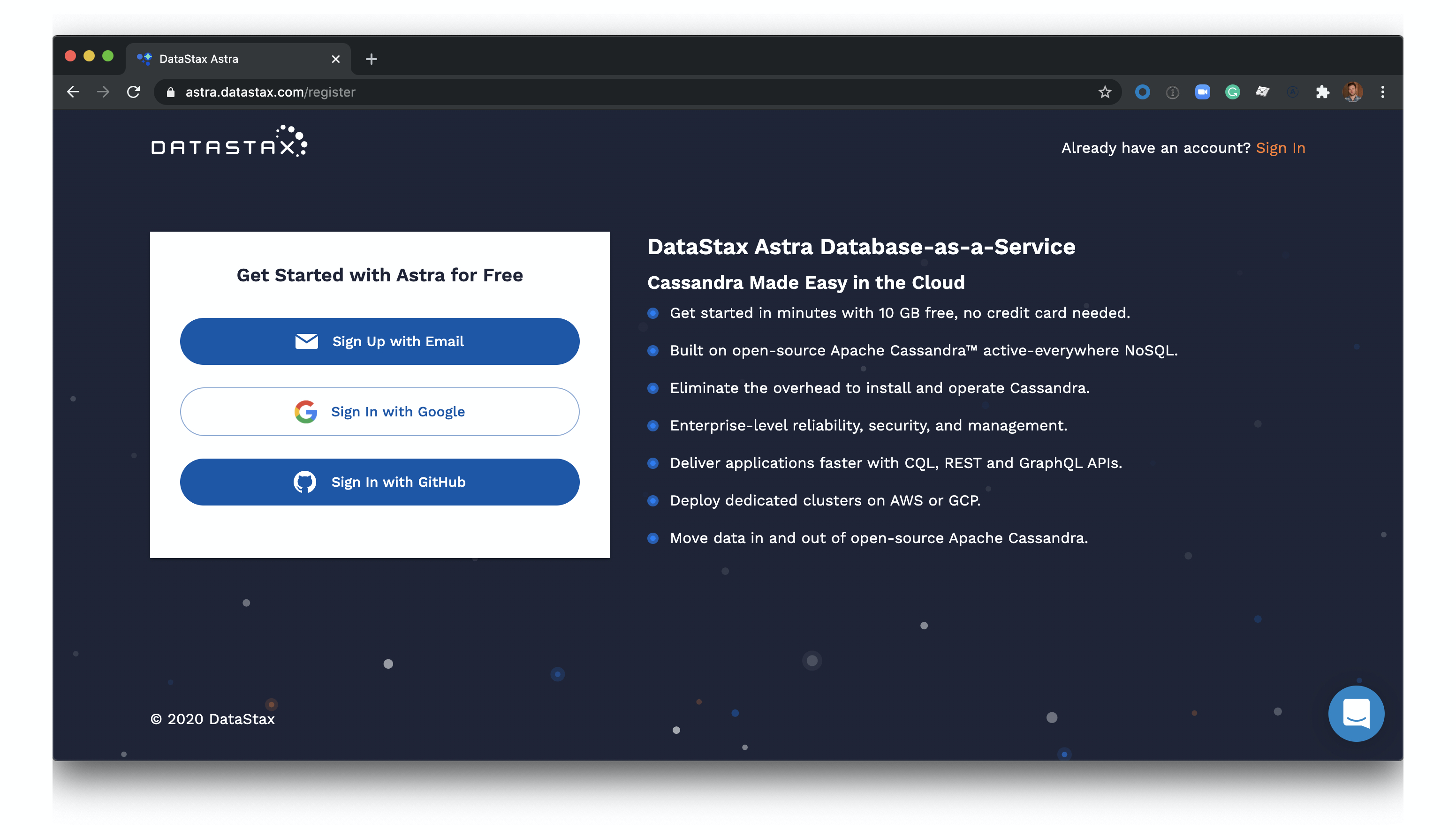
1. Create a [DataStax Astra account](https://astra.datastax.com/register) and free-tier Cassandra database:
2. Click 'Use this template' at the top of the README:

3. Enter a repository name and click 'Create repository from template':

4. Clone the repository on your local machine:

5. `cd` to the cloned repository, and install Node dependencies: `npm install`.
6. Find the values for the Astra variables from the Astra database dashboard. One exception is the `ASTRA_DB_ID` variable. It is the string in the URL after `https://astra.datastax.com/org/`. Set `ASTRA_DB_USERNAME`, `ASTRA_DB_PASSWORD`, `ASTRA_DB_KEYSPACE`, `ASTRA_DB_ID`, and `ASTRA_DB_REGION` environment variables using the shell command `export =`.
7. In the cloned repository, build the app: `npm start`.
8. Open http://localhost:8080 to view your application:

### Running on Gitpod
1. Create a [DataStax Astra account](https://astra.datastax.com/register) and free-tier Cassandra database:

2. Once you have created both an Astra account and database, click the 'Open in Gitpod' link:
[](https://gitpod.io/#https://github.com/DataStax-Examples/todo-astra-jamstack-netlify)
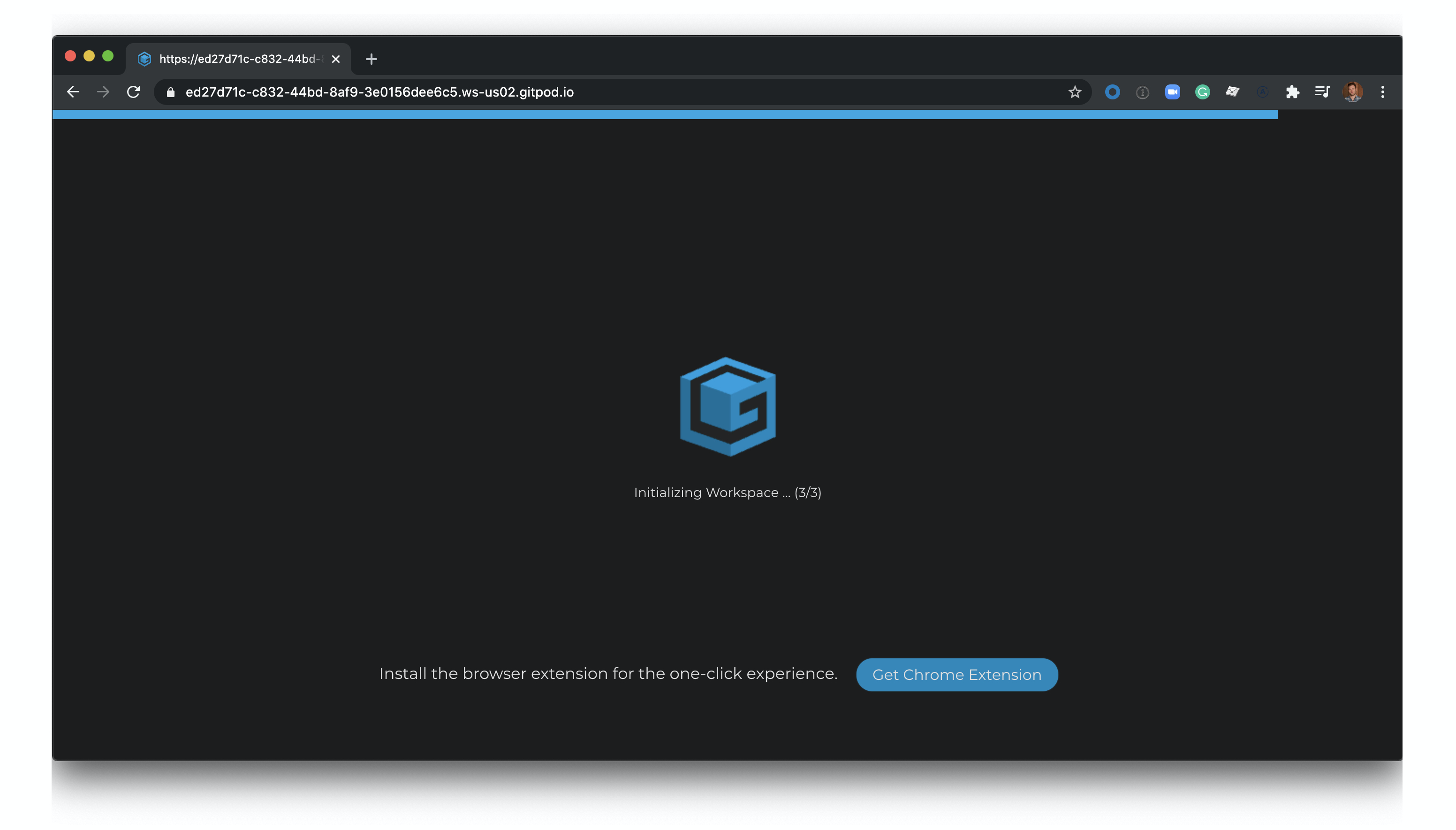
3. Wait for your Gitpod workspace to start:
4. Set your Astra database details in the Gitpod terminal at the bottom of the screen:

You can find your database id in the Astra user-interface here:

5. Click the 'Open browser' button in the bottom right of the screen:

6. View your application:

### Deploying to Netlify
1. Create a [DataStax Astra account](https://astra.datastax.com/register) and free-tier Cassandra database:

2. Once you have created both an Astra account and database, click the 'Deploy to Netlify' button:
[](https://app.netlify.com/start/deploy?repository=https://github.com/DataStax-Examples/todo-astra-jamstack-netlify)
3. Connect your GitHub account:

4. Fill in the Netlify environment variables with information on your Astra database:

You can find your database id here in the Astra user-interface here:

5. Click 'Save and Deploy':

6. Wait for your app to deploy (this will take a minute or two, the screen will auto-refresh when the deployment is complete):

7. Click your Netlify app link to view your live app:

8. You've deployed your app to Netlify!

### Things to Note:
- The contents of this repo are based on [Jake's port](https://github.com/tjake/todo-astra-react-serverless/) of the [TodoMVC code](https://github.com/tastejs/todomvc/tree/master/examples/react) originally written by [Pete Hunt](https://github.com/petehunt).
- The example is modified from https://github.com/huksley/todo-react-ssr-serverless.