https://github.com/jaredgorski/vimnote
📝 Pretty basic notetaking in Vim
https://github.com/jaredgorski/vimnote
notes vim
Last synced: 2 months ago
JSON representation
📝 Pretty basic notetaking in Vim
- Host: GitHub
- URL: https://github.com/jaredgorski/vimnote
- Owner: jaredgorski
- License: mit
- Created: 2019-04-01T00:30:36.000Z (about 7 years ago)
- Default Branch: master
- Last Pushed: 2019-04-28T20:28:17.000Z (about 7 years ago)
- Last Synced: 2025-06-12T04:43:40.407Z (about 1 year ago)
- Topics: notes, vim
- Language: Shell
- Homepage:
- Size: 145 KB
- Stars: 1
- Watchers: 2
- Forks: 0
- Open Issues: 7
-
Metadata Files:
- Readme: README.md
- License: LICENSE
Awesome Lists containing this project
README
# VimNote 
Pretty basic notetaking in Vim
---
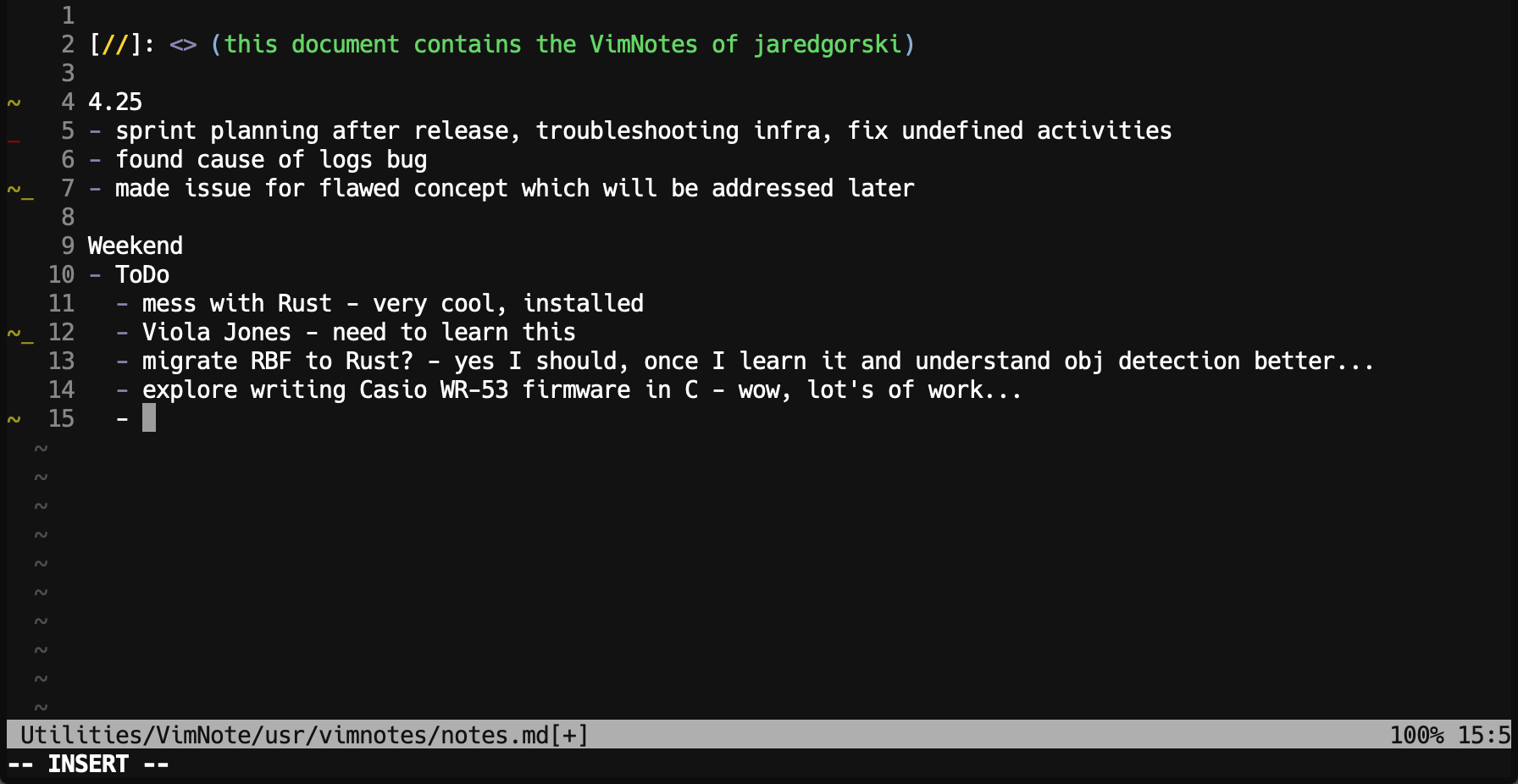
# 🥠 Manna (what is it)
I don't like frills and I don't like leaving my terminal if I don't have to, and I made this little script for myself, so it doesn't have frills and it doesn't interfere with terminal happiness. What it does do is provide a simple and easily-accessible notebook with no opinion on how it should be used, except that it should definitely be edited in Vim.
It also provides easy (and wonderfully basic) version control via git, with timestamped commits matching each `vn -u` update you make. This means you'll always have older versions available, and you'll always know the exact time your thought process led you to write anything.
I personally use this to organize my thoughts at the beginning and end of each day, like a basic planner with shotgun notes and sundry scratch. This fits my confused, left/right brained, type A/B "flow" perfectly.
# 🍺 Installation
1) Clone this repository to your computer
2) Navigate to the resulting directory
3) Run `./install.sh`
4) Open a new terminal session
5) Run `vn`
### 🚽 What you get:
- One `notes.md` file
- Optional version control on said `notes.md` file
- *Beware of merge conflicts; there is no dedicated conflict management here*
- Nothing else.
You probably won't find this useful at all. But if you do, here's all you need to know:
# 📝 Usage
1) If you wish to use the `vn -u` command to implement version control, create an online git repository to store your notes. I use a private GitHub repository, aptly named "notes".
- Set this repository as a remote in VimNote by using `vn -s` and the accompanying flow. **(Must have git installed)**
- You can also do this manually by finding either `/usr/vimnotes` or the symlinked folder VimNote created to store your `notes.md` file (`~/.VimNote/usr/vimnotes` by default) and configuring your git remote manually. This remote should be named `vimnotes`.
2) Use the `vn` command to open `notes.md`.
3) Write stuff.
4) Use the `vn -u` command to update your remote git repository with the newest stuff you wrote. At least, if you're into that sort of thing.
5) If you get confused by the lack of complexity, use `vn -h` to ~~remind yourself how silly having a CLI to manage one markdown file is~~ see all the available commands.
Command | Flag | Result
--- | --- | ---
`vn` | | Opens notes.md in Vim so you can write stuff down. Nothing fancy.
`vn` | `-u` | Updates your remote VimNotes repository with any local changes to your notes.md file.
`vn` | `-s` / `--set-remote` | Sets the remote git repository your notes.md file will be pushed to when `vn -u` is run.
`vn` | `-h` / `--help` | Shows the help screen.
# But why
Thanks for reading! Hope you find it useful in any way. Please feel free to drop a note to jaredgorski6@gmail.com if you need any less functionality.