https://github.com/jayanam/pbr_texture_mapper
https://github.com/jayanam/pbr_texture_mapper
Last synced: about 1 year ago
JSON representation
- Host: GitHub
- URL: https://github.com/jayanam/pbr_texture_mapper
- Owner: jayanam
- Created: 2018-07-25T13:02:39.000Z (about 8 years ago)
- Default Branch: master
- Last Pushed: 2019-01-06T16:54:35.000Z (over 7 years ago)
- Last Synced: 2024-11-16T03:32:11.074Z (over 1 year ago)
- Language: Python
- Size: 52.3 MB
- Stars: 95
- Watchers: 10
- Forks: 14
- Open Issues: 0
-
Metadata Files:
- Readme: README.md
Awesome Lists containing this project
- awesome-blender - PBR Texture Mapper
- 3d-resources - PBR Texture Mapper
README
# PBR Texture Mapper
With this Blender addon you can create a PBR node setup for cycles or Eevee.
Example workflow for Substance Painter:
1. Export the PBR textures (Albedo, Roughness, Metallic & Normal (OpenGL))
2. Open the Blender 2.8 project with the 3d model that you added the textures for.
3. In the Shader Editor for material (Cycles or Eevee with Principled Shader) drag the textures into the view.
4. Open the PTM tab and press the button "Map Textures"
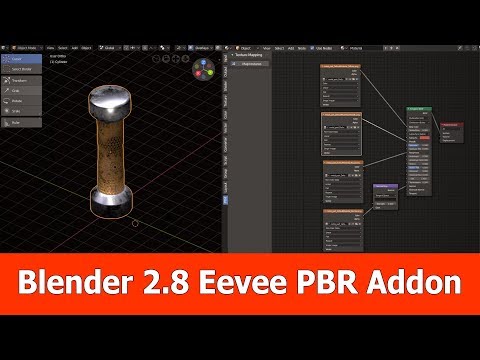
Here is the video:
[](https://youtu.be/Dj5LegtOyyI "Blender 2.8 PBR Node Setup Addon")