https://github.com/jef1056/jadeai
JadeAI and AgateAI
https://github.com/jef1056/jadeai
ai chatbot discord-bot jade object-detection python3 tensorflow
Last synced: 9 months ago
JSON representation
JadeAI and AgateAI
- Host: GitHub
- URL: https://github.com/jef1056/jadeai
- Owner: JEF1056
- Created: 2018-08-14T00:18:50.000Z (almost 8 years ago)
- Default Branch: master
- Last Pushed: 2019-08-26T15:56:19.000Z (almost 7 years ago)
- Last Synced: 2025-01-31T10:36:14.911Z (over 1 year ago)
- Topics: ai, chatbot, discord-bot, jade, object-detection, python3, tensorflow
- Language: Jupyter Notebook
- Homepage: https://discordbots.org/bot/410253782828449802
- Size: 16.2 MB
- Stars: 12
- Watchers: 4
- Forks: 1
- Open Issues: 0
-
Metadata Files:
- Readme: README.md
Awesome Lists containing this project
README
Hey, what's this?! A chatbot?
Jade is really simple to get up and running. Just get some data, such as these [anime subtitles](https://www.kaggle.com/jef1056/anime-subtitles) (*ahem shameless plug*), rename it to `inputcln.txt`, move it to the same directory as the `.py` file, and start the program with the `-train` flag.
BAM, it'll eat all your RAM and CPU until suddenly you have a 2-3 gb model (`.p`) file. *Run without the `-train` flag for faster, more nyoom speeds.*
Add Jade at https://discordbots.org/bot/410253782828449802
# ***ALL BELOW IS OUTDATED, AND IS NO LONGER SUPPORTED***
# JadeV4 Usage
--------
Jade's Prefix is `JD`, and is used to trigger all possible commands through NLP.
Prefix is not required in DMs.
## Example syntax:
--------
### Contextual Generative Conversation
Chatting Instructions
Query:
```
Hi!
How old are you?
```
Response:
```
Hi, I don't know you!
I am 9 years old.
```
Jade can do basic math, with spaces as delimiters. Some basic hardcoded functions also exist.
####
--------
### Neural Style
Style Instructions
Query:
```
Can you style this using un? [Attach Image]
Use exp to style [Image Link]
```
*[Attach Image] and [Image Link] would reference [This image](https://github.com/JEF1056/JadeAI/blob/master/EXAMPLE/style_ex.jpg) in this demo.*
Response:
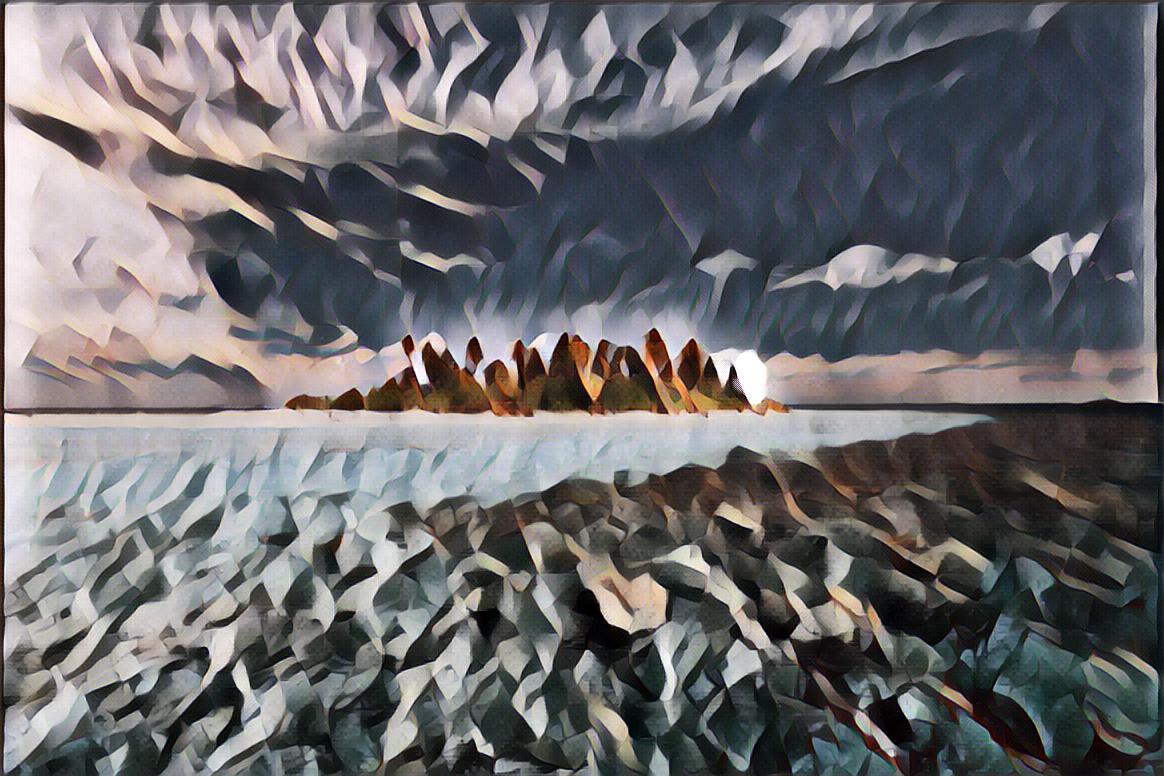
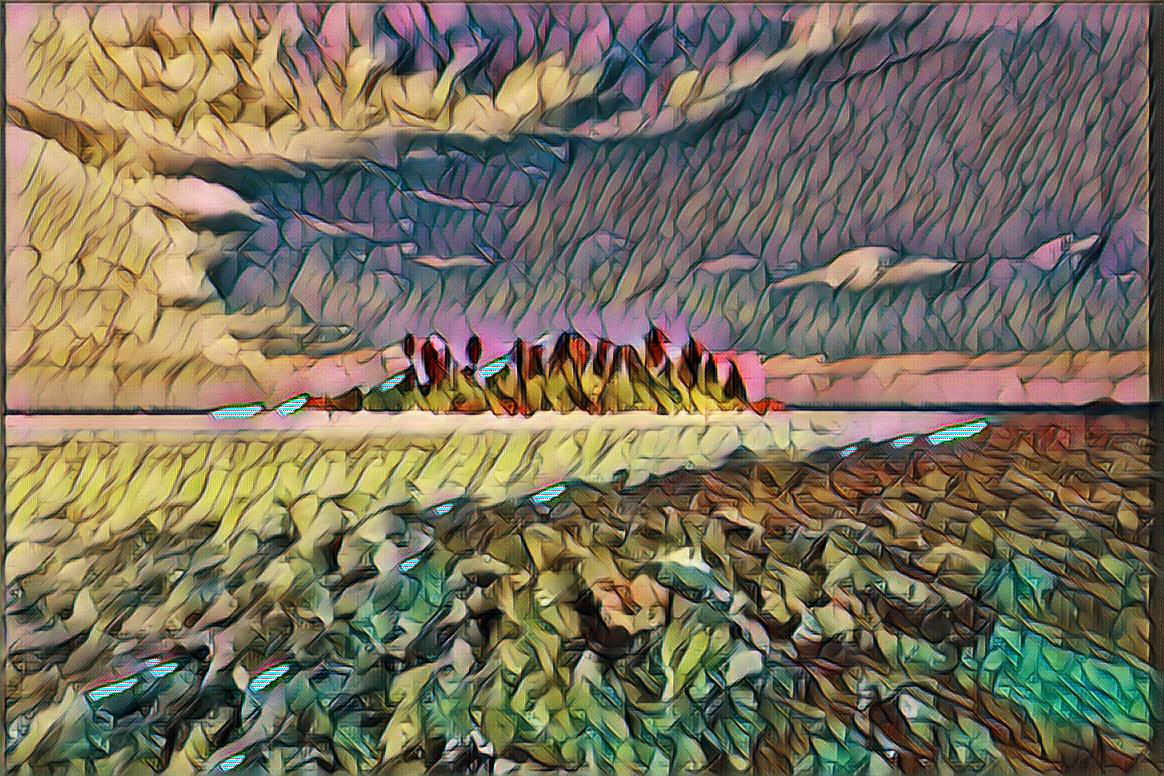
Jade can extract style types (flags) such as `exp` and `un` and links from within the command phrase.
Style Types (Flags)
Listed below are flags, in the format `FLAG ||| NAME OF STYLE IMAGE`. Left images are the original, Right images are styled by Jade.
```un ||| Udnie ```
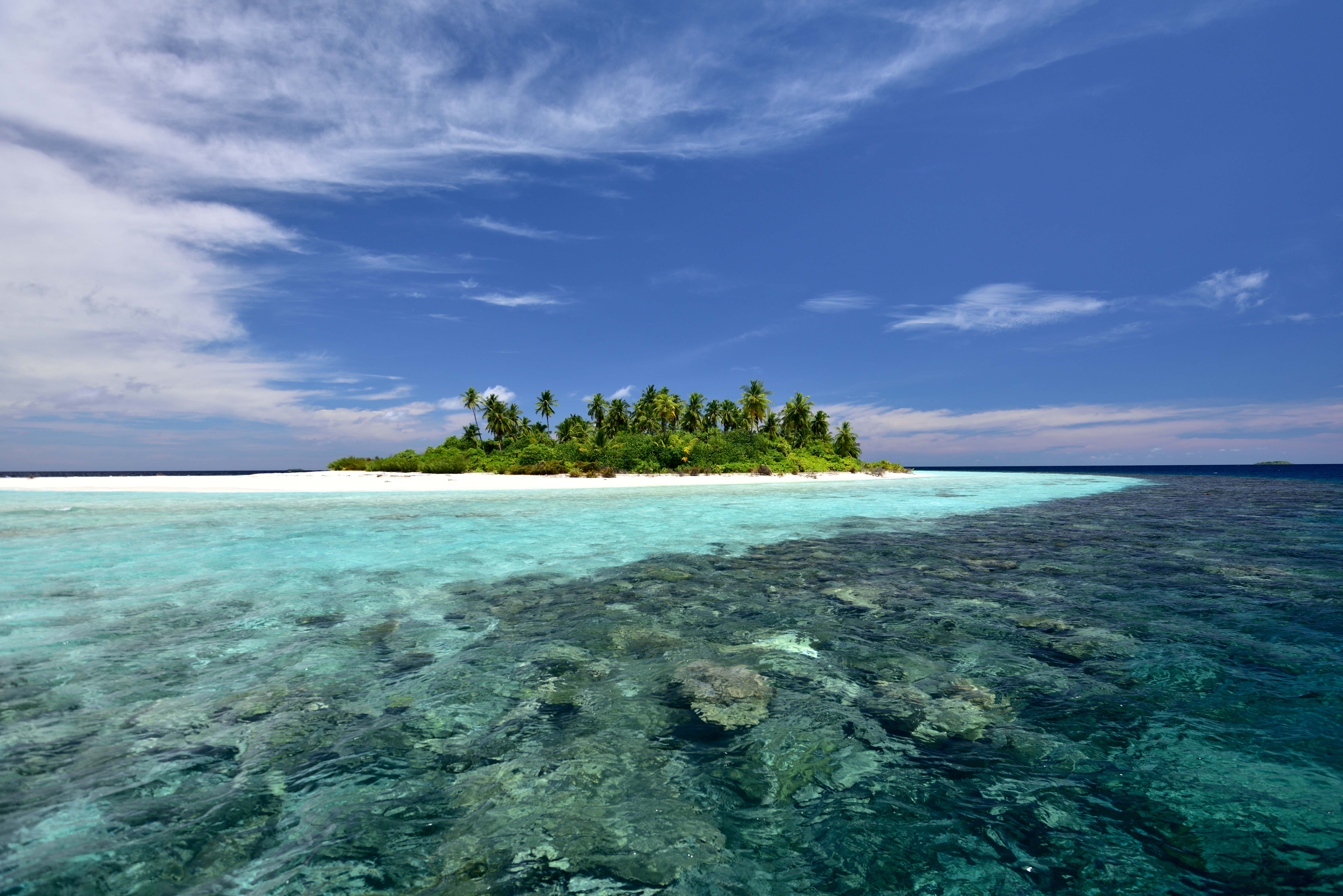
```dk ||| Dark Paint```
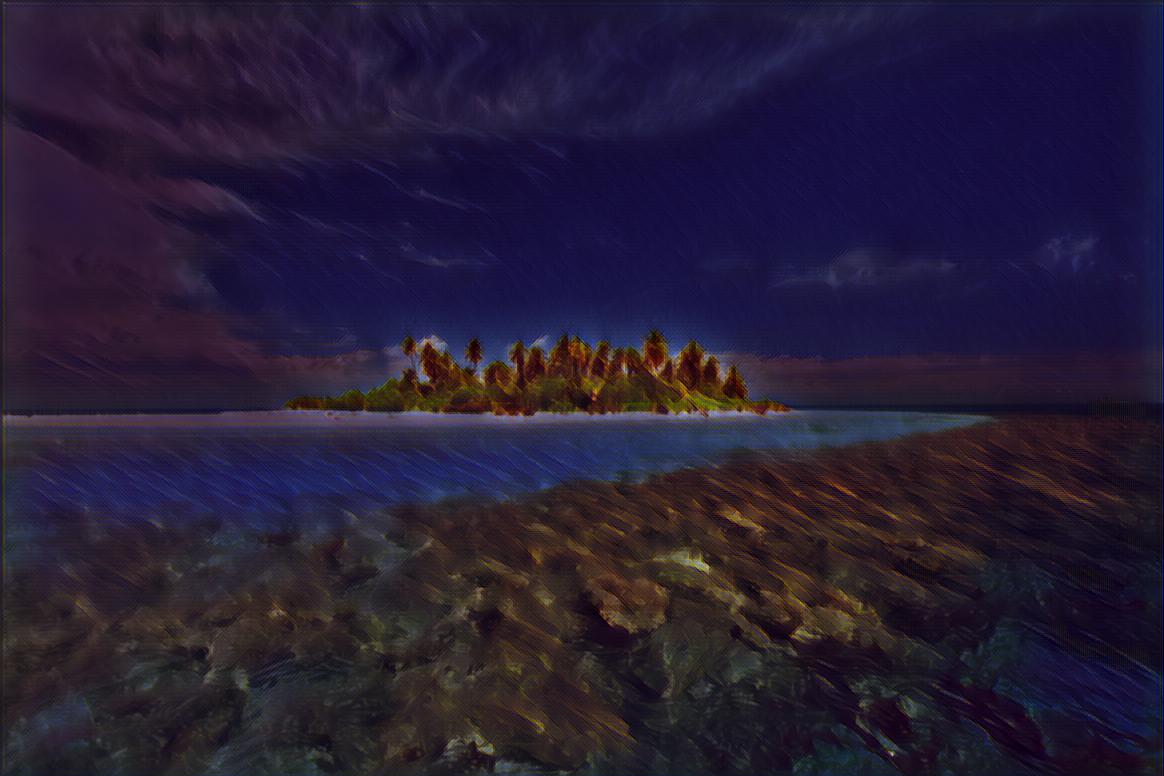
```en ||| Enviornment```
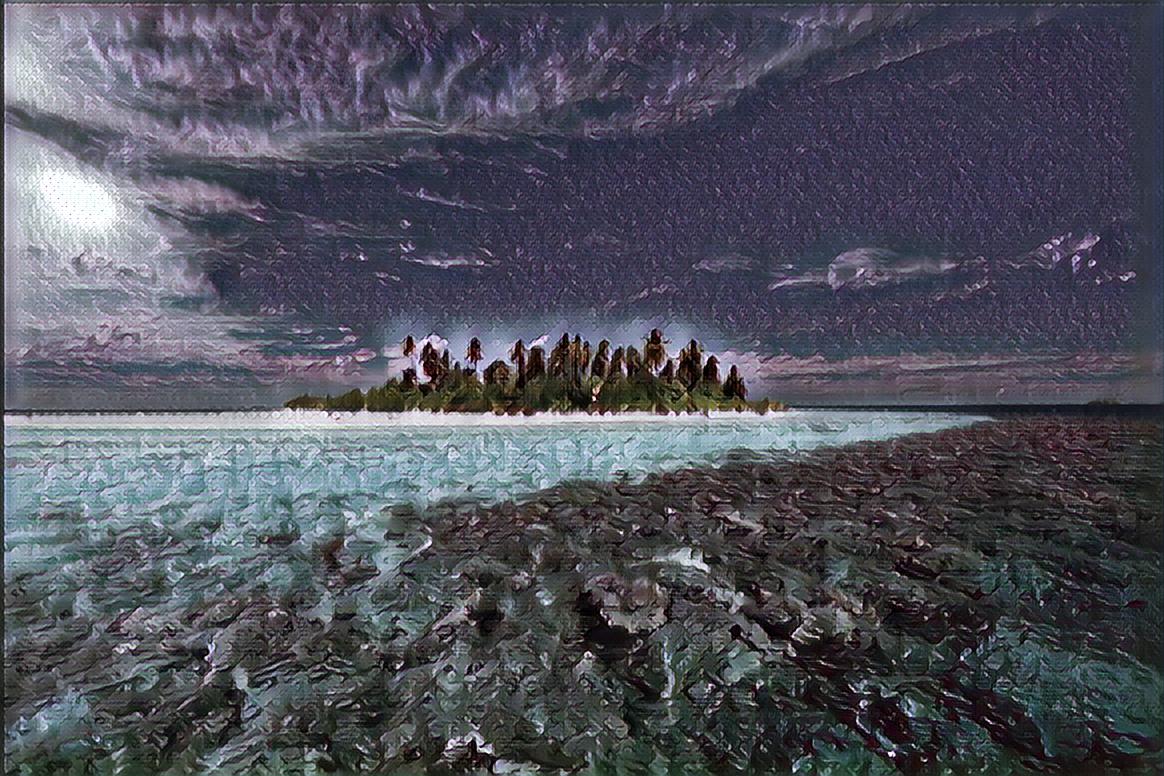
```rd||| Red```
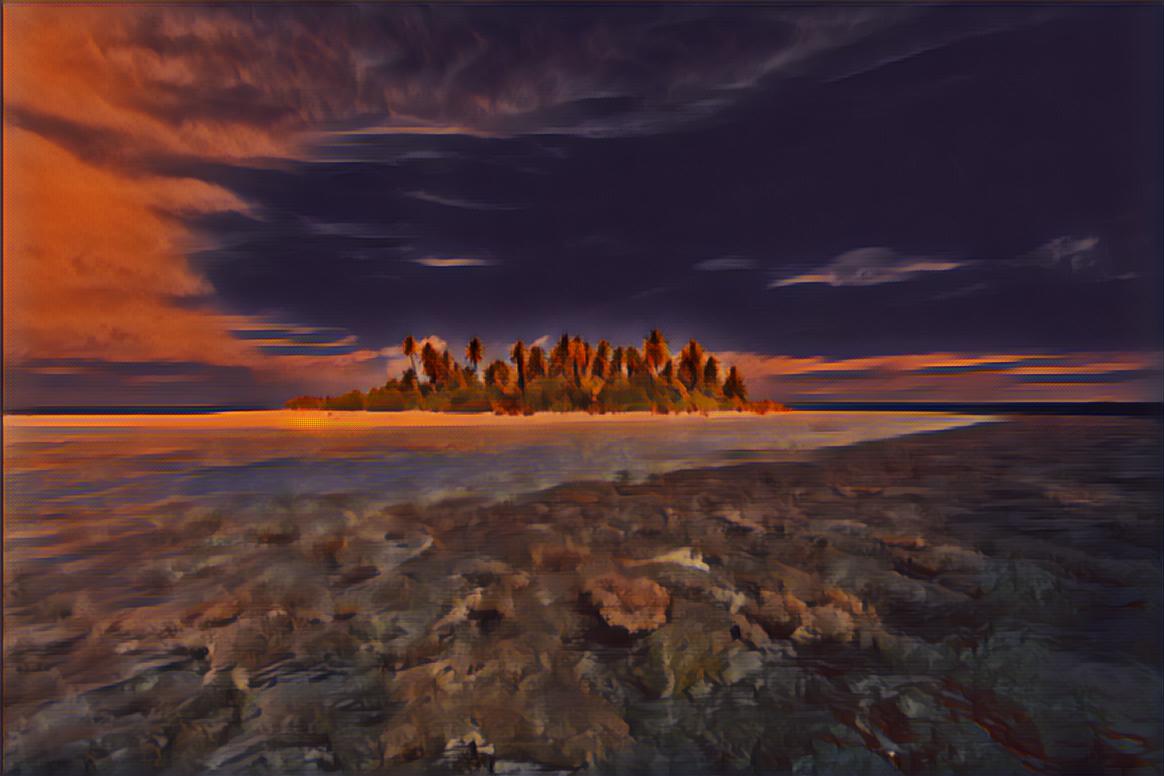
```lm ||| La Muse```
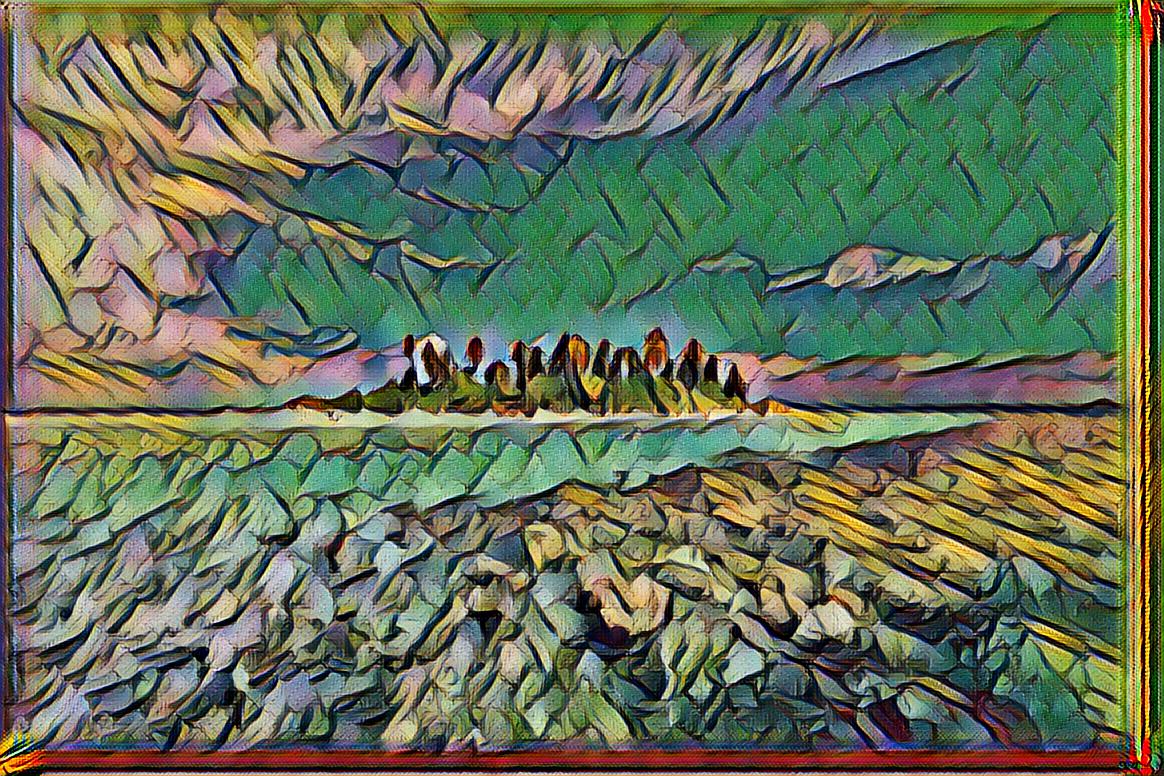
```rp ||| Rainbow Princess```
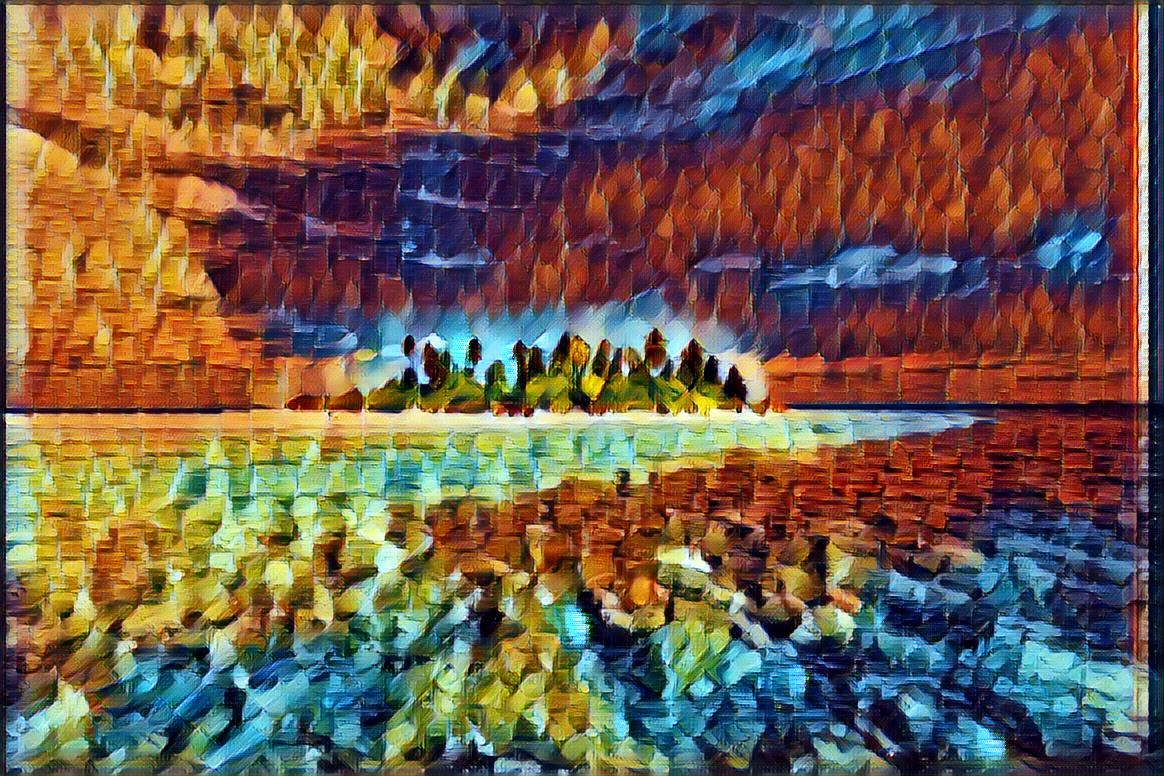
```sc ||| The Scream```
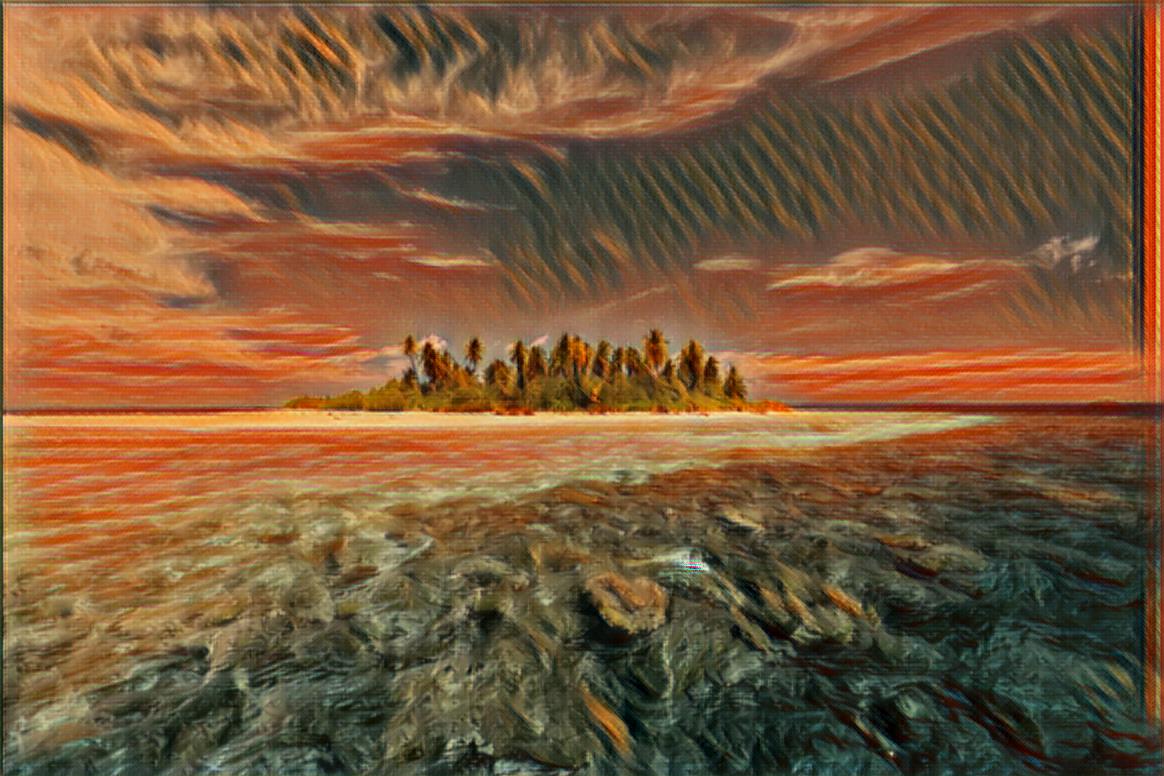
```wr ||| Wreck (George Washington)```
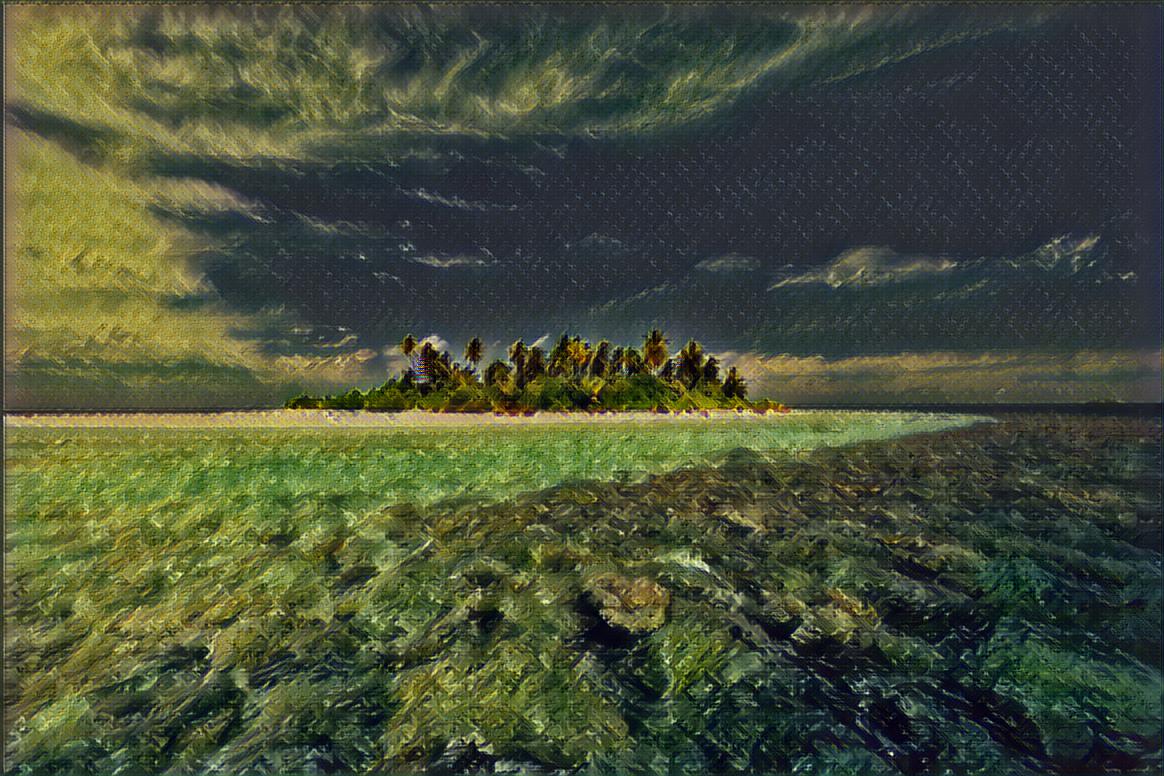
```wv ||| Wave```
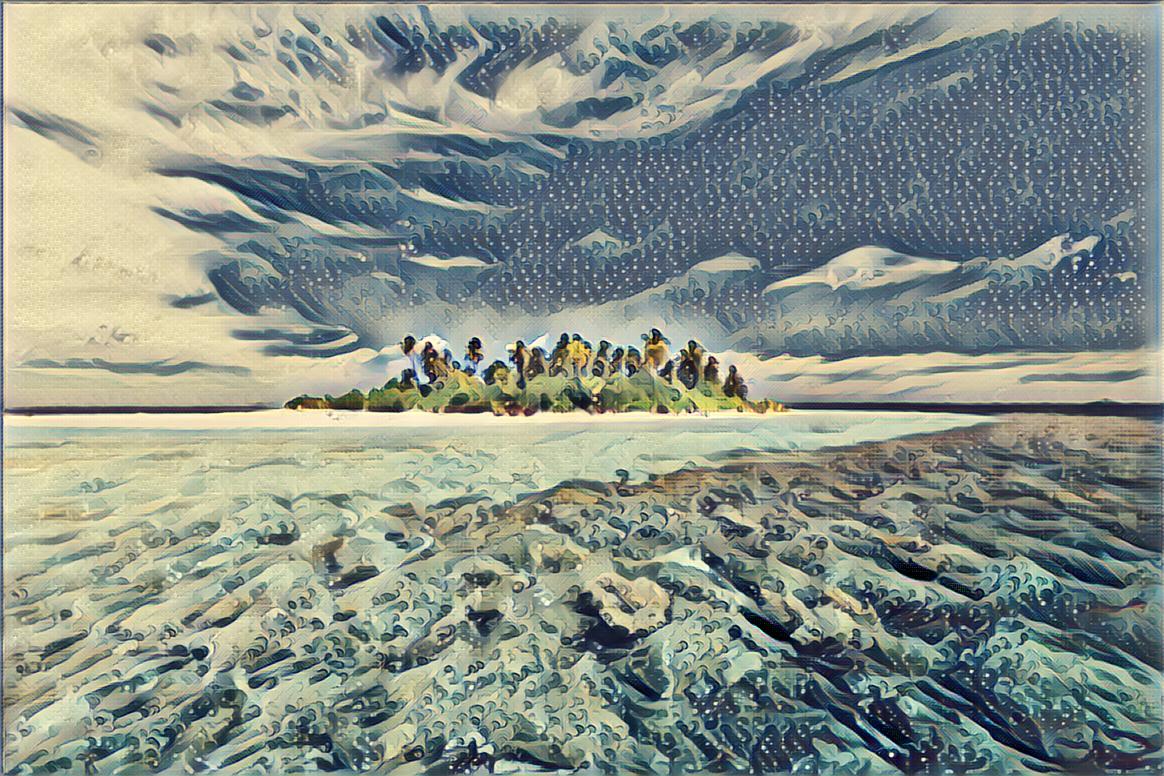
```ha1 ||| My artist's art ^-^```
```Works best with images that have a "focus"```
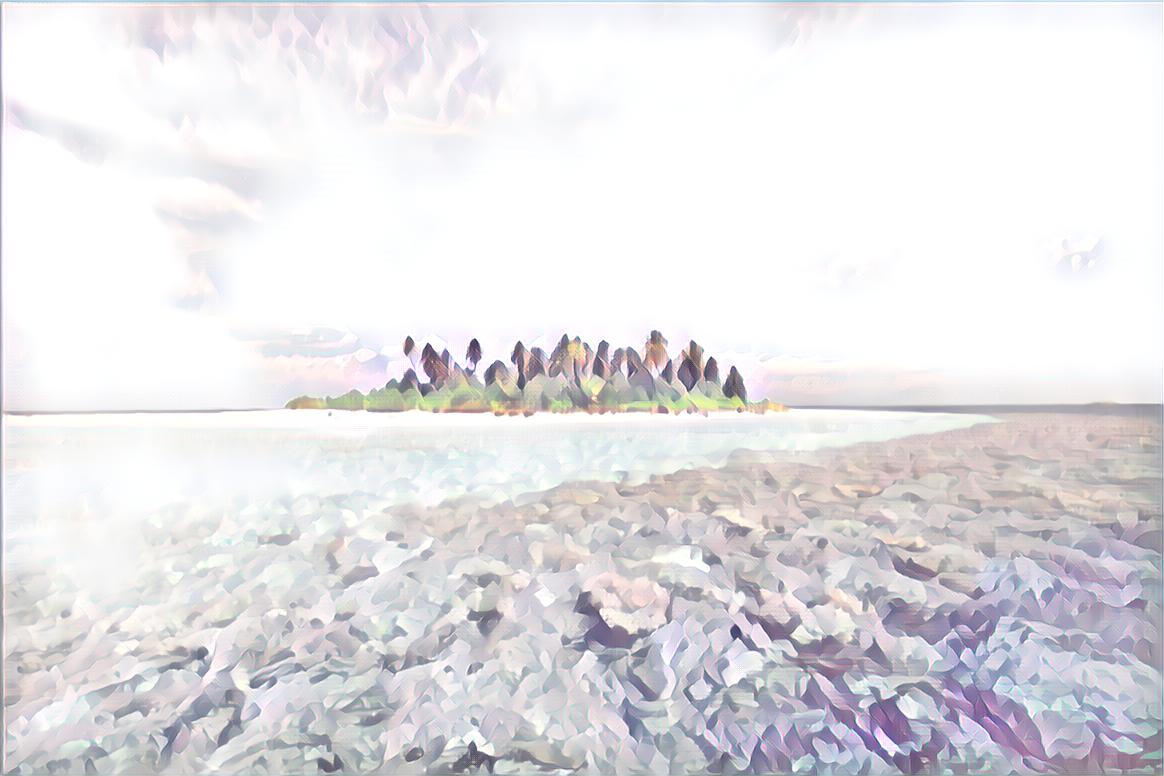
```exp ||| Experimental```
```WARNING: Most models in this folder are really... uh... weird```
####
--------
### Object Recognition
Object Recognition Instructions
Query:
```
What objects are in this image? [Attach Image]
Can you find the dog in this picture? [Image Link]
```
*[Attach Image] would reference [This image](https://github.com/JEF1056/JadeAI/blob/master/EXAMPLE/obj_ex_d.jpg) in this demo.*
*[Image Link] would reference [This image](https://github.com/JEF1056/JadeAI/blob/master/EXAMPLE/obj_ex_fd.jpg) in this demo.*
Response:
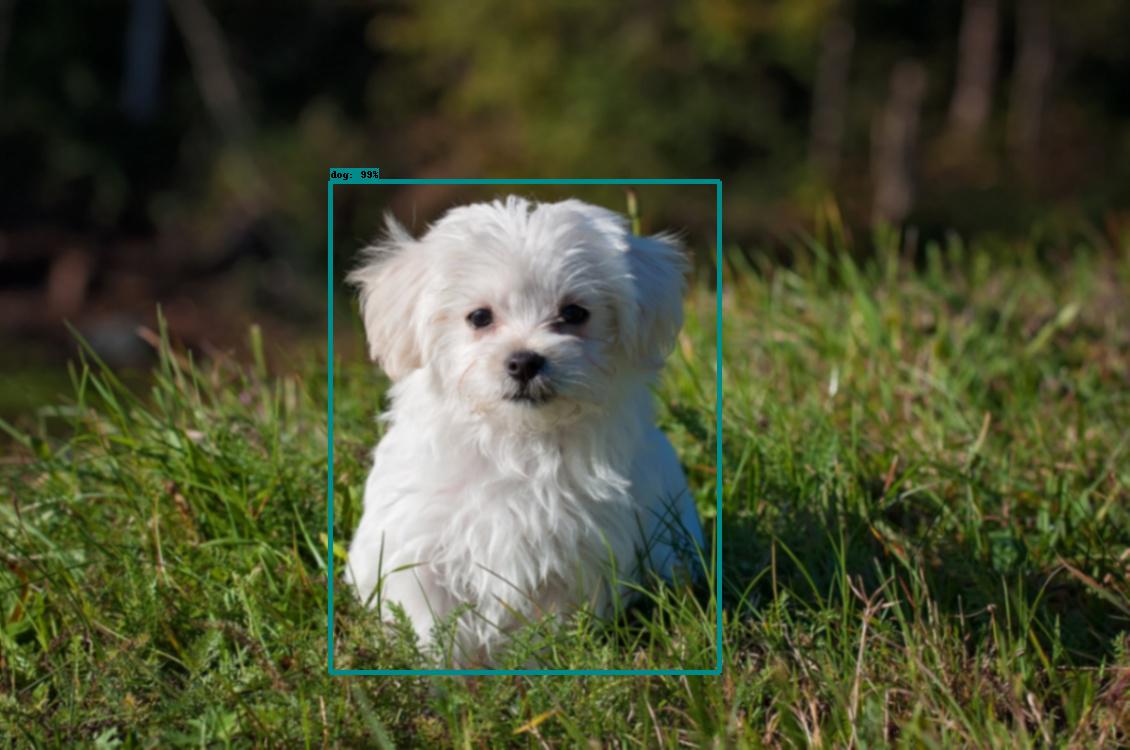
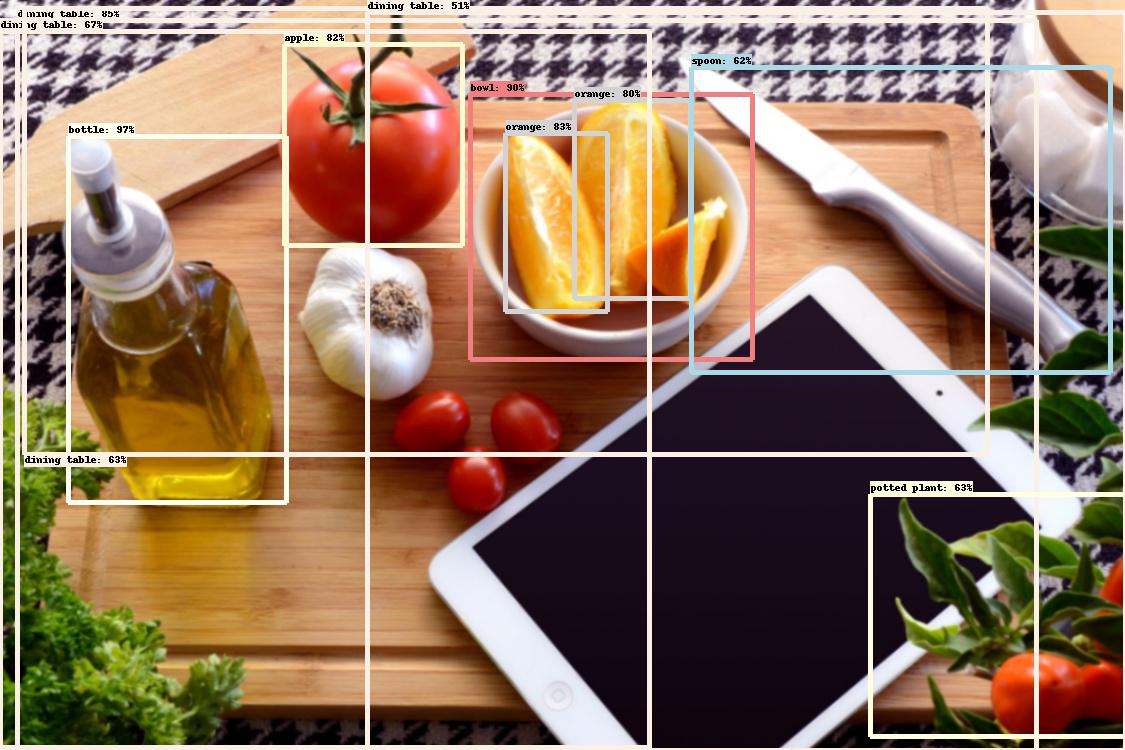
####
--------
### Optical Character Recognition
OCR Instructions
Query:
```
What text is in this image? [Attach Image]
Could read this for me? [Image Link]
```
*[Attach Image] would reference [This image](UPLOAD PENDING) in this demo.*
*[Image Link] would reference [This image](UPLOAD PENDING) in this demo.*
Response:

####
--------
### Face Recognition
Face Recognition Instructions
Query:
```
Who is this? [Attach Image]
Do know who the people in this image: [Image Link] are?
```
*[Attach Image] and [Image Link] would reference [This image](EXAMPLE/fr_ex.png) in this demo.*
Response:
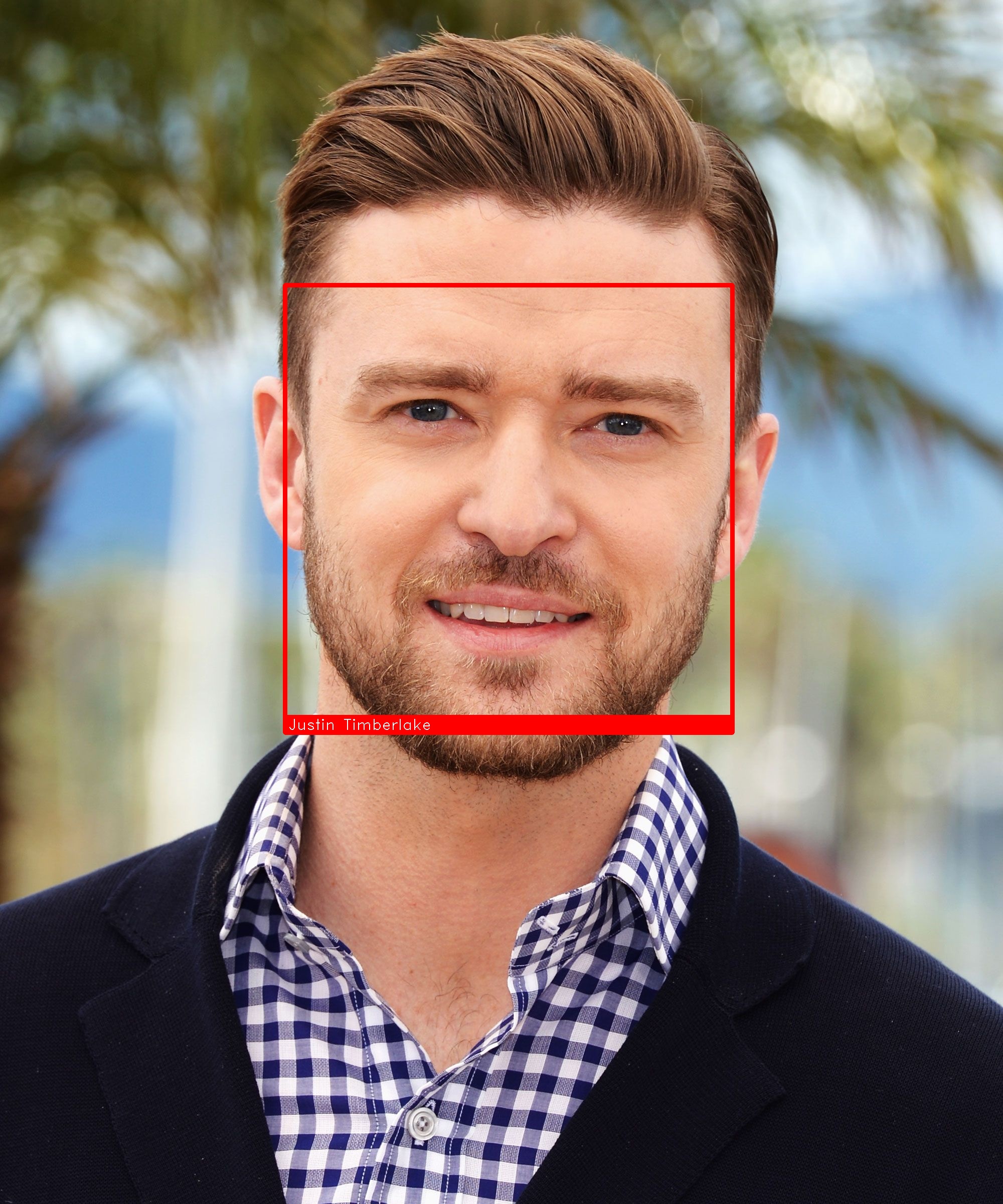
```Justin Timberlake```
Note: This operation works with multiple faces in an image.
Adding Faces
```DO NOT ADD FACES IF NOT NESSISARY. ONLY ADD FACES IF THE ORIGINAL IMAGE RETURNS "Unknown"```
Query:
```
Add "Justin Timberlake" using this: [Image Link]
This is "Justin Timberlake" [Attach Image]
```
**The "" are REQUIRED around names to be added.**
*[Attach Image] and [Image Link] would reference [This image](EXAMPLE/fr_ex.png) in this demo.*
Response:
```Added face "Justin Timberlake" to my library in 22742ms```
####
--------
[](https://discordbots.org/bot/410253782828449802)