https://github.com/jgmdev/infocus
Automatic activity time tracker application.
https://github.com/jgmdev/infocus
activities automatic daemon php time-tracker
Last synced: 4 months ago
JSON representation
Automatic activity time tracker application.
- Host: GitHub
- URL: https://github.com/jgmdev/infocus
- Owner: jgmdev
- License: gpl-3.0
- Created: 2018-01-22T19:56:02.000Z (over 8 years ago)
- Default Branch: master
- Last Pushed: 2018-11-08T01:06:50.000Z (over 7 years ago)
- Last Synced: 2025-06-08T06:40:43.287Z (about 1 year ago)
- Topics: activities, automatic, daemon, php, time-tracker
- Language: PHP
- Size: 489 KB
- Stars: 5
- Watchers: 3
- Forks: 1
- Open Issues: 2
-
Metadata Files:
- Readme: README.md
- License: LICENSE.md
Awesome Lists containing this project
README
# InFocus
Automatic activity time tracker application.

**OS:** Linux
**License:** GPLv3
**Status:** Beta
## About
InFocus is an automatic activity time tracker that monitors the currently
focused window and stores the amount of time spent on it on a daily basis.
The application was developed as a way to monitor my self, and rises from
the concern that I may be trashing significant amounts of time on stuff that
doesn't matters. So InFocus should help in the auto-evaluation of our daily
work on the computer making it easier to make decisions concerning our daily
schedule.
## Installation
The application is developed in PHP and makes use of php's built-in webserver
to host the user interface and uses chromium or firefox as a medium
to display the web interface. Currently the --app flag of chromium is employed
to get an experience more similar to that of a typical application.
Before using the application you have to fetch the composer dependencies by
doing:
```shell
cd infocus
composer install
```
**Dependencies**
* php - for interface and activity logger
* php-sqlite - the php pdo extension to store activity data
* chromium - to display the user interface (recommended)
* firefox - to display the user interface (optional)
* xprop - get active window
* wmctrl - information of active windows
* xprintidle - detect if the person is away from keyboard
If installing directly to system as root user:
```shell
cd infocus
./install.sh
```
The ./install.sh shell script also supports de DESTDIR environment flag, which
can be used to easily package the application for distribution by distro
packagers.
```shell
cd infocus
DESTDIR=~/infocus/install ./install.sh
```
### Uninstallation
```shell
cd infocus
./install.sh remove
```
## Usage
To start tracking your daily activity is needed to launch the infocus logger
by enabling the systemd infocus service for your user account.
```shell
systemctl --user enable infocus
systemctl --user start infocus
```
This will track all the applications that you use and how much time you spent
on them. This information is stored on a sqlite database located on:
> ~/.config/InFocus/activity_log.db
The web interface can then be launched from the applications menu.
## CLI Usage
For help on the available infocus commands, at your shell just invoke:
```shell
infocus help
```
## Screenshots
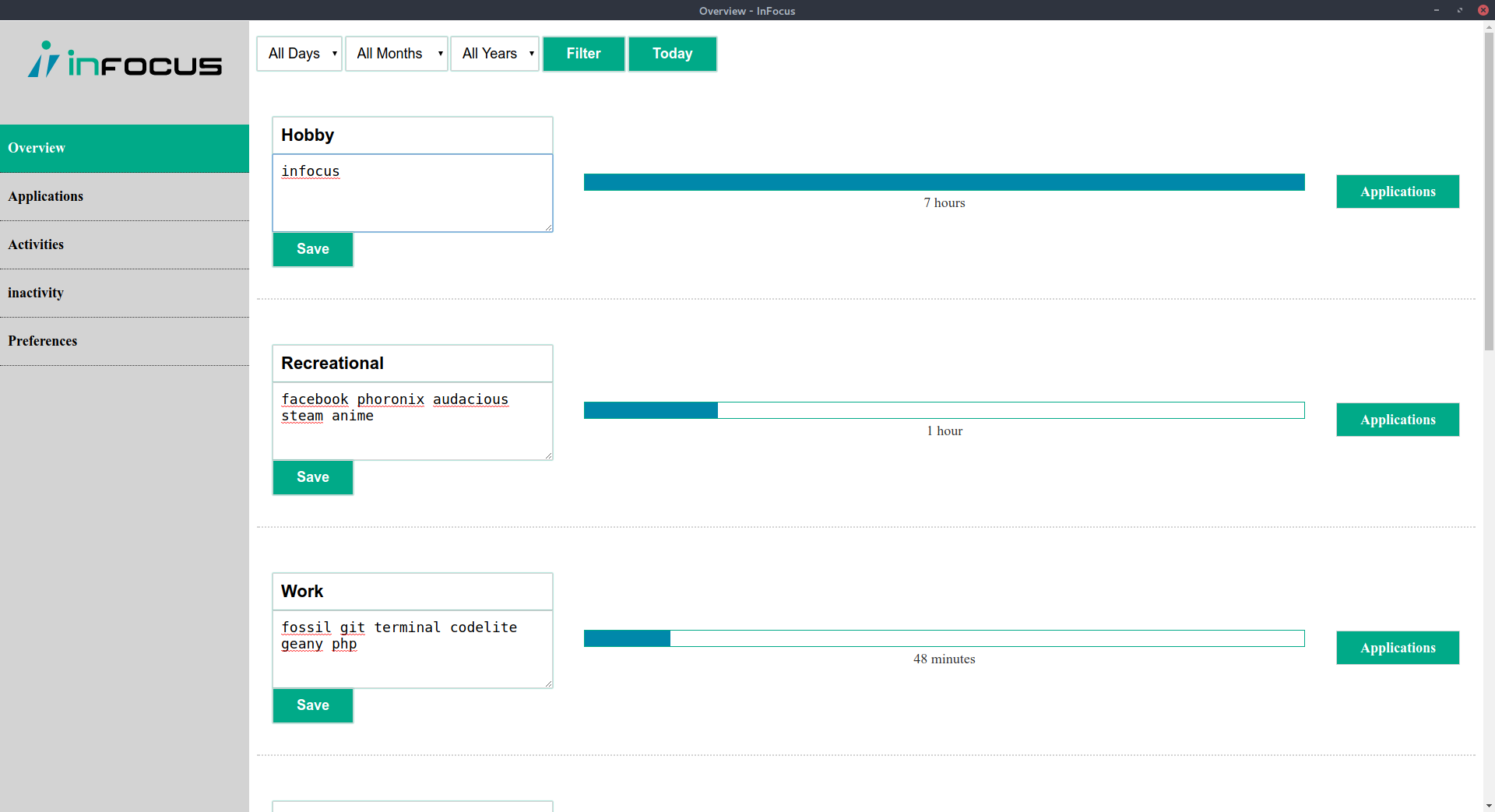
**Overview**
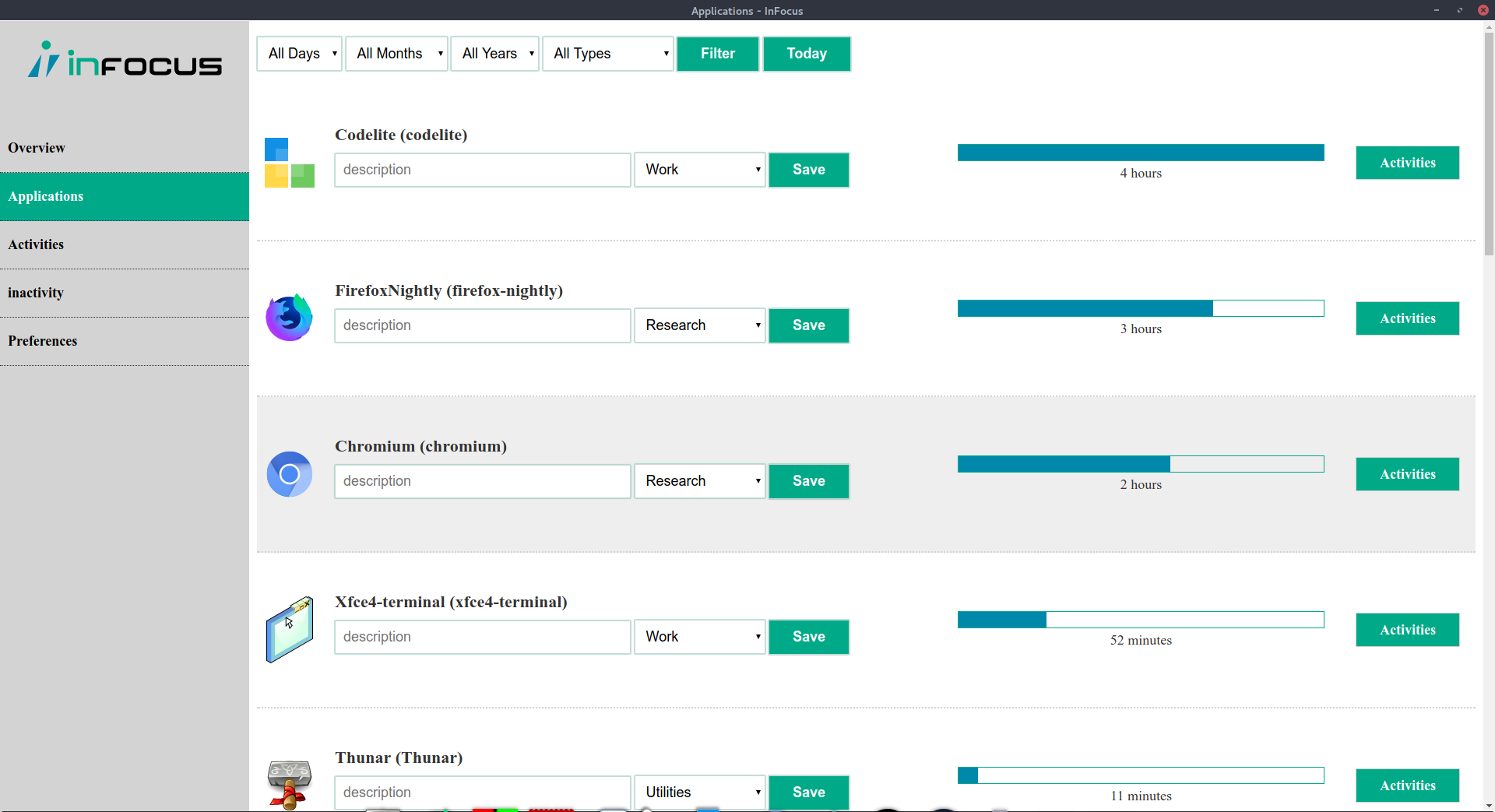
**Applications**
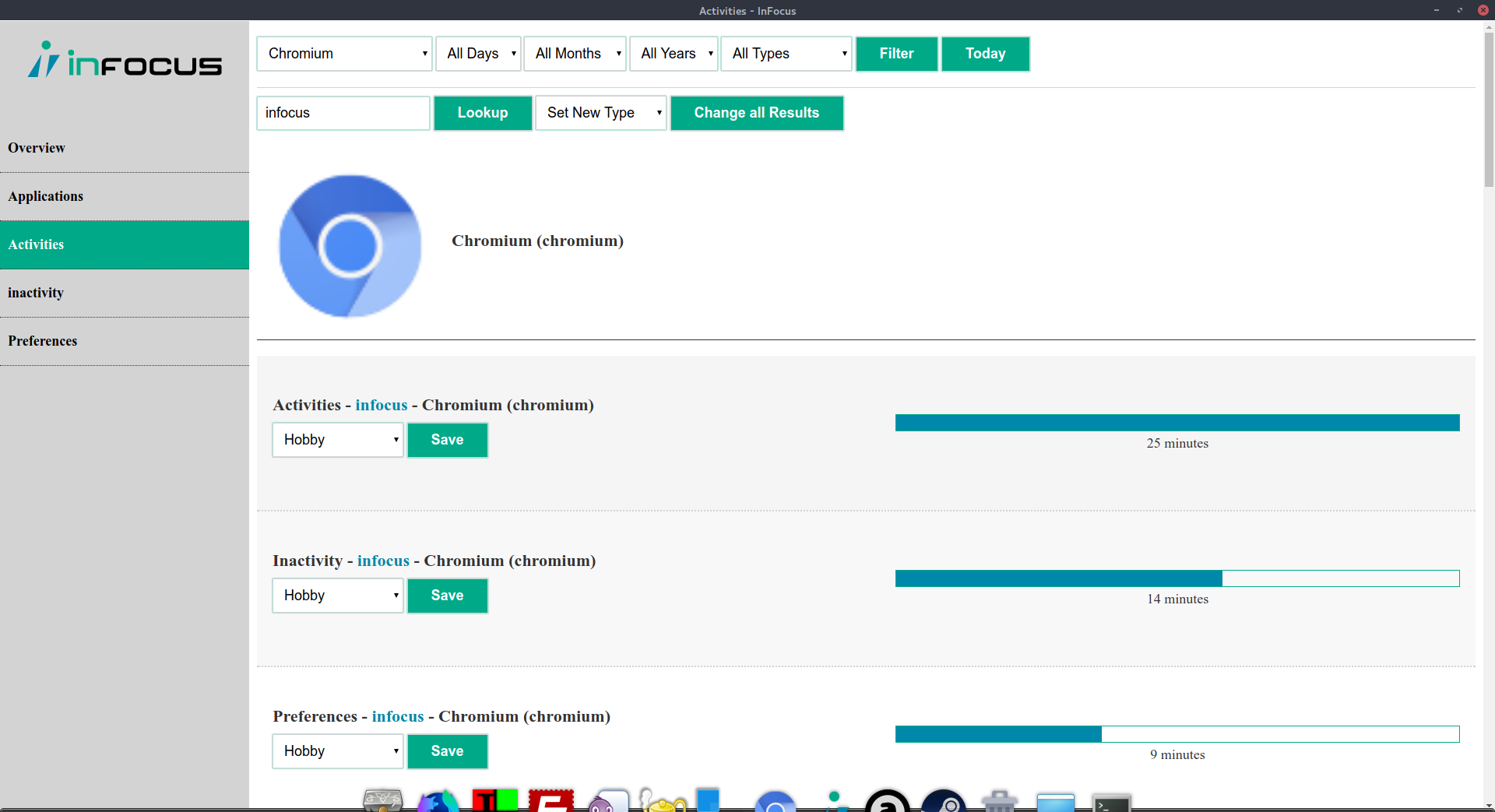
**Activities**
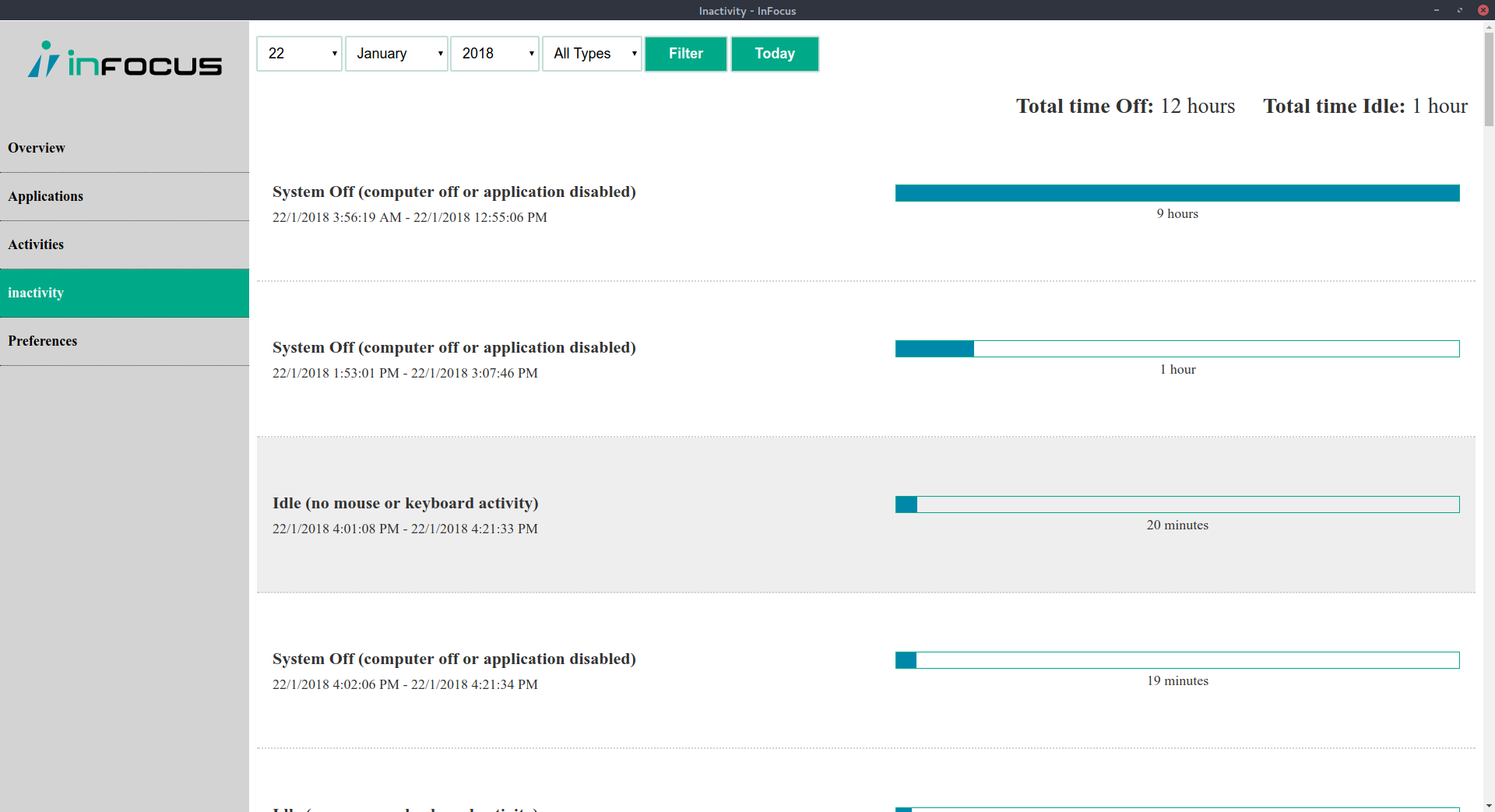
**Inactivity**
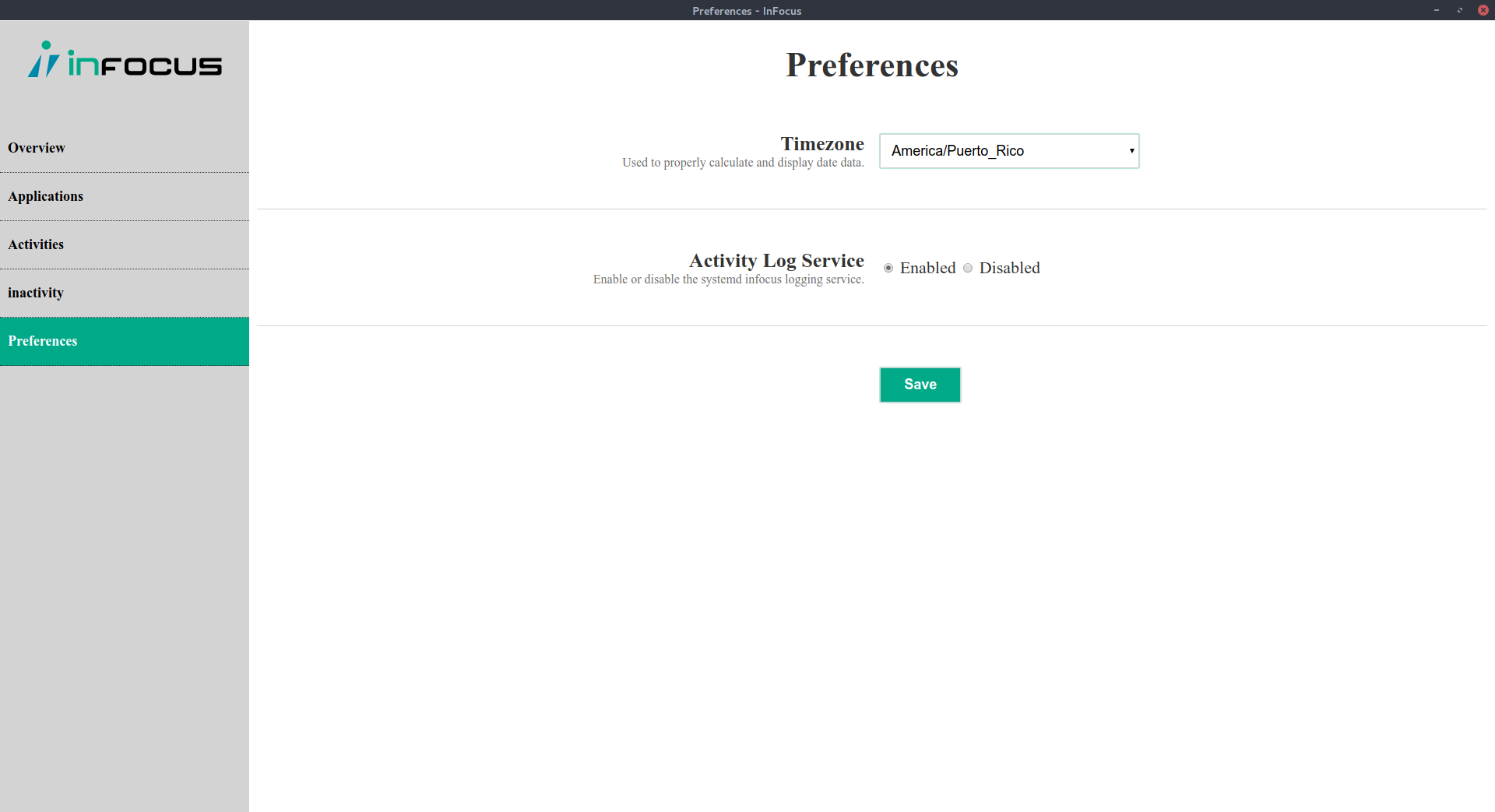
**Preferences**