https://github.com/jgmdev/rgb2cmyk
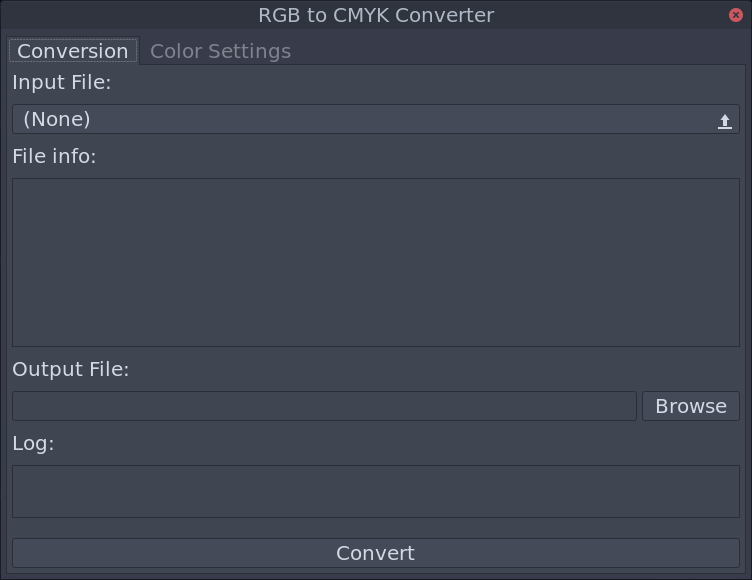
Linux GUI to facilitate conversion of an image from RGB to CMYK colorspace
https://github.com/jgmdev/rgb2cmyk
cmyk color-conversion gui imagemagick linux print rgb
Last synced: about 1 year ago
JSON representation
Linux GUI to facilitate conversion of an image from RGB to CMYK colorspace
- Host: GitHub
- URL: https://github.com/jgmdev/rgb2cmyk
- Owner: jgmdev
- License: gpl-3.0
- Created: 2021-04-08T22:13:45.000Z (about 5 years ago)
- Default Branch: master
- Last Pushed: 2022-08-26T16:33:34.000Z (almost 4 years ago)
- Last Synced: 2025-04-03T08:04:56.924Z (about 1 year ago)
- Topics: cmyk, color-conversion, gui, imagemagick, linux, print, rgb
- Language: C++
- Homepage:
- Size: 126 KB
- Stars: 7
- Watchers: 3
- Forks: 0
- Open Issues: 0
-
Metadata Files:
- Readme: README.md
- License: LICENSE
Awesome Lists containing this project
README
# RGB to CMYK GUI
A simple graphical user interface to facilitate the conversion of an
image from the RGB color space into the CMYK color space on Linux.
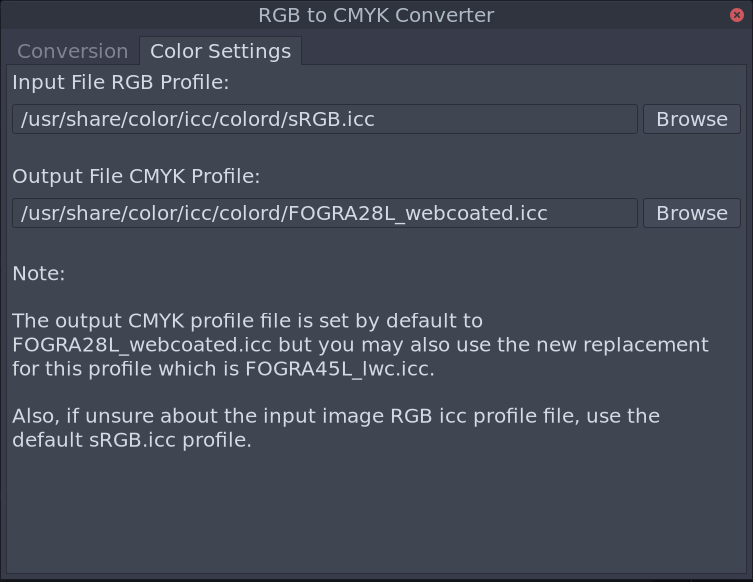
The GUI sits in top of the imagemagick __convert__ command to perform
the color space conversion operation.

* OS: Linux
* License: GPLv3
## Requirements
* [ImageMagick](https://www.imagemagick.org/) - perform color conversion
* [colord](https://www.freedesktop.org/software/colord) - provides .icc color profiles
* [wxWidgets](https://wxwidgets.org) - graphical interface
* [Meson](https://mesonbuild.com/) - build the application
## Compilation
To build the application execute the following commands:
```sh
meson setup build --prefix /usr
ninja -C build
```
You can specify a different __wx-config__ file by editing the
nativefile.ini and compiling with the additional __--native-file__
flag as follows:
```sh
meson setup build --native-file nativefile.ini --prefix /usr
ninja -C build
```
## Installation
After a successfull build you can install the utility by executing:
```sh
sudo ninja -C build install
```
## Screenshots