https://github.com/jhonesto/igpt
Interactive GPT for text completions models
https://github.com/jhonesto/igpt
ai chatgpt cli openai shellscript text-completion
Last synced: 2 months ago
JSON representation
Interactive GPT for text completions models
- Host: GitHub
- URL: https://github.com/jhonesto/igpt
- Owner: jhonesto
- License: mit
- Created: 2023-12-04T07:23:17.000Z (over 2 years ago)
- Default Branch: main
- Last Pushed: 2024-07-15T04:14:40.000Z (almost 2 years ago)
- Last Synced: 2025-03-27T20:49:36.513Z (over 1 year ago)
- Topics: ai, chatgpt, cli, openai, shellscript, text-completion
- Language: Shell
- Homepage:
- Size: 37.1 KB
- Stars: 0
- Watchers: 1
- Forks: 0
- Open Issues: 0
-
Metadata Files:
- Readme: README.md
- License: LICENSE
Awesome Lists containing this project
README
# iGPT
Interactive GPT for text completions models
Welcome to iGPT, one way to call OpenAI's GPT models from Bash! This script allows you to easily query the OpenAI API from anywhere, using the text completions models available.
## Dependencies
**bash**: The born again shell. An sh-compatible shell to run sh scripts.
**curl**: A tool to transfer data from or to a server
**python**: To convert the json reponses
## Installation
Just download this script and run in your terminal by typing
`bash igpt.sh`
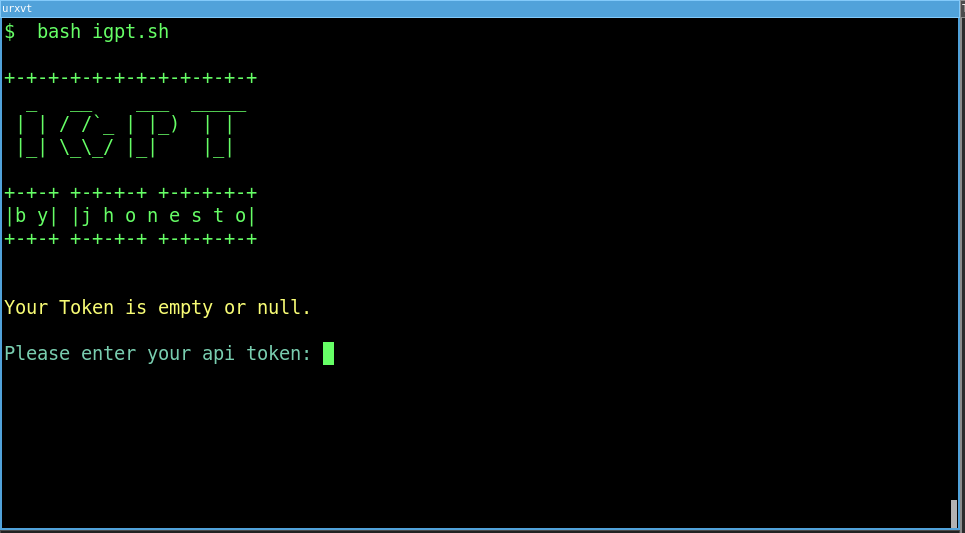
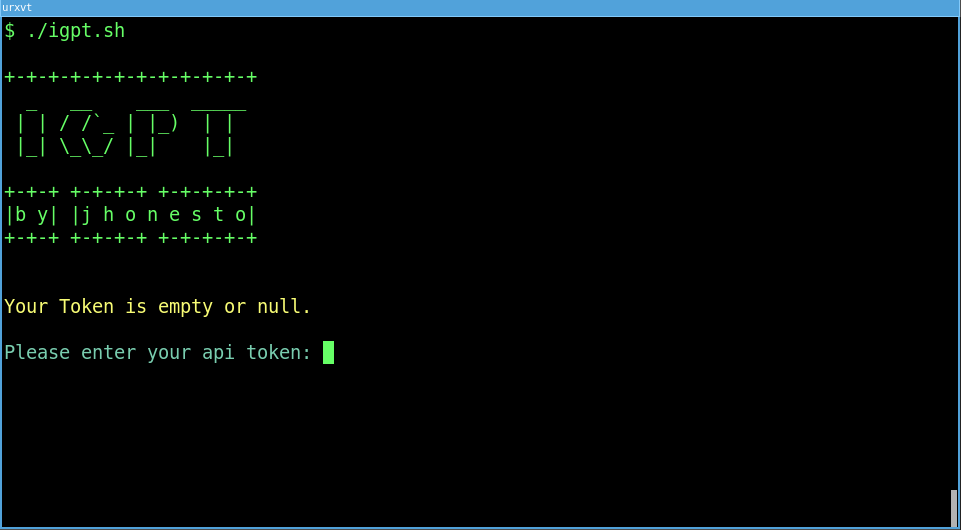
or make it executable and run it once
`chmod +x igpt.sh`
and then just run `./igpt.sh`
## Docker Image
You can download this image from [docker hub](https://hub.docker.com/r/jhonesto/igpt)
## Usage
To get started, you need to have an [OpenAI API Key](https://platform.openai.com/account/api-keys)
open your terminal or terminal emulator and run
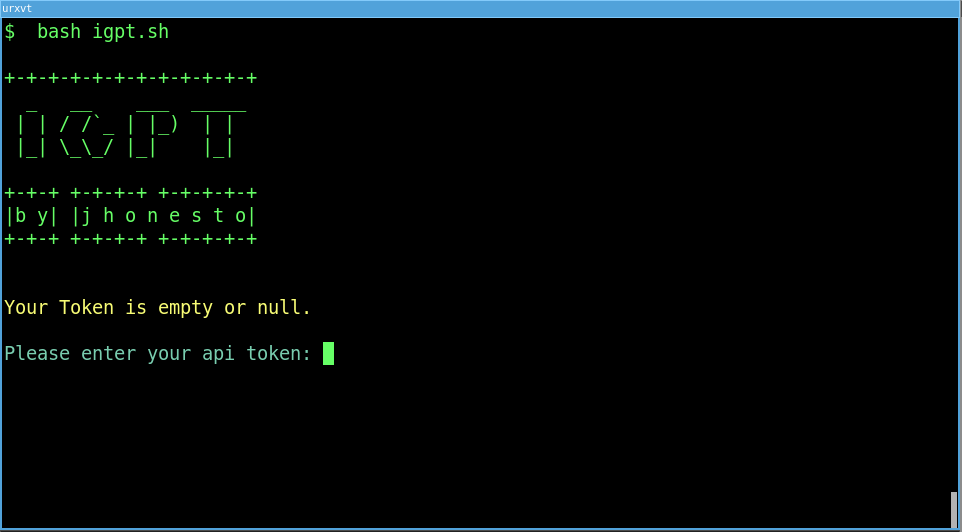
`bash igpt.sh`
If your TOKEN (**OpenAI API Key**) is empty you must informing before using.
or run the program passing the TOKEN value
`TOKEN=YOUR-TOKEN-HERE bash igpt.sh`
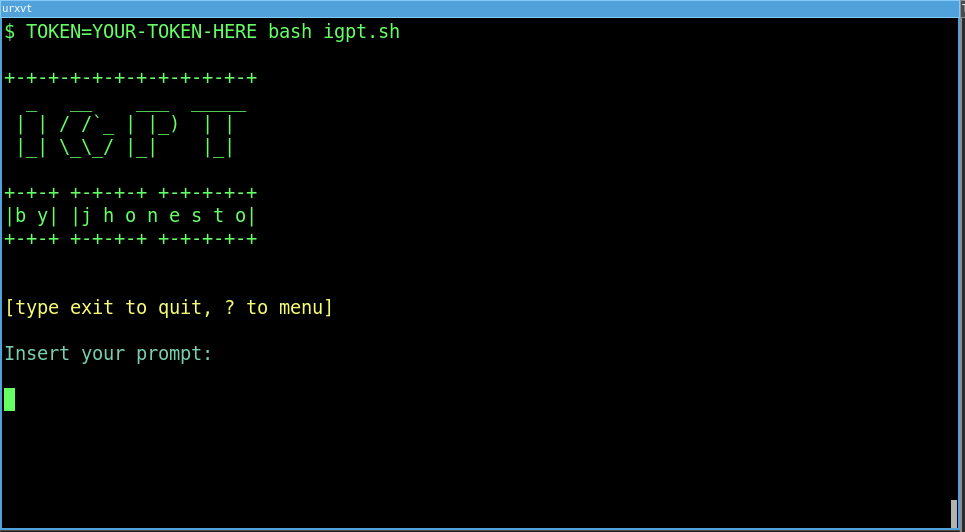
Now you can make prompts to OpenAI. Enjoy it!
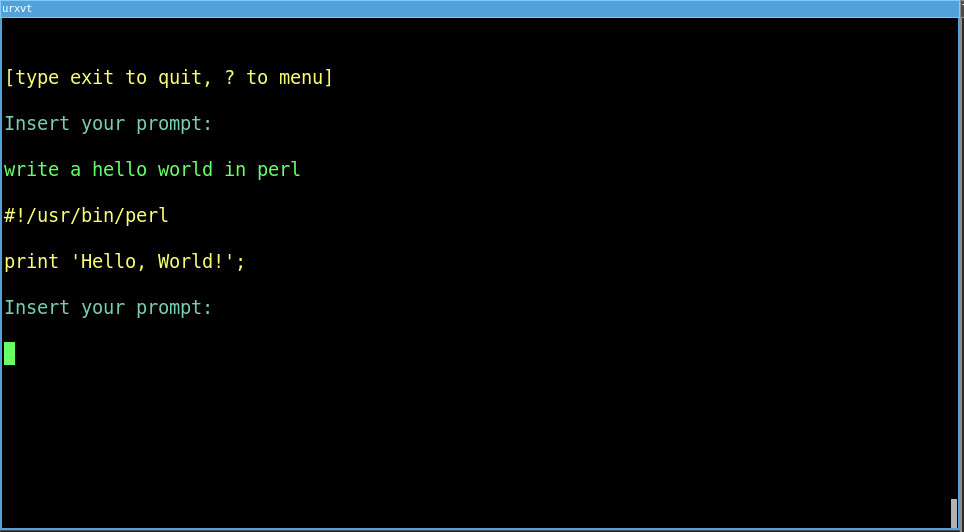
### Default values
| FIELD | DESCRIPTION |
| --- | --- |
| TOKEN | (OpenAI API Key) Default is empty, please provide a token before starting to prompt. |
| MODEL | gpt-3.5-turbo-instruct |
| TEMPERATURE | 1.0 |
| MAX_TOKENS | 1000 |
You can also start this program changing the default values:
```shell
TOKEN=TOKEN-HERE MODEL=YOUR-MODEL TEMPERATURE=0.9 MAX_TOKENS=1000 bash igpt.sh
```
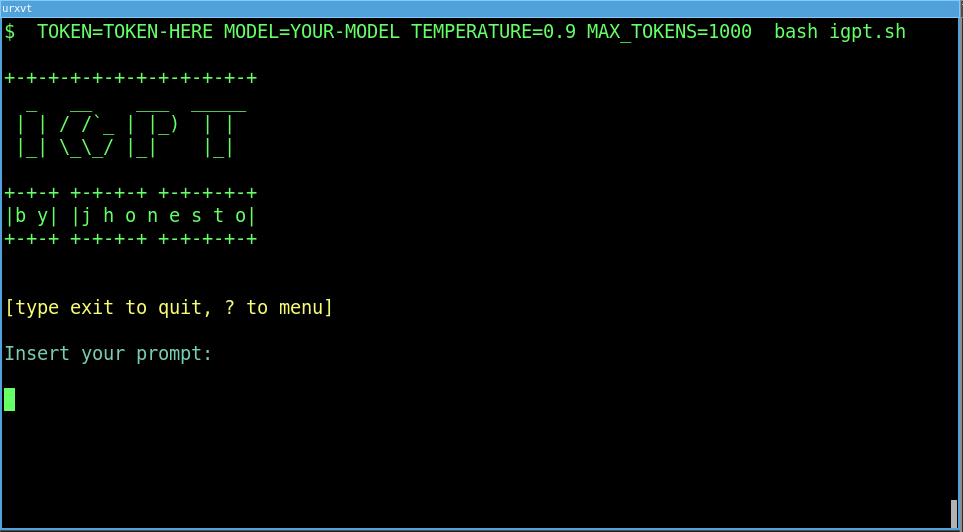
### Interactive menu
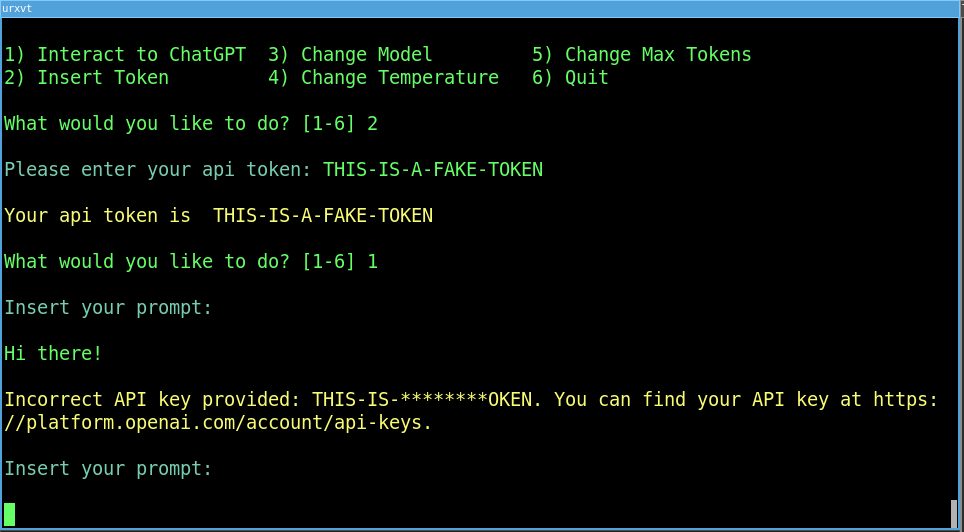
Just type `?` to interact with the menu and you'll see these following options:
| OPTION | DESCRIPTION |
| --- | --- |
| 1) Interact to ChatGPT | Return to prompt |
| 2) Insert Tokens | To change or insert a new Token |
| 3) Change Model | To change text completion models |
| 4) Change Temperature | To change the temperature of your response, from 0 to 2. |
| 5) Change Max Tokens | To change the max. tokens, according to the model. |
| 6) Quit | To exit the app. |
What would you like to do? [1-6]
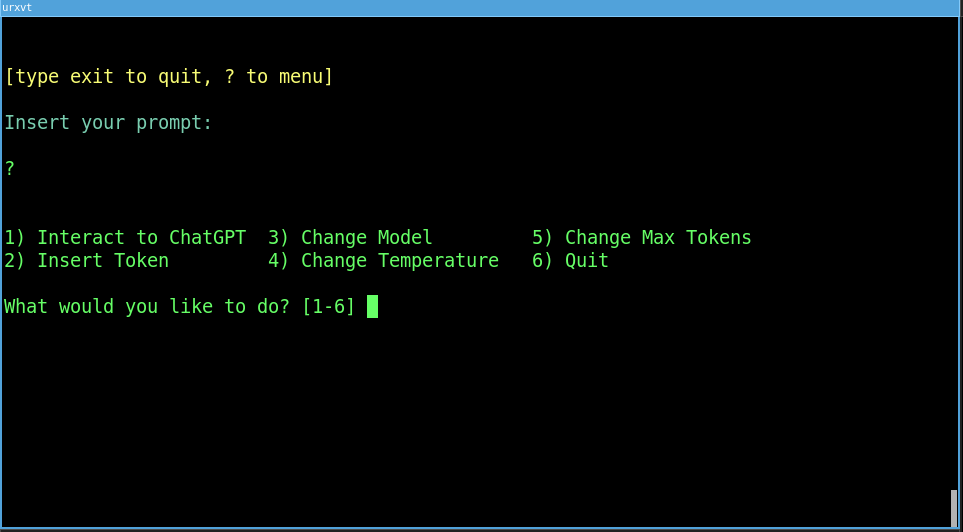
You can choose an option from the list and follow the instructions in the terminal.
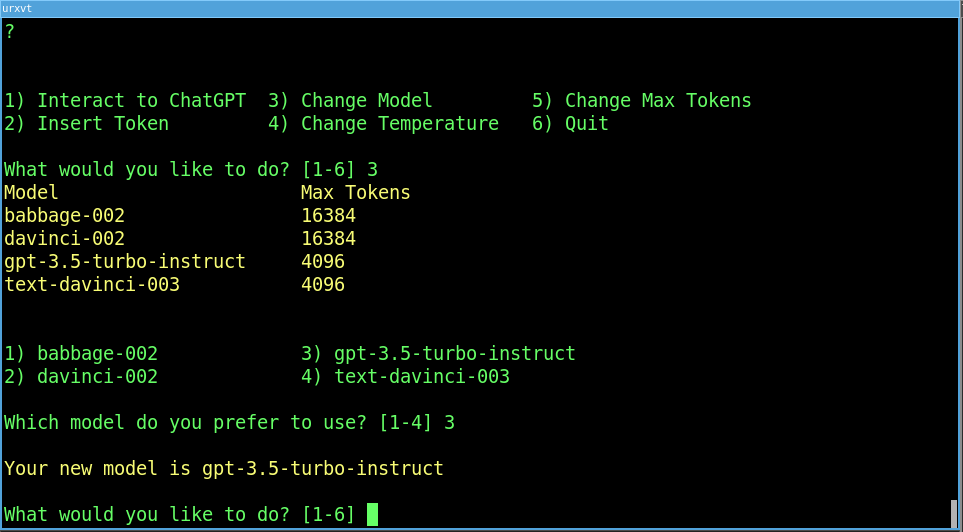
Remember your [OpenAI API Key](https://platform.openai.com/account/api-keys) must be valid.
## Tip
If you don't like the colors or want to try new colors, you can change the INPUT_COLOR, OUTPUT_COLOR, INFO_COLOR and ERROR_COLOR parameters according to the ASCII table.
## Limitations
This script runs in a text completion mode from OpenAI's API, and I'm working on it to use other endpoints.
This script runs on Linux. I haven't tested it on Windows, so I recommend using it with WSL.
## Contributing
If you notice any issues or want to contribute to the project, feel free to create an issue or a pull request on the Github repository. I appreciate all contributions and feedback!