https://github.com/jhordyess/css-units
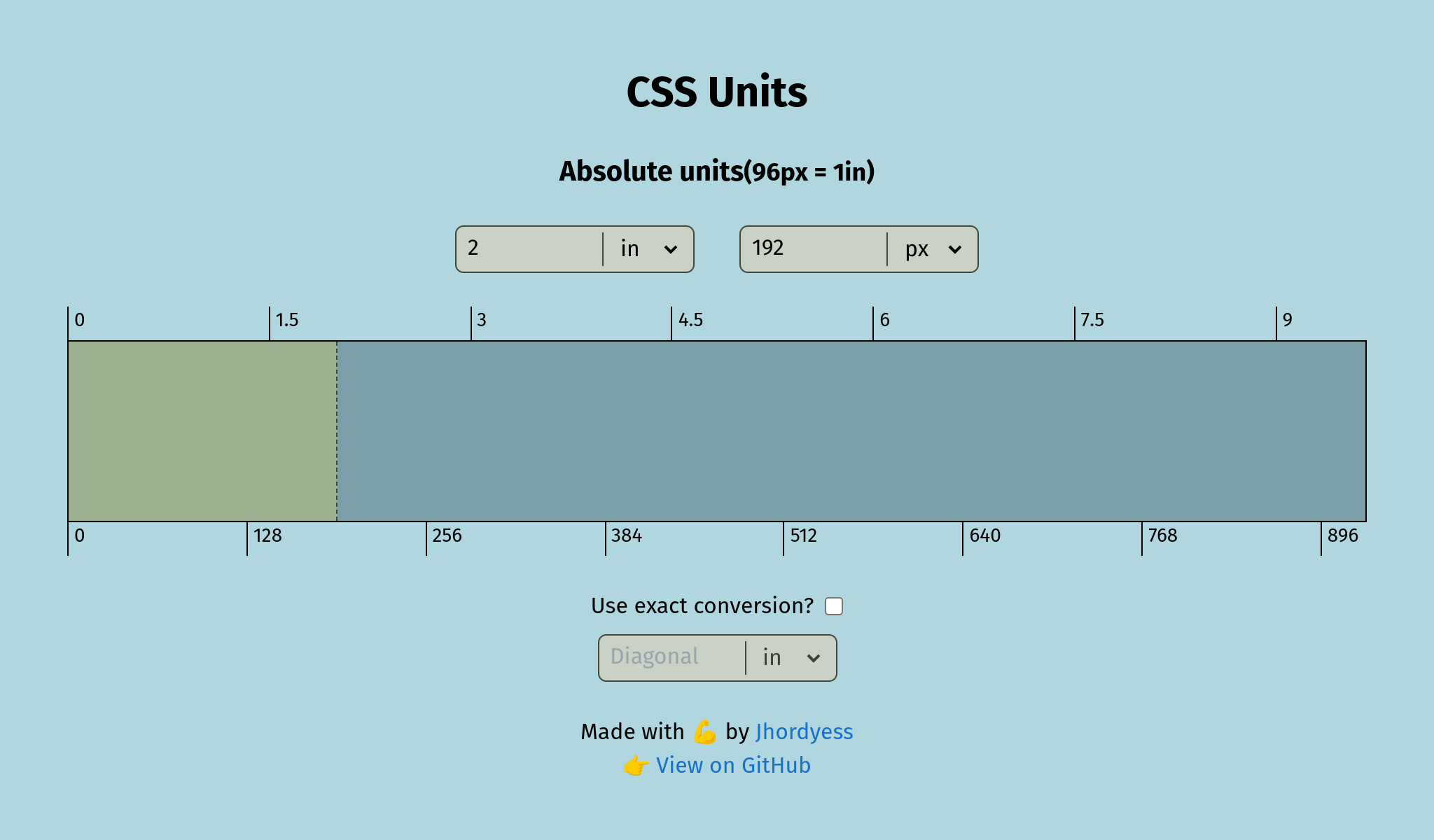
React application that converts absolute units used in CSS.
https://github.com/jhordyess/css-units
css css-units react tailwindcss typescript
Last synced: 3 months ago
JSON representation
React application that converts absolute units used in CSS.
- Host: GitHub
- URL: https://github.com/jhordyess/css-units
- Owner: jhordyess
- License: mit
- Created: 2023-06-22T01:14:38.000Z (about 3 years ago)
- Default Branch: main
- Last Pushed: 2023-11-09T16:28:09.000Z (over 2 years ago)
- Last Synced: 2023-11-09T17:34:35.914Z (over 2 years ago)
- Topics: css, css-units, react, tailwindcss, typescript
- Language: TypeScript
- Homepage: https://jhordyess.github.io/css-units/
- Size: 1.48 MB
- Stars: 0
- Watchers: 1
- Forks: 0
- Open Issues: 0
-
Metadata Files:
- Readme: README.md
- License: LICENSE
Awesome Lists containing this project
README
# CSS units
React application that converts absolute units used in CSS.
## Description
Additionally, it includes a dynamic div element that adjusts the width, based on user input. The app also allows to customize the conversion factor from pixels to inches, enabling precise on-screen measurements.
### Technologies Used
- JS Libraries: [ReactJS](https://reactjs.org/), [Math.js](https://mathjs.org/)
- CSS Libraries: [TailwindCSS](https://tailwindcss.com/)
- Programming Language: [TypeScript](https://www.typescriptlang.org/)
- Build tool: [Vite](https://vitejs.dev/)
- Hosting: [GitHub Pages](https://pages.github.com/)
- Dev Environment: [VSCode](https://code.visualstudio.com/) with [dev containers](https://code.visualstudio.com/docs/remote/containers) in [Pop!\_OS](https://pop.system76.com/)
### Online
Visit the project at: .
### Screenshot
## How to use
1. Clone the repository:
```bash
git clone git@github.com:jhordyess/css-units.git
```
2. Open the project folder:
```bash
cd css-units
```
3. Install the dependencies:
```bash
yarn
```
4. Run the project:
```bash
yarn dev
```
5. Open the browser at
## How to use with VSCode dev containers
You can use the VSCode dev containers to run the project in a containerized environment.
You need to have installed [Docker](https://www.docker.com/) and [VSCode](https://code.visualstudio.com/), and the [Dev Containers](https://marketplace.visualstudio.com/items?itemName=ms-vscode-remote.remote-containers) extension.
1. Clone the repository:
```bash
git clone git@github.com:jhordyess/css-units.git
```
2. Open the project with VSCode:
```bash
code css-units
```
3. Open the command palette and select the option `Dev Containers: Reopen in Container`.
4. Wait for the container to be built and the project to be started.
5. Open the terminal in VSCode and run the project:
```bash
yarn dev
```
6. Open the browser at
## To-Do
- Add resize event support.
- Add more features 🤔
## Contribution
If you would like to contribute to the project, open an issue or make a pull request on the repository.
## License
© 2023> [Jhordyess](https://github.com/jhordyess). Under the [MIT](https://choosealicense.com/licenses/mit/) license. See the [LICENSE](./LICENSE) file for more details.
---
Made with 💪 by [Jhordyess](https://www.jhordyess.com/)