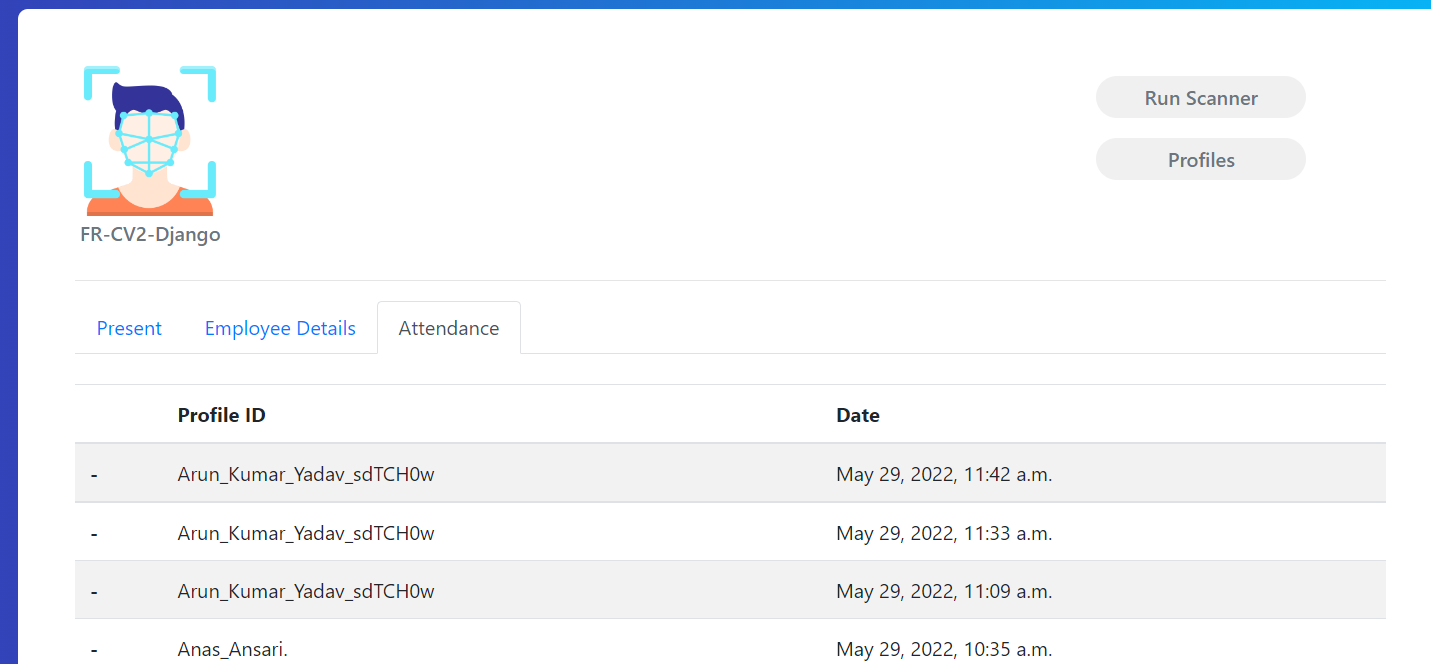
https://github.com/jmrashed/face-detection-using-python-django
Face detection using python Django
https://github.com/jmrashed/face-detection-using-python-django
Last synced: 4 months ago
JSON representation
Face detection using python Django
- Host: GitHub
- URL: https://github.com/jmrashed/face-detection-using-python-django
- Owner: jmrashed
- Created: 2023-04-05T19:37:01.000Z (about 3 years ago)
- Default Branch: main
- Last Pushed: 2023-04-05T19:37:44.000Z (about 3 years ago)
- Last Synced: 2025-11-17T19:03:13.900Z (7 months ago)
- Language: HTML
- Size: 386 KB
- Stars: 0
- Watchers: 1
- Forks: 0
- Open Issues: 0
-
Metadata Files:
- Readme: README.md
Awesome Lists containing this project
README
# Face detection using python Django
Face detection can be implemented in Python using the OpenCV library, which is a computer vision library that contains a variety of algorithms for image processing and object detection
## Installation
To integrate face detection into a Django web application, you can follow these steps:
1. Install the OpenCV library by running the following command in your terminal or command prompt:
`pip install opencv-python`
2. Create a Django view function that takes an image file as input and returns whether or not a face is detected in the image.
```python
import cv2
def detect_face(image_file):
# Load the image file
image = cv2.imread(image_file)
# Convert the image to grayscale
gray = cv2.cvtColor(image, cv2.COLOR_BGR2GRAY)
# Load the face cascade classifier
face_cascade = cv2.CascadeClassifier(cv2.data.haarcascades + 'haarcascade_frontalface_default.xml')
# Detect faces in the image
faces = face_cascade.detectMultiScale(gray, scaleFactor=1.1, minNeighbors=5)
# If a face is detected, return True; otherwise, return False
if len(faces) > 0:
return True
else:
return False
```
3. In your Django template, create a form that allows users to upload an image file and submit it to the view function.
```html
{% csrf_token %}
Detect Face
```
4. In your Django view function, check if the form has been submitted and call the detect_face function with the uploaded image file.
```python
from django.shortcuts import render
from django.http import HttpResponse
def face_detection(request):
if request.method == 'POST':
# Get the uploaded image file
image_file = request.FILES['image_file']
# Call the detect_face function
is_face_detected = detect_face(image_file)
# Render the results in a template
return render(request, 'face_detection_result.html', {'is_face_detected': is_face_detected})
else:
# Render the form
return render(request, 'face_detection.html')
```
5. Create a template for the results of the face detection.
```html
{% if is_face_detected %}
A face was detected in the image!
{% else %}
No faces were detected in the image.
{% endif %}
```
With these steps, you should now have a basic implementation of face detection in your Django web application.
## How to run this project on your system
First clone the project and extract the files on your system.
Then open powershell on the same folder and run the command ( `pip install -r req.txt` )
Be sure that the libraries::
asgiref==3.3.1,
click==7.1.2,
cmake==3.18.4.post1,
Django==3.1.3,
dlib==19.21.0,
face-recognition==1.3.0,
face-recognition-models==0.3.0,
numpy==1.19.3,
opencv-python==4.4.0.46,
Pillow==8.0.1,
playsound==1.2.2,
pytz==2020.4,
sqlparse==0.4.1 are properly installed.
After that open project on vs code and in new terminal run the command ( `python manage.py runserver` ). Make sure that you are in the same directory othervise no such file or directory present error will show. For this you can run the command- cd face_recognition_attendance_system-dev
The id and password for admin login is (id=arun) and (password=arun), however you can change it by running the command ( python manage.py createsuperuser )