https://github.com/jomy10/simple_colors
Macros for formatting text with colors, backgrounds and styles like bold, italic and underlined.
https://github.com/jomy10/simple_colors
background color crate crates crates-io library rust style terminal text
Last synced: 2 months ago
JSON representation
Macros for formatting text with colors, backgrounds and styles like bold, italic and underlined.
- Host: GitHub
- URL: https://github.com/jomy10/simple_colors
- Owner: Jomy10
- License: mit
- Created: 2022-01-19T18:42:49.000Z (over 4 years ago)
- Default Branch: master
- Last Pushed: 2022-04-22T10:54:22.000Z (about 4 years ago)
- Last Synced: 2025-03-26T15:18:00.546Z (over 1 year ago)
- Topics: background, color, crate, crates, crates-io, library, rust, style, terminal, text
- Language: Rust
- Homepage:
- Size: 3.82 MB
- Stars: 0
- Watchers: 1
- Forks: 0
- Open Issues: 0
-
Metadata Files:
- Readme: README.md
- License: LICENSE
Awesome Lists containing this project
README
# Simple Colors
This crate provides simple macros for formatting strings with colors, backgrounds and styles like bold, italic and underlined.
The crate does not use any external dependencies.
[](#license)
[](https://crates.io/crates/simple_colors)
[](https://docs.rs/simple_colors/latest/simple_colors/)
## Installing
Add the following line to your **Cargo.toml** file:
```toml
[dependencies]
simple_colors = "1"
```
## Overview
### Colors
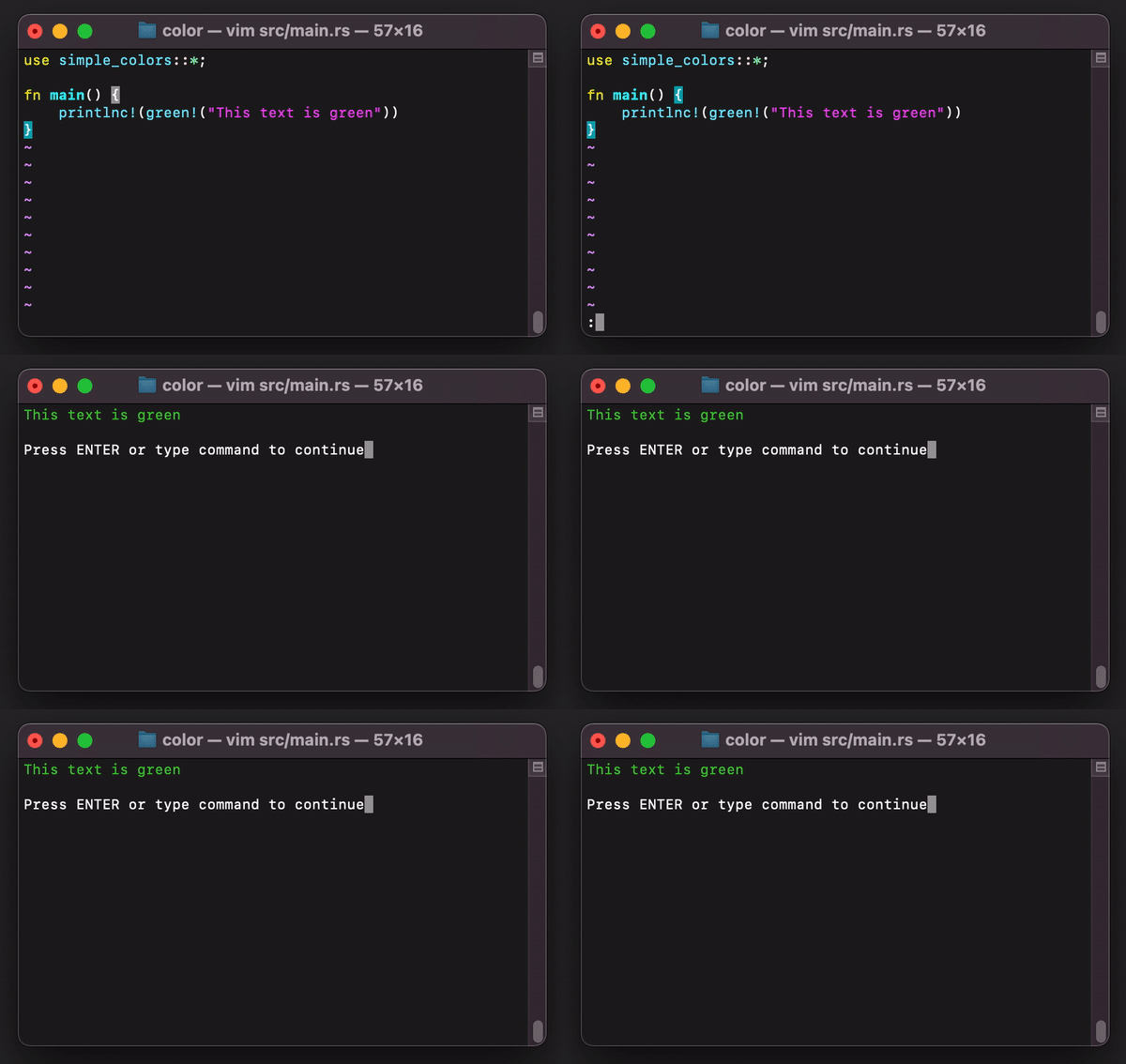
You can style text with colors:
```rust
use simple_colors::{white, red, printlnc};
println!("{}", red!("This is red"));
printlnc!(red!("This is also red"));
printlnc!(format!("{}, {}.", white!("This is white"), red!("this is red")))
```
**Output:**
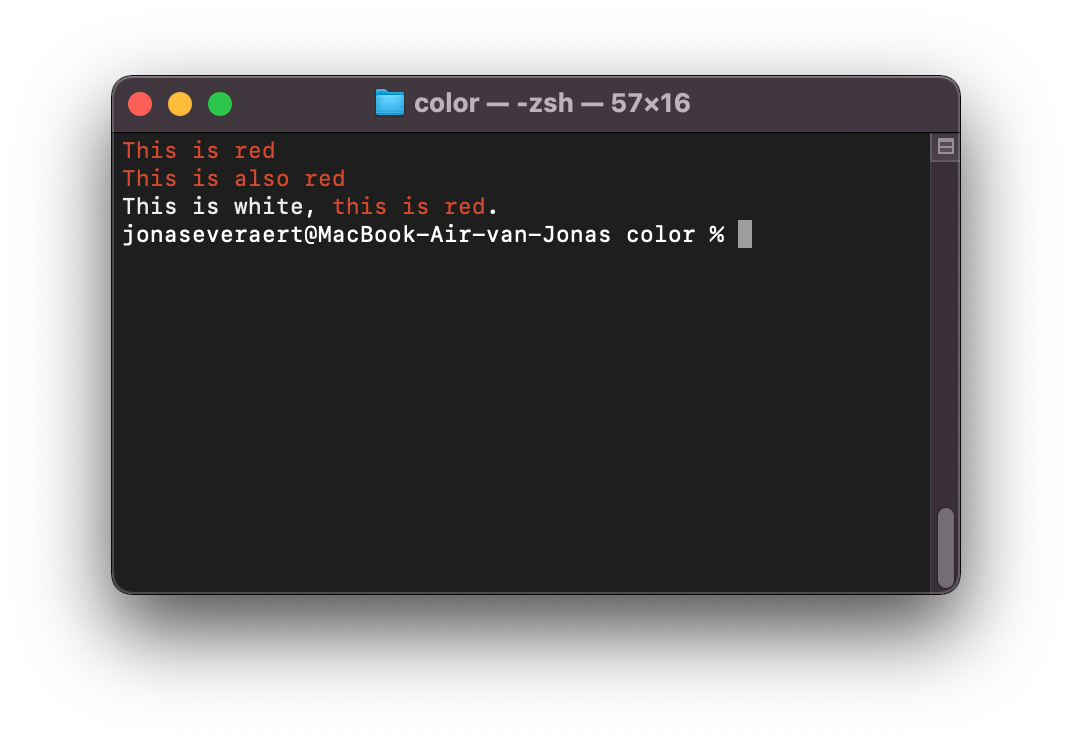
The available colors:
- black
- white
- yellow & light_yellow
- red & light_red
- cyan & light_cyan
- blue & light_blue
- magenta & light_magenta
- green & light_green
- dark_grey & grey
[Preview](preview.md)
### Backgrounds
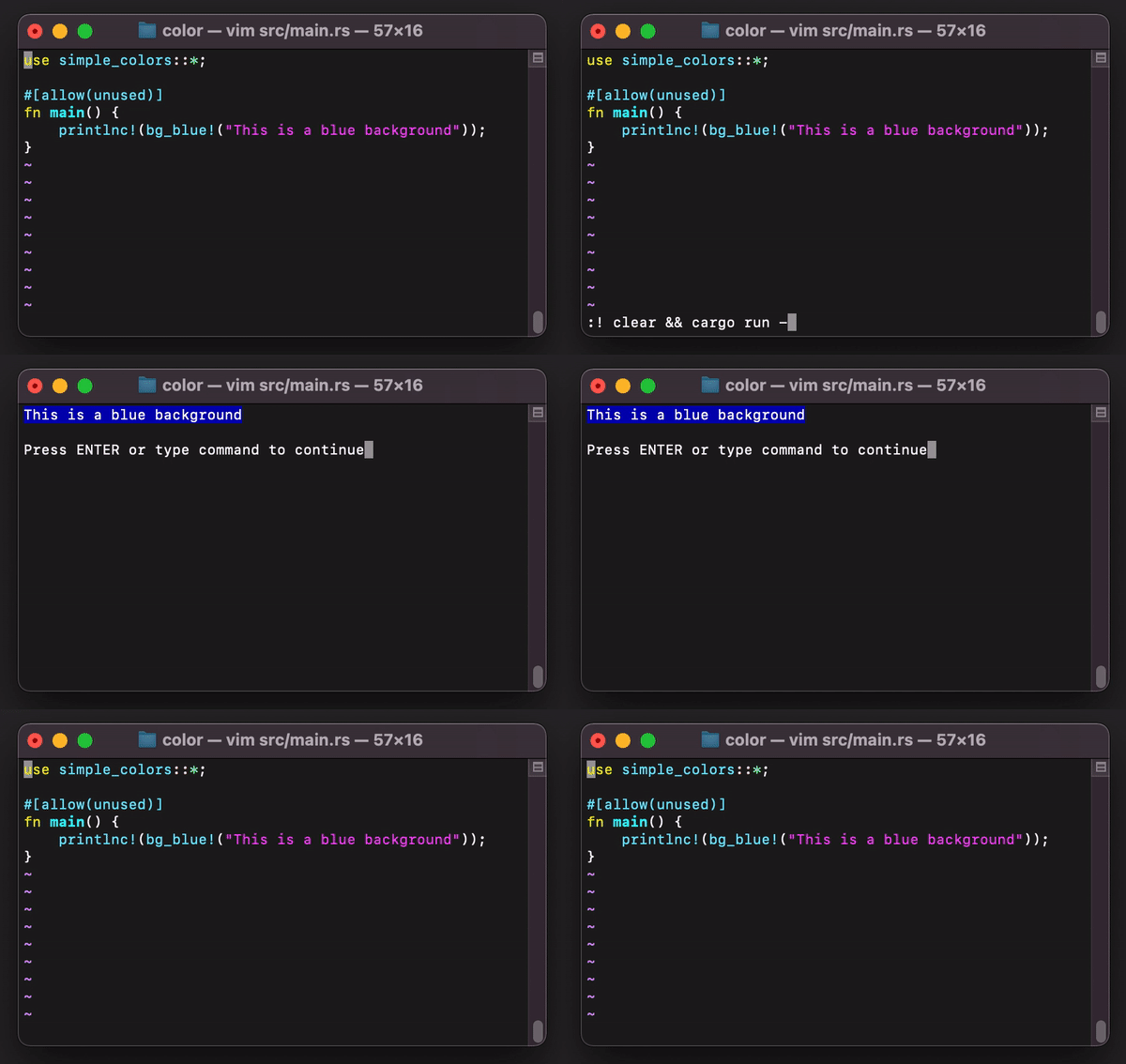
You can also add backgrounds:
```rust
use simple_colors::{white, bg_black, printlnc};
printlnc!(bg_black!(white!("Black background with white text")));
```

### Styles
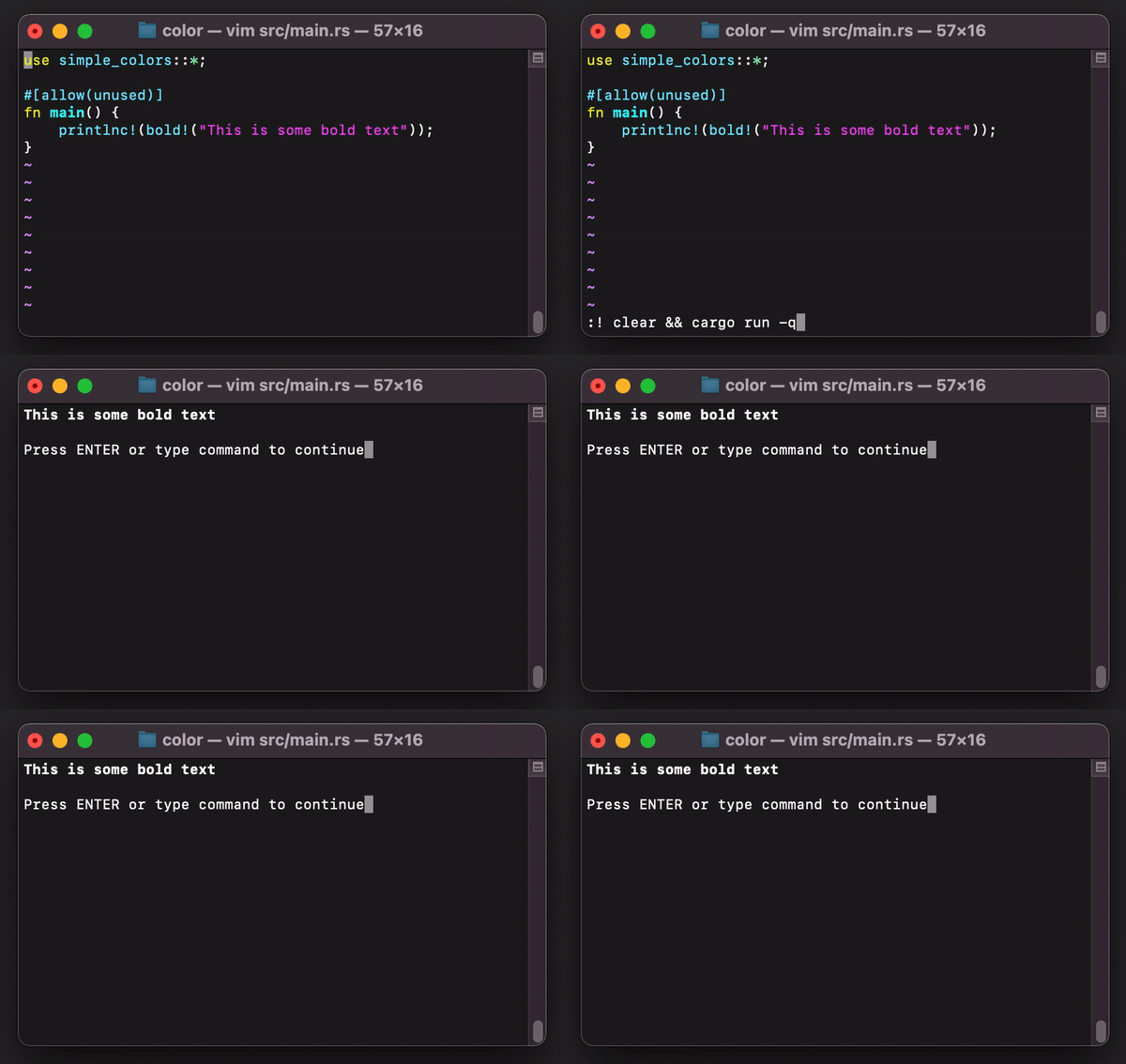
You can also make your text bold, italic or underlined.
```rust
use simple_colors::bold;
printlnc!(bold!("This text is bold"));
```
### Combining styles
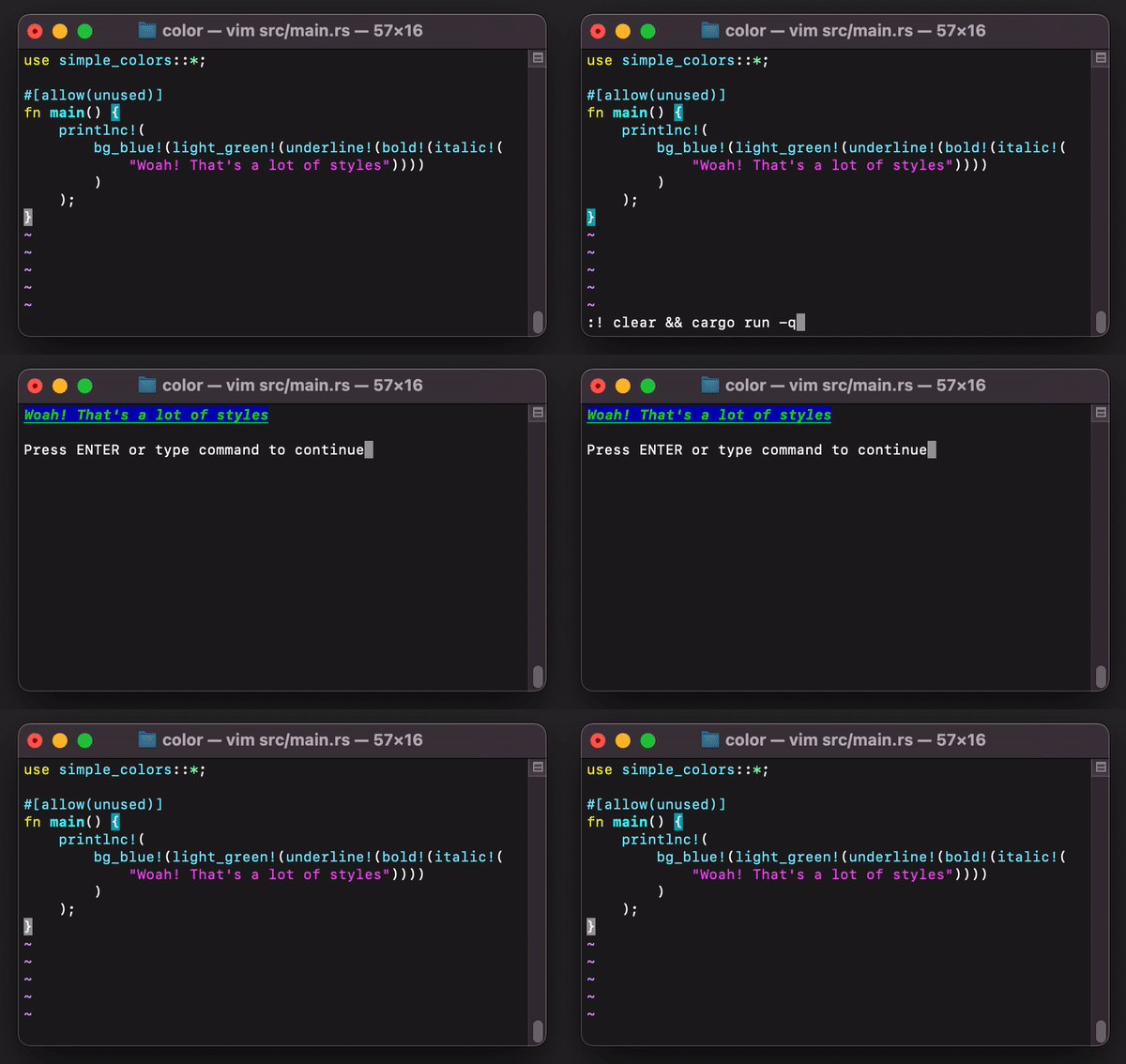
You can combine all of the different macros to style your text.

### Custom styles
You can also specify custom styles:
```rust
use simple_colors::{color, Color, Style};
enum MyCustomStyles {
Style1,
Style2
}
impl simple_colors::custom::Style for MyCustomStyles {
fn get_style_code(&self) -> String {
match self {
// Style1 will be bold and light blue
MyCustomStyles::Style1 => "\x1b[1m\x1b[94m".to_string(),
// Style2 will be bold and red
MyCustomStyles::Style2 =>
format!(
"{}{}",
Style::Bold.get_style_code(),
Color::Red.get_style_code()
)
}
}
}
println!("{}", color!(MyCustomStyles::Style2, "Some text that is both bold and red"))
```
### Printlnc! and printc!
`printlnc!()` and `printc!()` are two methods for printing your formatted text like so:
```rust
printlnc!(blue!("Hello world"));
```
which is a replacement for:
```rust
println!("{}", blue!("Hello world"));
```
## Contributing
Everything should be covered in this crate. If you find a bug, feel free to open an issue and then making a pull request
(if you know how to fix the bug). If you can think of improvements, they are also always welcome.
## License
This crate is licensed under the [MIT License](LICENSE) or the Apache-2.0 license.