https://github.com/jonathanpeppers/dotnes
.NET for the NES game console
https://github.com/jonathanpeppers/dotnes
csharp dotnet emulation hacktoberfest nes
Last synced: 4 months ago
JSON representation
.NET for the NES game console
- Host: GitHub
- URL: https://github.com/jonathanpeppers/dotnes
- Owner: jonathanpeppers
- License: mit
- Created: 2021-11-23T03:15:22.000Z (over 4 years ago)
- Default Branch: main
- Last Pushed: 2026-03-28T18:15:38.000Z (4 months ago)
- Last Synced: 2026-03-28T18:33:44.170Z (4 months ago)
- Topics: csharp, dotnet, emulation, hacktoberfest, nes
- Language: C#
- Homepage:
- Size: 8.49 MB
- Stars: 673
- Watchers: 15
- Forks: 24
- Open Issues: 23
-
Metadata Files:
- Readme: README.md
- License: LICENSE
Awesome Lists containing this project
README
# .NES ("dot" NES)

.NET for the NES game console!

## Samples
| | |
|:---:|:---:|
| **shoot2** ⬇️ | **pong** ⬇️ |
|  |  |
| **climber** ⬇️ | **procgen** ⬇️ |
|  |  |
| **snake** ⬇️ | **siegegame** ⬇️ |
|  |  |
| **metasprites** ⬇️ | **animation** ⬇️ |
|  |  |
| **scoreboard** ⬇️ | **bigsprites** ⬇️ |
|  |  |
| **sprites** ⬇️ | **horizscroll** ⬇️ |
|  |  |
| **vertscroll** ⬇️ | **scroll** ⬇️ |
|  |  |
| **fade** ⬇️ | **slideshow** ⬇️ |
|  |  |
| **monobitmap** ⬇️ | **music** ⬇️ |
|  |  |
| **fami** ⬇️ | **conio** ⬇️ |
|  |  |
| **metacursor** ⬇️ | **metatrigger** ⬇️ |
|  |  |
| **horizmask** ⬇️ | **statusbar** ⬇️ |
|  |  |
| **peekpoke** ⬇️ | **irq** ⬇️ |
|  |  |
| **rletitle** ⬇️ | **attributetable** ⬇️ |
|  |  |
| **tileset1** ⬇️ | **hello** ⬇️ |
|  |  |
| **tint** ⬇️ | **flicker** ⬇️ |
|  |  |
> See the [samples/](samples/) folder for all 46 sample projects. Generate images with `dotnet run scripts/record-all-samples.cs`.
## Contributing
PRs of any kind are welcome! If you have a question, feel free to:
* [File an Issue](https://github.com/jonathanpeppers/dotnes/issues)
* [Open a Discussion](https://github.com/jonathanpeppers/dotnes/discussions)
* [Join the Discord](https://discord.gg/xcYmpC5EPF)
Thanks!
## Getting Started
Simply install the template:
```sh
dotnet new install dotnes.templates
```
Create a project:
```sh
dotnet new nes
```
Or use the project template in Visual Studio:

Build and run it as you would a console app:
```sh
dotnet run
```
Of course, you can also just open the project in Visual Studio and hit F5.
> Note that Ctrl+F5 currently works better in C# Dev Kit in VS Code.
Check out the video for a full demo:
[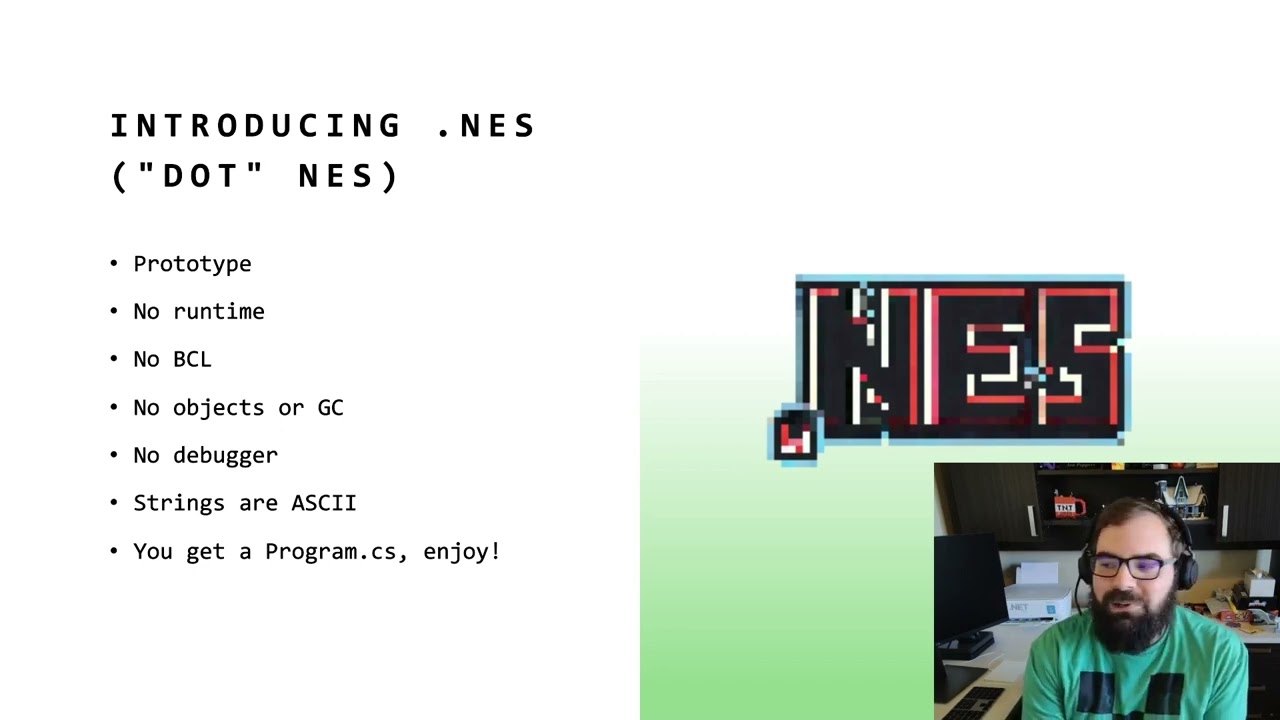](https://youtu.be/m4TU5PJ8WtY)
## MSBuild Properties
.NES exposes several MSBuild properties for configuring your ROM (mapper, mirroring,
PRG/CHR bank counts, diagnostic logging, and more). See
[docs/msbuild-properties.md](docs/msbuild-properties.md) for the full reference.
## Anatomy of an NES application
"Hello World" looks something like:
```csharp
// set palette colors
pal_col(0, 0x02); // set screen to dark blue
pal_col(1, 0x14); // fuchsia
pal_col(2, 0x20); // grey
pal_col(3, 0x30); // white
// write text to name table
vram_adr(NTADR_A(2, 2)); // set address
vram_write("Hello, world!"); // write bytes to video RAM
// enable PPU rendering (turn on screen)
ppu_on_all();
// infinite loop
while (true) ;
```
This looks very much like ["Hello World" in
C](https://8bitworkshop.com/v3.10.0/?platform=nes&file=hello.c), taking
advantage of the latest C# features in 2023.
By default the APIs like `pal_col`, etc. are provided by an implicit
`global using static NESLib;` and all code is written within a single
`Program.cs`.
Additionally, a `chr_generic.s` file is included as your game's "artwork" (lol?):
```assembly
.segment "CHARS"
.byte $00,$00,$00,$00,$00,$00,$00,$00
...
.byte $B4,$8C,$FC,$3C,$98,$C0,$00,$00
;;
```
This table of data is used to render sprites, text, etc.
## Music
.NES also supports NES music playback via the APU. The `samples/music` project
plays "The Easy Winners" by Scott Joplin using pulse and triangle channels:
```csharp
ushort[] note_table = [ 4304, 4062, 3834, ... ];
set_music_pulse_table(note_table);
ushort[] tri_table = [ 2138, 2018, 1905, ... ];
set_music_triangle_table(tri_table);
byte[] music1 = [ 0x2a, 0x1e, 0x95, ... ];
apu_init();
start_music(music1);
while (true)
{
ppu_wait_nmi();
music_tick();
}
```
For more details, see [docs/music-sample.md](docs/music-sample.md).
## Metasprites
The `samples/metasprites` project demonstrates runtime arrays, for loops, random
numbers, and metasprites — combining multiple hardware sprites into larger
sprites:
```csharp
byte[] metasprite = [
0, 0, 0xD8, 0, // top-left
0, 8, 0xD9, 0, // bottom-left
8, 0, 0xDA, 0, // top-right
8, 8, 0xDB, 0, // bottom-right
128 // terminator
];
byte[] actor_x = new byte[16];
byte[] actor_y = new byte[16];
byte i = 0;
while (i < 16)
{
actor_x[i] = rand8();
actor_y[i] = rand8();
i = (byte)(i + 1);
}
while (true)
{
byte oam_id = 0;
i = 0;
while (i < 16)
{
oam_id = oam_meta_spr(actor_x[i], actor_y[i], oam_id, metasprite);
i = (byte)(i + 1);
}
if (oam_id != 0) oam_hide_rest(oam_id);
ppu_wait_frame();
}
```
## Scope
The types of things I wanted to get working initially:
* An object model for writing NES binaries
* Building a project should produce a `*.nes` binary, that is byte-for-byte
identical to a program written in C.
* "Hello World" runs
* Byte arrays, and a more advanced sample like `attributetable` run
* Local variables work in some form
* Project template, MSBuild support, IDE support
* Music playback via the NES APU (see `samples/music`)
* Metasprites, for loops, runtime arrays, and `rand8()` (see `samples/metasprites`)
Down the road, I might think about support for:
* Methods
* Structs
* Multiple files
* Some subset of useful BCL methods
## How it works
For lack of a better word, .NES is a "transpiler" that takes
[MSIL](https://en.wikipedia.org/wiki/MSIL) and transforms it directly into a
working [6502 microprocessor](http://www.6502.org/) binary that can run in your
favorite NES emulator. If you think about .NET's Just-In-Time (JIT) compiler or
the various an Ahead-Of-Time (AOT) compilers, .NES is doing something similiar:
taking MSIL and turning it into runnable machine code.
To understand further, let's look at the MSIL of a `pal_col` method call:
```msil
// pal_col((byte)0, (byte)2);
IL_0000: ldc.i4.0
IL_0001: ldc.i4.2
IL_0002: call void [neslib]NES.NESLib::pal_col(uint8, uint8)
```
In 6502 assembly, this would look something like:
```assembly
A900 LDA #$00
20A285 JSR pusha
A902 LDA #$02
203E82 JSR _pal_col
```
You can see how one might envision using [System.Reflection.Metadata][srm] to
iterate over the contents of a .NET assembly and generate [6502
instructions][6502-instructions] -- that's how this whole idea was born!
Note that the method `NESLib.pal_col()` has no actual C# implementation. In
fact! there is *only* a reference assembly even shipped in .NES:
```powershell
> 7z l dotnes.0.2.0-alpha.nupkg
Date Time Attr Size Compressed Name
------------------- ----- ------------ ------------ ------------------------
2023-09-14 14:37:38 ..... 8192 3169 ref\net10.0\neslib.dll
```
If you decompile `neslib.dll`, no code is inside:
```csharp
// Warning! This assembly is marked as a 'reference assembly', which means that it only contains metadata and no executable code.
// neslib, Version=0.1.0.0, Culture=neutral, PublicKeyToken=null
// NES.NESLib
public static void pal_col(byte index, byte color) => throw null;
```
When generating `*.nes` binaries, .NES simply does a lookup for `pal_col` to
"jump" to the appropriate subroutine to call it.
.NES also emits the assembly instructions for the actual `pal_col` subroutine.
The implementation uses an object model that represents 6502 instructions:
```csharp
/*
* 823E 8517 STA TEMP ; _pal_col
* 8240 209285 JSR popa
* 8243 291F AND #$1F
* 8245 AA TAX
* 8246 A517 LDA TEMP
* 8248 9DC001 STA $01C0,x
* 824B E607 INC PAL_UPDATE
* 824D 60 RTS
*/
// Uses Block and Instruction objects from the 6502 object model:
var block = new Block("_pal_col");
block.Emit(STA_zpg(TEMP))
.Emit(JSR(popa))
.Emit(AND(0x1F))
.Emit(TAX())
.Emit(LDA_zpg(TEMP))
.Emit(STA_abs_X(PAL_BUF))
.Emit(INC_zpg(PAL_UPDATE))
.Emit(RTS());
```
[srm]: https://learn.microsoft.com/dotnet/api/system.reflection.metadata
[6502-instructions]: https://www.masswerk.at/6502/6502_instruction_set.html
## Limitations
This is a hobby project, so there are around 42 C# sample programs that are known to work. But to
get an idea of what is not available:
* No runtime
* No BCL
* No objects or GC
* No debugger
* Strings are ASCII
What we *do* have is a way to express an NES program in a single `Program.cs`.
## Links
To learn more about NES development, I found the following useful:
* [8bitworkshop](https://8bitworkshop.com)
* [NES 6502 Programming Tutorial](https://www.vbforums.com/showthread.php?858389-NES-6502-Programming-Tutorial-Part-1-Getting-Started)
* [INES File Format](https://wiki.nesdev.org/w/index.php/INES)
* [6502 Instruction Set][6502-instructions]
* [HxD Hex Editor](https://mh-nexus.de/en/hxd/)