https://github.com/josharsh/ai-hooks
Custom hooks to integrate ai into your react apps
https://github.com/josharsh/ai-hooks
Last synced: 4 months ago
JSON representation
Custom hooks to integrate ai into your react apps
- Host: GitHub
- URL: https://github.com/josharsh/ai-hooks
- Owner: josharsh
- License: mit
- Created: 2024-01-06T12:14:46.000Z (over 2 years ago)
- Default Branch: main
- Last Pushed: 2024-01-14T12:11:37.000Z (over 2 years ago)
- Last Synced: 2025-09-29T06:47:46.034Z (10 months ago)
- Language: JavaScript
- Size: 233 KB
- Stars: 0
- Watchers: 2
- Forks: 1
- Open Issues: 3
-
Metadata Files:
- Readme: README.md
- License: LICENSE
Awesome Lists containing this project
README
# genai-hooks
`genai-hooks` is a collection of React hooks tailored for integrating AI models, such as OpenAI, into your React applications. This package simplifies the process of connecting to various AI APIs, managing responses, and handling state.
## Installation
To install `genai-hooks`, run the following command in your project directory:
```bash
npm install genai-hooks
```
## Available Hooks
1. useTextGeneration - For Generating Text
2. useImageGeneration - For Generating Images
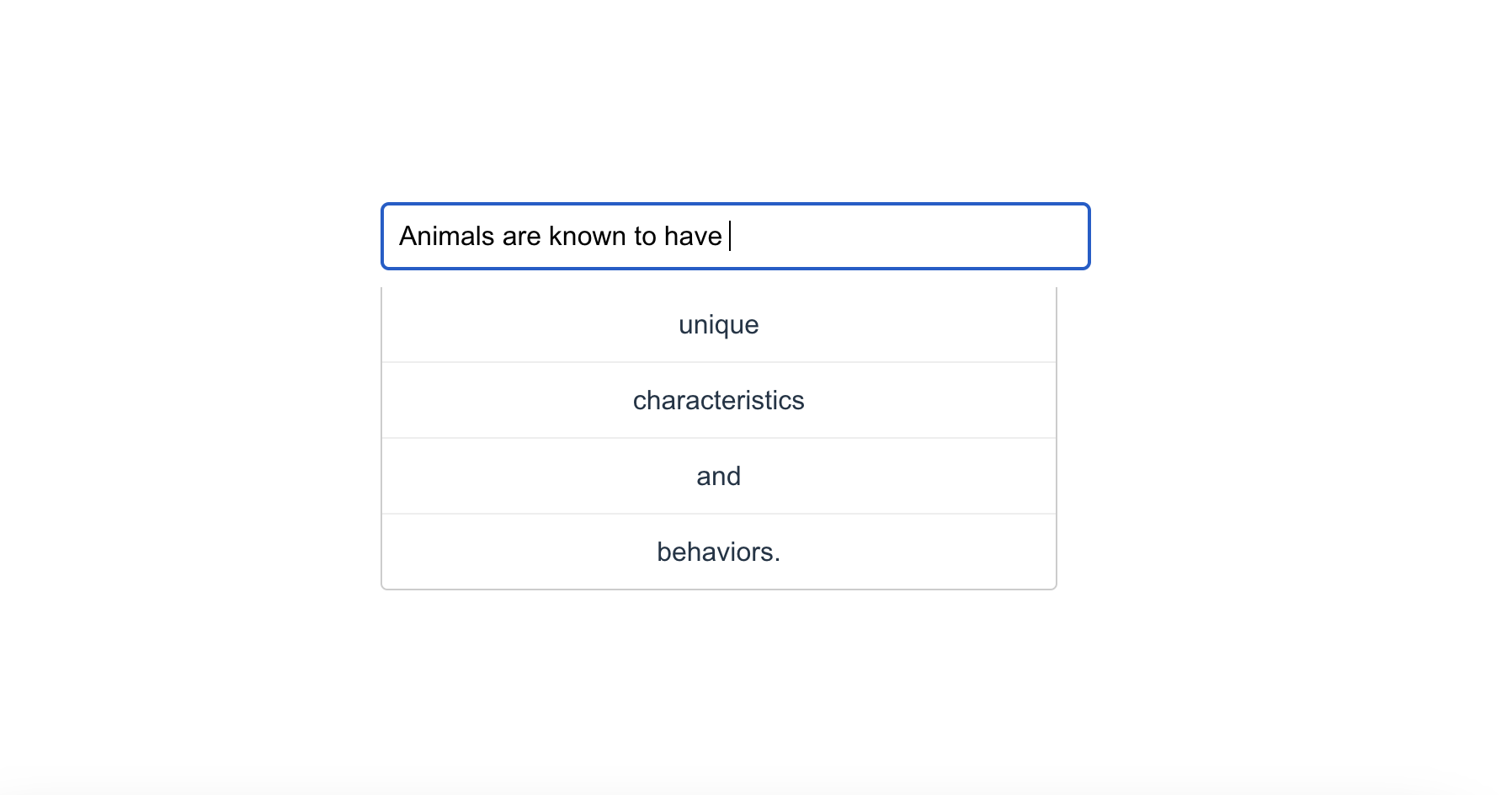
3. usePredictiveCompletion - For predictive text input suggestions.
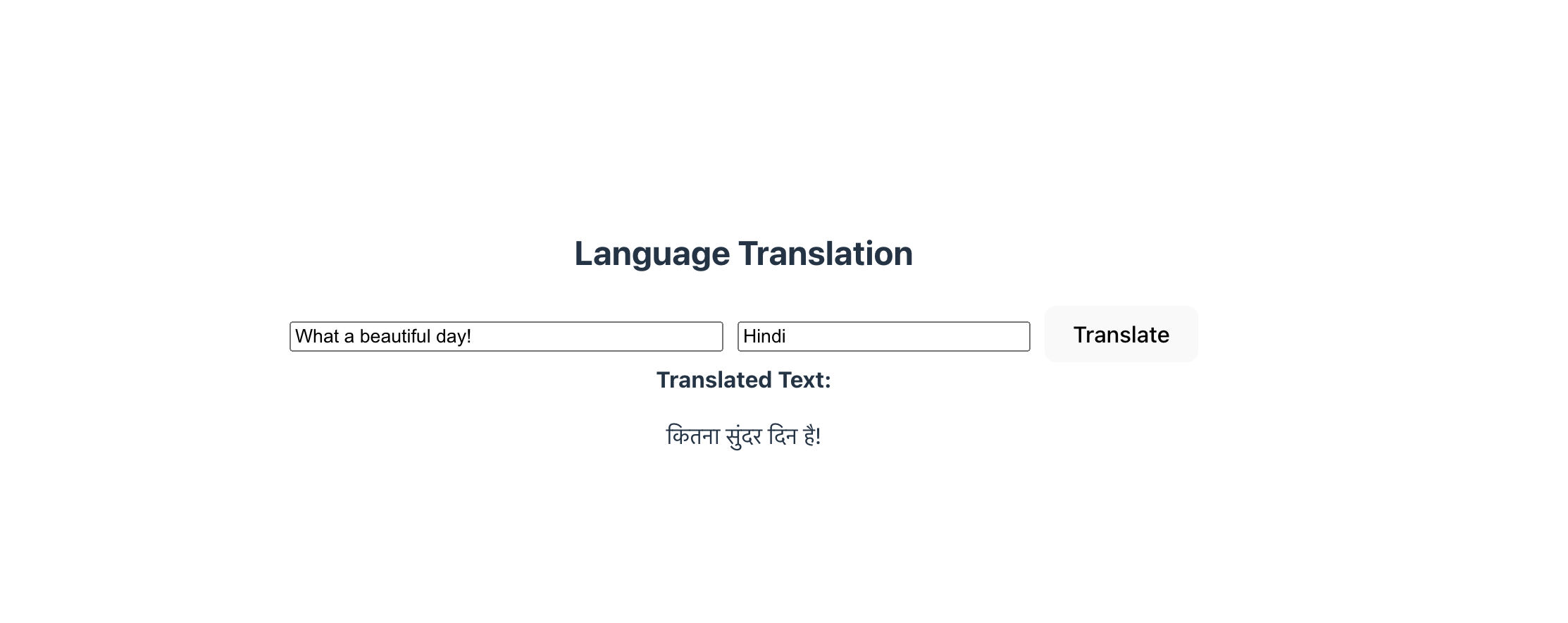
4. useLanguageTranslation - For Translation to any Language
## Sample Usage
#### useTextGeneration Example
```
import { useState } from 'react';
import useTextGeneration from 'genai-hooks';
const TextGeneratorComponent = () => {
const [inputPrompt, setInputPrompt] = useState('');
const openAIKey = 'YOUR_OPENAI_API_KEY';
const { generateText, generatedText, isLoading, error } = useTextGeneration(openAIKey);
const handleGenerateClick = () => {
generateText(inputPrompt);
};
return (
UseTextGeneration Usage
setInputPrompt(e.target.value)}
placeholder="Enter a prompt for AI"
rows={4}
style={{ width: '100%', marginBottom: '10px' }}
/>
Generate Text
{isLoading && Loading...
}
{error && Error: {error.message}
}
{generatedText &&
Generated Text: {generatedText}
}
);
};
export default TextGeneratorComponent;
```
#### useImageGeneration Example
```
import { useState } from 'react';
import {useImageGeneration} from 'genai-hooks'
const ImageGeneratorComponent = () => {
const [prompt, setPrompt] = useState('');
const openAIKey = 'YOUR_OPENAI_API_KEY';
const { generateImage, imageUrl, isLoading, error } = useImageGeneration(openAIKey);
const handleGenerateClick = () => {
generateImage(prompt);
};
return (
setPrompt(e.target.value)}
placeholder="Enter a description"
/>
Generate Image
{isLoading &&
Loading...
}
{error && Error: {error.message}
}
{imageUrl &&  }
}
);
};
export default ImageGeneratorComponent;
```
#### usePredictiveCompletion Example
Refer to src/examples/PredictiveTextComponent.jsx
#### useLanguageTranslation Example
Refer to src/examples/LanguageTranslationComponent.jsx