https://github.com/journy-io/clock
🕐 Consume time as a service
https://github.com/journy-io/clock
clock magic testing time
Last synced: 8 days ago
JSON representation
🕐 Consume time as a service
- Host: GitHub
- URL: https://github.com/journy-io/clock
- Owner: journy-io
- License: mit
- Created: 2021-02-06T14:35:39.000Z (over 5 years ago)
- Default Branch: main
- Last Pushed: 2023-02-17T13:58:04.000Z (over 3 years ago)
- Last Synced: 2025-10-04T15:53:09.983Z (9 months ago)
- Topics: clock, magic, testing, time
- Language: TypeScript
- Size: 480 KB
- Stars: 1
- Watchers: 2
- Forks: 0
- Open Issues: 0
-
Metadata Files:
- Readme: README.md
- License: LICENSE
Awesome Lists containing this project
README
[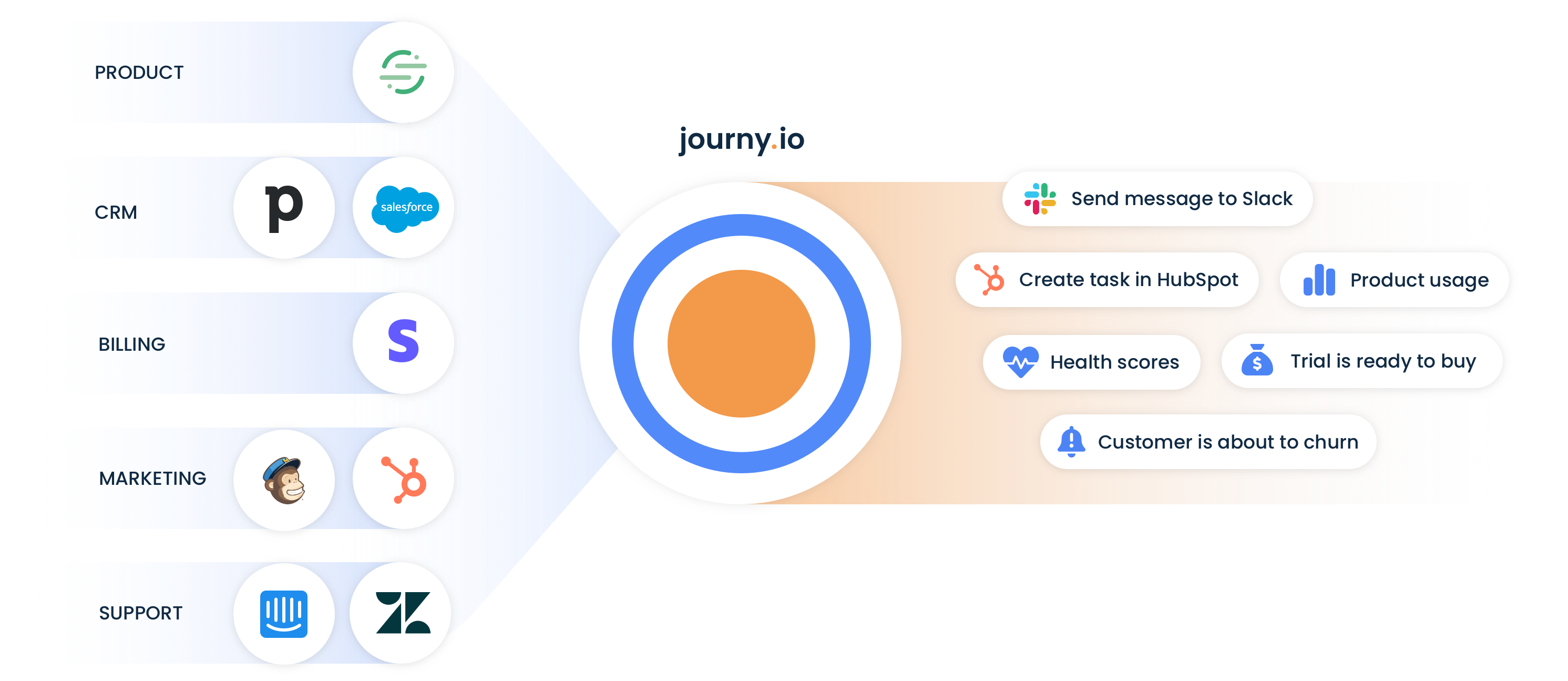](https://journy.io/?utm_source=github&utm_content=readme-clock)
# Clock

[](https://www.npmjs.com/package/@journyio/clock)
Consume time as a service.
## 💾 Installation
You can use your package manager (`npm` or `yarn`) to install:
```bash
npm install --save @journyio/clock
```
or
```bash
yarn add @journyio/clock
```
This package depends on [moment/luxon](https://github.com/moment/luxon). If you already have another datetime library installed in your project, we advise you to fork this package.
We don't recommend consuming this package in plain JavaScript (to be able to use interfaces).
## 🔌 Getting started
First, [read this blogpost](https://blog.frankdejonge.nl/being-in-control-of-time-in-php/) to understand the reasoning behind this approach.
Let's say we have a class that creates a user:
```ts
import { DateTime } from "luxon";
import { Clock } from "@journyio/clock";
class User {
constructor(/* ... */ private readonly createdAt: DateTime) {}
getCreatedAt() {
return this.createdAt;
}
}
class UserService {
constructor(private readonly clock: Clock) {}
create(/* ... */): User {
return new User(
/* ... */
this.clock.getUTCTime()
);
}
}
```
In our tests we can use `ClockFixed` to control the current time:
```ts
import { ClockFixed } from "@journyio/clock";
const now = DateTime.utc();
const clock = new ClockFixed(now);
const userService = new UserService(clock);
const user = userService.create(/* ... */);
expect(user.getCreatedAt()).toEqual(now);
```
In our normal code we can use `ClockSystem`:
```ts
import { ClockSystem } from "@journyio/clock";
const userService = new UserService(new ClockSystem());
```
By depending on `Clock` we can consume time as a service (so that we're in control of time). Normally we would need to rely on magic or use `setTimeout` to test code that uses the current time.
## 💯 Tests
To run the tests:
```bash
npm run test
```