https://github.com/jovicdev97/tailwindcss-grid-gen-generator
simple tailwindCSS grid generator written in nuxt, javascript
https://github.com/jovicdev97/tailwindcss-grid-gen-generator
generator grid javascript nuxt nuxtjs tailwind tailwindcss typescript vuejs
Last synced: 5 months ago
JSON representation
simple tailwindCSS grid generator written in nuxt, javascript
- Host: GitHub
- URL: https://github.com/jovicdev97/tailwindcss-grid-gen-generator
- Owner: jovicdev97
- Created: 2024-09-27T17:05:26.000Z (almost 2 years ago)
- Default Branch: master
- Last Pushed: 2024-11-03T21:55:28.000Z (over 1 year ago)
- Last Synced: 2025-03-24T23:51:25.141Z (over 1 year ago)
- Topics: generator, grid, javascript, nuxt, nuxtjs, tailwind, tailwindcss, typescript, vuejs
- Language: Vue
- Homepage: https://tailwind-css-grid-gen-generator.vercel.app
- Size: 115 KB
- Stars: 0
- Watchers: 1
- Forks: 0
- Open Issues: 0
-
Metadata Files:
- Readme: README.md
Awesome Lists containing this project
README
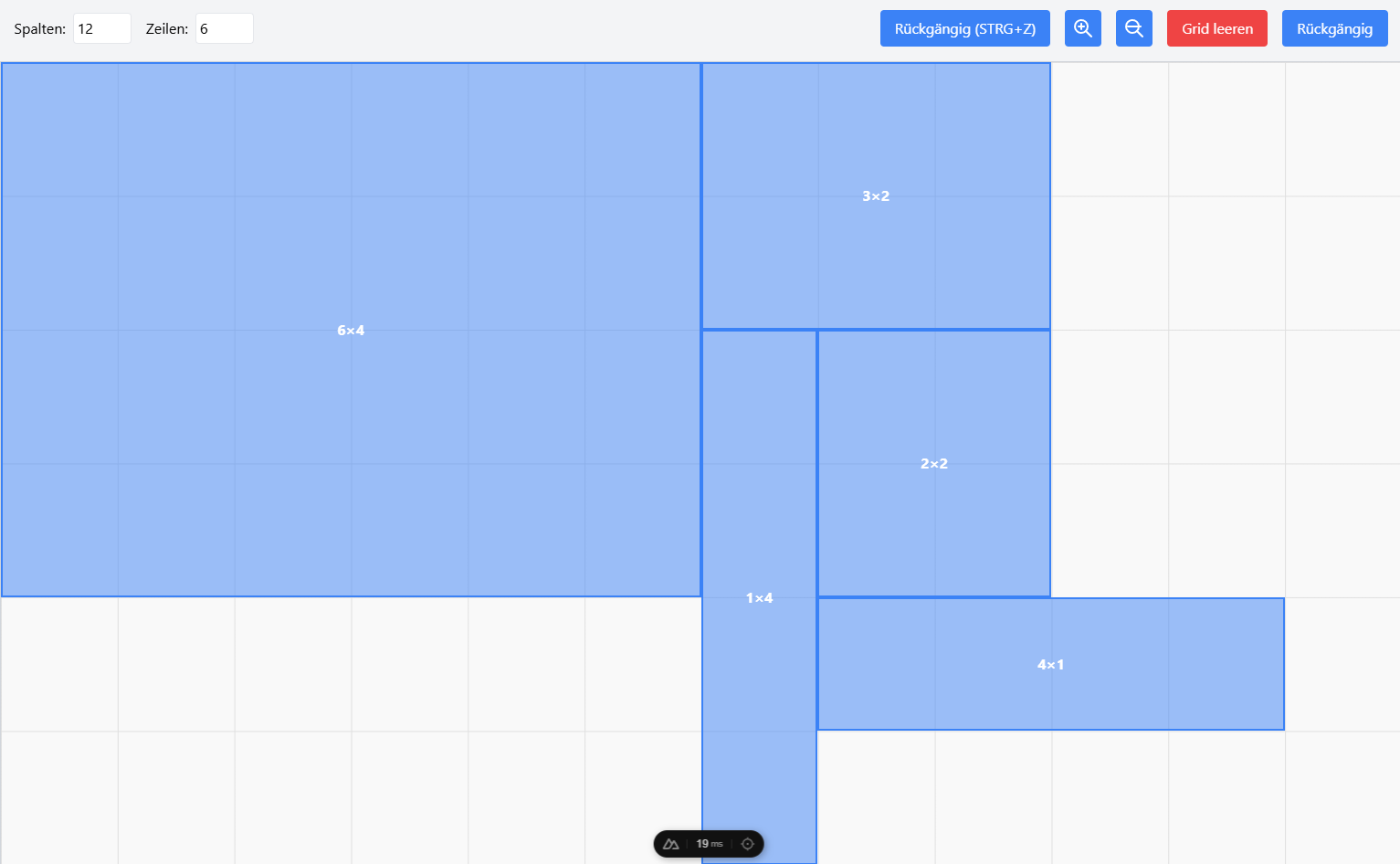
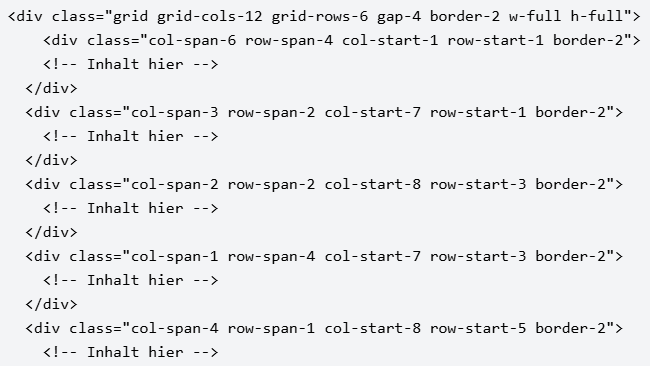
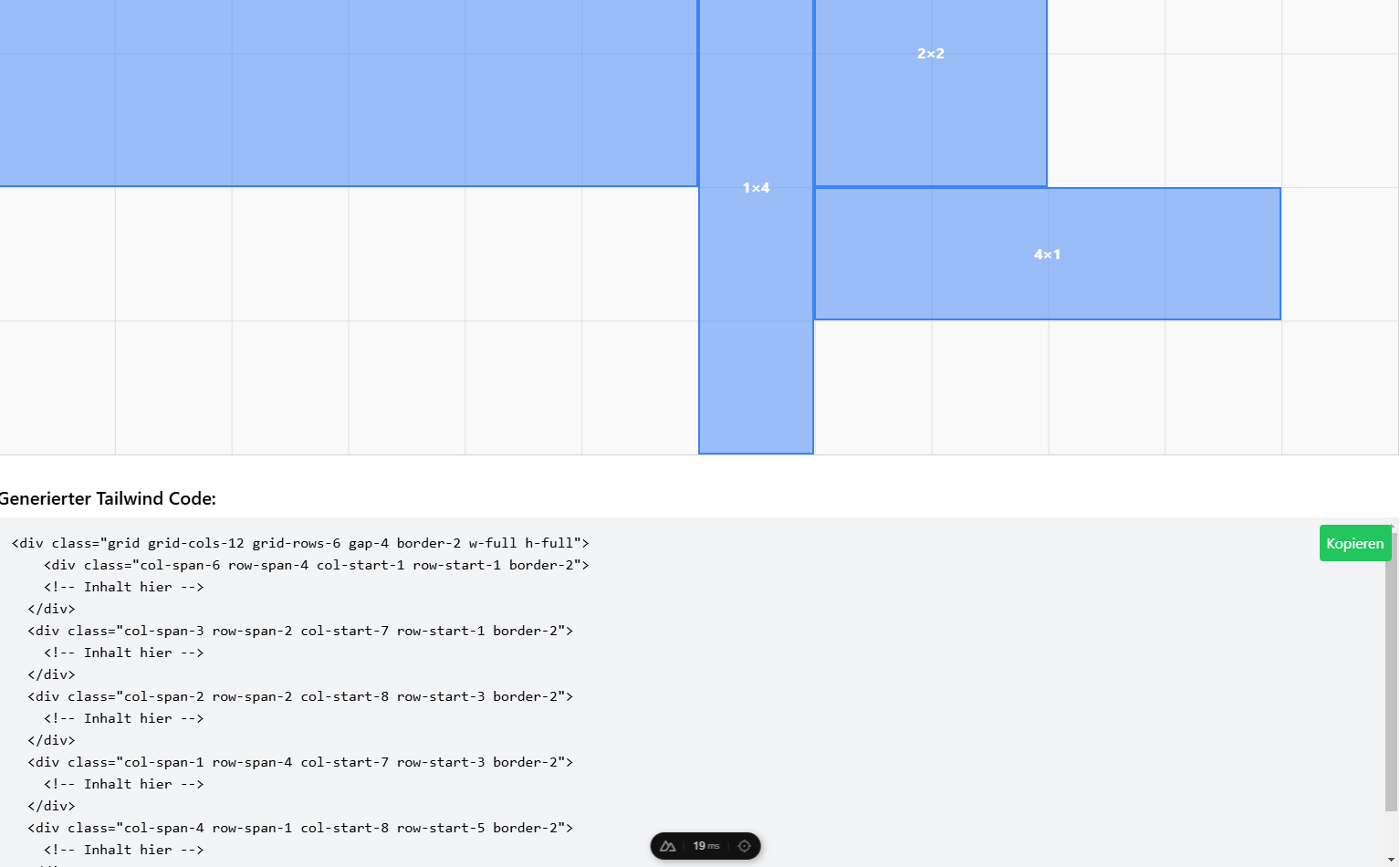
this simple project provides an easy way to generate responsive grids using TailwindCSS. Built with Vue, Nuxt.js, and JavaScript/TypeScript, and managed with Pinia store, this setup lets you create flexible, customizable grids for any layout.
- set up responsive grids with TailwindCSS for your webrpoject
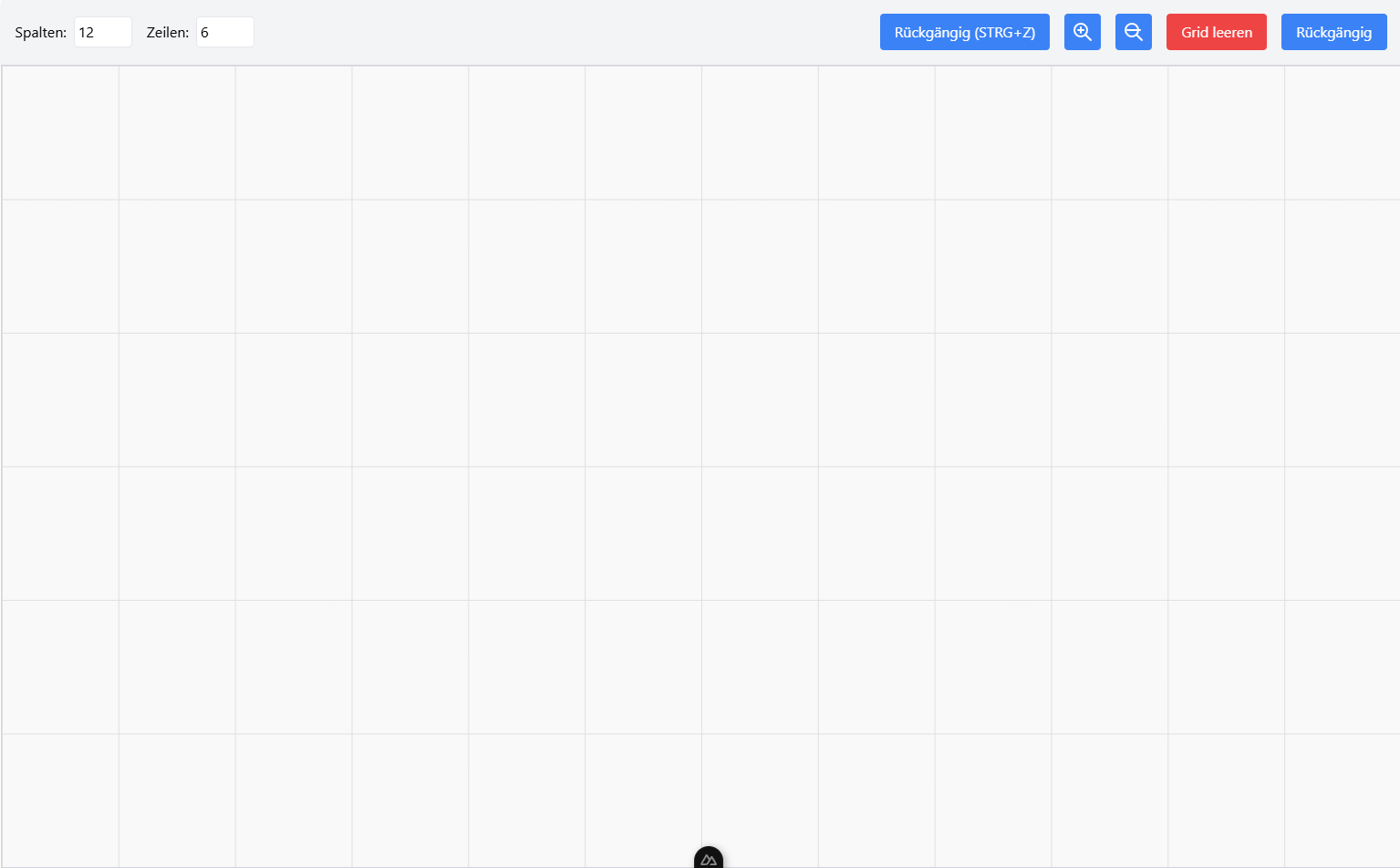
- Row & Column Configuration: Customize your grid's row and column layout to suit your needs.
# Nuxt 3
Look at the [Nuxt 3 documentation](https://nuxt.com/docs/getting-started/introduction) to learn more.
## Setup
Make sure to install the dependencies:
```bash
# npm
npm install
# pnpm
pnpm install
# yarn
yarn install
# bun
bun install
```
## Development Server
Start the development server on `http://localhost:3000`:
```bash
# npm
npm run dev
# pnpm
pnpm run dev
# yarn
yarn dev
# bun
bun run dev
```
## Production
Build the application for production:
```bash
# npm
npm run build
# pnpm
pnpm run build
# yarn
yarn build
# bun
bun run build
```
Locally preview production build:
```bash
# npm
npm run preview
# pnpm
pnpm run preview
# yarn
yarn preview
# bun
bun run preview
```
Check out the [deployment documentation](https://nuxt.com/docs/getting-started/deployment) for more information.