https://github.com/jpcertcc/etw-scan
ETW forensic tool for Volatility3 plugin
https://github.com/jpcertcc/etw-scan
forensics incident-response memory security volatility-framework volatility-plugins
Last synced: about 1 year ago
JSON representation
ETW forensic tool for Volatility3 plugin
- Host: GitHub
- URL: https://github.com/jpcertcc/etw-scan
- Owner: JPCERTCC
- License: other
- Created: 2024-10-08T12:55:04.000Z (almost 2 years ago)
- Default Branch: main
- Last Pushed: 2024-11-15T08:33:21.000Z (over 1 year ago)
- Last Synced: 2025-04-03T05:11:14.256Z (over 1 year ago)
- Topics: forensics, incident-response, memory, security, volatility-framework, volatility-plugins
- Language: Python
- Homepage:
- Size: 2.61 MB
- Stars: 11
- Watchers: 5
- Forks: 0
- Open Issues: 0
-
Metadata Files:
- Readme: README.md
- License: LICENSE.txt
Awesome Lists containing this project
README
# ETW Scanner for Volatility3
## Description
This tool is a Volatility3 plugin that scans memory dumps for Event Tracing for Windows (ETW). This tool can check detailed ETW configuration settings that cannot be checked in user mode. This plugin can recover ETW events (ETL files) from ETW structures on memory. This plugin provides a new artifact.
## Usage
### Setup
1. Clone the latest version of Volatility3 from GitHub:
```shell
git clone https://github.com/volatilityfoundation/volatility3.git
```
For more details on how to install Volatility3, [please see here](https://github.com/volatilityfoundation/volatility3/tree/develop).
2. Install Python requirements
```shell
cd volatility3
pip install -r requirements.txt
```
3. Clone the ETW Scanner of Volatility plugin from GitHub:
```shell
git clone https://github.com/JPCERTCC/etw-scan.git
```
4. Patch to Volatility3 source code
```shell
cd etw-scan
cat patch/windows_init.patch >> ../volatility3/framework/symbols/windows/__init__.py
cat patch/extensions_init.patch >> ../volatility3/framework/symbols/windows/extensions/__init__.py
```
### How To Use
#### Scan ETW Providers from memory dump
```shell
$ python3 vol.py -f test.mem -p etw-scan/plugins/ etwscan.etwProvider
```
#### Scan ETW Consumers from memory dump
```shell
$ python3 vol.py -f test.mem -p etw-scan/plugins/ etwscan.etwConsumer
```
#### Dump ETW Event from memory dump
```shell
$ python3 vol.py -f test.mem -p etw-scan/plugins/ etwscan.etwConsumer --dump
```
## Demonstration
### How to use ETW Scanner for Volatility3
[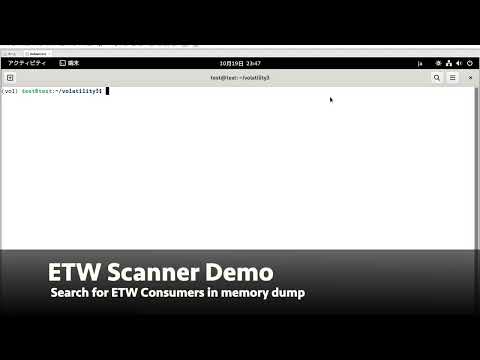](https://www.youtube.com/watch?v=l4-CqWWZOxw)
### How to recover ETW events from memory images using ETW Scanner for Volatility3
[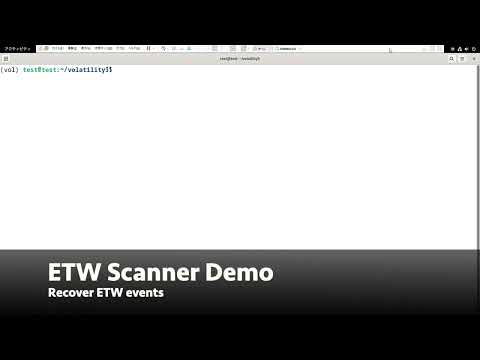](https://www.youtube.com/watch?v=IxFSBWS2wkY)
## Documentation
### Blog
#### English
* [https://blogs.jpcert.or.jp/en/2024/11/etw_forensics.html](https://blogs.jpcert.or.jp/en/2024/11/etw_forensics.html)
#### Japanese
* [https://blogs.jpcert.or.jp/ja/2024/11/etw_forensics.html](https://blogs.jpcert.or.jp/ja/2024/11/etw_forensics.html)
### Slides
* CODE BLUE 2024
- [Slides](docs/Event_Tracing_for_Windows_Internals.pdf)