https://github.com/jpvt/melanoma-detection
This tool can support dermatological clinic work by evaluating a patient's moles to identify outlier lesions or “ugly ducklings” that are most likely to be melanoma.
https://github.com/jpvt/melanoma-detection
deep-learning docker flask pytorch
Last synced: 3 months ago
JSON representation
This tool can support dermatological clinic work by evaluating a patient's moles to identify outlier lesions or “ugly ducklings” that are most likely to be melanoma.
- Host: GitHub
- URL: https://github.com/jpvt/melanoma-detection
- Owner: jpvt
- License: mit
- Created: 2021-04-22T20:05:26.000Z (over 5 years ago)
- Default Branch: main
- Last Pushed: 2022-02-03T13:17:25.000Z (over 4 years ago)
- Last Synced: 2025-08-20T07:29:05.317Z (12 months ago)
- Topics: deep-learning, docker, flask, pytorch
- Language: Python
- Homepage:
- Size: 24.4 KB
- Stars: 2
- Watchers: 1
- Forks: 0
- Open Issues: 0
-
Metadata Files:
- Readme: README.md
- License: LICENSE
Awesome Lists containing this project
README
# Melanoma Detection Tool
Skin cancer is the most prevalent type of cancer. Melanoma, specifically, is responsible for 75% of skin cancer deaths, despite being the least common skin cancer. The American Cancer Society estimates over 100,000 new melanoma cases will be diagnosed in 2020. It's also expected that almost 7,000 people will die from the disease. As with other cancers, early and accurate detection—potentially aided by data science—can make treatment more effective.
This tool can support dermatological clinic work by evaluating a patient's moles to identify outlier lesions or “ugly ducklings” that are most likely to be melanoma.
The data used to train the Deep Leaning model was taken from: [SIIM-ISIC Melanoma Classification](https://www.kaggle.com/c/siim-isic-melanoma-classification)
## Prerequisites
1. Linux or MacOS
:warning: Warning: this installation was only tested on `Linux`.
2. `docker` - [Get docker](https://docs.docker.com/get-docker/)
3. `git`, `git lfs` installed by your distribution Linux or MacOS (e.g. using `HomeBrew`)
4. Port `12000` available in the environment host
## Install and Use
1. Install `git-lfs`
```console
foo@bar# mkdir lfs && cd lfs && wget https://github.com/git-lfs/git-lfs/releases/download/v2.13.2/git-lfs-linux-amd64-v2.13.2.tar.gz
foo@bar# tar -xzvf git-lfs-linux-amd64-v2.13.2.tar.gz
foo@bar# sudo ./install.sh
foo@bar# git lfs install
```
2. Install [docker](https://docs.docker.com/get-docker/) and check installation. It should be possible to execute the image `hello-world`, the output should be something like this:
```console
foor@bar# docker run hello-world
Hello from Docker!
This message shows that your installation appears to be working correctly.
To generate this message, Docker took the following steps:
1. The Docker client contacted the Docker daemon.
2. The Docker daemon pulled the "hello-world" image from the Docker Hub.
(amd64)
3. The Docker daemon created a new container from that image which runs the
executable that produces the output you are currently reading.
4. The Docker daemon streamed that output to the Docker client, which sent it
to your terminal.
To try something more ambitious, you can run an Ubuntu container with:
$ docker run -it ubuntu bash
Share images, automate workflows, and more with a free Docker ID:
https://hub.docker.com/
For more examples and ideas, visit:
https://docs.docker.com/get-started/
```
3. Clone the repo:
- SSH
```console
foo@bar# git clone git@github.com:jpvt/melanoma-detection.git
```
- HTTPS
```console
foo@bar# git clone https://github.com/jpvt/melanoma-detection.git
```
4. Prepare the script `setup.sh` to execution.
```console
foo@bar# cd melanoma-detection
foo@bar# chmod a+x setup.sh
```
5. Execute `setup.sh`
```console
foo@bar# sudo ./setup.sh
```
6. Use the Melanoma Detection Tool. Just access `http://0.0.0.0:12000/` in your browser and upload an image to see the model prediction. The prediction represents the probability of an image being of a melanoma.
## Author
**João Pedro Vasconcelos**
:---:
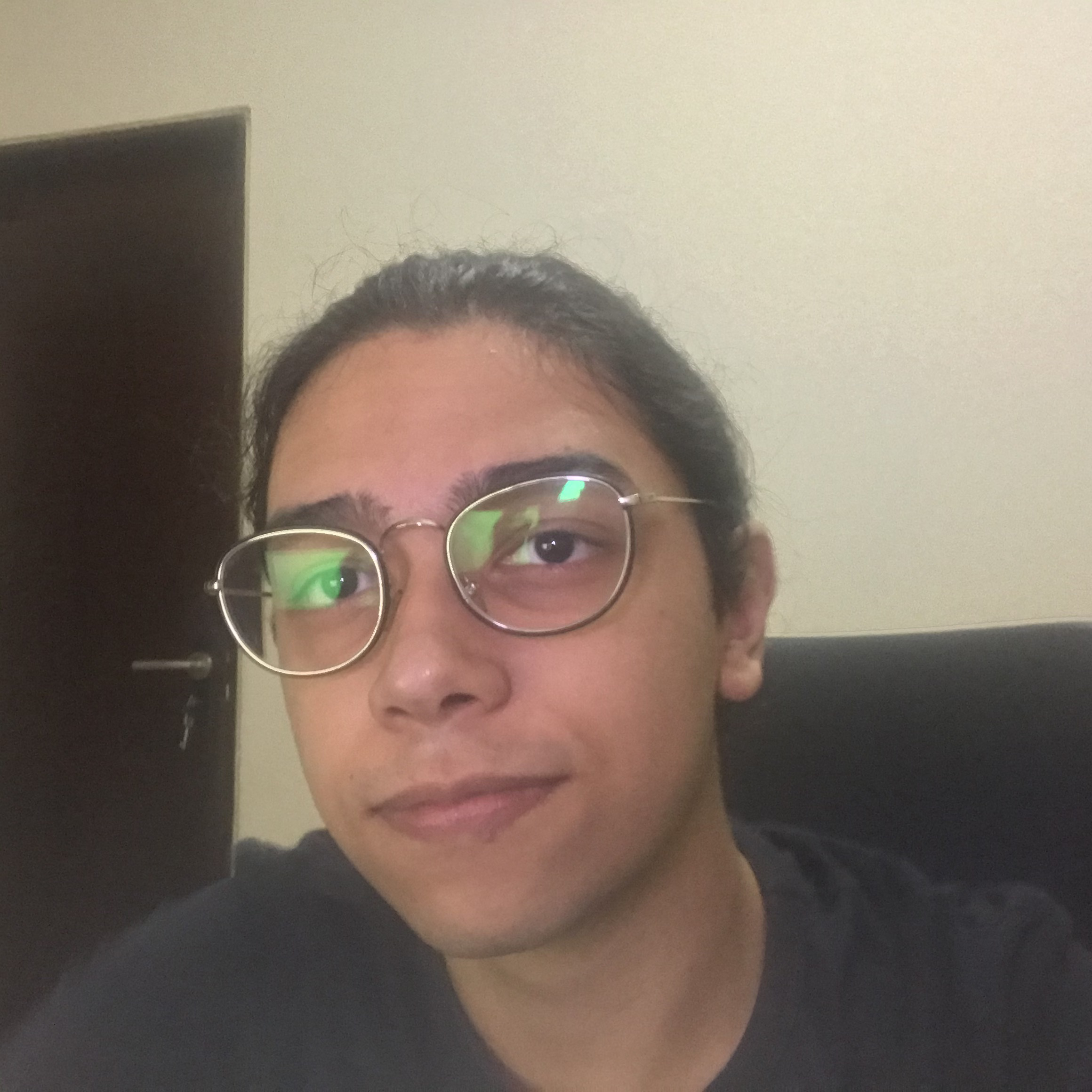
`github.com/jpvt`
*Computer Engineering undergrad student* at Universidade Federal da Paraíba
Hey, I'm João Pedro.
I'm from São Paulo, Brazil. Though, I have spent most of my life where I currently live João Pessoa, Brazil.
I'm a Computer Engineering Undergrad student at the [Federal University of Paraíba](https://www.ufpb.br), and a Machine Learning Researcher at [ArIA - Artificial Intelligence Applications Laboratory](https://aria.ci.ufpb.br/en/), where I've been studying Artificial Intelligence for the past months.
I'm also the Co-founder and Vice president of [TAIL (Technology and Artificial Intelligence League)](https://aria.ci.ufpb.br/en/tail/). We're a research group, made by students, focused on spread knowledge on our region. Our primary goal is to construct a strong community of Artificial Intelligence developers.
Outside of computer science, I enjoy reading Sci-fi, traveling, playing Dungeons & Dragons, and caffeine :)
**Background in:** Python, C/C++, Julia, Machine Learning, Deep Learning, Computer Vision, Reinforcement Learning, and Natural Language Processing.
**Links:**
* [LinkedIn](https://www.linkedin.com/in/jpvt)
* [Personal Blog](https://jpvt.github.io)
---
## Support
Reach out to me at one of the following places!
- Email `joaoteixeira@eng.ci.ufpb.br`
- Linkedin at `jpvt`