https://github.com/jsa2/aad_device_code
simple cli client for getting tokens with device code flow
https://github.com/jsa2/aad_device_code
Last synced: about 1 year ago
JSON representation
simple cli client for getting tokens with device code flow
- Host: GitHub
- URL: https://github.com/jsa2/aad_device_code
- Owner: jsa2
- Created: 2022-04-21T11:58:54.000Z (about 4 years ago)
- Default Branch: main
- Last Pushed: 2022-05-16T04:26:14.000Z (about 4 years ago)
- Last Synced: 2025-01-21T07:27:22.120Z (over 1 year ago)
- Language: JavaScript
- Size: 7.81 KB
- Stars: 3
- Watchers: 2
- Forks: 0
- Open Issues: 0
-
Metadata Files:
- Readme: readme.md
Awesome Lists containing this project
README
# Azure Cloud Shell Client for device code flow
Very simple implementation of Azure AD Device Code Flow using existing high privileged application (Azure CLI)
- You can define your own application too
## Usage
1. Open Azure Cloud Shell (BASH) and paste following command to it:
`` curl -o- "https://raw.githubusercontent.com/jsa2/aad_device_code/main/init.sh" | bash``
2. Navigate to install directory ``cd aad_device_code/``
3. Type ``npm install ``
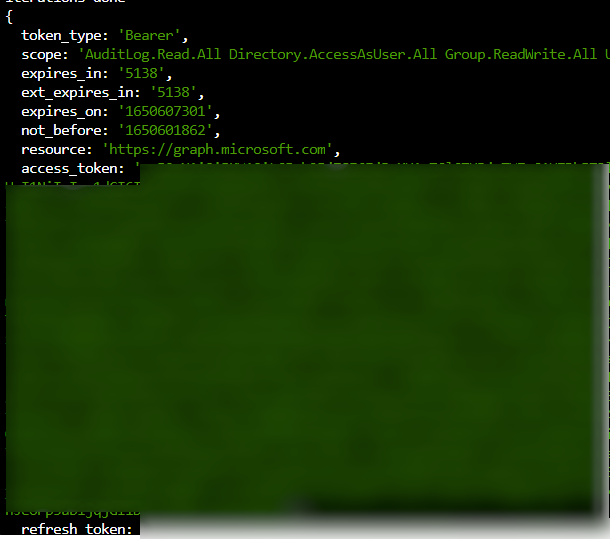
4. Run the tool (It will wait for 15 iterations for login)
`` node getCode.js --client=04b07795-8ddb-461a-bbee-02f9e1bf7b46 --resource=https://graph.microsoft.com ``
- If you use your own clientID, and it is not an multitenant app, supply tenantId param too
`` node getCode.js --tid=48f55450-183a-45d6-a9ce-68f3cbc68947 --client=b5505019-43a5-4eda-bc5e-b0157a1227b9 --resource=https://graph.microsoft.com ``
## Backround
If you want to read about how this might be used for malicious purposes, read the excellent write-up by [DrAzureAD](https://twitter.com/DrAzureAD)
@ https://o365blog.com/post/phishing/