https://github.com/jsdf/identifly
A species identification app written in React Native and Expo
https://github.com/jsdf/identifly
expo react-native
Last synced: 3 months ago
JSON representation
A species identification app written in React Native and Expo
- Host: GitHub
- URL: https://github.com/jsdf/identifly
- Owner: jsdf
- License: mit
- Created: 2017-08-06T07:07:37.000Z (almost 9 years ago)
- Default Branch: master
- Last Pushed: 2018-05-29T00:19:18.000Z (about 8 years ago)
- Last Synced: 2025-07-26T16:53:37.523Z (12 months ago)
- Topics: expo, react-native
- Language: JavaScript
- Homepage: https://identiflyapp.com
- Size: 6.73 MB
- Stars: 0
- Watchers: 1
- Forks: 0
- Open Issues: 0
-
Metadata Files:
- Readme: README.md
- License: LICENSE
Awesome Lists containing this project
README
# Identifly app
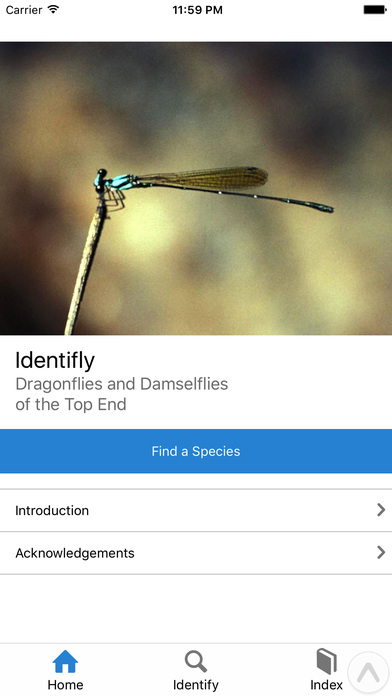
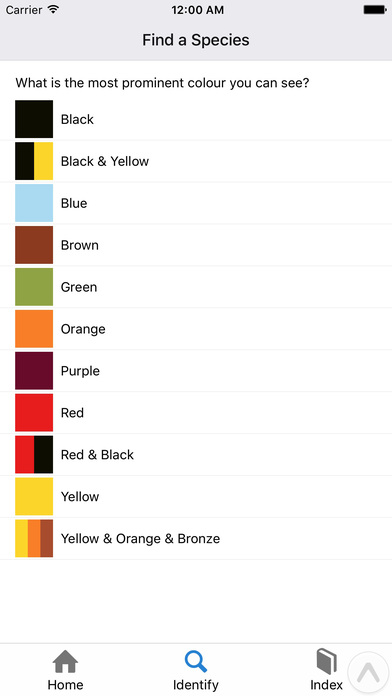
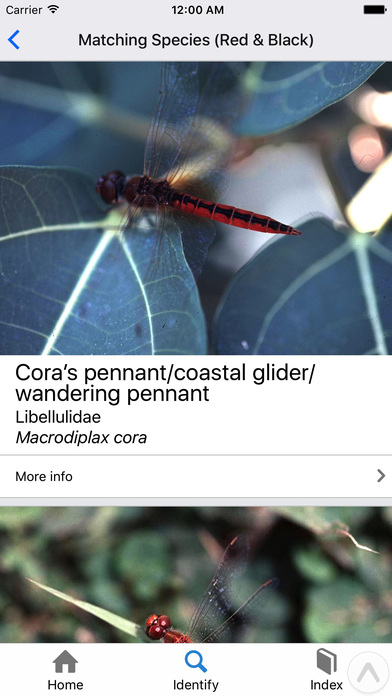
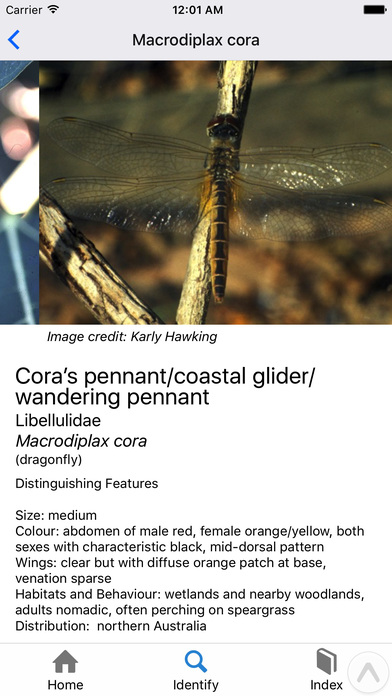
This is the source of [Identifly](https://identiflyapp.com/), an app for identifying dragonflies and damselflies. It's built with React Native and [Expo](https://expo.io). It's released under the MIT License, so feel free to use this code however you like (including as a starting point for your own app).
## Build/run instructions
Install [Expo XDE](https://expo.io/tools), (known compatible version: [v2.24.4](https://github.com/expo/xde/releases/tag/v2.24.4)), then:
```bash
git clone https://github.com/jsdf/identifly.git
cd identifly
npm install
npm run build-content
npm run build-content-indexes
xde # open this directory using Expo XDE
```
Launch the simulator from the 'device' menu in XDE.
## Customizing
Metadata for the app can be configured in `app.json`
### Species content
Content for each species is defined in folders in `content-source/species`. Each species has
- a `content.txt` file, which contains the text content describing the species
- a `metadata.aml` file (written in [Archie Markup Language](http://archieml.org/)) which contains metadata used to find the species by colour or name, as well as referencing images of the species.
- images of the species
Running `npm run build-content` will output `species.json` into the `content` directory, and will also copy the image files and output an `assets.js` file which will cause the images to be packaged with the app.
Running `npm run build-content-indexes` will output `speciesByColour.json` and `coloursSorted.json` which are used in the app for looking up species by colour.