https://github.com/jsulpis/blender-addons
My repository of add-ons for Blender.
https://github.com/jsulpis/blender-addons
Last synced: 11 months ago
JSON representation
My repository of add-ons for Blender.
- Host: GitHub
- URL: https://github.com/jsulpis/blender-addons
- Owner: jsulpis
- License: gpl-3.0
- Created: 2018-01-25T21:00:53.000Z (over 8 years ago)
- Default Branch: master
- Last Pushed: 2019-06-10T15:26:12.000Z (about 7 years ago)
- Last Synced: 2025-05-07T06:56:29.055Z (about 1 year ago)
- Language: Python
- Homepage:
- Size: 1.03 MB
- Stars: 4
- Watchers: 1
- Forks: 2
- Open Issues: 0
-
Metadata Files:
- Readme: README.md
- License: LICENSE
Awesome Lists containing this project
README
Blender add-ons
## Content
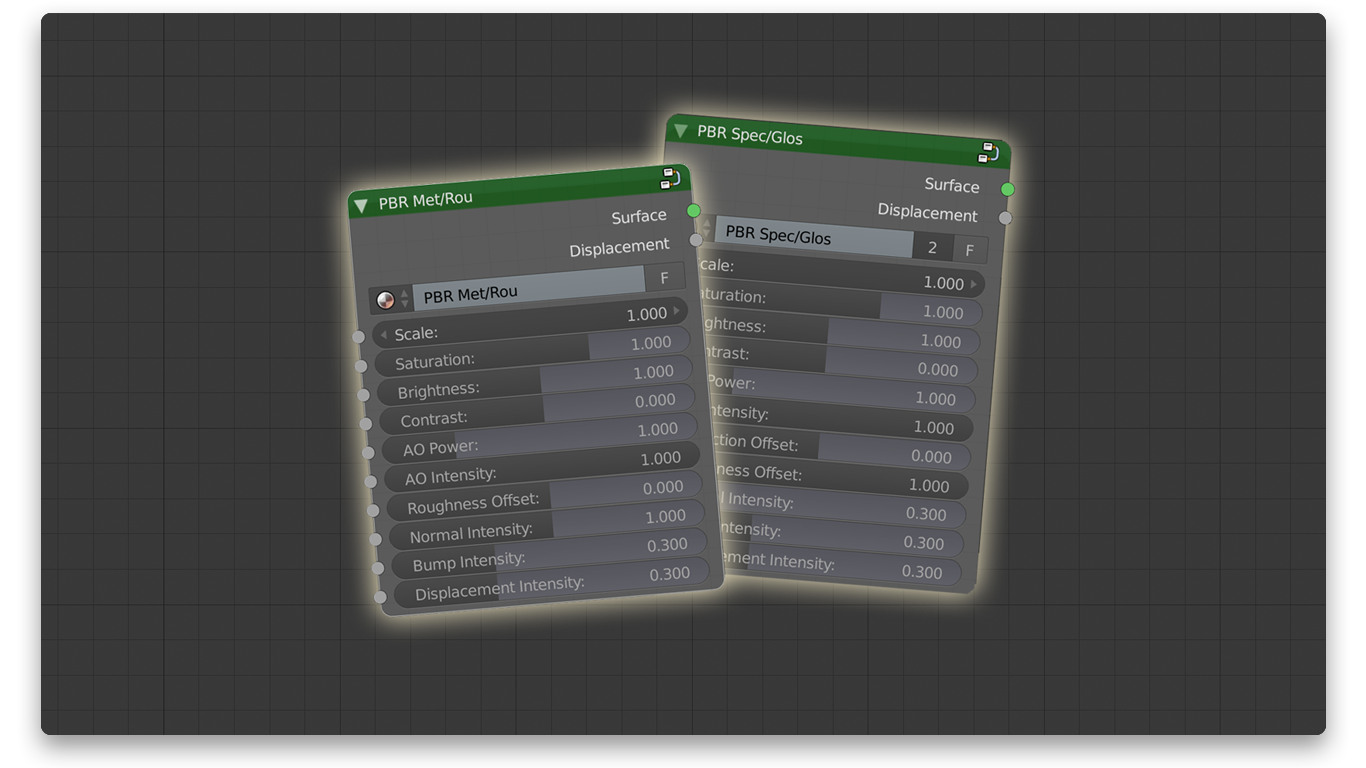
* **PBR Material From Textures**: automates the creation of PBR materials from external textures. This add-on automatically creates a node with all textures mapped to a Principled shader. It supports the Metal / Roughness and Specular / Glossiness workflows.
* **Microdisplacement Helper**: automates the activation of the microdisplacement feature: activates the experimental mode, creates a SubSurf modifier with adaptive render, sets the displacement to true and gathers some settings in a panel.
## Installation
Download the zip archive of this repository, extract it somewhere, then in the Blender User Preferences menu (Ctrl + Alt + U), in the Add-ons section, click Install Add-on from File… and provide the .py file.
## Usage
See details in the README of each add-on.
## Contributing
Contributions are welcome ! Here is how to do it.
1. Fork the project ()
2. Clone it on your machine (`git clone https://github.com/yourName/blender-addons.git`)
3. Create your feature branch (`git checkout -b feature/awesomeFeature`)
4. Commit your changes (`git commit -am 'Add my awesome feature'`)
5. Push your branch (`git push origin feature/awesomeFeature`)
6. Open a new Pull Request
## License
Released under the [GPL-3.0](https://github.com/jsulpis/blender-addons/blob/master/LICENSE) license.