https://github.com/jsulpis/readme-templates
README templates for GitHub projects.
https://github.com/jsulpis/readme-templates
Last synced: 4 months ago
JSON representation
README templates for GitHub projects.
- Host: GitHub
- URL: https://github.com/jsulpis/readme-templates
- Owner: jsulpis
- License: unlicense
- Created: 2018-05-20T08:34:34.000Z (about 8 years ago)
- Default Branch: master
- Last Pushed: 2018-10-25T12:50:02.000Z (over 7 years ago)
- Last Synced: 2025-08-13T19:20:47.629Z (10 months ago)
- Homepage:
- Size: 75.2 KB
- Stars: 0
- Watchers: 1
- Forks: 0
- Open Issues: 0
-
Metadata Files:
- Readme: README.md
Awesome Lists containing this project
README
Readme Templates
For your open-source projects.
## Categories
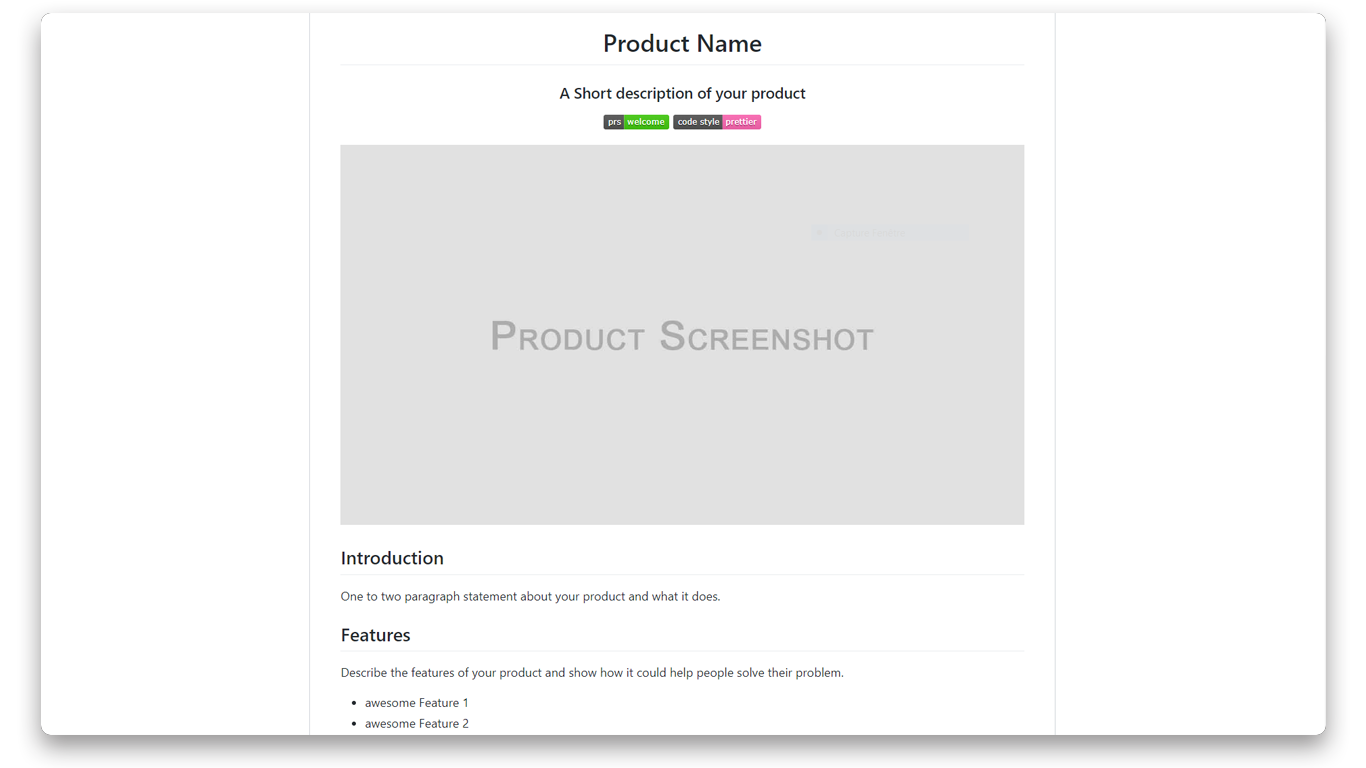
* **End user product:** this template describes a ready to use product. It includes the features, intallation instructions, configuration, usage examples, screenshots, backlog, contribution instructions and license.
* **Developer tool:** this template describes a tool which can be used by developers to make other products. It includes the features, intallation instructions with requirements, configuration, usage (development / deployment), screenshots, backlog, contribution instructions and license.
## Usage
Download the zip or clone this project and copy - paste the readme you want in your project.
```
git clone https://github.com/jsulpis/readme-templates.git
```
Or
Open the README.md file in the GitHub explorer, click on "Raw" on the top of the preview and copy - paste the markdown code in your own readme.
## Contributing
Contributions are welcome ! If you improve a template, feel free to share it.
1. Fork the project ()
2. Clone it on your machine (`git clone https://github.com/yourname/readme-templates.git`)
3. Create your feature branch (`git checkout -b feature/awesomeFeature`)
4. Commit your changes (`git commit -am 'Add my awesome feature'`)
5. Push your branch (`git push origin feature/awesomeFeature`)
6. Open a new Pull Request
## References
[Awesome README](https://github.com/matiassingers/awesome-readme)
[Dan Bader - How to write a great README for your GitHub project](https://dbader.org/blog/write-a-great-readme-for-your-github-project)
[GlBj/MyWebpack README.md](https://github.com/GlBj/MyWebPack/blob/master/README.md)