https://github.com/juanfalconcodigo/proyectofronttecsup
Front , parte administrativa realizada con Angular en su versión 9 estable.
https://github.com/juanfalconcodigo/proyectofronttecsup
angular desarrollo-web developer-experience form-validation front-end-development ivy ng-zorro-antd redux rest-api socket-io typescript
Last synced: 3 months ago
JSON representation
Front , parte administrativa realizada con Angular en su versión 9 estable.
- Host: GitHub
- URL: https://github.com/juanfalconcodigo/proyectofronttecsup
- Owner: juanfalconcodigo
- Created: 2020-01-11T05:09:03.000Z (over 6 years ago)
- Default Branch: master
- Last Pushed: 2023-05-07T17:41:53.000Z (about 3 years ago)
- Last Synced: 2025-10-18T23:11:24.003Z (9 months ago)
- Topics: angular, desarrollo-web, developer-experience, form-validation, front-end-development, ivy, ng-zorro-antd, redux, rest-api, socket-io, typescript
- Language: TypeScript
- Homepage: https://system-tecsup.firebaseapp.com/#/login
- Size: 2.56 MB
- Stars: 0
- Watchers: 1
- Forks: 0
- Open Issues: 7
-
Metadata Files:
- Readme: README.md
Awesome Lists containing this project
README
# CodigoTecsupFalcon
This project was generated with [Angular CLI](https://github.com/angular/angular-cli) version 8.3.22.
## Development server
Run `ng serve` for a dev server. Navigate to `http://localhost:4200/`. The app will automatically reload if you change any of the source files.
## Code scaffolding
Run `ng generate component component-name` to generate a new component. You can also use `ng generate directive|pipe|service|class|guard|interface|enum|module`.
## Build
Run `ng build` to build the project. The build artifacts will be stored in the `dist/` directory. Use the `--prod` flag for a production build.
## Running unit tests
Run `ng test` to execute the unit tests via [Karma](https://karma-runner.github.io).
## Running end-to-end tests
Run `ng e2e` to execute the end-to-end tests via [Protractor](http://www.protractortest.org/).
## Further help
To get more help on the Angular CLI use `ng help` or go check out the [Angular CLI README](https://github.com/angular/angular-cli/blob/master/README.md).
## Referential Image Login :

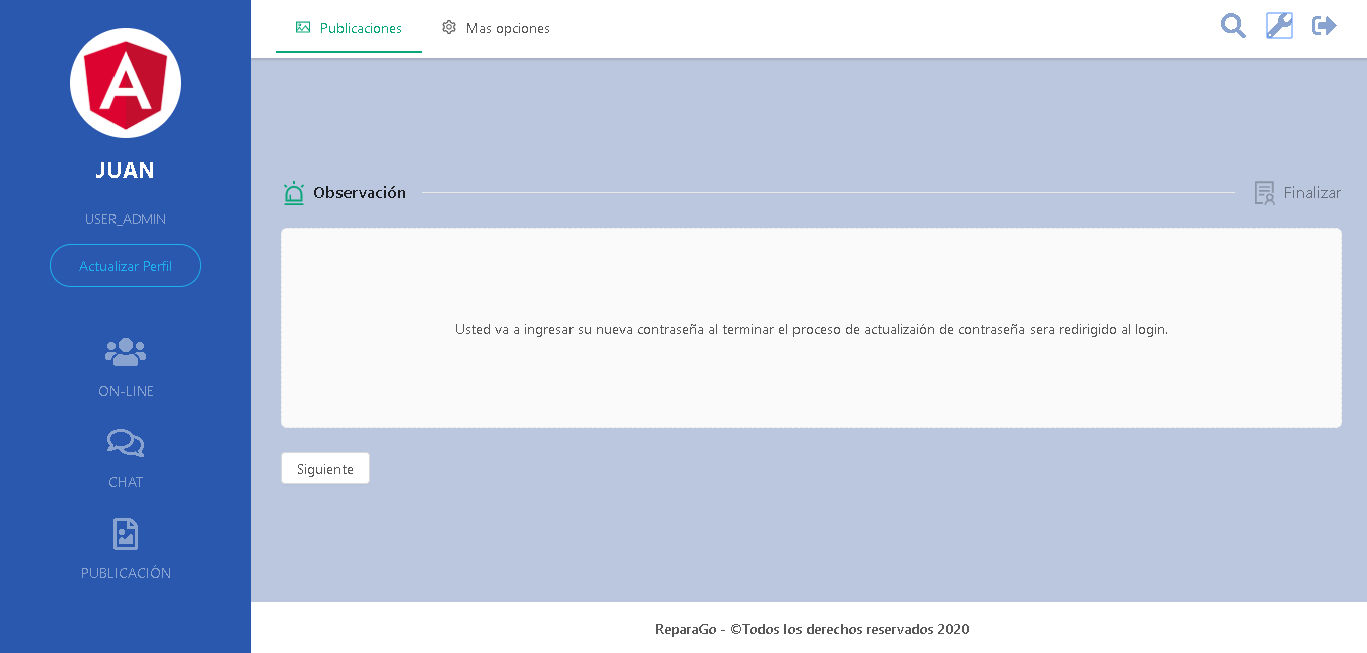
## Referential Image Dashboard :
> Juan Diego Falcón Córdova ( ***Web Developer*** - :computer::man: )