https://github.com/justinlovinger/collage
Create a collage of semi-random images
https://github.com/justinlovinger/collage
haskell image-processing nix
Last synced: about 1 month ago
JSON representation
Create a collage of semi-random images
- Host: GitHub
- URL: https://github.com/justinlovinger/collage
- Owner: justinlovinger
- License: mit
- Created: 2020-08-30T19:32:51.000Z (almost 6 years ago)
- Default Branch: master
- Last Pushed: 2021-06-22T16:20:55.000Z (about 5 years ago)
- Last Synced: 2025-07-17T01:06:53.633Z (11 months ago)
- Topics: haskell, image-processing, nix
- Language: Haskell
- Homepage:
- Size: 15.6 KB
- Stars: 2
- Watchers: 2
- Forks: 0
- Open Issues: 0
-
Metadata Files:
- Readme: README.md
- License: LICENSE
Awesome Lists containing this project
README
# Collage
Create a collage of images
randomly chosen
from given images.
The collage does not necessarily contain *all* images.
If the first chosen image neatly fits the given space,
it will be the only image in the "collage".
Collage was originally designed
to aid random wallpaper selection,
where the set of possible wallpapers
may contain images with aspect ratios
that do not fit the display.
Instead of filling the remaining space
with a solid color,
or a blur effect,
Collage fills the remaining space
with more images.
For example,
`collage -w 1920 -h 1080 ~/pictures/wallpapers/* -t ~/collage.jpg`
may produce
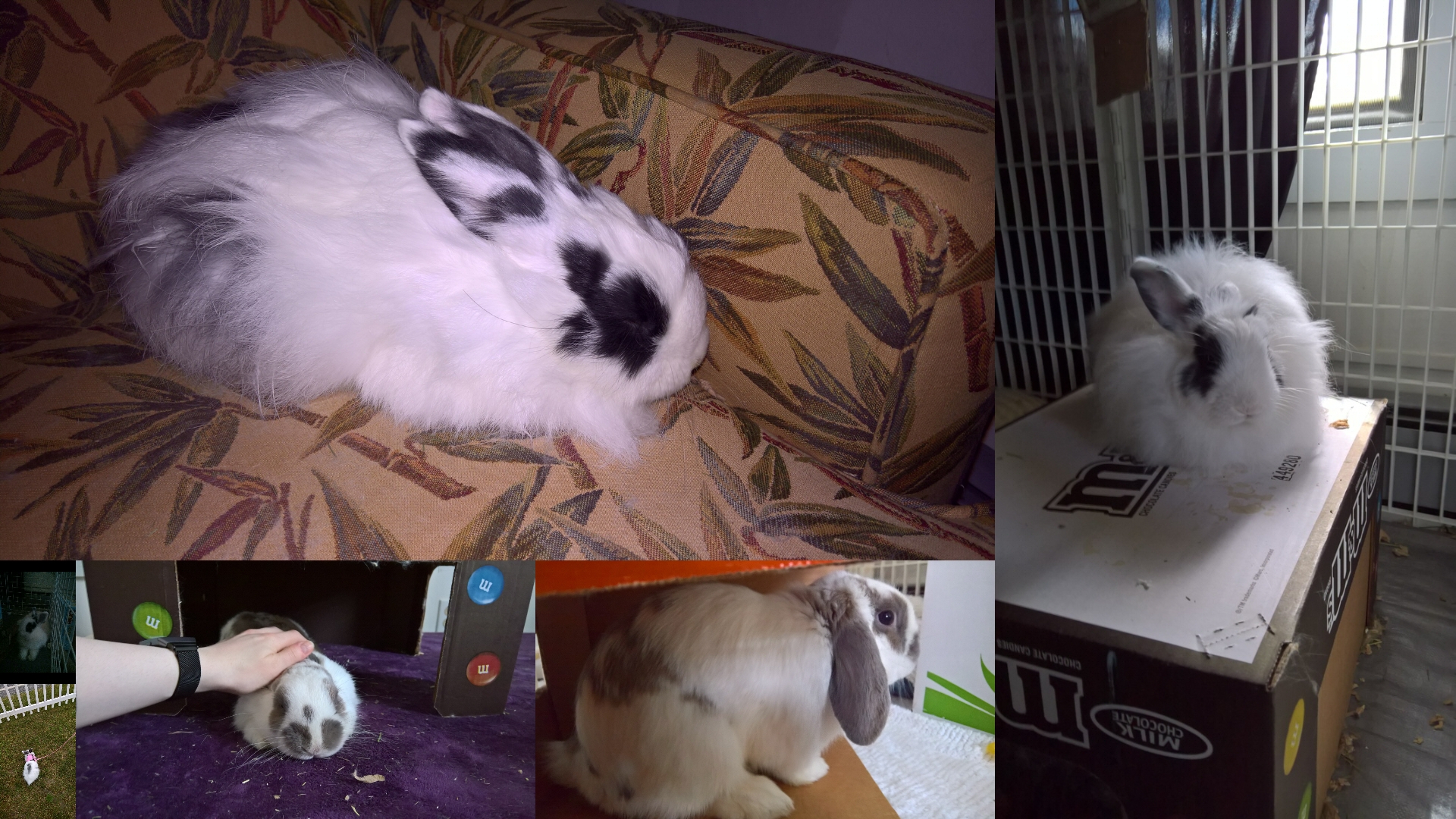
or
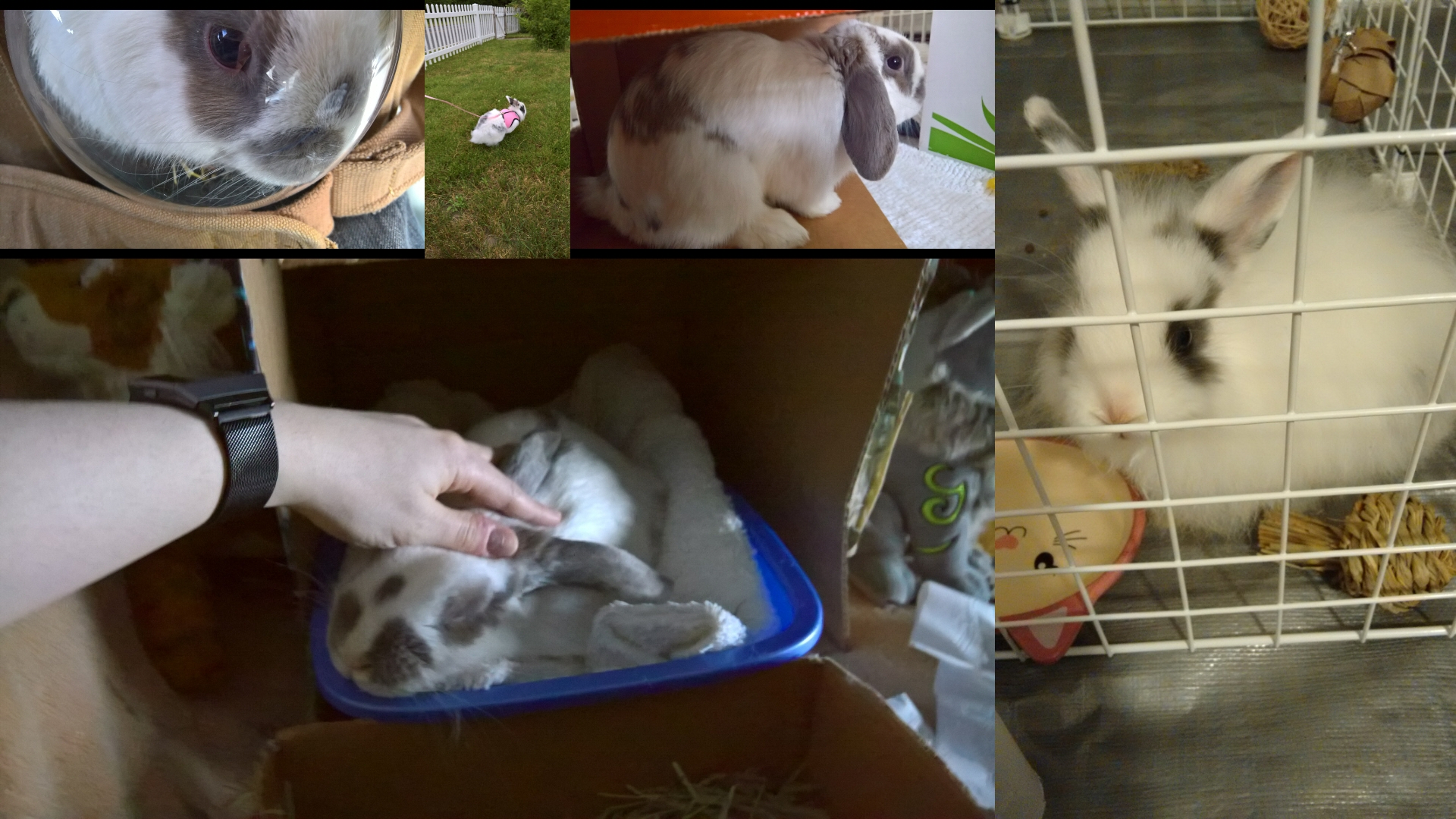
or
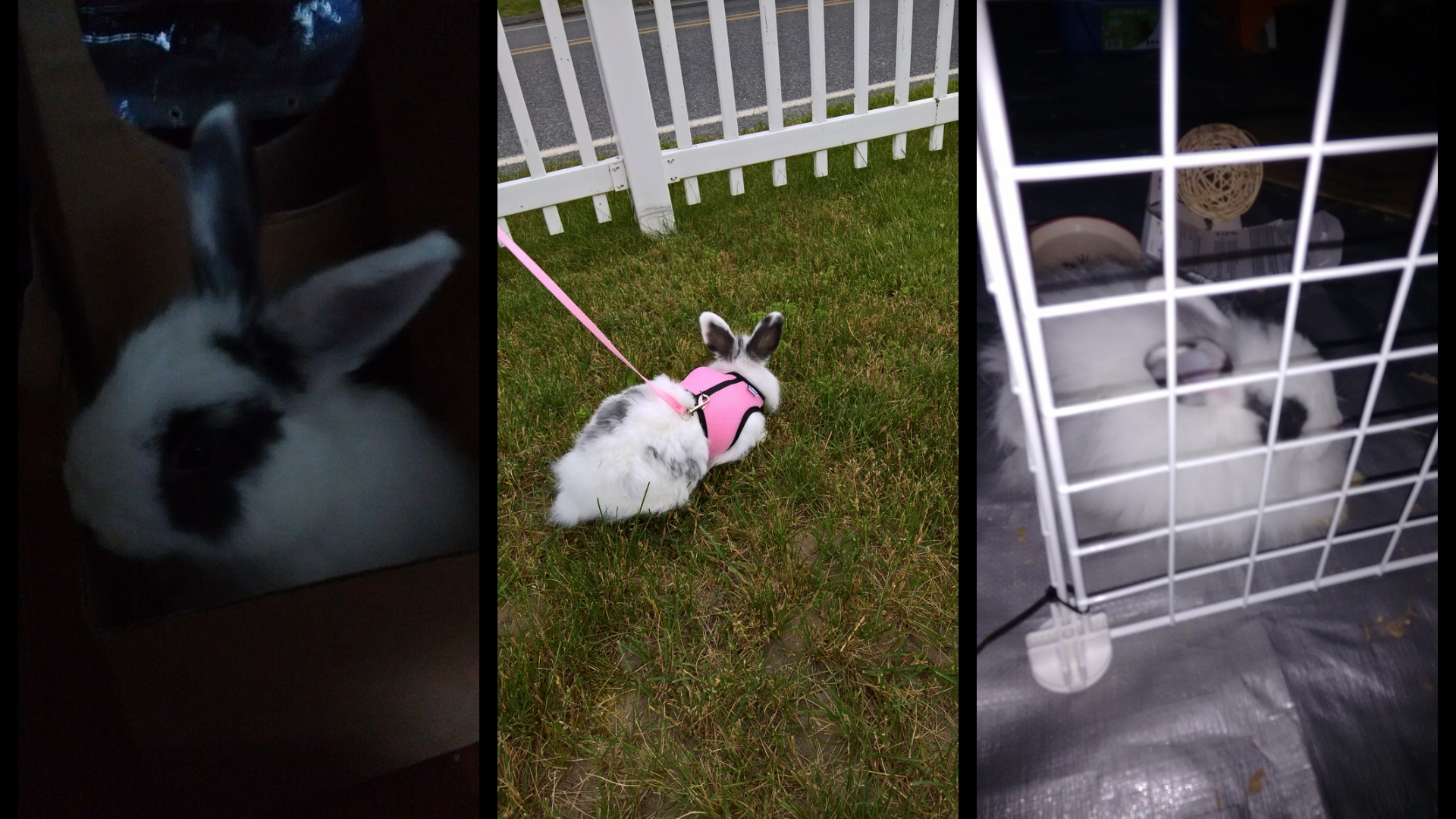
## Installation
### NixOS
Add a Nix overlay like
```
nixpkgs.overlays = [
(self: super: {
collage = (import (self.fetchFromGitHub {
owner = "JustinLovinger";
repo = "collage";
rev = "LATEST_VERSION_TAG";
sha256 = "SHA25_OF_LATEST_VERSION_TAG";
}) { pkgs = self; });
})
];
```
Get the `sha256`
with `nix run nixpkgs.nix-prefetch-github -c nix-prefetch-github --rev "LATEST_VERSION_TAG" JustinLovinger collage`.
Add the package like
```
environment.systemPackages = with pkgs; [
collage
];
```
If Collage does not build with `{ pkgs = self; }`,
you can replace it with `{ }`
to use pinned development dependencies.
### Other Linux
Follow build instructions
and copy files
to the expected paths
for your distribution.
## Usage
See `man collage` or `collage --help`.
## Development
Enter a development shell with `nix-shell`.
## Building
Build the program with `nix-build`.
Build man pages with `nix-build -A man`.
Build everything at once with `nix-build -A all`.