https://github.com/jxroot/freeuse
Some useful codes and scripts for penetration testing and red teaming
https://github.com/jxroot/freeuse
Last synced: about 1 year ago
JSON representation
Some useful codes and scripts for penetration testing and red teaming
- Host: GitHub
- URL: https://github.com/jxroot/freeuse
- Owner: jxroot
- Created: 2024-10-07T16:25:41.000Z (over 1 year ago)
- Default Branch: main
- Last Pushed: 2025-03-28T22:59:38.000Z (over 1 year ago)
- Last Synced: 2025-06-27T10:06:20.406Z (about 1 year ago)
- Language: PowerShell
- Homepage:
- Size: 409 KB
- Stars: 5
- Watchers: 1
- Forks: 0
- Open Issues: 1
-
Metadata Files:
- Readme: README.md
Awesome Lists containing this project
README

    freeuse


  Some useful codes and scripts


📜 Table of Contents
# Powershell

`find_file.ps1` tested on powershell v5+
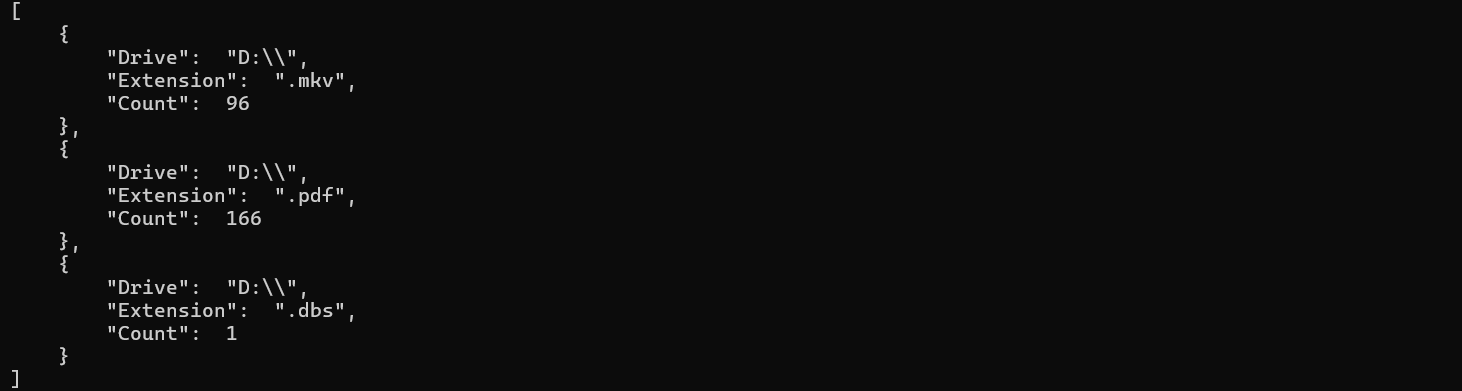
> This PowerShell script is designed to search for files across specified drives, filtering them based on their file extensions, and then returning information about the files.
Customization Options:
To show only counts: Set $showPaths = $false.
To process all files: Set $processAll = $true, and use $excludeExtensions to specify which file types to ignore.
To include specific file types: Use $includeExtensions to list the extensions you want to process, and set $processAll = $false.
To process all drives: Set $selectedDrives = @() to include all filesystem drives.
This script is flexible and allows detailed control over what types of files to search for, which drives to search, and whether to display full file paths or just counts.
`system_info.ps1` tested on powershell v5+
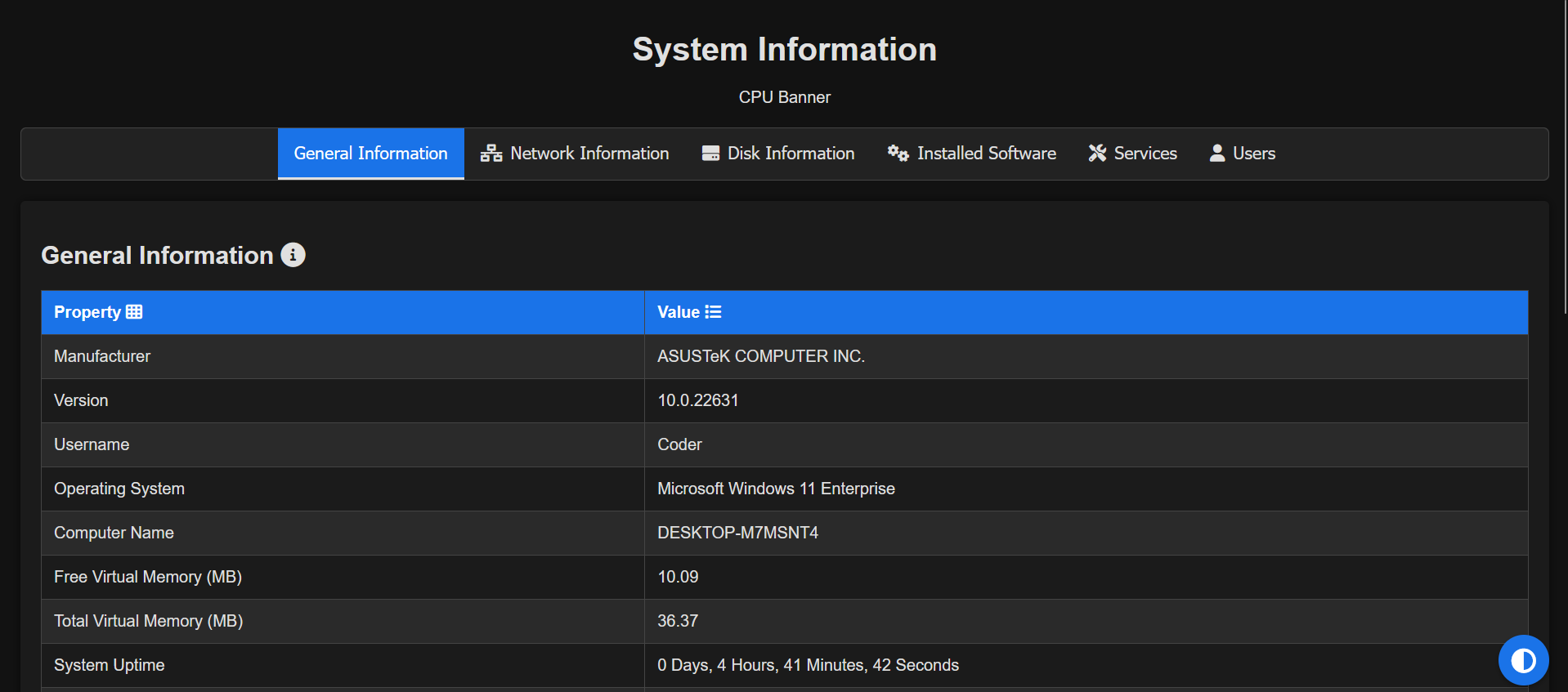
> This PowerShell script collects a variety of system information, formats it into an HTML page, and opens that page in the default web browser.
`check_cred.ps1` tested on powershell v5+

> Function to test credentials locally or remotely
Usage:
```powershell
# Example usage for local testing with a plain-text password
Test-Credential -Scope "Local" -CredentialUserName "mohammad" -PlainPassword "MySecurePassword123"
# Example usage for remote testing with a plain-text password
Test-Credential -Scope "Remote" -ComputerName "RemoteServer01" -CredentialUserName "DOMAIN\Username" -PlainPassword "MySecurePassword123"
```
# Bash

`setup_tor_apache.sh` tested on ubuntu 23
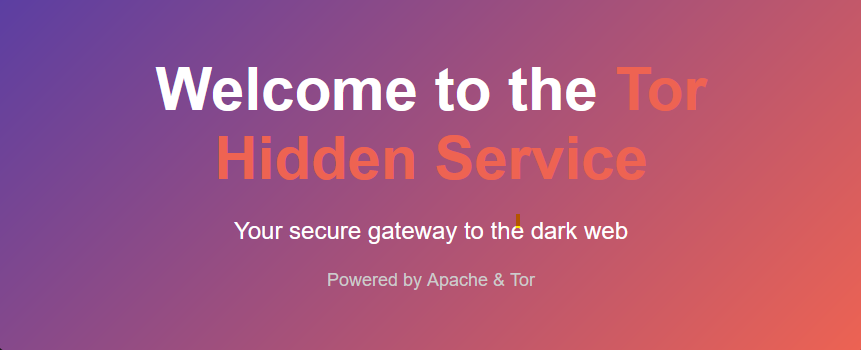
> The provided script automates the process of setting up a Tor hidden service using Apache on an Ubuntu system.
# Python

`Browser_Password .py` tested on Windows 11 Build 26100
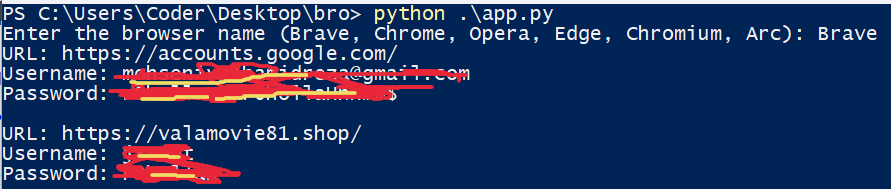
> This Python script is designed to extract and decrypt saved login credentials (i.e., usernames and passwords) from several popular Chromium-based browsers, including Brave, Chrome, Opera, Edge, Chromium, and Arc. The script targets the Login Data database file and uses the Local State file for decryption keys, leveraging the AES encryption used by these browsers.
## ⚠️ Legal & Ethical Disclaimer
🚨 This Repo is developed strictly for educational and authorized security testing purposes only.
🔬 It is intended to help cybersecurity professionals, researchers, and enthusiasts understand post-exploitation, red teaming, and detection techniques in lab or controlled environments.
❌ Do NOT use this tool on any system or network without explicit permission. Unauthorized use may be illegal and unethical.
🛡 The author takes no responsibility for any misuse or damage caused by this project.
---
> Always hack responsibly. 💻🔐