https://github.com/k5md/react-native-yet-another-sortable
Sortable scrollable grid / list component for React Native.
https://github.com/k5md/react-native-yet-another-sortable
drag-and-drop grid list react-native scrollable sortable
Last synced: 6 months ago
JSON representation
Sortable scrollable grid / list component for React Native.
- Host: GitHub
- URL: https://github.com/k5md/react-native-yet-another-sortable
- Owner: k5md
- License: mit
- Created: 2020-08-05T18:39:25.000Z (almost 6 years ago)
- Default Branch: master
- Last Pushed: 2020-08-16T22:36:25.000Z (almost 6 years ago)
- Last Synced: 2025-09-08T20:38:47.467Z (11 months ago)
- Topics: drag-and-drop, grid, list, react-native, scrollable, sortable
- Language: JavaScript
- Homepage: https://www.npmjs.com/package/react-native-yet-another-sortable
- Size: 694 KB
- Stars: 8
- Watchers: 1
- Forks: 2
- Open Issues: 2
-
Metadata Files:
- Readme: README.md
- License: LICENSE
Awesome Lists containing this project
README
# react-native-yet-another-sortable
[](https://travis-ci.com/k5md/react-native-yet-another-sortable)
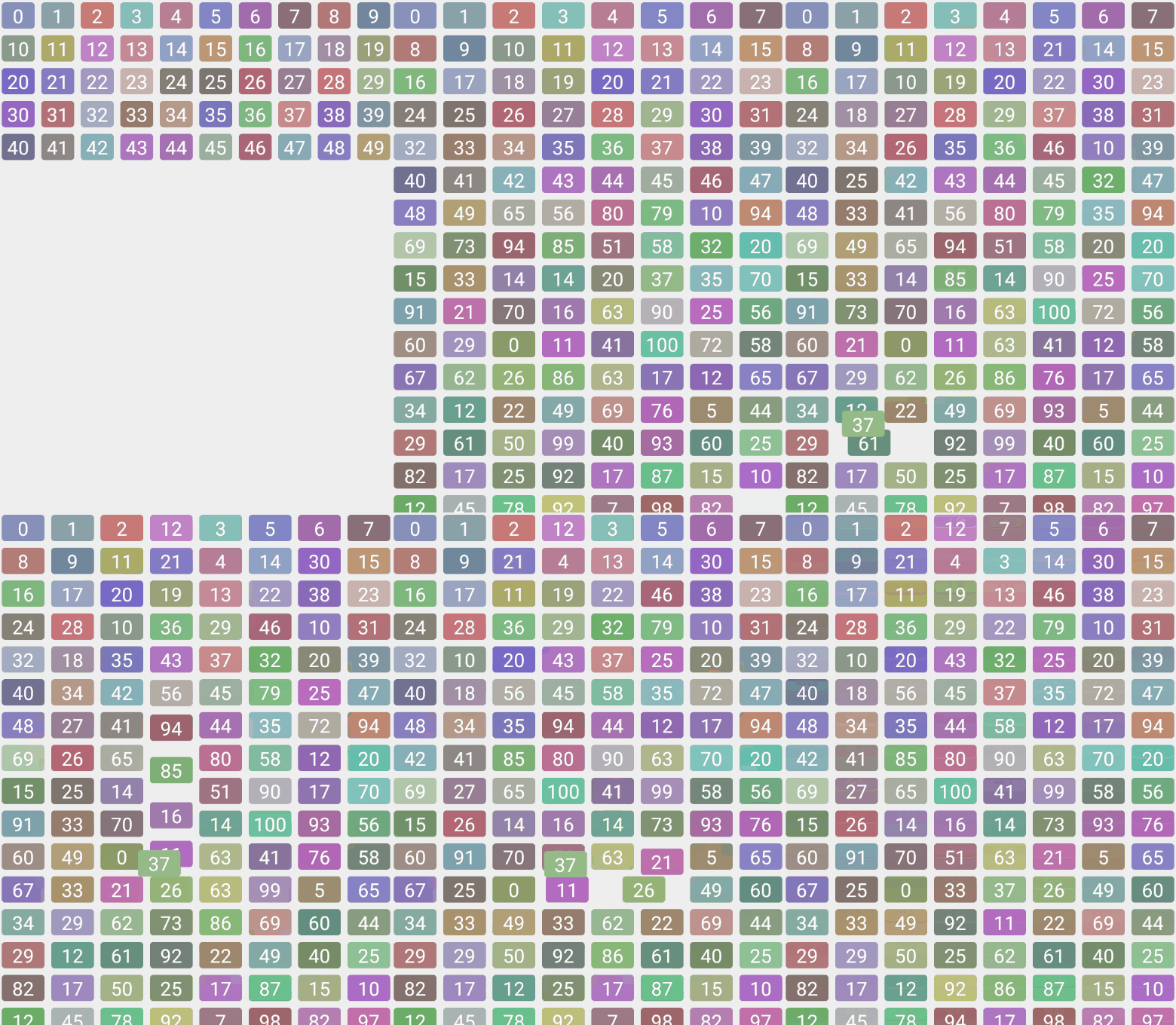
A sortable scrollable grid / list component for React Native.
* Change number of columns and row height on the fly
* Much better performance (especially in debug, compared to alternatives)
* Fast updates
* Controllable order
* Auto-scroll when dragged item is close to the container's border
Essentially based on react-native-sortable-grid, it has some improvements and changes, that made me publish it as a separate package instead of making a PR.
## Getting Started
### Installation
```
npm install react-native-yet-another-sortable --save
```
### Usage
Check out [example project](https://github.com/k5md/react-native-yet-another-sortable/tree/master/example).
```javascript
import React, { useState, useCallback } from 'react';
import SortableGrid from 'react-native-yet-another-sortable';
const Example = () => {
const [data] = useState([
{ value: 0, key: 'key0' },
{ value: 1, key: 'key1' },
{ value: 2, key: 'key2' },
]);
const [order, setOrder] = useState(['key2', 'key1', 'key0']);
const renderItem = useCallback(({ value, color }) => (
{value}
), []);
return (
);
};
```
### Props
| parameter | type | required | description |
| :-------- | :---- | :------- | :---------- |
| order | array of string keys | yes | array of data key properties used to determine entry order |
| data | array of objects with key property | yes | array of items to be passed to renderItem |
| rowHeight | number | no | row height |
| columns | number | no | number of columns per row |
| activationTreshold | number | no | time in ms required to activate drag on hold |
| transitionDuration | number | no | time in ms required to move cell to its position on release |
| renderItem | function | yes | render function for each entry, is passed a data item |
### Event props
| parameter | type | required | description |
| :-------- | :---- | :------- | :---------- |
| onActivateDrag | (key, grid) => void | no | Will execute after one holds the item for activateTreshold, before onGrantBlock |
| onGrantBlock | (event, gestureState, grid) => void | no | Will execute on drag start |
| onMoveBlock | (event, gestureState, grid) => void | no | Will execute on each move |
| onReleaseBlock | (event, gestureState, grid) => void | no | Will execute on drag release |
| onDeactivateDrag | (order, grid) => void | no | Will execute on active item drop, after onReleaseBlock, with new order as an argument |
### Data item props
| parameter | type | required | description |
| :-------- | :---- | :------- | :---------- |
| inactive | boolean | no | Makes block not draggable |
| key | string | yes | key used to order items
## Development
In order to develop the application or build android .apk from the sources one should:
1. Clone this repository
2. Install package dependencies with `npm install`
3. Navigate to example folder: `cd example`
3. Install example project dependencies `npm install`
3. Run Metro bundler with `react-native start`
4. Connect an emulator or physical device via adb, like this (tested with [mEMU](https://www.memuplay.com/)):
- `adb connect 127.0.0.1:21503`
- `adb reverse tcp:8081 tcp:8081`
5. Build and watch with `react-native run-android`, changes from src directory are picked automatically because of example's metro and babel configurations.
## Contributions
PR are always welcome!
## Todos
* Better scroll-on-drag behaviour (smooth scroll without ugly timeouts and large scroll results in the dragged block trembling)
* Refactoring while perserving the performance
* Actual tests