https://github.com/kangchainx/github-readme-studio
A powerful, visual drag-and-drop builder for creating professional and stunning GitHub Profile READMEs effortlessly.
https://github.com/kangchainx/github-readme-studio
github-profile github-readme markdown-generator profile-readme react readme-generator visual-builder
Last synced: 5 months ago
JSON representation
A powerful, visual drag-and-drop builder for creating professional and stunning GitHub Profile READMEs effortlessly.
- Host: GitHub
- URL: https://github.com/kangchainx/github-readme-studio
- Owner: kangchainx
- License: mit
- Created: 2025-12-16T06:50:03.000Z (7 months ago)
- Default Branch: main
- Last Pushed: 2025-12-27T06:46:58.000Z (7 months ago)
- Last Synced: 2025-12-27T18:27:11.576Z (7 months ago)
- Topics: github-profile, github-readme, markdown-generator, profile-readme, react, readme-generator, visual-builder
- Language: TypeScript
- Homepage: http://github-homepage.kangchainx.com/
- Size: 1.96 MB
- Stars: 1
- Watchers: 0
- Forks: 0
- Open Issues: 0
-
Metadata Files:
- Readme: README.md
- License: LICENSE
Awesome Lists containing this project
README

**A powerful, visual, drag-and-drop builder for creating professional GitHub Profile READMEs.**
[](https://github.com/kangchainx/github-readme-studio/stargazers)
[](https://github.com/kangchainx/github-readme-studio/network/members)
[](https://github.com/kangchainx/github-readme-studio/blob/main/LICENSE)
[](https://github.com/kangchainx/github-readme-studio/issues)
[English](README.md) | [简体中文](README_zh.md)
---
## 🚀 Key Features
- **Visual Editing** - What You See Is What You Get (WYSIWYG), drag-and-drop component layout without writing tedious Markdown.
- **Rich Component Library** - Includes About Me, Tech Stack, Social Links, GitHub Stats Cards, Contribution Trends, and more.
- **Premium Aesthetics** - Carefully designed UI with Light/Dark mode support, making your profile stand out instantly.
- **One-Click Export** - Generates standard, highly compatible Markdown code perfectly tailored for GitHub Profiles.
## 🛠️ Run Locally
**Prerequisites:** Node.js (18.0+ recommended)
1. **Clone the repository:**
```bash
git clone https://github.com/kangchainx/github-readme-studio.git
cd github-readme-studio
```
2. **Install dependencies:**
```bash
npm install
```
3. **Start the app:**
```bash
npm run dev
```
Once started, open `http://localhost:3000` in your browser to start creating.
## 🤝 Contributing
Contributions are always welcome!
- If you find a bug, please open an [Issue](https://github.com/kangchainx/github-readme-studio/issues).
- If you have great ideas, feel free to submit a [Pull Request](https://github.com/kangchainx/github-readme-studio/pulls).
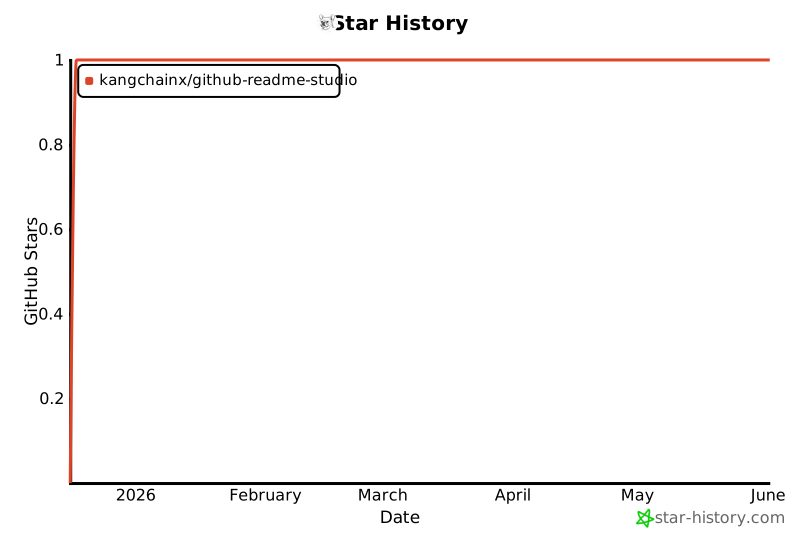
## 📈 Star History
## 📄 License
This project is licensed under the [MIT License](LICENSE).
---