https://github.com/kanugurajesh/snapscale
A desktop application which can be used to resize images
https://github.com/kanugurajesh/snapscale
cross-platform desktop-app electronjs image-resizer javascript user-friendly-interface
Last synced: 9 months ago
JSON representation
A desktop application which can be used to resize images
- Host: GitHub
- URL: https://github.com/kanugurajesh/snapscale
- Owner: kanugurajesh
- License: mit
- Created: 2023-10-21T10:10:51.000Z (over 2 years ago)
- Default Branch: main
- Last Pushed: 2024-01-14T04:12:45.000Z (over 2 years ago)
- Last Synced: 2025-04-05T10:05:11.178Z (about 1 year ago)
- Topics: cross-platform, desktop-app, electronjs, image-resizer, javascript, user-friendly-interface
- Language: CSS
- Homepage:
- Size: 232 KB
- Stars: 13
- Watchers: 2
- Forks: 0
- Open Issues: 0
-
Metadata Files:
- Readme: README.md
- Contributing: contributing.md
- License: License.txt
- Code of conduct: code_of_conduct.md
Awesome Lists containing this project
README
#### ⭐ star this repo if you like it
# SnapScale
SnapScale is an Image Resizer used to resize any image easily and it can setup on windows, mac, linux systems locally
## Problem Statement
Image resizers are commonly found online, 🌐 but many of them require sign-ups or offer subscription models. 😫 Even though some are free, people often find it cumbersome to navigate to a website, upload an image, 📷 wait for the resizing process, and then download the final result. 🕒📥
## Solution
SnapScale is the ultimate solution to your image resizing needs! 🌟 No subscription model or annoying sign-up required. 🚫💳 Install it right on your local machine for super-convenient image handling. 🖥️🎉 With SnapScale, resizing images is a piece of 🍰 – no need to hassle with downloading images, they're automatically fetched after resizing! ⚙️💨 It's lightning-fast and incredibly user-friendly! 🏃♂️💨 Try it out today!
## Features
- Eye Friendly colors
- Fullscreen mode
- Cross platform
- Offline
- Easy to use
## Prerequisites
```bash
1. git setup on local machine
2. npm
```
## Installation
```bash
git clone git@github.com:rajesh604/SnapScale.git
cd SnapScale
npm install
npm start
```
## Screenshots
### Splash Screen
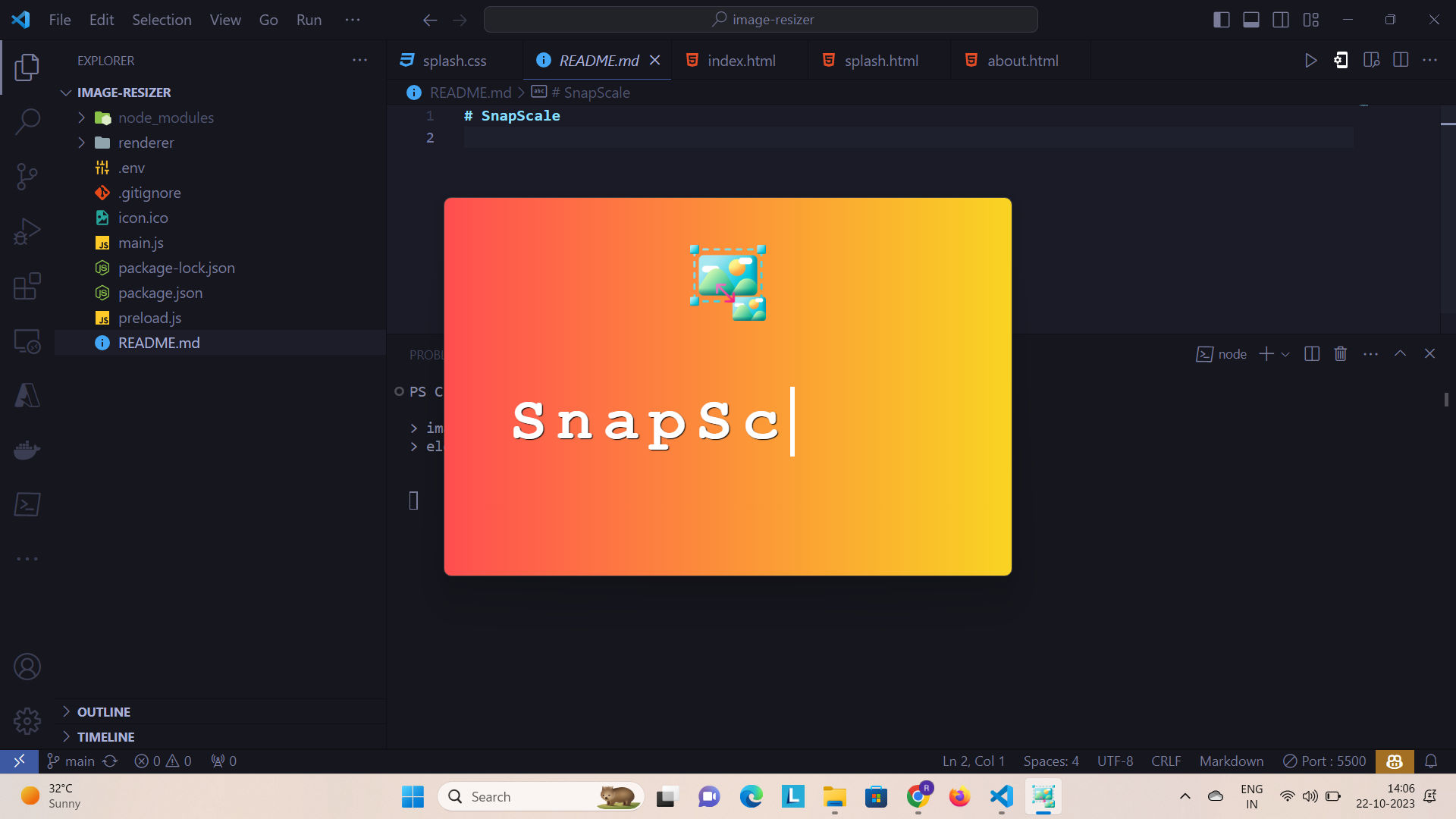
### Starting Screen

### Image Uploading

### After Image Upload

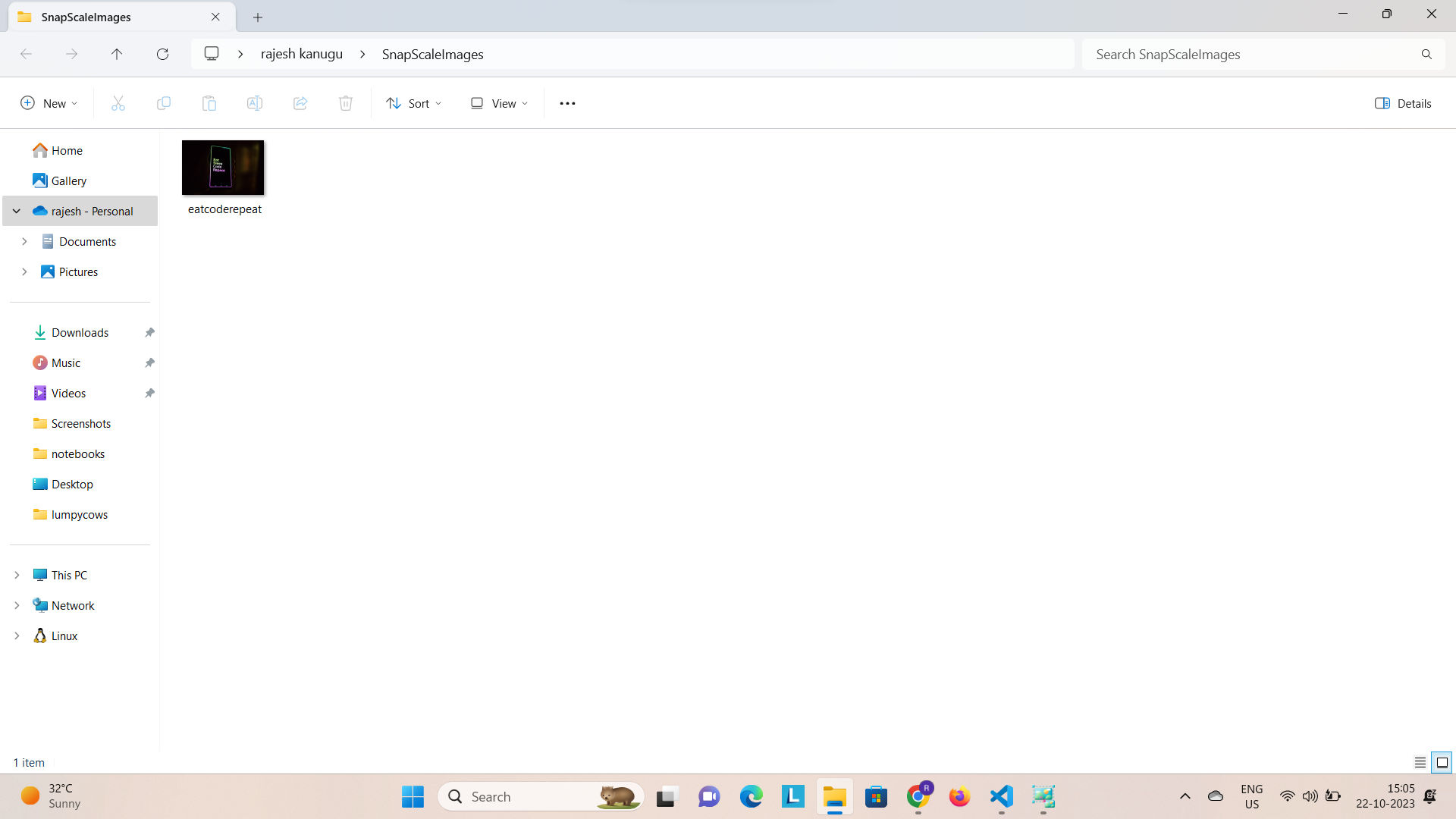
### After Resizing download Image opens
## Demo
[](https://youtu.be/ISmqmLtC4fc?feature=shared)
## 🔗 Links
[](https://rajeshportfolio.me/)
[](https://www.linkedin.com/in/rajesh-kanugu-aba8a3254/)
[](https://twitter.com/exploringengin1)
## Tech Stack
- Html
- Css
- JavaScript
- Electron.js
- Node.js
## Contributing
I want to add more features and Contributions are always welcome!
See [contributing.md](https://github.com/rajesh604/SnapScale/blob/main/contributing.md) for ways to get started.
Please adhere to this project's [code of conduct](https://github.com/rajesh604/SnapScale/blob/main/code_of_conduct.md).
## Authors
- [@kanugurajesh](https://github.com/kanugurajesh)
## Support
For support, you can buy me a coffee

[](https://choosealicense.com/licenses/mit/)