https://github.com/kebablord/kali-i3wm
Custom kali build with i3 rice.
https://github.com/kebablord/kali-i3wm
i3wm kali kali-i3 kali-linux kali-scripts kali-setup
Last synced: about 1 year ago
JSON representation
Custom kali build with i3 rice.
- Host: GitHub
- URL: https://github.com/kebablord/kali-i3wm
- Owner: KebabLord
- Archived: true
- Created: 2020-11-23T17:30:55.000Z (over 5 years ago)
- Default Branch: master
- Last Pushed: 2024-07-05T06:08:11.000Z (almost 2 years ago)
- Last Synced: 2025-03-03T08:45:09.890Z (over 1 year ago)
- Topics: i3wm, kali, kali-i3, kali-linux, kali-scripts, kali-setup
- Language: Shell
- Homepage: https://sourceforge.net/projects/kali-i3wm/
- Size: 7.81 KB
- Stars: 19
- Watchers: 2
- Forks: 3
- Open Issues: 0
-
Metadata Files:
- Readme: README.md
Awesome Lists containing this project
README
# Disclaimer
This project is archived and not maintained since i don't have time for it. Eventually, generating ISOs takes hours.
But `kali_i3wm_2020_4.iso` can be still downloaded from sourcefourge and it will still work out of box but __repos are very old__.
I strongly recommend you to use [Arszilla's kali-i3](https://gitlab.com/Arszilla/kali-i3) version instead, he is actively maintaining it.
Since it's release in 2020, the project got over [2200 downloads](https://sourceforge.net/projects/kali-i3wm/files/kali-linux-rolling-live-i3wm-amd64.iso/stats/os?dates=2020-11-23%20to%202030-12-30) on sourceforge from all over the world, thank you all for using it.
Dunno if i ever release a modern version, but it was definetely a fun ride.
# Overview
Since default kali live-usb ISOs come with kde or gnome, i decided to create a live-usb variant that use i3wm as default.
Because i3 is much more ram efficient and runs better on low-spec computers and usb disks.
This build has all the tools that one needs on the go such as applets, media players, scripts etc. It's pre-configured and also riced to give it a cool look and easier use.
## Preview Screenshots
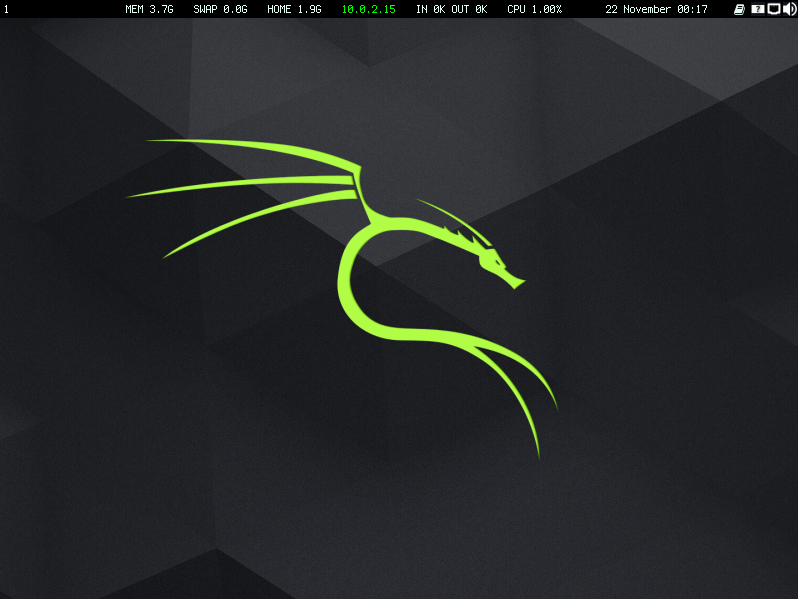
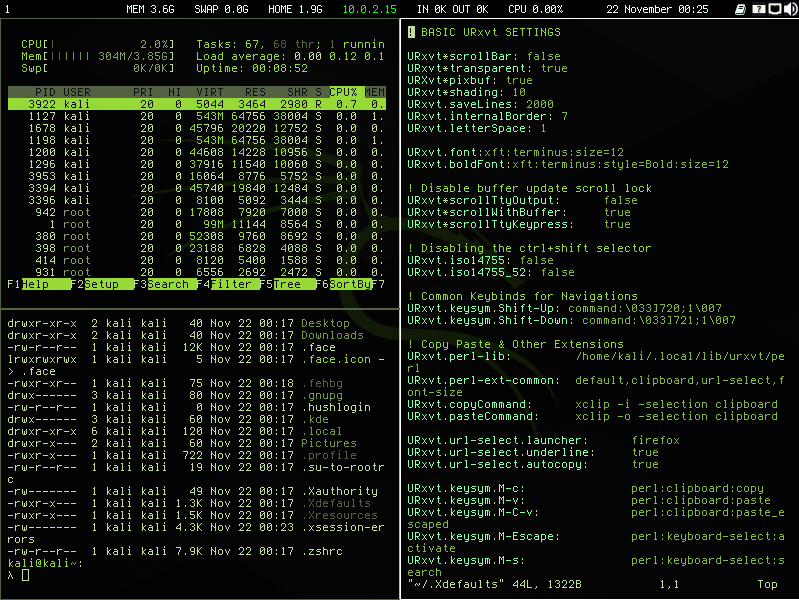
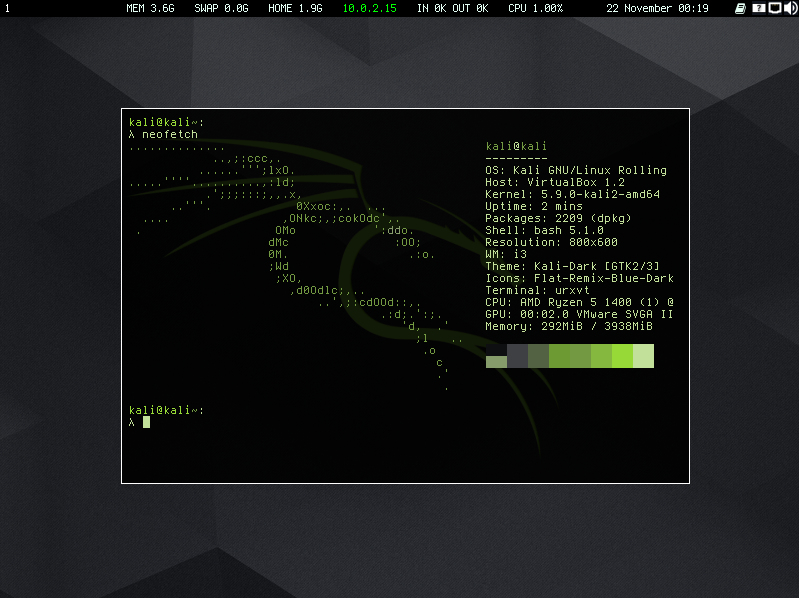
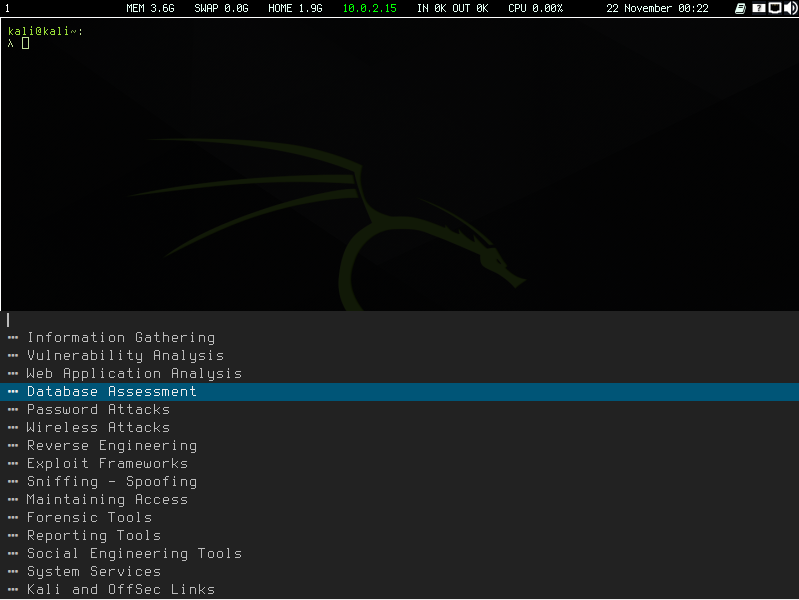
## Features
- Dmenu implementation of kali tools menu.
- Zsh disabled, bash is default.
- Pre-installed: mpv, feh, nautilus, i3blocks, pnmixer, network-manager
- Pre-configured: urxvt, bashrc, bash_aliases, i3 and i3blocks.
## List of key bindings
**Attention:** $mod is super key
```
Alt+C Copy selected text from terminal to clipboard
Alt+V Paste text from clipboard to terminal
Ctrl+Minus Discrease terminal font size
Ctrl+Equal Increase terminal font size
$mod+d Application Launcher (dmenu)
$mod+Shift+d Kali Tools Launcher (dmenu)
$mod+Shift+c xKill
```