https://github.com/kevinadhiguna/yomunication
Yomunication is a web application that allows you to create, read, update, and delete articles.
https://github.com/kevinadhiguna/yomunication
article blog crud crud-application expressjs mongodb nodejs rest-api
Last synced: 3 months ago
JSON representation
Yomunication is a web application that allows you to create, read, update, and delete articles.
- Host: GitHub
- URL: https://github.com/kevinadhiguna/yomunication
- Owner: kevinadhiguna
- Created: 2020-10-25T16:03:21.000Z (over 5 years ago)
- Default Branch: main
- Last Pushed: 2022-09-09T05:59:29.000Z (almost 4 years ago)
- Last Synced: 2025-02-28T22:42:17.780Z (over 1 year ago)
- Topics: article, blog, crud, crud-application, expressjs, mongodb, nodejs, rest-api
- Language: EJS
- Homepage:
- Size: 1.13 MB
- Stars: 0
- Watchers: 2
- Forks: 0
- Open Issues: 0
-
Metadata Files:
- Readme: README.md
Awesome Lists containing this project
README
# Yomunication
Yomunication is a web application that allows you to create, read, update, and delete articles. This app is powered by NodeJS, ExpressJS, MongoDB, and Restful API.
## Demo
This is how Yomunication looks :
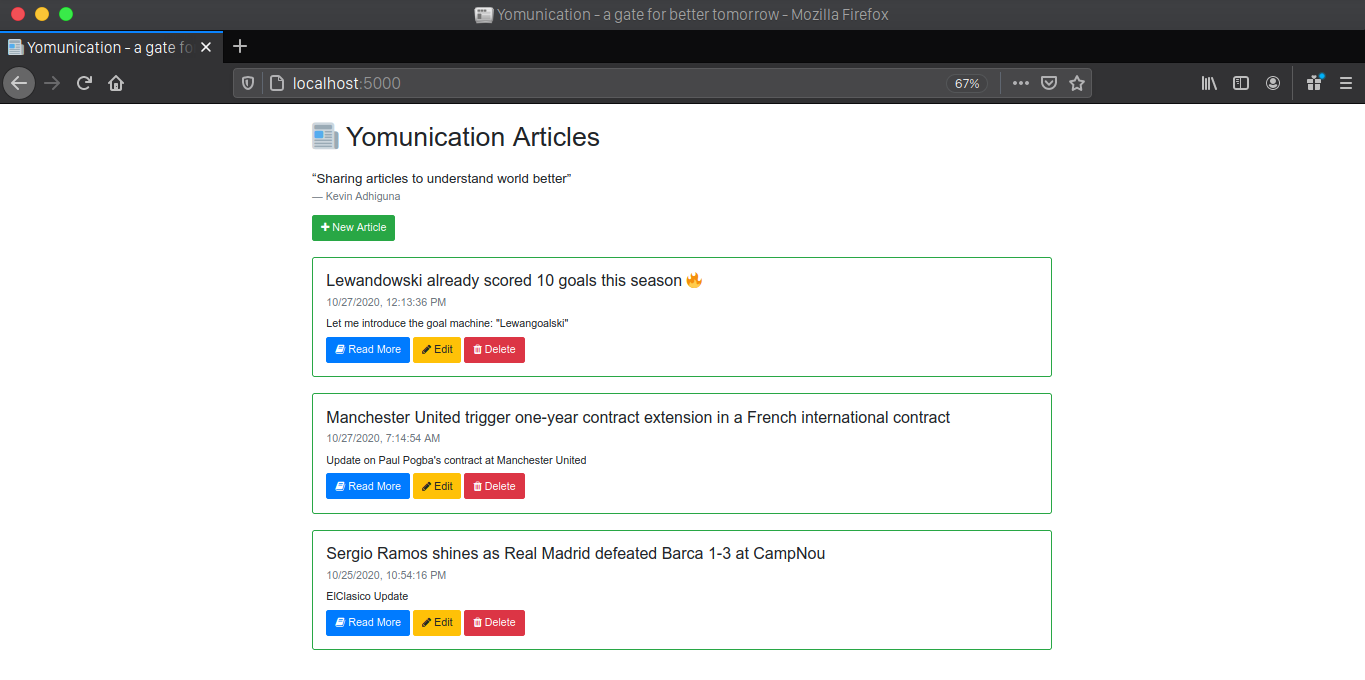
Yomunication allows CRUD actions as well, just like these :
### Create
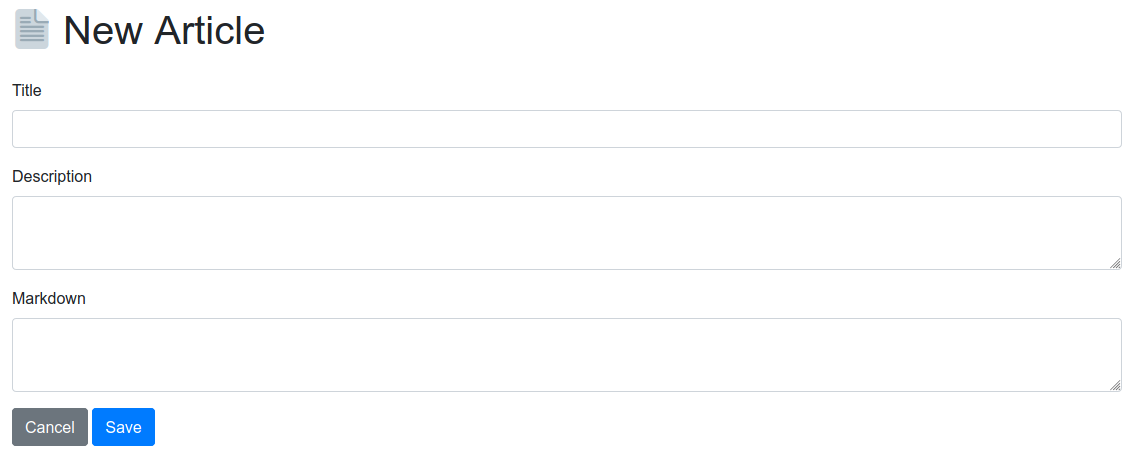
1. Click the `New Article` button below the quote :

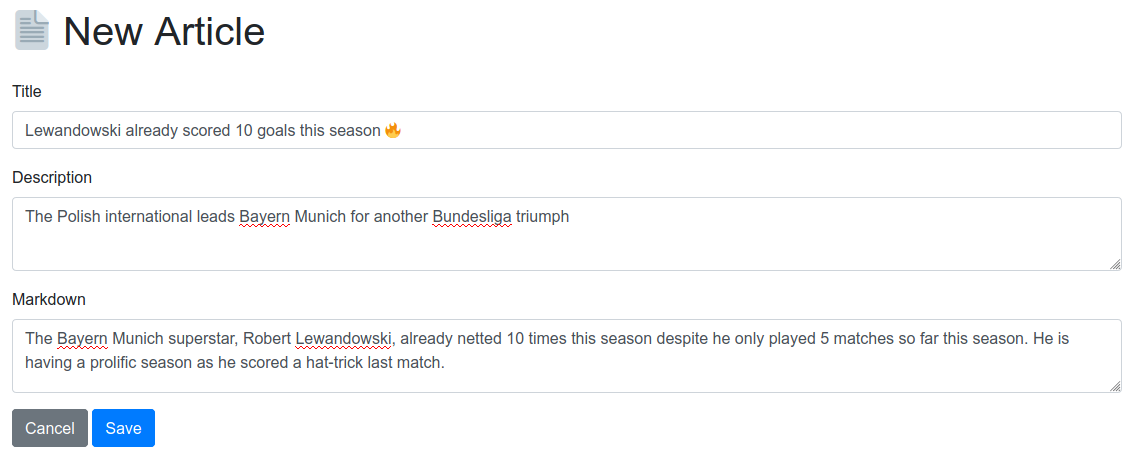
2. On the `Edit Page`, insert `Title`, `Description`, and `Markdown` (acts as a main content of the article) :
3. Having filling in all of them, click `Save` button to create your brand new article :
4. Great! You have successfully published an article!

### Read
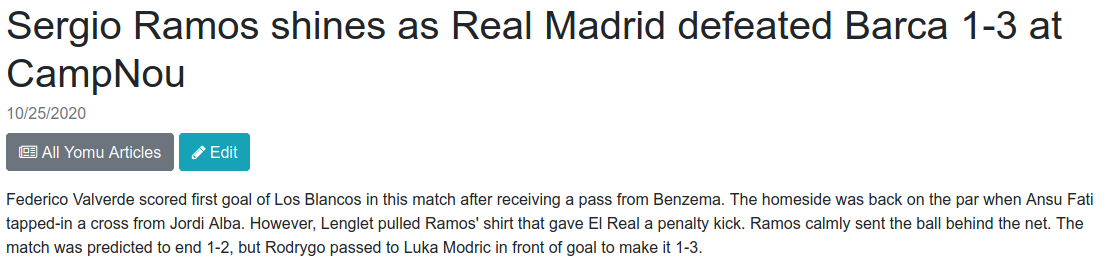
1. In order to read a full article, click the `Read More` button in the article you want to have a look at :

2. Hooray! The full article is displayed for you!
### Update
1. Click the `Edit` button in the article you want to apply a change :

2. After you are redirected to the `Edit Article` page, you can edit what you want. In this case, I will modify the `Title` as highlighted below :
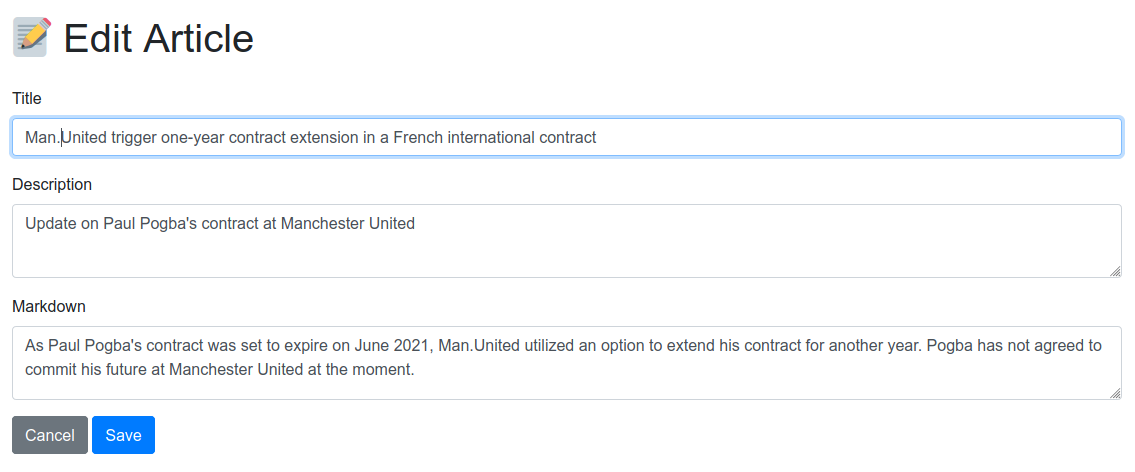
3. If you have finished on making changes, click the `Save` button :

4. Voila! You have successfully updated the `Title`. Feel free to make changes on other attributes as well :)

### Delete
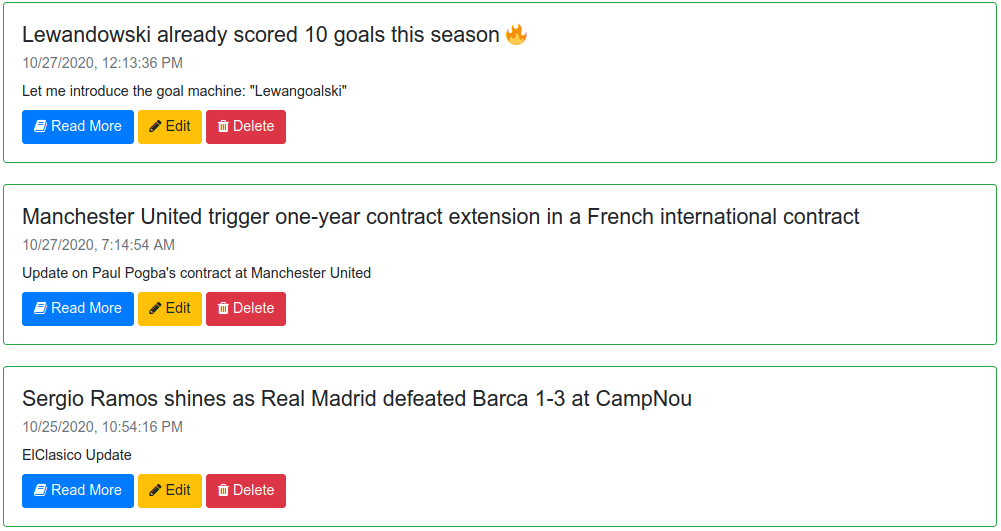
1. Click the `Delete` button in the article you would like to remove :

2. Boom! The article has disappeared now...
## How to Run :
### Prerequisites :
Make sure you have [NodeJS](https://nodejs.org/en/download/) and [MongoDB](https://docs.mongodb.com/manual/installation/) installed in your computer/laptop. Please also check that MongoDB is running in the background.
### Steps :
Open your Terminal / Command Prompt to execute these commands :
1. Clone this repository :
```
git clone https://github.com/kevinadhiguna/yomunication.git
```
2. Install Dependencies either using Yarn or NPM :
```
yarn
# or
yarn install
```
Note :
```
npm install
```
to install dependencies using NPM.
3. Run :
```
yarn run devStart
```
4. Open a browser and go to `localhost:5000` to see the app is running :)
## Format code
You can format code using prettier :
```
yarn format
```
If you want to only check whether code is formatted properly or not, run :
```
yarn run check
```
