https://github.com/kiddae/polybar-themes
(Deprecated) A repository of themes for polybar.
https://github.com/kiddae/polybar-themes
Last synced: about 1 year ago
JSON representation
(Deprecated) A repository of themes for polybar.
- Host: GitHub
- URL: https://github.com/kiddae/polybar-themes
- Owner: kiddae
- Archived: true
- Created: 2020-04-13T20:56:41.000Z (about 6 years ago)
- Default Branch: master
- Last Pushed: 2021-11-05T21:52:39.000Z (over 4 years ago)
- Last Synced: 2024-08-02T13:35:35.361Z (almost 2 years ago)
- Language: Shell
- Homepage:
- Size: 22.4 MB
- Stars: 430
- Watchers: 5
- Forks: 39
- Open Issues: 1
-
Metadata Files:
- Readme: README.md
Awesome Lists containing this project
README
# I have archived this repository as it is too unmaintained to be useable for anyone. You can still go to my (newly reorganized) [dotfiles](https://github.com/kiddae/dotfiles) repository.
This is a repo where i store my polybar themes.
You can just link each files of the theme to the `~/.config/polybar` directory.
I have the folder in my config directory (this way: `~/config/polybar/themes/`), and use this bash script to switch between them:
```shell
#!/bin/bash
ln -f -t ~/.config/polybar ~/.config/polybar/themes/$1/*
~/.config/polybar/launch.sh
```
You can check my [dotfiles](https://github.com/ngynLk/dotfiles) and [scripts](https://github.com/ngynLk/scripts) for further reference. (disclaimer: it's messy)
# Important to get the themes working
**All my themes fetches their colors from `xrdb`, so in order to get the themes working, you should set them in the `~/.Xresources` or `~/.Xdefaults` file and then run `xrdb ~/.Xresources` (or `~/.Xdefaults`). You can find about the syntax [here](https://wiki.archlinux.org/index.php/Color_output_in_console#X_window_system)**
Some of them have both `i3` and `bspwm` modules, some don't, depends on when I wrote them. If you absolutely need a bar working on i3, feel free to issue or pull-request.
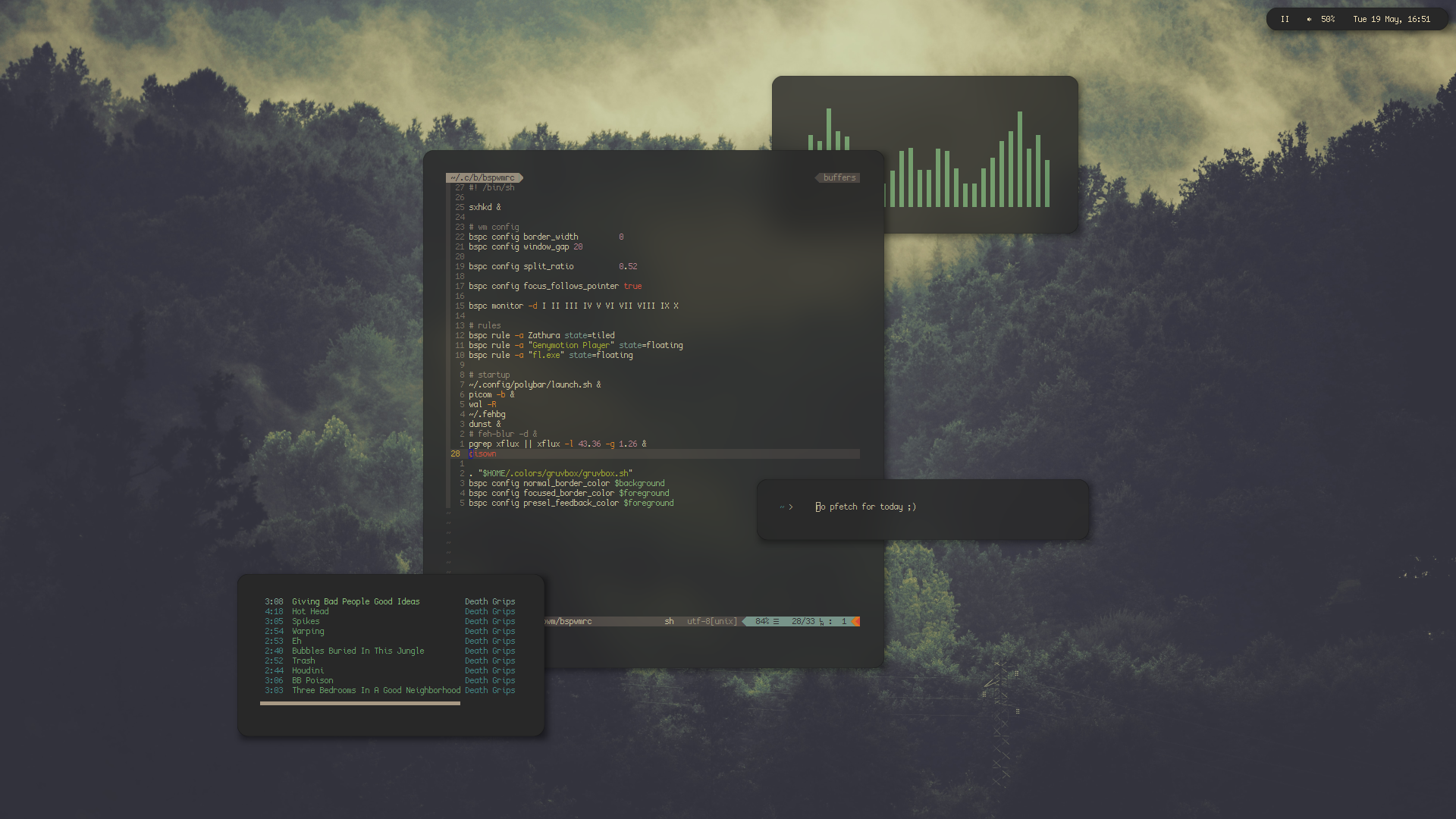
## tiny
*screenshot*
*another screenshot*
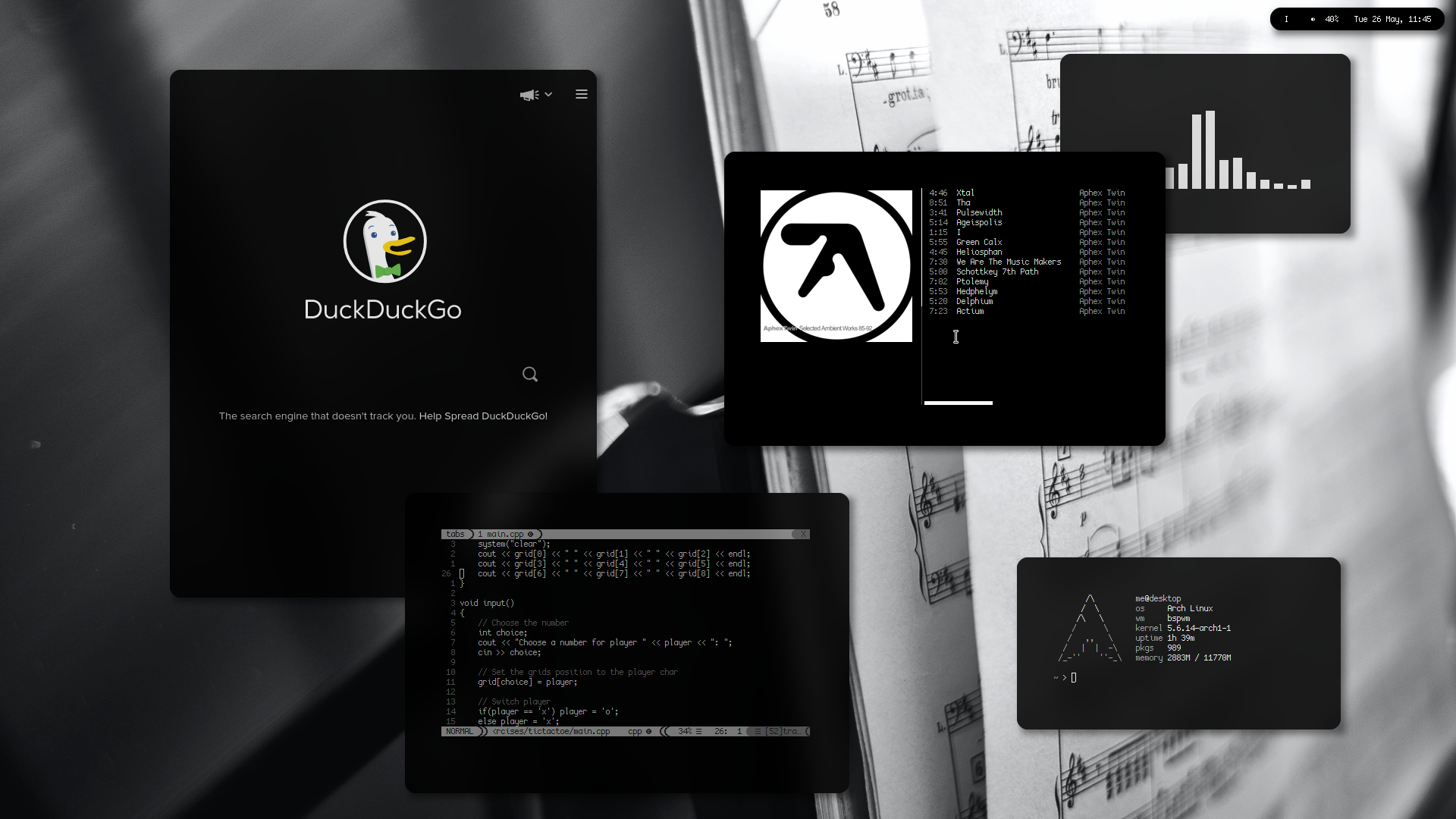
A minimal, tiny and discreet bar.
**Fonts used:**
+ CozetteVector
**Modules:**
+ `bspwm`: shows the current workspace name
+ `pulseaudio`: shows the volume and a little icon
+ `date`: shows date and time
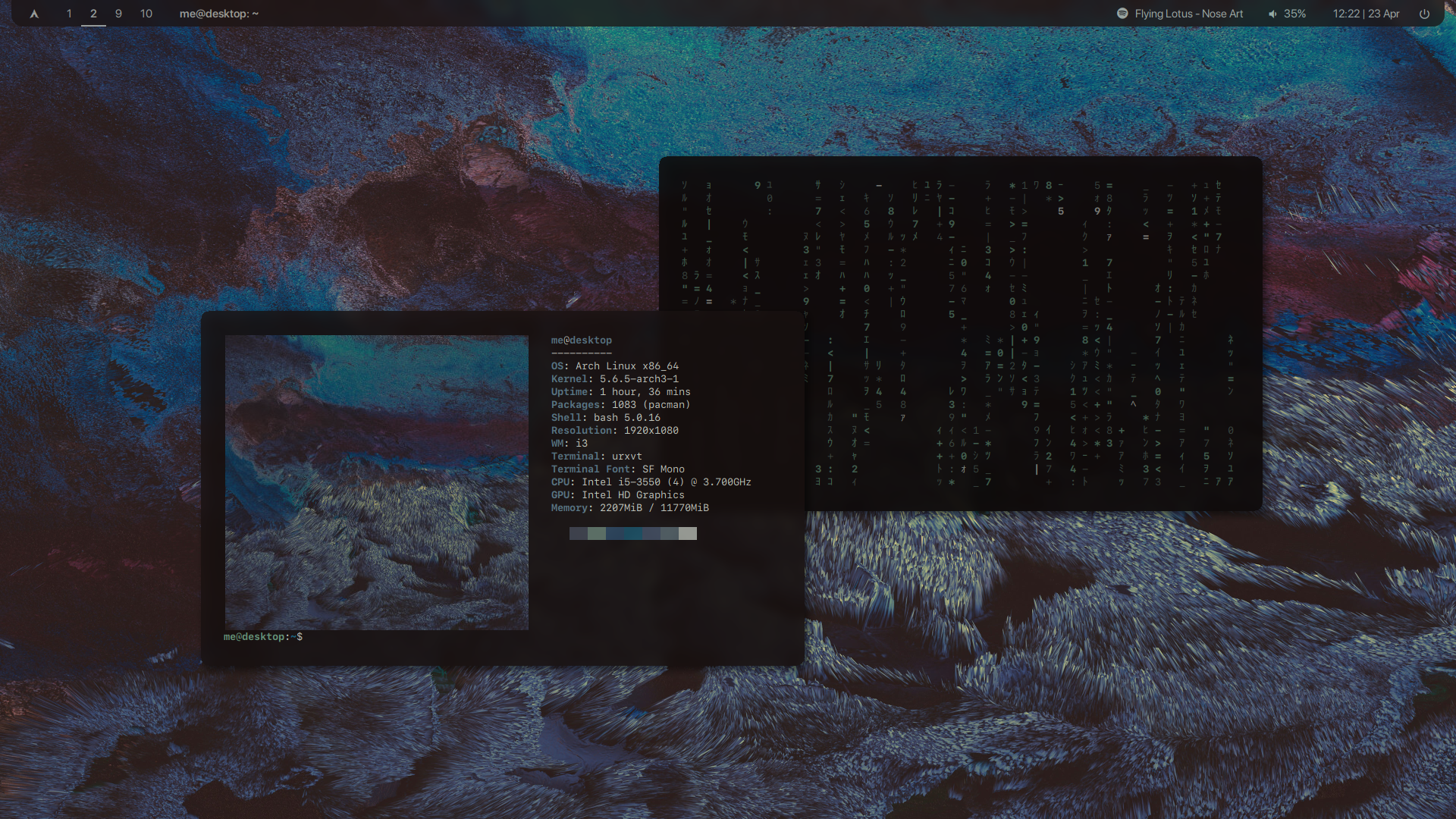
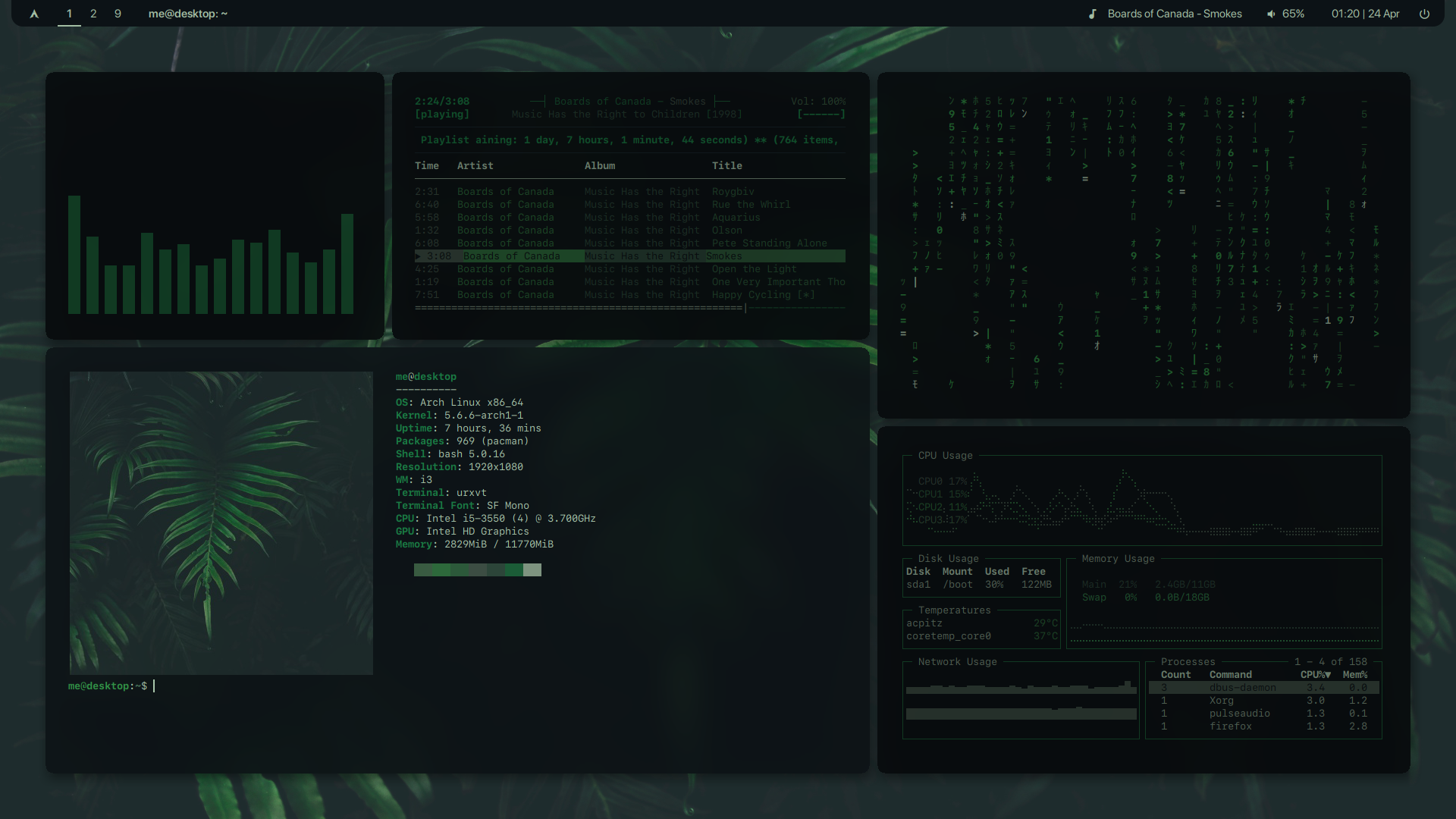
## san
*screenshot*
*another screenshot*
**Fonts used:**
+ SF Compact Text
+ Font Awesome 5 Brands
+ Material Icons
+ font-logo
+ IPAGothic (for japanese glyphs)
**Modules:**
+ `launcher` : launches a `rofi` instance, it is a script you can find in my repo.
+ `i3` : i3 workspaces, basically.
+ `mpd` : `mpd` controller
+ `spotify` : shows current playing song on spotify (uses `playerctl`)
+ `cpu`, `memory`, `date` : pretty self-explanatory.
+ `pulseaudio` : controls volume, requires `pulseaudio` (obviously)
+ `power` : polybar-ish menu
## transparent
*screenshot*
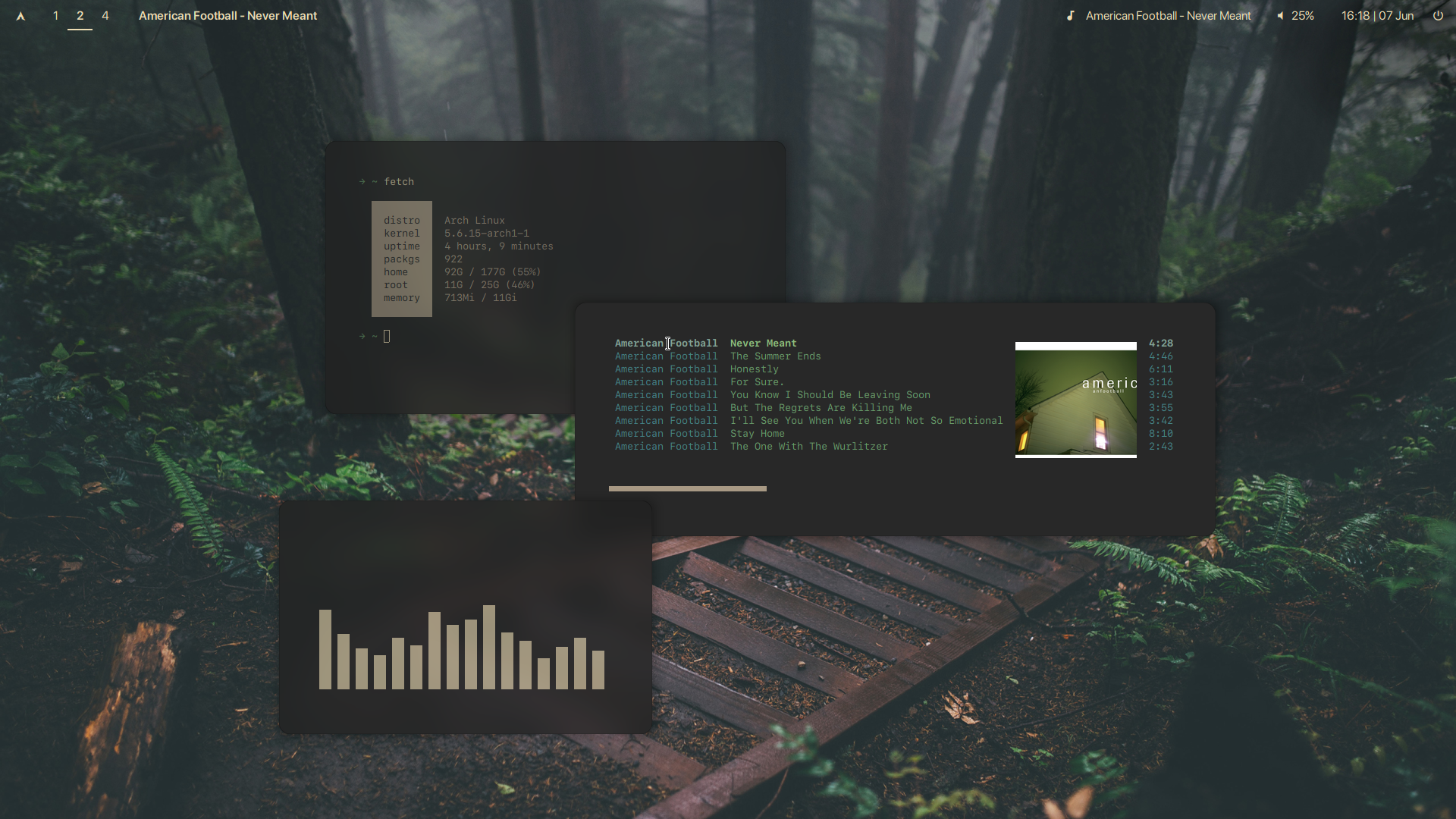
the `san` theme as above, but with a transparent background, and slightly thicker.
## cherryblocks
*screenshot, the thick borders version*
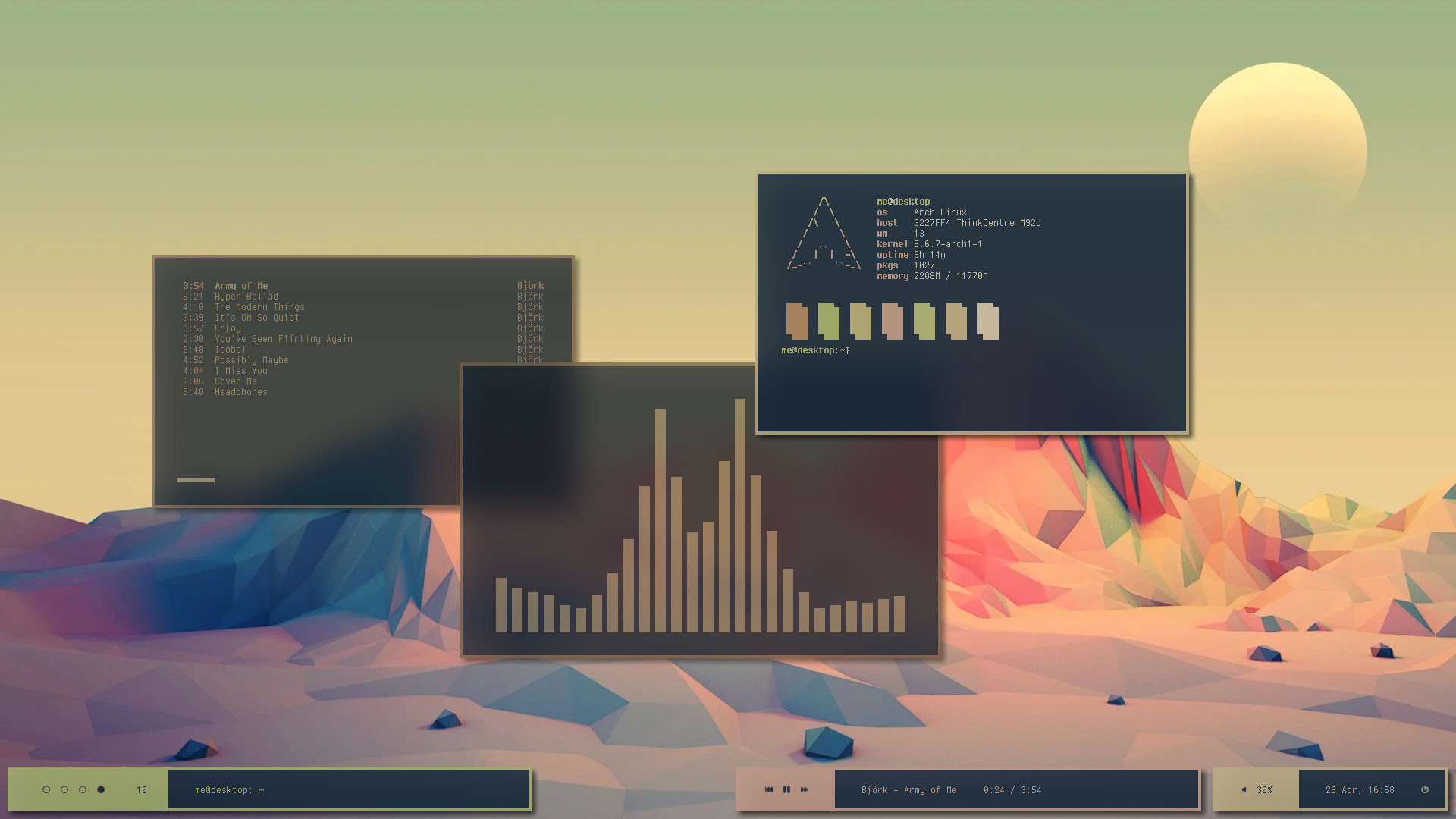
*another screenshot, the reasonable borders version*
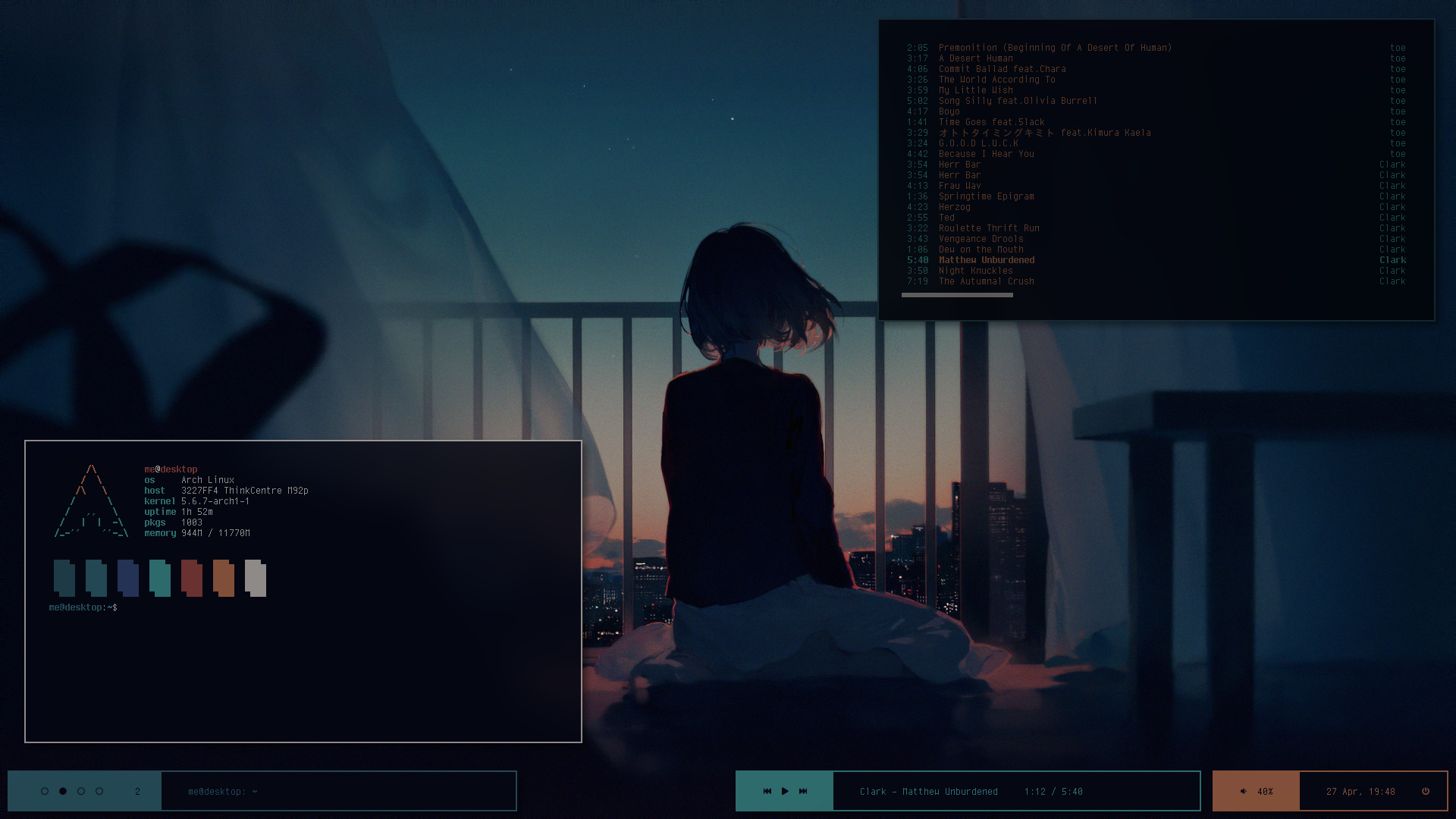
a renewed version of the theme below `blocks`. Made for tiny bitmap fonts but *thicc* bars and borders.
**Fonts used:**
+ cherry
+ Font Awesome 5
+ IPAGothic (for japanese glyphs)
modules are the same as below.
## blocks
*screenshot*
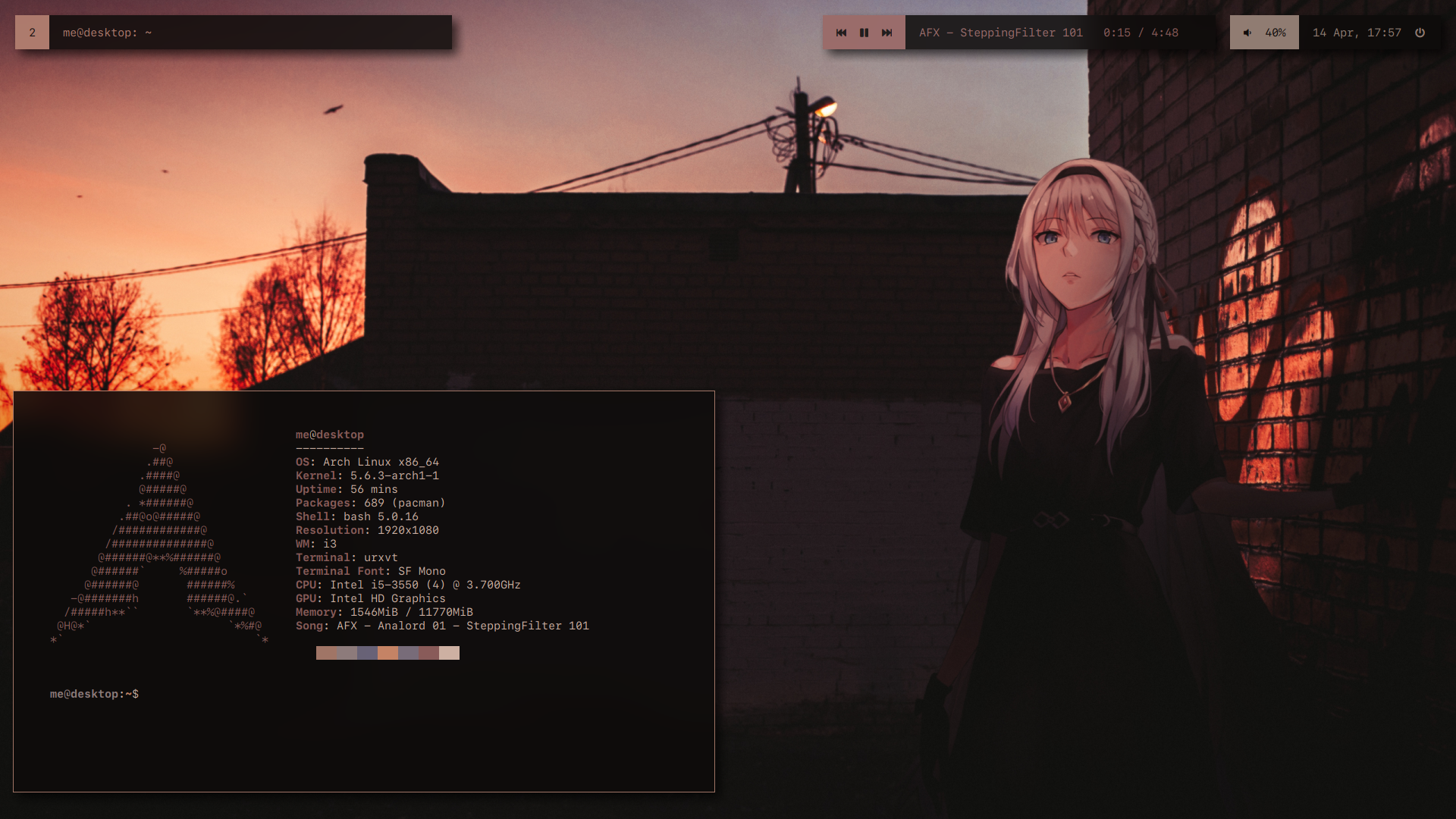
*another one*
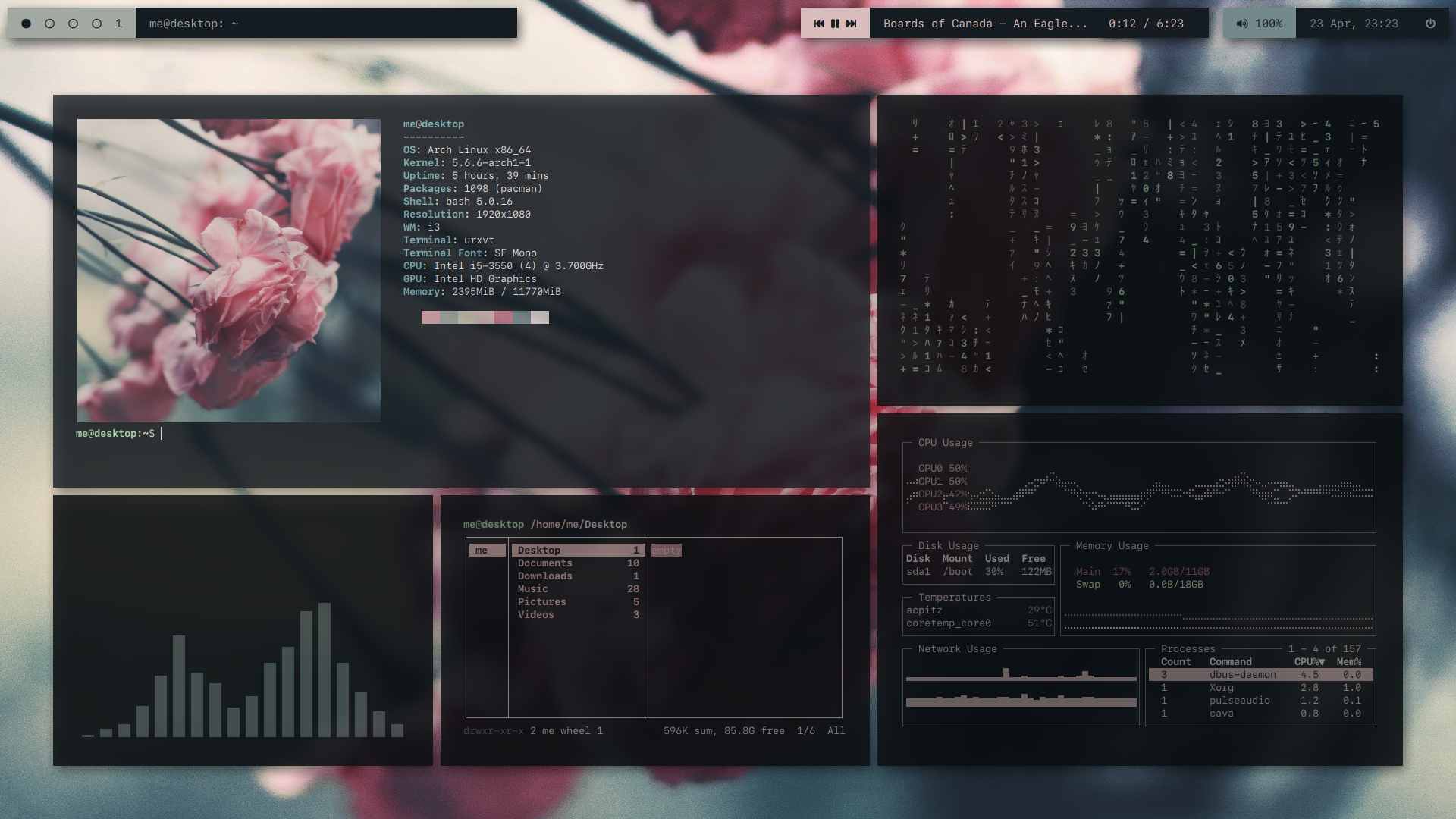
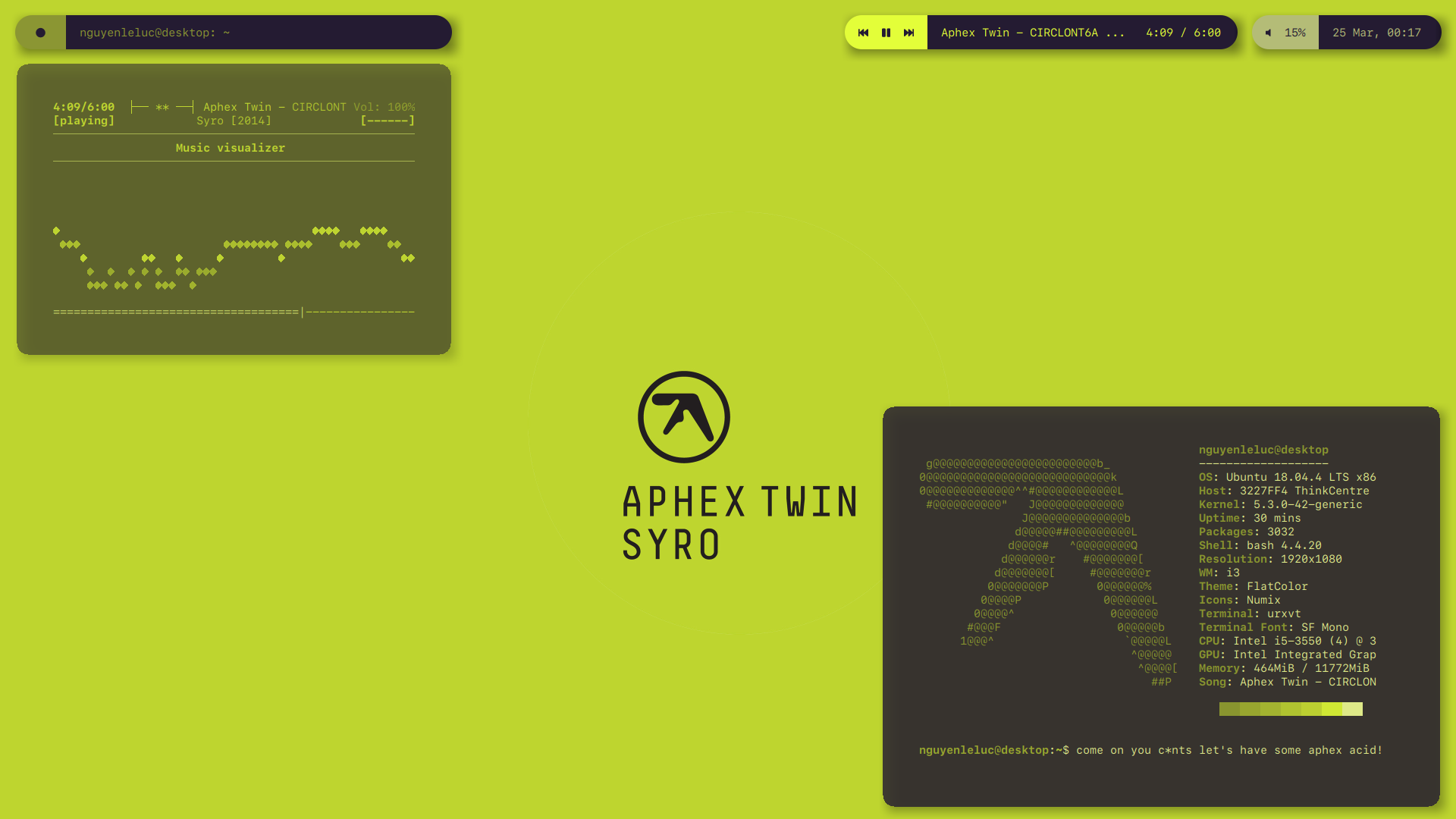
This one is composed of three bars. For that manner, `override-redirect` was set to `false`. So, in order to have your windows not overlapping on the bars, set your wm's top gaps to some value (I use `85`)
This theme works very well with rounded borders. To enable them, uncomment the `radius=20` lines in each bar. To have the shadows follow the shape of the bars, set `clear-shadow` to `false` in your `compton.conf`.
*screenshot, with rounded borders*
**Fonts used:**
+ SF Mono
+ Font Awesome 5
+ IPAGothic (for japanese glyphs)
**Modules:**
+ `wsnumber` : displays the workspace number. It uses a script included in the repo, uses `jq` as a dependency (credits to Airblader, on some random forum). Works only on i3. For other wms, you might want to use `wmctrl` or something else.
+ `xwindow` : displays window name
+ `mpd` : mpd controller.
+ `previous`, `playpause`, `next` and `spotify` : spotify controller using `playerctl`
+ `pulseaudio` : controls volume w/ `pulseaudio`
+ `date` : displays date and time (24h format)
+ `power` : launches a `rofi` instance, script to be found on my scripts repo (might not really look well with this theme...)
+ *(optional)* `i3` : manages i3 workspaces with some cool round icons, just place it on the `i3` bar instead of `wsnumber`. You can see it in the second screenshot
## miniblocks
*screenshot*
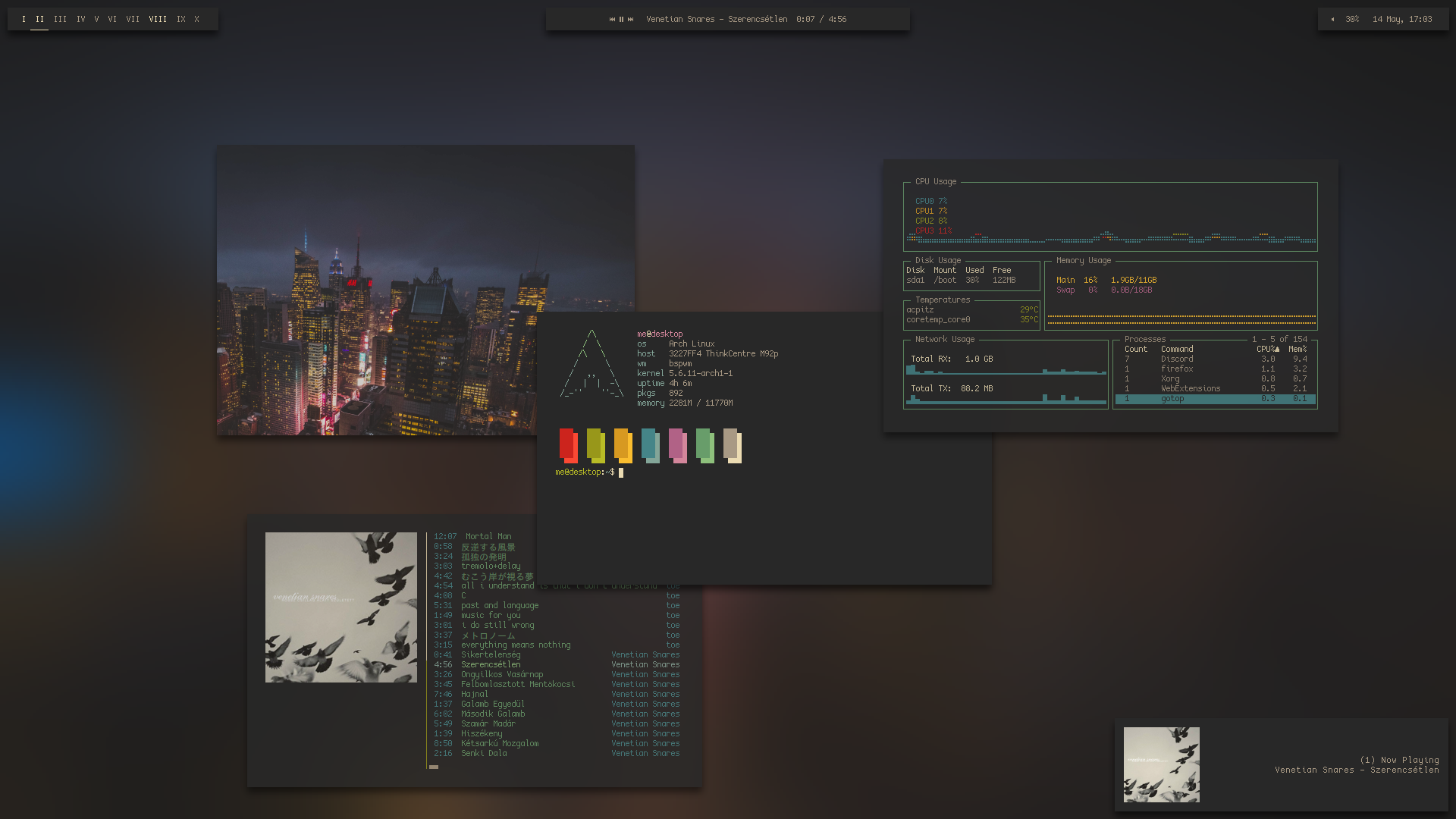
Same, this bar is composed of three bars, they will be launched using the script provided.
**Fonts used:**
+ CozetteVector
+ IPAGothic
**Modules:**
+ `bspwm`
+ `mpd`/`spotify`: the `spotify` modules requires `playerctl`.
+ `pulseaudio`
+ `time`
## classic
*screenshot*
*another screenshot*
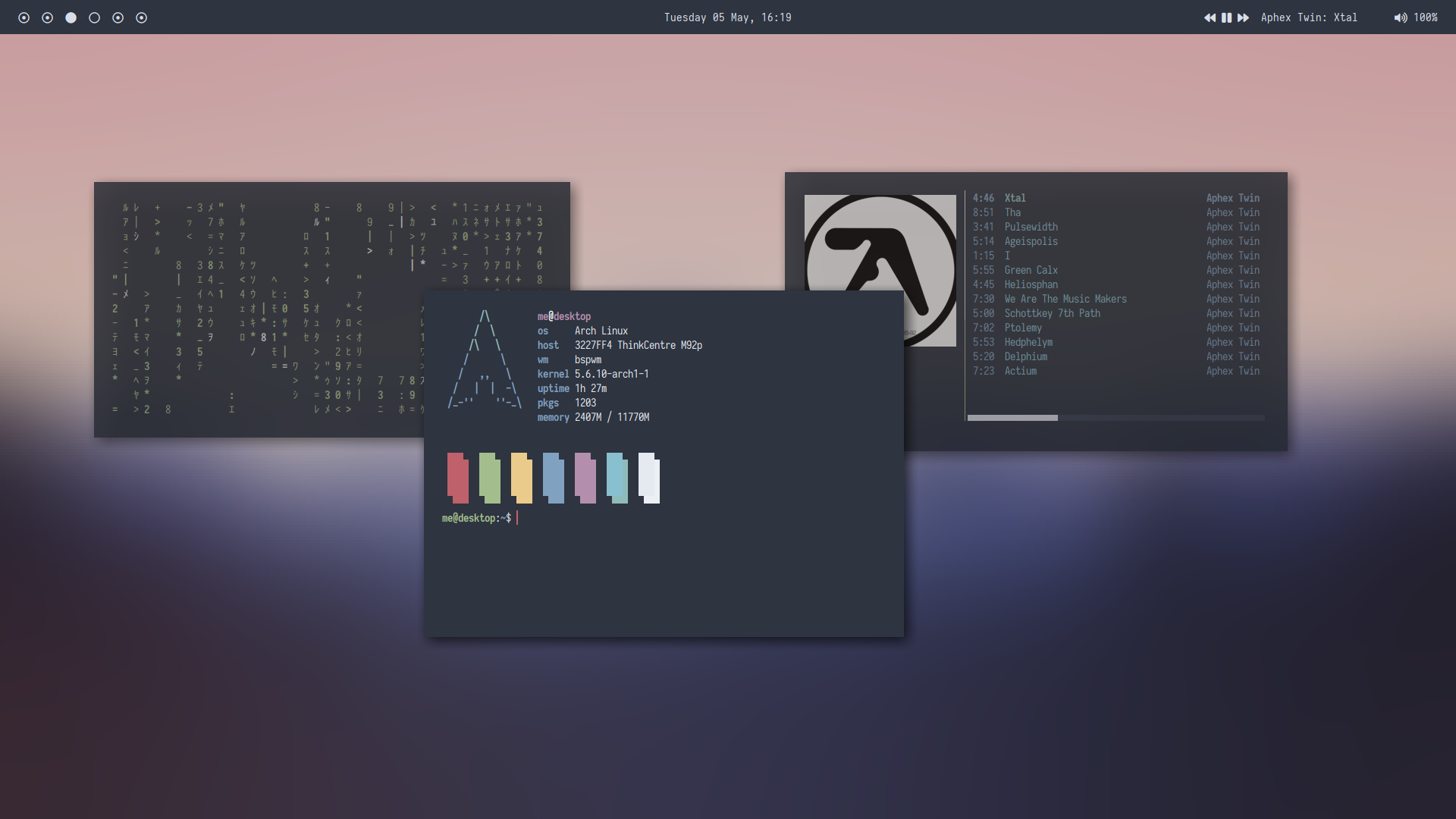
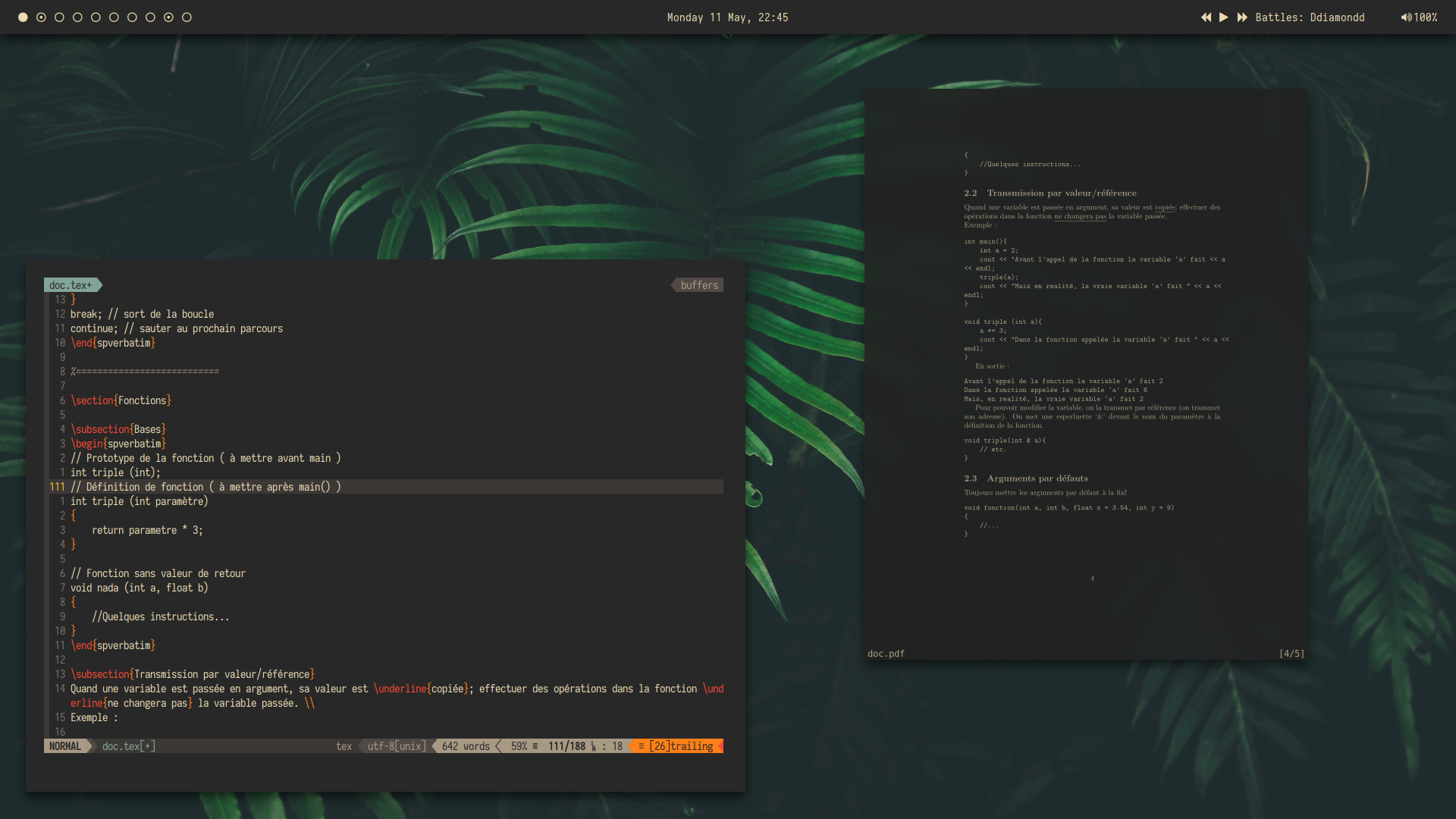
A simple bar that I wanted to not be too fancy and straight forward.
**Fonts used:**
+ Iosevka Nerd Font
+ Material Icons
**Modules:**
+ `bspwm`: workspaces, basically
+ `time`: displays the time and date
+ `mpd`/`spotify`: simple `mpd` controller, or `spotify` using `playerctl`
+ `pulseaudio`: control the volume
## classic2
*screenshot*
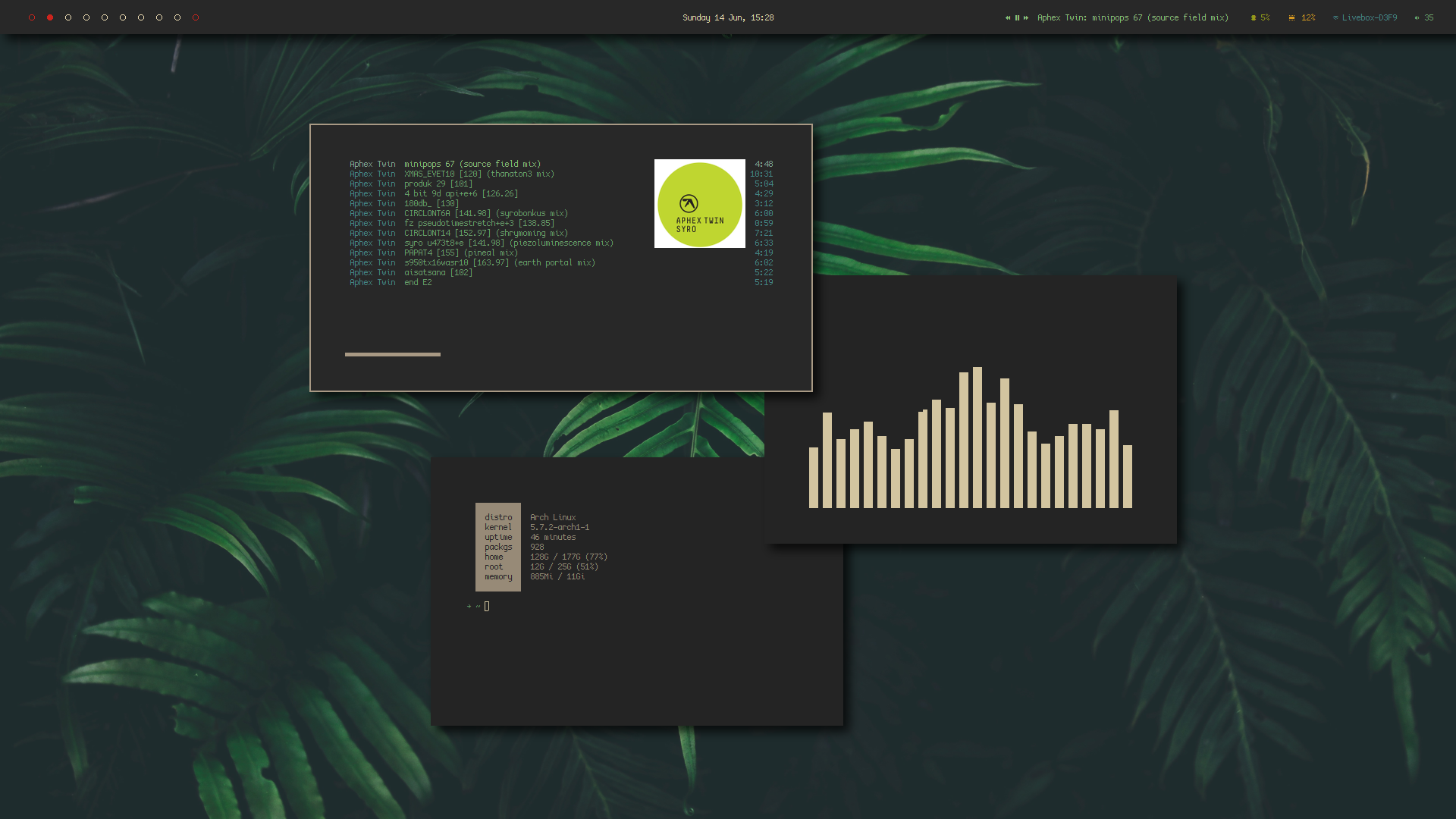
A bitmap, more colorful version of the `classic` theme. A rounded variant is available, pretty similar to `san`.
*rounded screenshot*
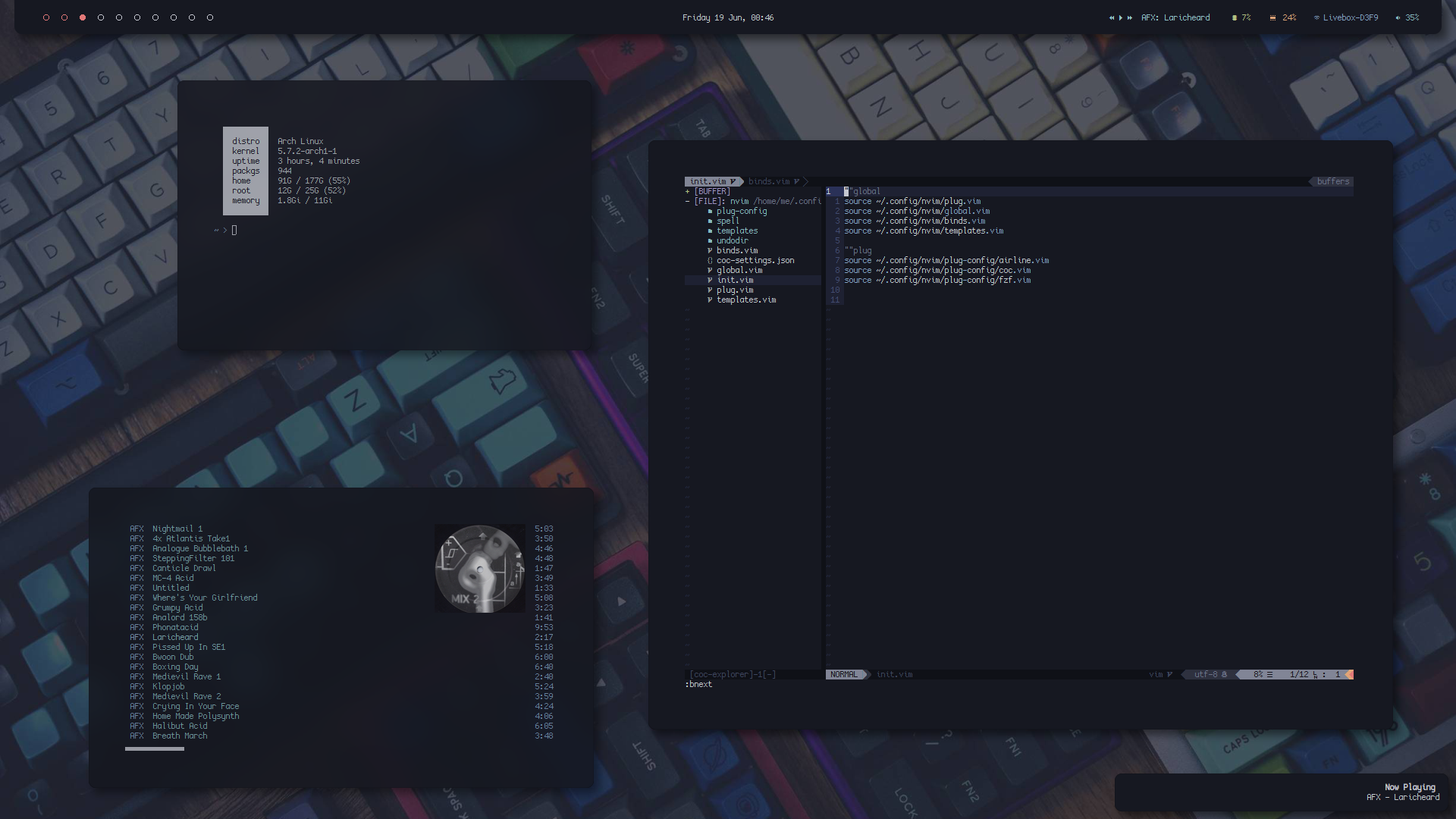
**Fonts used:**
+ CozetteVector
+ Siji
**Modules:**
+ `bspwm`: workspaces, basically
+ `time`: displays the time and date
+ `mpd`: simple `mpd` controller
+ `cpu` and `memory`
+ `wlan`: shows current wifi network used
+ `pulseaudio`: control the volume
## float
*screenshot*
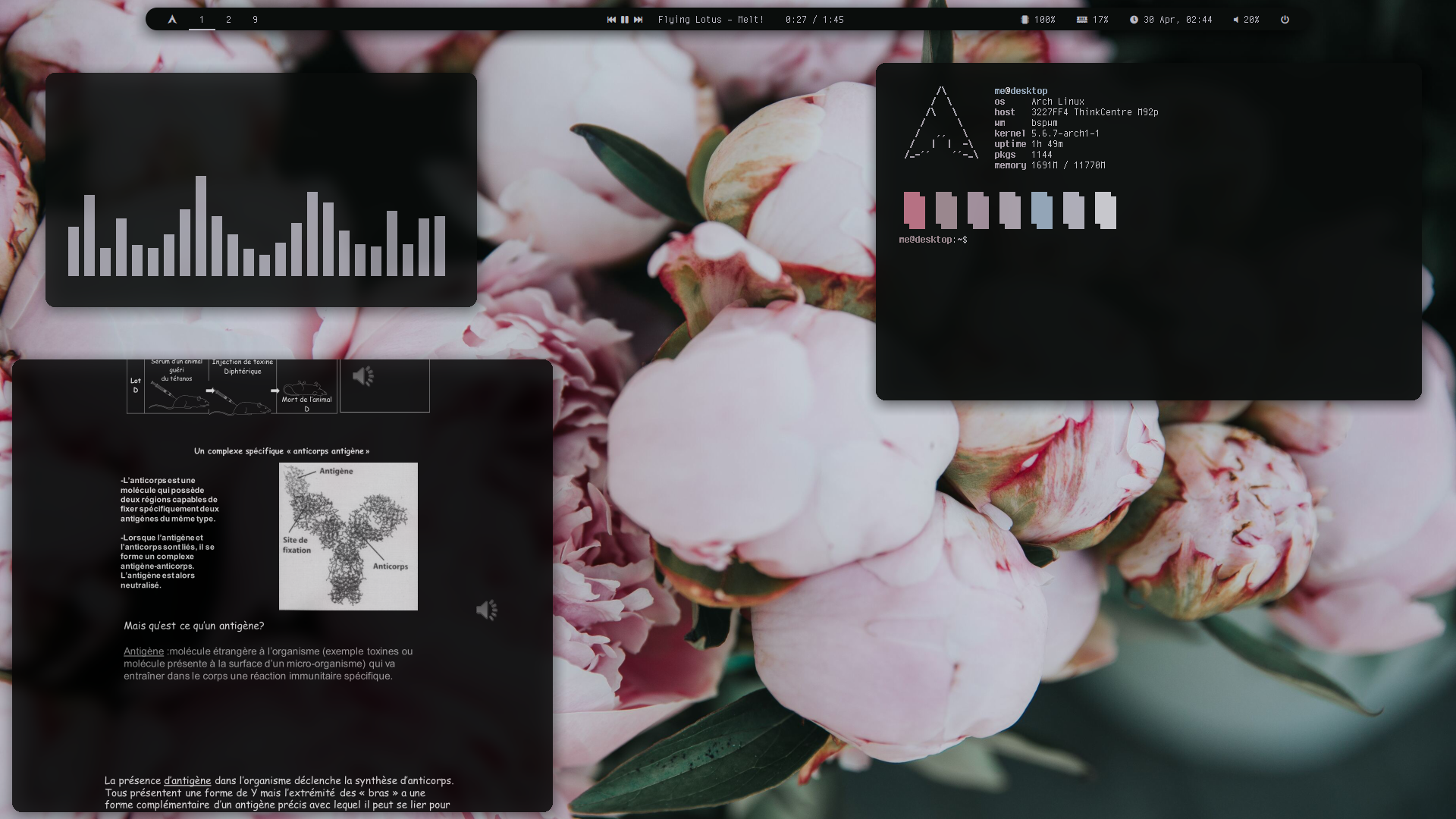
A little floating bar.
**Fonts used:**
+ cherry
+ FontAwesome5
+ font-logos
+ IPAGothic
**Modules:**
+ `launcher` : launches a `rofi` instance, it is a script you can find in my repo.
+ `bspwm` : bspwm workspaces, basically.
+ `mpd` : `mpd` controller
+ `spotify` : shows current playing song on spotify (uses `playerctl`)
+ `cpu`, `memory`, `date` : pretty self-explanatory.
+ `pulseaudio` : controls volume, requires `pulseaudio` (obviously)
+ `power` : polybar-ish menu
## arch-blur
***I don't use this one anymore, but it's still there if you want to use it***
*bar screenshot*

*full screenshot*
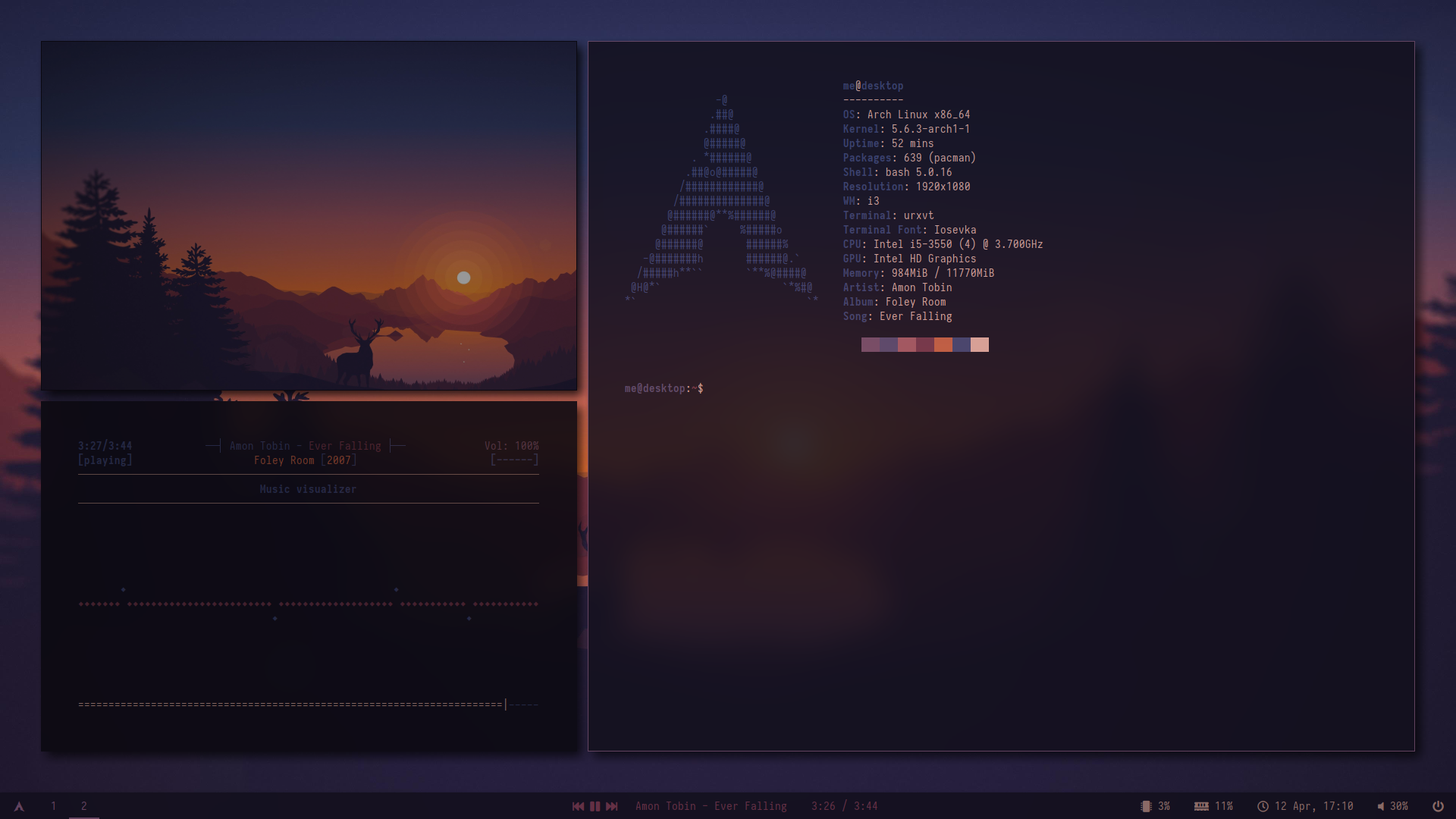
To get that blur, you need `compton-tryone`, include `dock` in the blur section of the config and set polybar's opacity to around 85% in the `compton.conf` (see dotfiles).
**Fonts used:**
+ Iosevka
+ Font Awesome 5
+ font-logo
+ IPAGothic (for japanese glyphs)
**Modules:**
+ `launcher` : launches a `rofi` instance, it is a script you can find in my repo.
+ `i3` : i3 workspaces, basically.
+ `mpd` : `mpd` controller
+ `previous`, `playpause`, `next` and `spotify` : spotify controller, uses [this](https://github.com/dietervanhoof/polybar-spotify-controls). I changed the path provided on the original thing, feel free to adapt.
+ `cpu`, `memory`, `date` : pretty self-explanatory.
+ `pulseaudio` : controls volume, requires `pulseaudio` (obviously)
+ `power` : launches a `rofi` instance that has basic power controls (script to be found in my repo)